Open Search Console, sort your blog posts by impressions, and you will probably find a page that has been seen a thousand times and clicked three. It ranked. Google put it in front of people. Then the title lost the choice, and everyone scrolled past it to something else.
That gap between impressions and clicks is the most common problem I see on new Shopify blogs, and it almost always traces back to one line: the title. Most Shopify owners land on a topic worth writing about, write a decent post, then name it whatever felt obvious at the time. The writing is fine. The title is flat, and a flat title is the difference between a post that quietly earns readers and one that sits invisible on page two.
Here is the part worth sitting with. Your Shopify blog titles are competing twice now. First against nine other blue links on the results page, and second against an AI answer that may summarize the topic before anyone clicks anything. Both of those fights are won or lost at the title.
This post is about writing titles that win both. I will cover why the title tag and the on-page headline can differ, the four title shapes that reliably pull clicks, how AI Overviews and ChatGPT decide which title to cite, and a full rewrite of one weak title into three stronger options. None of it requires new posts. It applies to every article you have already published.
Why your Shopify blog titles get impressions but no clicks
Impressions and clicks measure two different things, and confusing them is where the frustration starts. An impression means you ranked well enough to appear. A click means your title beat everything else on the screen. You can win the first fight and lose the second, and most flat click-through rate is exactly that: a ranking that worked and a title that did not.
The math is unforgiving at the top. A 2025 study of 200,000 keywords found the click-through rate for position one fell from 28 percent to 19 percent in a single year, roughly a third of its clicks gone (GrowthSRC). The top three organic results still take about 68.7 percent of all clicks, which means everyone below them fights over what is left (First Page Sage). If your post sits at position 12 with a dull title, the title is not your only problem, but it is the one you can fix today.
There is a useful distinction here. If a page ranks on page one and still gets almost no clicks, that is a title and snippet problem, not a ranking problem. Rankings you fix with content and links over weeks. A title you fix in five minutes. When you see high impressions and near-zero click-through on a page that already ranks, start with the title before you touch anything else.
Title tag vs on-page headline: why they can differ
Two things get called "the title," and they are not the same. The title tag is the HTML you write in your theme or SEO app. The title link is the clickable blue headline Google actually shows, and Google reserves the right to swap yours for something else.
According to Google's own documentation, title link generation is fully automated and pulls from your title tag, your main heading, and other prominent text on the page (Google Search Central). Google uses your title tag most of the time, more than 80 percent by its own count, but it rewrites when the tag is too long, stuffed with keywords, generic, or stale (Google Search Central blog). When it rewrites, it often reaches for your H1 or a bold on-page heading instead. A rewritten title is Google telling you your tag was a worse fit than something already on your page.
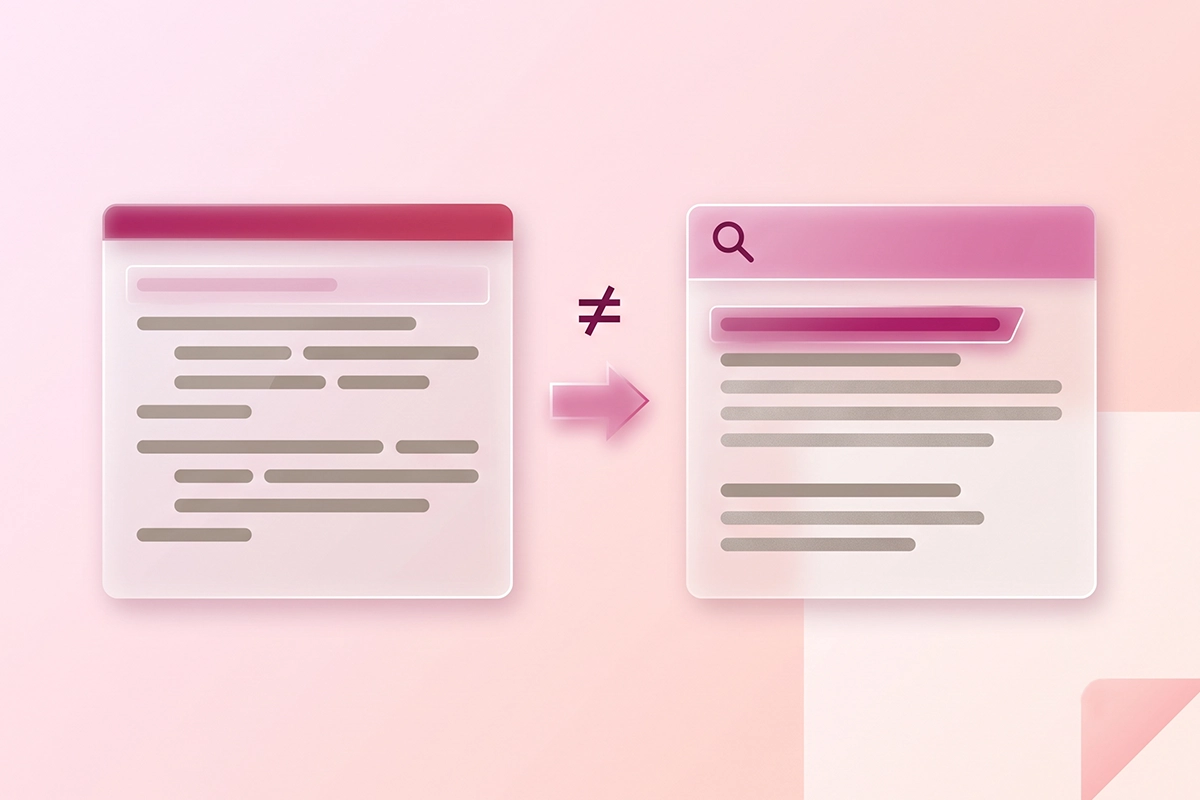
This is why the title tag and the on-page H1 can differ on purpose. The title tag has one job: win the click in a crowded results page, front-loaded with the words people search. The H1 greets the reader who already clicked, so it can be slightly longer or warmer. Keep them close in meaning. If they say wildly different things, Google gets suspicious and picks for you.
How long should the title tag be?
Aim for about 50 to 60 characters. Google measures width in pixels, roughly 600 on desktop, and mobile cuts off sooner, so put your keyword near the front. A title that gets truncated with an ellipsis is both harder to read and more likely to be rewritten. This is also why a title cannot rescue a thin post: if the promise and the content do not match, readers bounce, so how long the post itself should run matters as much as the headline.
The four title shapes that pull clicks
You do not need thirty formulas. You need four shapes that match how people actually decide to click, and a habit of reaching for one instead of naming a post whatever came to mind. Each one works because it answers the silent question every searcher asks: what exactly do I get if I click this?

The specific number
A number sets the scope before anyone clicks. "Shopify SEO Checklist: 25 Pages to Optimize First" tells you the size of the thing you are about to read. Specific, uneven numbers read as counted rather than rounded, so "13 product page fixes" feels more real than "over a dozen." Use the number you actually have, and make sure the post delivers exactly that many.
The clear promise
State the outcome the reader walks away with. "How to Get Star Ratings in Google Search Results" promises a result, not a topic. The test is simple: can the reader finish the sentence "after I read this, I will be able to..."? "Thoughts on Shopify Reviews" fails that test. "How to Ask for Reviews Without Breaking the FTC Rules" passes it.
The honest question
If people type the question, a title that mirrors it feels like a direct answer. "Do AI Chatbots Actually Work for Small Shopify Stores?" matches the exact doubt in someone's head. The rule: ask the question in the title, answer it in the post, never in the title. A question you answer in the headline gives the reader no reason to click.
The "without" twist
Name the outcome and remove the pain in the same breath. "Grow Your Blog Without Posting Daily" or "Migrate Reviews Without Losing Your Star Ratings." The word "without" acknowledges the thing the reader is quietly worried about, then tells them they can skip it. It is the most underused shape on this list and often the highest performing.
One honest note runs through all four. A title should promise only what the post pays off. I run my studio on a rule of only advertising what I can confidently deliver, and titles are the same discipline. Over-promise and you get punished twice: the reader bounces, and Google notices the poor engagement and tests a different headline. The clickbait title wins the click and loses everything after it.
How AI search picks a title to cite
The results page is no longer just ten blue links. In early 2025, about one in five Google searches already produced an AI summary that answered above the links, and that share has kept climbing (Pew Research Center). More of your readers also ask ChatGPT or Perplexity instead of searching at all. The title's job shifts in that world, and clever titles start to lose.
The numbers are blunt. Pew tracked real browsing and found that when an AI summary appears, people click a regular search result only 8 percent of the time, versus 15 percent when there is no summary. When most of the clicks stay inside the answer box, being one of the sources it cites is the visibility worth winning. You cannot win it with a vague headline.
Here is the mechanism. AI engines break a question into smaller parts and look for the page that answers each one cleanly, then pull from the clearest passage. A literal, question-shaped heading is easy to extract and attribute. An abstract one is not. "Shopify Collection Page SEO: The Split-Description Structure" gets understood and used. "The Art of the Collection Page" gets skipped. It is the same instinct behind writing posts built to get cited in AI Overviews and behind broader GEO work that gets a store cited in ChatGPT, Perplexity, and Claude.
Most Shopify stores have not started thinking about this, which is the opening. Plain titles that name the exact question, sitting above clear headings, are the ones AI search can actually cite.
Rewrite one weak title into three stronger ones
Let me show the move on a real example. Say you wrote a genuinely good post about photographing your products, and you named it "Our Guide to Shopify Product Photos." It is not wrong. It is just flat, generic, and gives no one a reason to choose it over the nine other guides. Here is the same post, rebuilt three ways.
| Rewrite of "Our Guide to Shopify Product Photos" | Shape | Why it earns the click |
|---|---|---|
| 7 Product Photo Fixes That Lift Shopify Conversions | Specific number | Sets the scope and names the payoff (conversions), not the topic. |
| How to Shoot Shopify Product Photos That Actually Sell | Clear promise | Promises an outcome the reader can picture finishing. |
| Better Shopify Product Photos Without a Studio or a Camera | The "without" twist | Removes the two things readers assume they need first. |
Notice what none of them do. They do not add "Ultimate," they do not stack three keywords with pipes, and they do not promise anything the post cannot deliver. Each one front-loads the words a person would search ("Shopify product photos") and then earns the click with scope, a promise, or relief.
Pick the shape that matches what your post is genuinely best at. If the post is a checklist, use the number. If it removes a common worry, use the "without" twist. You can do this to a title in about two minutes, and you can do it to posts you published months ago without rewriting a word of the body.
A five-minute title audit in Search Console
You do not have to guess which titles are underperforming. Your own Search Console will tell you, and the audit takes about five minutes.
Open the Performance report and look at the Pages tab with both impressions and click-through rate showing. Sort by impressions, high to low. Now scan for the rows with plenty of impressions and a click-through rate near zero. Those are your title problems, ranked by how much traffic they are leaving on the table. A page with 1,000 impressions and a 0.3 percent click-through rate is a bigger opportunity than a page with 40 impressions, even if the second one looks worse on paper.
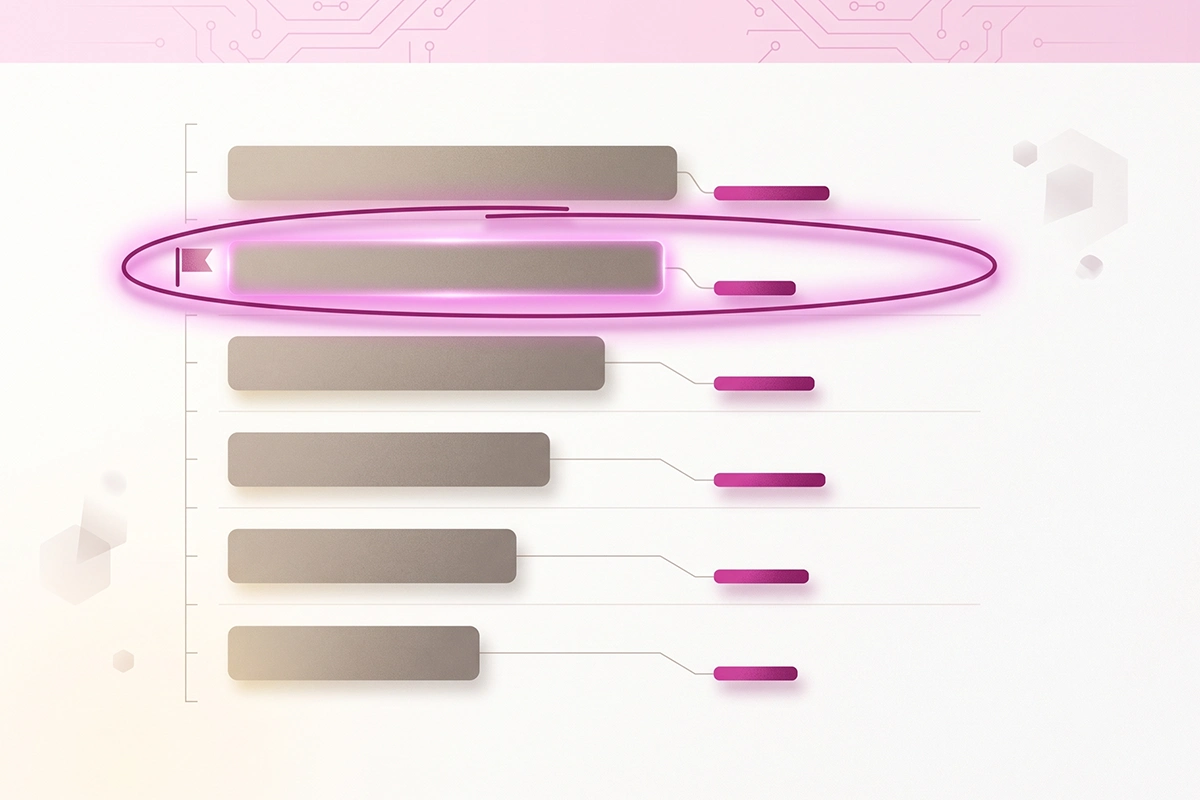
For each offender, rewrite the title tag using one of the four shapes, keeping it under about 60 characters with the keyword near the front. Update it in your theme or SEO app, then request a recrawl through the URL Inspection tool so Google sees the change sooner. Google still has to recrawl and reprocess the page, which can take a few days to a few weeks, so give it time before you judge the result.
Do the ten worst offenders first. That is usually where a single afternoon of title work moves more traffic than a month of new posts, because you are improving pages that already rank instead of starting new ones from zero.
Wrapping up
The title is the one line on every post that does the most work for the least effort. It decides whether a ranking turns into a reader, whether an AI engine can cite you, and whether months-old posts keep earning or sit invisible. You can improve it in minutes, and the fix compounds across everything you have already published.
Three things to take with you. First, separate the two fights: ranking gets you the impression, the title wins the click, and they need different work. Second, reach for one of the four shapes on purpose instead of naming posts by instinct, and promise only what the post delivers. Third, let Search Console point you at the worst titles first, because fixing pages that already rank is the fastest traffic you will find.
The honest limit: better titles cannot save a thin post, and they cannot lift a page that does not rank at all. What they can do is make sure the work you already did gets seen. For most Shopify blogs, that is the gap between the traffic you have and the traffic you should have.
Rather hand the titles (and the posts) to someone?
Studio Niza's blog content service does the keyword research, writes the post, and writes the title to earn the click in both Google and AI search. Plans start at $449/month.
See how blog content works →Or email contact@studioniza.com if you have a specific question about your store. I read every one.
Frequently asked questions
If you're still unsure after reading these, just send the question.
How long should a Shopify blog title be? +
Aim for about 50 to 60 characters so it shows in full on desktop and mobile. Google measures the width in pixels, roughly 600 on desktop, and mobile cuts off sooner, so put your main keyword near the front. Titles that get truncated are both harder to read and more likely to be rewritten.
Why does Google change my blog post title in search results? +
Google generates the title link automatically and will replace your title tag when it looks too long, keyword-stuffed, generic, or out of date. When that happens, it usually pulls from your H1 or another prominent heading on the page. Writing a clear, accurate, well-sized title tag is the best way to keep the one you wrote.
Should my Shopify blog title and my H1 be exactly the same? +
They do not have to be identical, and there is a good reason to let them differ slightly. The title tag is built to win the click in search results, so it front-loads the keyword, while the H1 greets the reader who already clicked and can be a touch warmer. Keep them close in meaning so Google does not swap one for the other.
Do blog titles matter for AI search like ChatGPT and AI Overviews? +
Yes, and in a different way than for the blue links. AI engines break a question into parts and pull from the page that answers each part most clearly, so a literal, question-shaped title and heading is easier to cite than a clever one. Plain titles that name the exact question tend to win citations.
Are clickbait titles worth it for a Shopify blog? +
No. A title that over-promises may win the click, but readers bounce when the post does not deliver, and that poor engagement can push Google to test a different headline. A title should promise only what the post actually pays off.
How do I know which of my Shopify blog titles need rewriting? +
Open Search Console, go to the Pages report with impressions and click-through rate showing, and sort by impressions. The rows with high impressions and a rate near zero are your title problems, ranked by opportunity. Fix the ten worst first, since those pages already rank and just need a better title.