
You added FAQ schema, rewrote your headings to answer real questions, and maybe checked whether ChatGPT mentions your store. Now you want the part nobody explains: proof. If you cannot tell whether AI search is sending shoppers to your Shopify store, you cannot tell whether any of that work paid off.
Here is the honest starting point. You can track AI search traffic in 2026, but only partly. Some of it shows up cleanly in your analytics. A large chunk arrives with no label at all, and some of your most valuable AI exposure produces no visit you can measure. That is not a setup problem you can fix. It is how the plumbing works right now.
This post covers the part you can control. Which AI tools actually pass a referrer (and which quietly drop it), how to set up a Google Analytics 4 channel and segment so AI visits stop hiding in your other numbers, where Shopify now reports AI sales on its own, and a simple quarterly check that catches what the dashboards miss. If you are still working on getting your store cited in ChatGPT, Perplexity, and Claude in the first place, start there. This post assumes the citations exist and you want to measure them. No tool purchase required to begin.
Why AI search traffic is hard to measure (and what you can actually see)
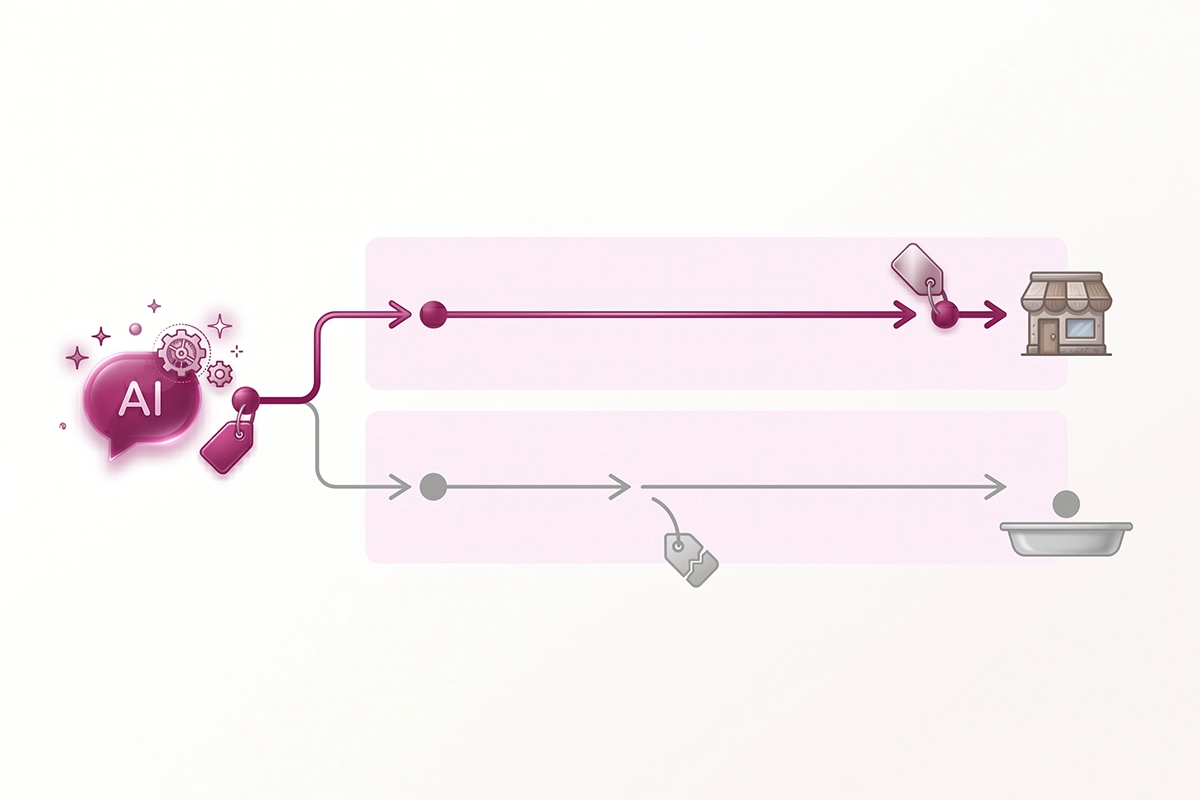
AI traffic is hard to measure because most analytics tools identify a visit by reading the referrer, a small piece of data the browser passes that names the site the click came from. When someone clicks a citation inside an AI answer and lands on your store, that referrer is supposed to say chatgpt.com or perplexity.ai. Often it does. Often it does not.
The first gap is the stripped referrer. The AI tool's mobile app or in-app browser drops the referrer before the click reaches you, so the visit looks identical to someone typing your URL by hand and lands in Direct. Statcounter data from March 2026 suggests somewhere between 35% and 70% of AI referral sessions arrive with no referrer at all, depending on the platform and the month.
The second gap is bigger and quieter. A lot of AI influence never produces a click that points back to the AI. Someone asks ChatGPT for the best organic cotton baby onesies, sees your brand named, then opens a new tab and Googles you or types your URL directly. That sale gets credited to branded search or direct, not to AI. The exposure was real. The attribution was not.
The third gap is the zero-click answer. When an AI cites your store but the reader gets what they need from the answer itself, no visit happens at all. A SparkToro analysis from early 2026 found that only 12% to 18% of Perplexity citations result in a click through to the source. The other 82% to 88% are brand exposure you will never see in a dashboard.
So here is the principle to hold onto: track the trend, not the absolute number. Your AI traffic count will always undercount reality. What it can tell you reliably is whether AI traffic is growing, which pages get cited, and how those visitors behave once they land. That is enough to make decisions.
Which AI tools pass a referrer and which don't
Each AI platform handles the referrer differently, so before you build anything, know which engines you can actually see. This table is the short version.
| AI tool | Referrer domains | Passes a referrer? | Notes for tracking |
|---|---|---|---|
| ChatGPT | chatgpt.com, chat.openai.com | Usually on web, often stripped in the app | Also appends utm_source=chatgpt.com to many links, the most reliable AI signal you get |
| Perplexity | perplexity.ai | Web yes, app often no | No consistent UTM tag; web visits are trackable |
| Google Gemini | gemini.google.com, bard.google.com | Usually | No UTM parameters |
| Claude | claude.ai | Often not, frequently sent with no referrer | Hard to attribute; assume it contributes proportionally |
| Microsoft Copilot | copilot.microsoft.com, bing.com/chat | Inconsistent | No reliable UTM tag |
| Google AI Mode | appears as google.com | Looks like normal Google organic | Cannot be cleanly separated from regular organic in GA4 |
ChatGPT is the one you can track best, which is convenient because it is also the biggest. By Statcounter's March 2026 figures, ChatGPT drives roughly 78% of measurable AI referral traffic, with Gemini around 9%, Perplexity around 7%, and Copilot and Claude near 3% each. Those shares move, so do not memorize them. The point is that if you only ever track ChatGPT cleanly, you have captured most of what is visible.
Two engines deserve a flag. Claude often sends visitors with the referrer stripped, so its traffic tends to hide in Direct with no clean way to attribute it. Google AI Mode is worse for measurement: clicks from it look exactly like normal Google organic, so there is no way to split them out in GA4 alone. For those two, the manual check later in this post is your only real read.
How to set up a GA4 channel and segment for AI referrals
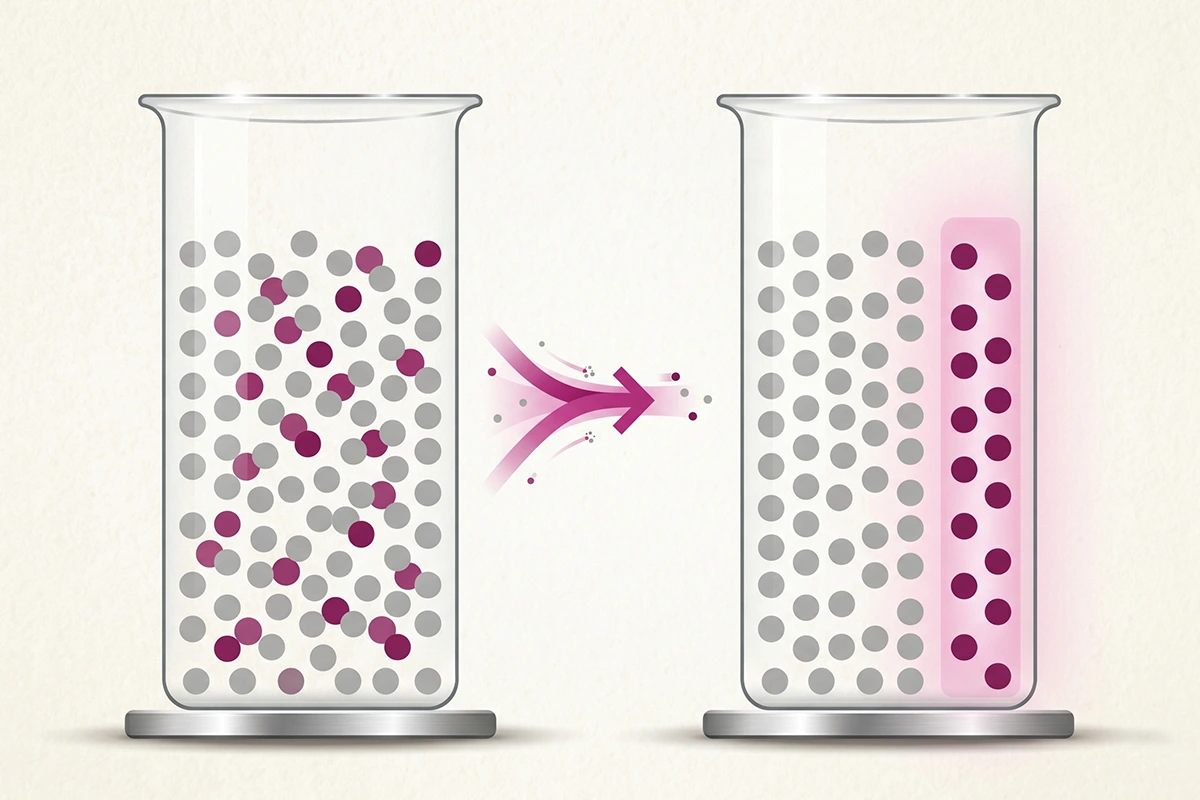
The fastest way to stop AI visits from hiding in your other numbers is to give them their own channel in GA4. There are two layers, and you want both: the free native channel Google built, and a custom one that catches what it misses.
The native AI Assistant channel (the free part)
On May 13, 2026, Google added a built-in AI Assistant channel to GA4's default channel group, as Search Engine Journal reported. When a visit arrives with a referrer from a recognized AI domain, GA4 now tags it automatically and files it under AI Assistant with no setup from you. To see it, open Reports, then Acquisition, then Traffic acquisition, and switch the primary dimension to Session default channel group. If you have had AI traffic since mid-May, an AI Assistant row will be there.
Two limits to know. The native channel recognizes ChatGPT, Gemini, and Claude, and Google has not published the full list, so Perplexity and Copilot are not reliably included. And it does not backfill, so anything before mid-May 2026 stays where GA4 originally filed it. It is a useful baseline, not the whole picture.
A custom channel group for everything it misses
To catch Perplexity, Copilot, and any engine Google has not added, build your own channel group. In GA4, go to Admin, then Data display, then Channel groups, and create a new group called something like AI Search (custom). Add a channel named AI Search, set the rule to Source matches regex, and paste a pattern that covers the major engines:
chatgpt\.com|chat\.openai\.com|perplexity\.ai|claude\.ai|gemini\.google\.com|copilot\.microsoft\.com|deepseek\.com|grok\.com
One detail makes or breaks this: drag your AI channel above the Referral channel in the list. GA4 reads the rules top to bottom, so if AI Search sits below Referral, your AI visits get scooped into generic referral traffic before the AI rule is ever checked. Custom channel groups also do not backfill, so they start counting from the day you create them. To see AI traffic from before that, use a free-form exploration in the Explore tab instead.
Add the landing page so you can see what gets cited
A channel tells you how much. The landing page tells you what. In your AI traffic report or a free-form exploration, add Landing page as a secondary dimension. Now you can see exactly which pages AI engines send people to, which is the most useful output of the whole exercise. It shows you which content is earning citations and which is being ignored.
Pages with clean answer-first structure tend to show up here first, which is part of why FAQ schema works as an AI citation signal even now that Google has retired its FAQ rich results. If a page ranks well in Google but never appears in this AI report, it is usually missing the extractable, quotable structure that AI engines pull from.
Check the Shopify side too: the Agentic sales channel
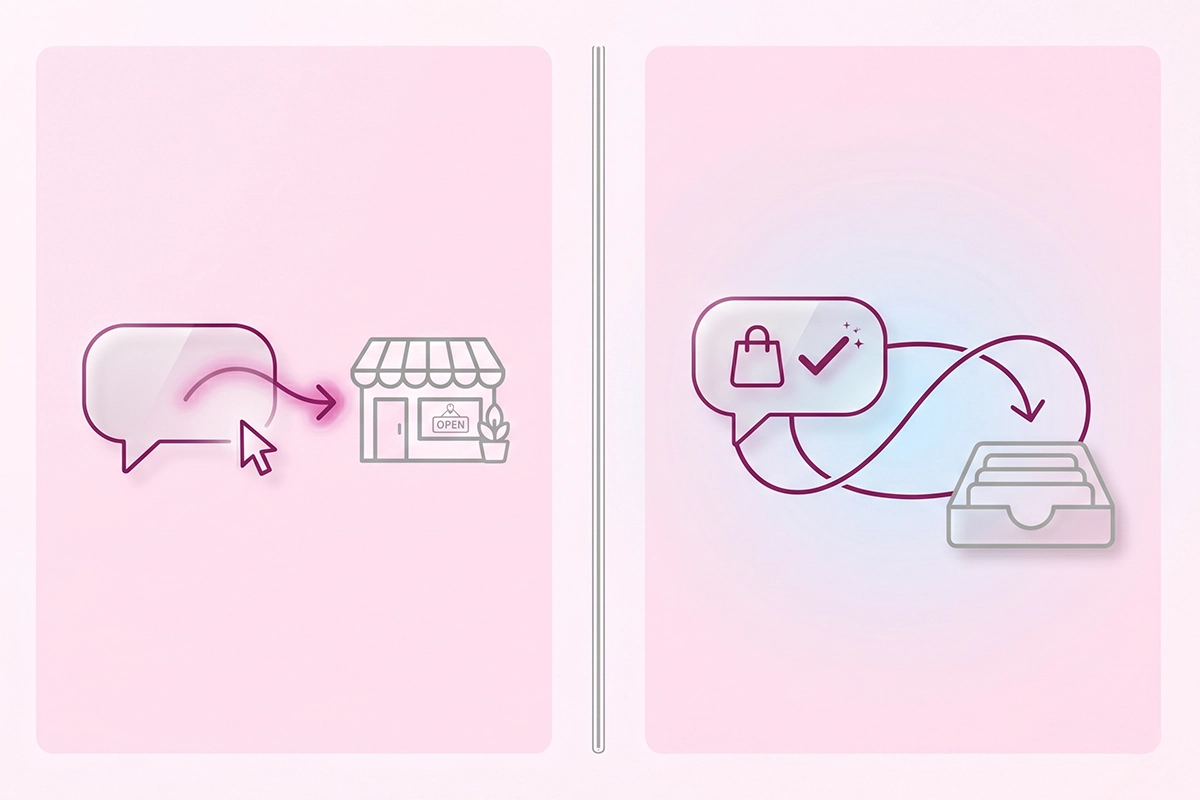
GA4 measures clicks to your site. Shopify now measures something GA4 cannot see at all: sales that close through an AI. If you only watch GA4, you can miss real AI revenue entirely.
In March 2026, Shopify turned on Agentic Storefronts for eligible stores that sell to US shoppers. It is a sales channel that puts your catalog directly inside AI shopping surfaces such as ChatGPT, Microsoft Copilot, Google AI Mode, and Gemini, so a shopper can discover and, on some platforms, buy without ever landing on your storefront. You manage it in your Shopify admin under Settings, then Sales channels, in the Agentic section.
Here is why it matters for measurement. When a sale closes through Copilot or Google's embedded checkout, the customer never visits your site, so GA4 records nothing. Shopify does. Orders flow into your admin with channel attribution, and Reports, then Sales by sales channel, breaks ChatGPT, Copilot, and the rest out as their own lines.
So the two tools answer different questions. GA4 tells you who clicked through from an AI answer to your store. Shopify's Agentic reporting tells you which AI channels produced actual orders, including the ones that never touched your site. Watch both. A store can have quiet GA4 referral numbers and still be making AI sales it would otherwise miss.
The quarterly manual citation check
Because analytics misses zero-click answers and stripped referrers, the most honest read on your AI visibility is still a manual one. Do it once a quarter and it takes about an hour.
The routine is simple. Open each engine you care about (ChatGPT, Perplexity, Gemini, Claude, and Copilot) and ask 5 to 10 buyer-style questions a real shopper in your category would type. Not best products, but the specific ones: best waterproof hiking socks for wide feet, affordable lab-grown diamond studs under 300 dollars, whatever fits your store. For each query, note three things: are you mentioned, are you cited with a source, and is there a clickable link to your store.
Keep it in a plain spreadsheet. One row per query, one column per engine, the date at the top. Run the same queries next quarter and you have a trend you can actually see, including for Claude and Google AI Mode where the analytics give you almost nothing. This is the leading indicator: citations usually show up here before referral traffic shows up in GA4.
If you run this check and find you are not mentioned anywhere, that is its own answer. It usually means the content AI engines actually cite is not on your site yet, or the pages you have are not structured to be quoted. If your store is missing from ChatGPT specifically, there is a separate diagnostic for why your Shopify store isn't showing in ChatGPT and how to fix it.
What a realistic AI traffic share looks like in 2026
For most Shopify stores in 2026, AI search is still a small slice of total traffic. That is normal, and it is not the number to obsess over.
Across the broad web, AI-assisted sessions are still in the low single digits as a share of total traffic, even though they are growing more than 80% year over year by Similarweb's 2026 analysis. So if AI is one or two percent of your traffic, you are not behind. You are on time.
The more interesting numbers are about behavior. Shopify's own data on AI commerce shows AI-referred shoppers convert at nearly 50% higher rates than organic search visitors, spend about 14% more per order, and land directly on a product page more than half the time, versus roughly 20% for organic search. Across Shopify stores, AI referral sessions have grown more than 8x year over year, and orders from them close to 13x. The traffic is small, but it arrives with intent.
So what is a realistic target? Do not expect AI to be your biggest channel this year. Expect it to be small, high-intent, and growing. If your AI share is under a few percent of traffic but the trend line climbs each quarter and those visitors convert above your site average, the work is paying off. Watch the slope, not the size.
One honest caveat: there is not strong store-by-store benchmark data yet. Samples are small and results vary by category and price point. Use your own GA4 numbers to learn your store's normal, then measure it against itself.
How to start this weekend
Three steps and you have a working setup. Confirm GA4's native AI Assistant channel is showing in your Traffic acquisition report. Build one custom channel group with the regex above and drag it above Referral. Then open Shopify's Agentic section so you know whether AI sales are happening off-site. That foundation takes well under an hour.
After that, add the slow, honest layer: a quarterly manual citation check in a spreadsheet you reuse every three months. The dashboards will undercount, always. The manual check fills the gap, and together they tell you whether your GEO work is moving.
The one mindset shift worth keeping is this. You are not trying to capture a perfect AI traffic number, because that number does not exist yet. You are trying to see a direction. A small AI share that converts well and grows each quarter is exactly what a healthy 2026 store looks like. If the line is flat after a couple of quarters of GEO work, that is your signal to look at which content is getting cited, not at your tracking.
Want the GEO work and the measurement handled?
The Studio Niza SEO and GEO service covers the content that earns AI citations plus the GA4 channel setup and reporting, so you can see whether AI search is actually sending you shoppers. Pricing starts at $499.
See SEO & GEO services →Or email contact@studioniza.com if you have a specific question about your store. I read every one.
Frequently asked questions
If you're still unsure after reading these, just send the question.
Does GA4 track ChatGPT traffic automatically? +
As of May 2026, GA4 has a native AI Assistant channel that automatically tags traffic from ChatGPT, Gemini, and Claude when the visit arrives with an intact referrer. It does not catch sessions where the referrer was stripped, and it does not backfill data from before mid-May 2026. For a complete view you still want a custom channel group alongside it.
Why does my AI search traffic show up as Direct in GA4? +
Many AI apps and in-app browsers strip the referrer before the click reaches your site, so GA4 sees no source and files the visit under Direct, the same bucket as someone typing your URL. Estimates put the share of AI sessions arriving with no referrer between 35% and 70%. This is a limit of how the platforms pass data, not a setup mistake you can fully fix.
Can I see what someone asked ChatGPT before they clicked to my store? +
No. The referrer carries the source domain, like chatgpt.com, but never the prompt or the query behind it. No standard analytics tool can recover the question that surfaced your link. The closest substitute is a manual citation check, where you run likely buyer queries yourself and see which ones cite your store.
What referrer domains do AI search engines use? +
The main ones are chatgpt.com and chat.openai.com for ChatGPT, perplexity.ai for Perplexity, gemini.google.com for Gemini, claude.ai for Claude, and copilot.microsoft.com for Copilot. ChatGPT also appends utm_source=chatgpt.com to many of its links, which is the most reliable single signal. Review your regex each quarter, since new engines like DeepSeek and Grok keep appearing.
How much of my Shopify traffic should come from AI search in 2026? +
For most stores it is still low single digits as a share of total traffic, even though AI sessions are growing more than 80% year over year. Do not treat a small share as failure. The signal that matters is whether the trend climbs each quarter and whether those visitors convert above your site average.
Does Shopify show AI sales separately from GA4? +
Yes. Shopify's Agentic Storefronts channel, in your admin under Settings then Sales channels, reports orders that come through AI platforms like ChatGPT, Copilot, and Google AI Mode. Reports then Sales by sales channel breaks them out by AI source. This captures sales that close inside the AI and never appear as a normal GA4 session.
Do I need a paid tool to track AI referral traffic? +
No. GA4's native AI Assistant channel, one custom channel group, and Shopify's built-in Agentic reporting cover what most stores need to start. Paid AI visibility tools can save time on the manual citation check and add brand-mention monitoring, but they are not required to get a useful read. Start free, then add tools only if the volume justifies it.
How often should I run a manual AI citation check? +
Once a quarter is enough for most stores. Run the same set of buyer-style queries across each engine, log whether you are mentioned and linked, and compare against the previous quarter. A quarterly cadence catches the trend without turning into busywork.