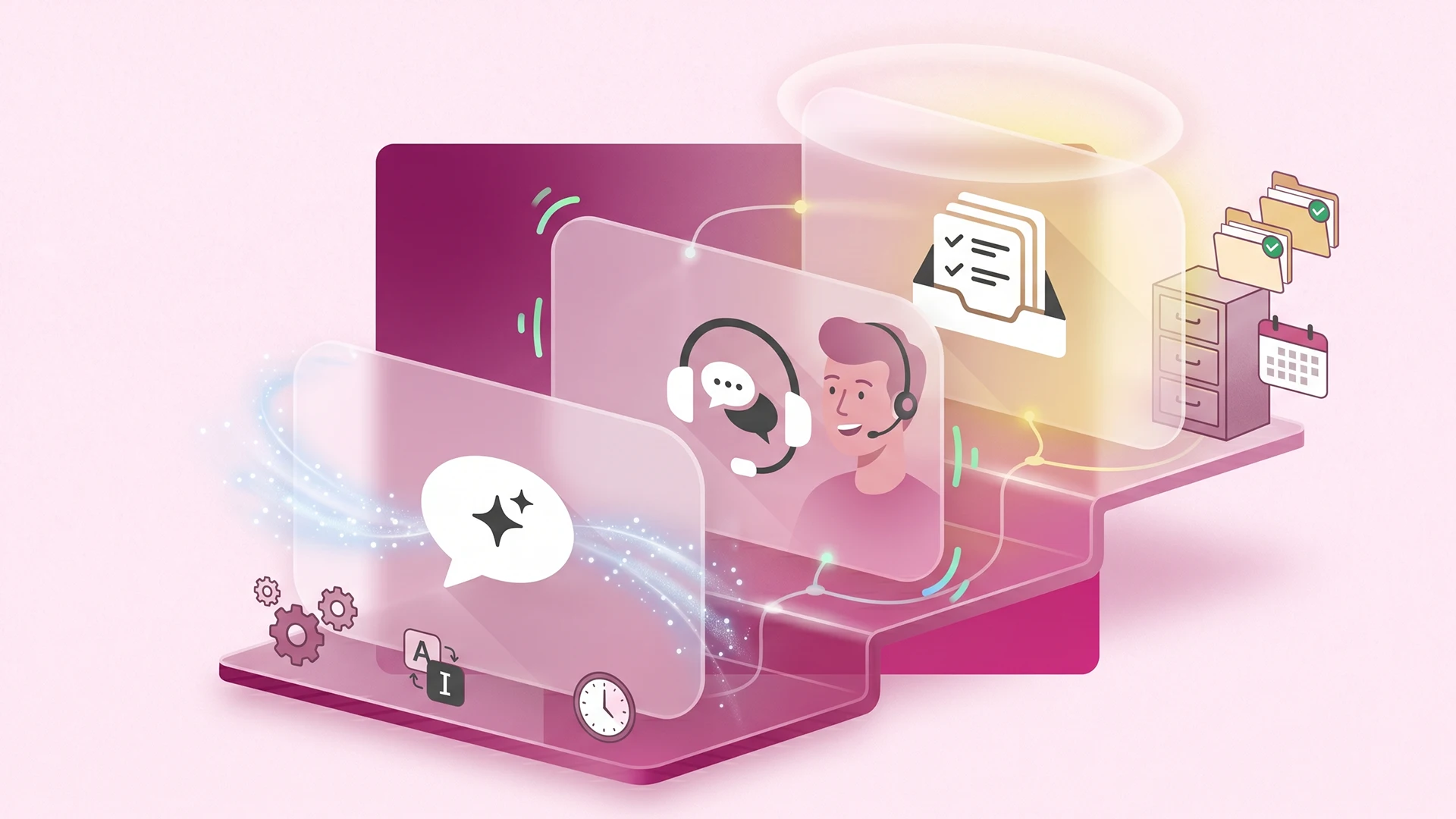
You have probably been pitched all three this month. A chatbot to answer questions on its own. A live chat widget to talk to shoppers in real time. A help desk to keep your support organized. The names get used as if they mean the same thing, and the pricing pages do not help. So you end up unsure what you are actually buying, or whether you need any of it yet.
Here is the short version. A chatbot, live chat, and a help desk do three different jobs. Some tools bundle all three, which is exactly why the categories feel blurry in 2026. But the jobs are distinct, and knowing which job you are trying to do is the only way to avoid paying for a layer you will not use.
This post gives you plain definitions of all three, shows where they overlap, and lays out the realistic support setup for a store doing under 200 orders a month versus one that is scaling. The chatbot vs live chat question is the one most owners get stuck on, so we will settle that first. By the end you will know what each layer is for and which ones your store needs right now.
Chatbot, live chat, help desk: the plain definitions
A chatbot answers questions automatically, live chat connects a shopper to a real person in real time, and a help desk organizes and tracks every support conversation in one place. Three tools, three jobs. Most of the confusion comes from treating them as competitors when they are really layers that sit on top of one another.
What a chatbot does
A chatbot is software that answers customer questions without a human typing the reply. The good ones are trained on your products, policies, and order data, so they can answer "where is my order," "do you ship to Canada," and "what is your return window" on their own, any hour of the day.
This matters because routine questions are most of your support volume. Order-status questions alone, the ones support teams call WISMO (where is my order), can make up close to half of ecommerce support tickets. A chatbot is built to take that repetitive load off your plate. For a fuller breakdown, here is what a Shopify AI chatbot actually does.
What live chat does
Live chat is a real-time conversation between a shopper and a real person, usually through a widget in the corner of your store. The shopper types, whoever is staffing it types back, while the shopper is still on the page.
Its strength is the moment of the sale. Shopify's own data shows 70 percent of Shopify Inbox conversations happen with shoppers who are making a purchase, and faster replies tend to lift conversion. Its limit is obvious: it only works when a human is actually online to answer.
What a help desk does
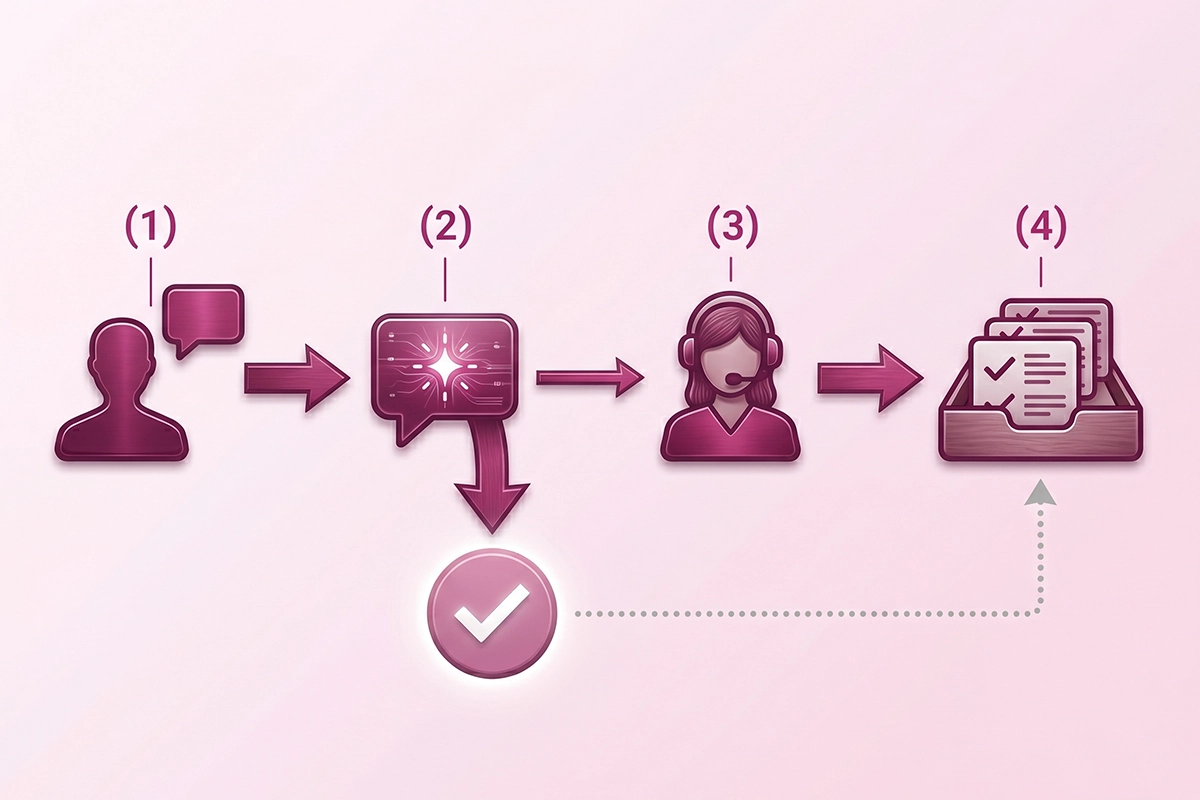
A help desk is the system that collects every customer message, from email, chat, social, and SMS, into one organized inbox and tracks each one until it is resolved. It is the filing cabinet and the workflow, not the conversation itself.
A help desk earns its keep when message volume outgrows your memory. When you are handling support from your personal inbox and a sticky note, you do not have a help desk problem yet. When messages start slipping through the cracks, you do.
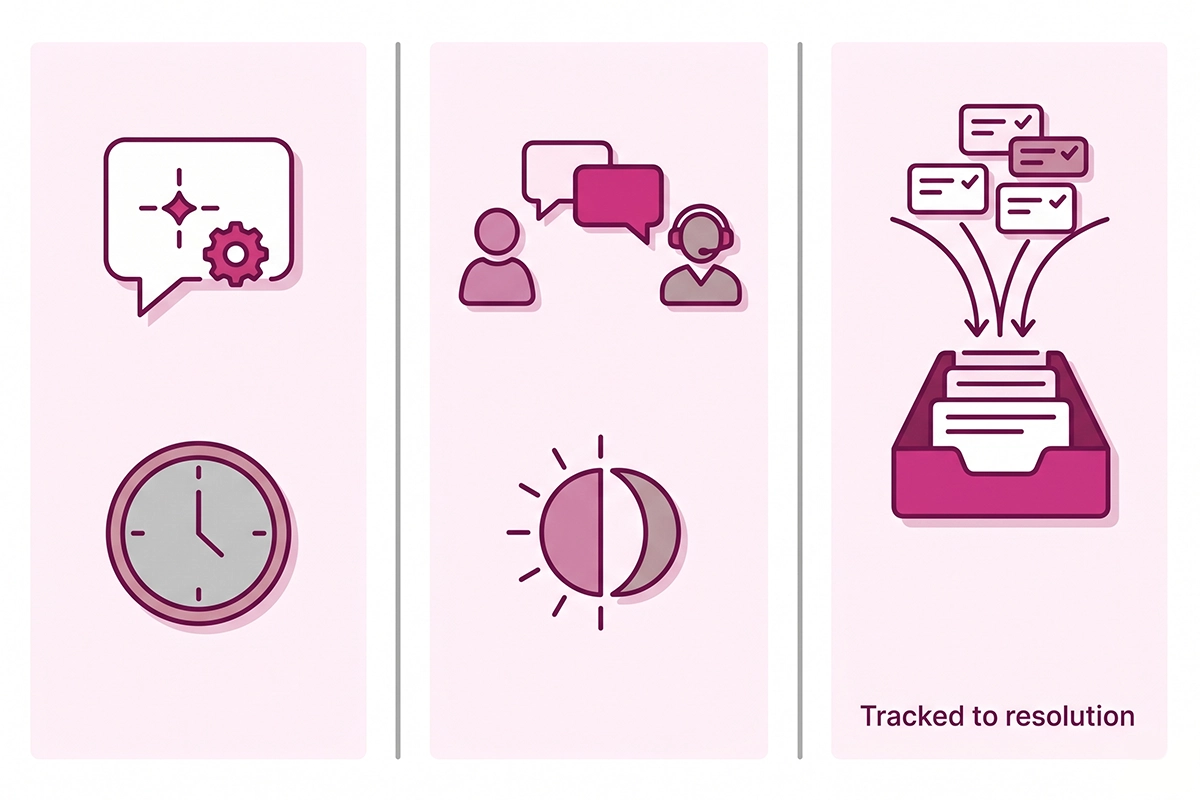
What's the difference between a chatbot and live chat?
The difference between a chatbot and live chat is who answers and when. A chatbot answers automatically, instantly, around the clock. Live chat puts a real person on the other end, which means richer answers but only during the hours someone is available.
Think of it as speed and coverage versus judgment and warmth. A chatbot handles volume without tiring and costs very little per conversation, often under a dollar per interaction compared to several dollars for a human-handled one. Live chat handles the messy, emotional, or high-stakes questions that need a person, like a gift that has to arrive by Friday or a complaint about a damaged order.
You are not really choosing between them. Most stores that run both let the chatbot answer first and hand off to a person when the question needs one. The chatbot covers the routine majority, the human covers the exceptions. That handoff is the whole point, and it is why "chatbot vs live chat" is usually the wrong framing. The right question is which layer answers which question.
How is a help desk different from live chat?
A help desk is different from live chat because it organizes conversations rather than holding them. Live chat is the live conversation. A help desk is where that conversation, plus every email and social message, gets logged, assigned, and tracked to resolution.
Plenty of tools blur this line, which is fair, but the distinction matters for what you pay. A help desk is built for teams handling enough volume that they need assignment, internal notes, conversation history, and reporting. That is why most help desks price per agent. Zendesk starts around $55 per agent each month, Re:amaze runs $29 to $69 per agent, and Help Scout starts near $25 per user, while Gorgias, the Shopify-native option, prices by ticket volume instead, starting around $10 a month for a small allotment with unlimited seats.
For a solo founder doing under 200 orders a month, per-agent pricing for a single agent (you) is usually more structure than the volume calls for. You can run support out of Shopify's free tools and your email for a good while before a help desk pays for itself.
Where the three overlap (and why the categories blur in 2026)
The categories blur because most modern tools now bundle two or three of these jobs into one app. That is the single biggest reason owners get confused in 2026.
Tidio, for example, packages live chat, an AI chatbot, and help desk features into one product. Shopify Inbox, which is free, gives you live chat plus AI-powered instant answers. Gorgias is a help desk that also runs chat and an AI agent. So when a tool calls itself an "AI helpdesk with live chat," it is really bundling all three layers and asking you to pay for the bundle.
Bundling is not a bad thing. It is often the simplest setup. But it makes pricing pages misleading, because two products that look alike may include different layers. When you compare ecommerce support tools, compare them by the jobs they do, not the label on the box. Ask three questions: does this answer customers automatically, does it let a person reply in real time, and does it organize and track everything afterward? The honest answer for most stores is "I need one or two of those right now, not all three."
Which support tools does a small Shopify store actually need?
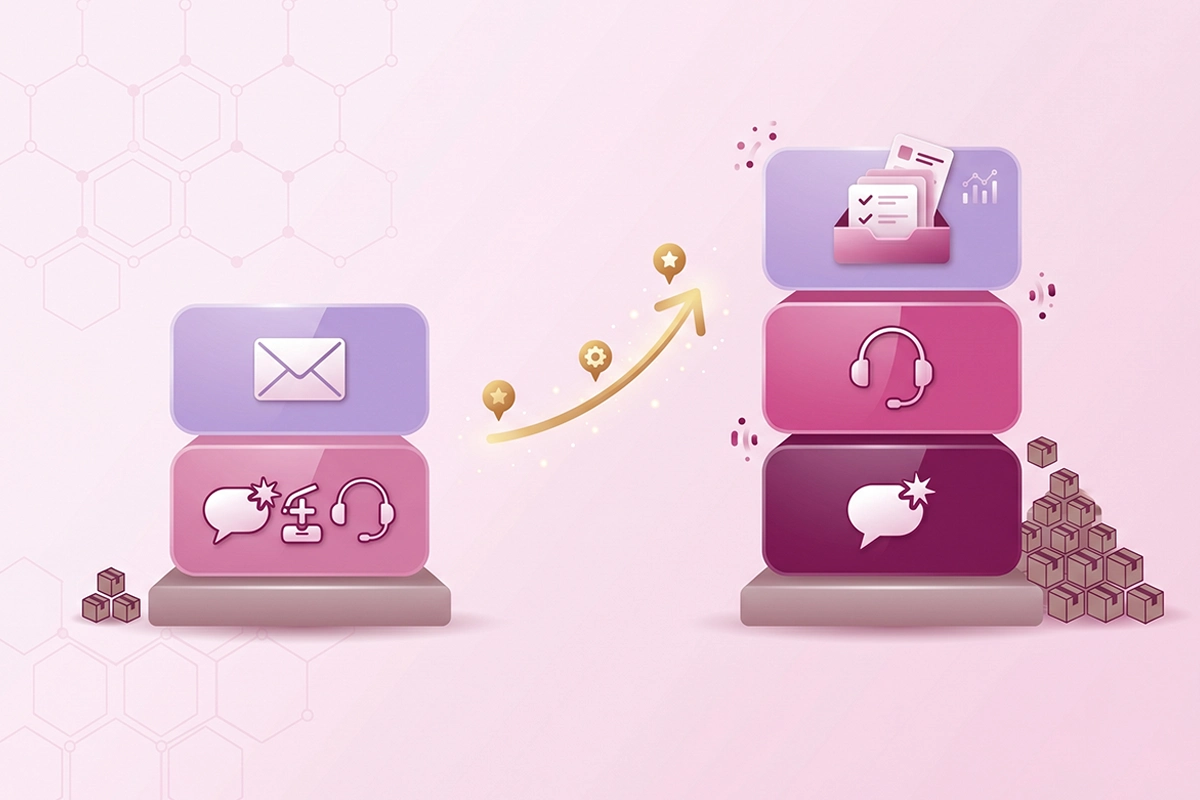
A store doing under 200 orders a month needs a way to answer routine questions fast and a way to catch the messages it cannot answer automatically. That is it. A scaling store needs the same, plus a help desk to keep growing volume organized. The stack changes with volume, not with ambition.
Here is the honest math behind the cutoff. A common industry rule of thumb is about one support ticket for every 15 orders. At 200 orders a month that is roughly 13 tickets, and a big share of those are order-status and pre-sale questions a chatbot can handle. At that level you do not have a ticketing problem. You have an "answer the routine stuff automatically and reply to the rest from your inbox" situation.
| Layer | The job it does | When a Shopify store needs it | Example tools | Rough cost |
|---|---|---|---|---|
| Chatbot | Answers routine questions automatically, 24/7 | Early, once you field the same questions over and over | Shopify Inbox instant answers, Tidio, a managed bot | Free to about $99/mo |
| Live chat | A real person replies in real time, mostly during the sale | Once you can reliably staff it during your peak hours | Shopify Inbox, Tidio, Chatway | Free to about $30/mo |
| Help desk | Organizes and tracks every message to resolution | When messages slip through the cracks, often with a second person | Gorgias, Re:amaze, Help Scout, Zendesk | About $10 to $55+/mo |
The sub-200-order stack
Start with Shopify Inbox, which is free and gives you both live chat and automated instant answers in one widget. Add a dedicated chatbot layer if your routine questions are eating real time. Run the overflow from your email. You can hold this setup comfortably while you learn what customers actually ask. Whether a bot is worth it at this stage is a fair question, and I looked at whether chatbots are worth it for a small store separately.
The scaling stack
As volume climbs and a second person joins, the cracks show: two people replying to the same customer, messages lost between email and Instagram DMs, no record of what was promised. That is the help desk threshold. Add a help desk like Gorgias or Re:amaze to centralize everything, keep the chatbot for routine deflection, and keep live chat for the sales moment. Same three layers, now all switched on.
Where a managed chatbot fits in the stack
A managed chatbot is the chatbot layer, built and maintained for you, instead of a tool you set up and tune yourself. It is one layer of the stack, not a replacement for the whole thing, and any service that tells you otherwise is overselling.
This is worth being plain about, because the chatbot is the layer most often sold as a cure-all. It is not. A chatbot answers the routine majority of questions and hands the rest to you. It does not organize your inbox (that is a help desk) and it does not bring the human warmth of live chat to the hard conversations. If you want the tradeoffs of building it yourself versus having it run for you, I covered self-serve versus managed chatbot tradeoffs in detail.
What managed actually costs
Self-serve chatbot software runs roughly $24 to $279 a month and leaves the setup, training, and tuning to you. Managed services that do the building and monitoring usually start around $300 a month. The Studio Niza managed AI chatbot service sits below that, at $599 setup and $99 a month all-in, because it is built for small Shopify stores, not enterprise support teams.
The $99 covers the AI platform, the credits, and a couple of hours of my time each month reading transcripts and tuning answers. One honest caveat: it is a managed layer, so if you cancel, the bot stops running. You are paying for ongoing hosting and tuning, not a one-time build, and that is stated upfront rather than buried in a contract.
How to know it is working
A chatbot is only worth keeping if it actually takes load off you, and the way to know is to watch two numbers: how many conversations it fully resolves and how many it deflects from your inbox. Those are different things, and I explain how to measure resolution and deflection rate so you can tell whether the layer is earning its place.
Wrapping up: pick the layer, not the label
The fastest way out of support-tool confusion is to stop shopping by category name and start shopping by job. A chatbot answers automatically. Live chat puts a person in the conversation. A help desk organizes everything. Most tools bundle two or three of those, so read the pricing page for the jobs, not the label.
If you are under 200 orders a month, you almost certainly do not need a help desk yet. Start with Shopify's free chat, add a chatbot layer if routine questions are eating your time, and reply to the rest yourself. Add the help desk when growing volume starts slipping through the cracks, not before.
The chatbot is one layer of that stack. A useful one, often the first paid layer worth adding, but a layer. Get that framing right and every pricing page gets easier to read.
Want the chatbot layer handled for you?
The Studio Niza AI Chatbots service builds and runs the chatbot layer for your store: trained on your products, integrated with Shopify, monitored every week. Setup from $599, then $99/month all-in.
See how the chatbot service works →Or email contact@studioniza.com if you have a specific question about your store. I read every one.
Frequently asked questions
If you're still unsure after reading these, just send the question.
Is a chatbot the same as live chat? +
No. A chatbot answers questions automatically with no human involved, while live chat connects a shopper to a real person typing in real time. The chatbot vs live chat choice is really about who answers and when, and most stores use both, letting the bot handle routine questions and a person handle the rest.
Do I need a help desk for a small Shopify store? +
Usually not yet. A help desk earns its place when message volume is high enough that things slip through the cracks, often past a few hundred tickets a month or once a second person joins support. Below that, Shopify's free chat tools plus your email handle the load fine.
Can one app be a chatbot, live chat, and help desk at the same time? +
Yes, and many are. Tools like Tidio and Gorgias bundle two or three of these layers into a single product. That convenience is also why the categories feel blurry, so compare tools by the jobs they actually do rather than the label on the pricing page.
What is the cheapest way to handle Shopify customer support? +
Start with Shopify Inbox, which is free and gives you both live chat and automated instant answers in one widget. Reply to anything it cannot handle from your regular email inbox. This setup costs nothing beyond your time and works well until your order volume climbs.
Does Shopify come with live chat built in? +
Yes. Shopify Inbox is a free messaging tool that adds a live chat widget to your store, along with AI-powered instant answers and suggested replies. It is the simplest starting point for most new stores before you consider any paid support tool.
When should I switch from Shopify Inbox to a help desk like Gorgias? +
Switch when growing volume creates problems Shopify Inbox cannot solve: messages lost between channels, two people replying to the same customer, or no record of what was promised. A help desk centralizes email, chat, and social into one tracked inbox. For most stores that threshold arrives alongside a second support person.
Will an AI chatbot replace my customer support team? +
No. A chatbot handles the routine majority of questions and hands the harder ones to a person. It does not replace human judgment for complaints, sensitive issues, or anything that needs real empathy. Think of it as the first layer that frees up your time, not a full replacement.
How much of my support volume can a chatbot actually handle? +
A well-trained chatbot can resolve a large share of routine questions on its own, since order-status and basic product questions make up most ecommerce support volume. The realistic split is the bot handling the routine majority and escalating the exceptions, which is why the chatbot vs live chat question usually ends in "both." Watch your resolution and deflection numbers to see what yours is handling.