
You configured a chatbot for your Shopify store, opened a test chat, and felt something go slightly wrong. The answers were correct. The tone was not yours. It sounded polite, capable, and completely generic, like it could belong to any store selling anything. That gap has a name. It is your chatbot brand voice, and right now your bot does not have one.
This is a reasonable thing to worry about. A chatbot is often the first thing a customer interacts with after they land on your store. If it sounds like a call-center script, it quietly tells people your brand is a template, and shoppers notice. In a 2026 survey of 6,000 people across the US, UK, and Canada, 45% said AI support responses felt too generic or unhelpful.
The good news: tone is controllable. As Shopify chatbots have moved from rigid decision-tree scripts to large language models, the personality of the bot became something you configure on purpose, not something you accept by default. The hard part is knowing what to define and how to lock it in without the bot drifting or, worse, sounding friendly while giving wrong answers.
This post covers why default AI tone feels flat, the voice attributes worth defining, how to encode them in a system prompt, and the guardrails that keep tone consistent without breaking accuracy. It is written for brand-conscious Shopify owners who want a bot that sounds like their store, not like every other store.
Why does default AI tone feel generic?
A fresh language model has read an enormous slice of the internet. Left to its own defaults, it answers the way the average of that writing answers: courteous, hedged, a little corporate, agreeable to a fault. That average is the problem. Your brand is not the average of the internet.
Most chatbot platforms try to solve this with tone presets. You pick "Friendly" or "Professional" from a dropdown and move on. Those presets are a starting point, not a voice. "Friendly" can mean warm and calm, or it can mean chatty and full of exclamation points. A dropdown cannot tell the difference between your store and a competitor that also picked "Friendly," so both bots end up sounding the same.
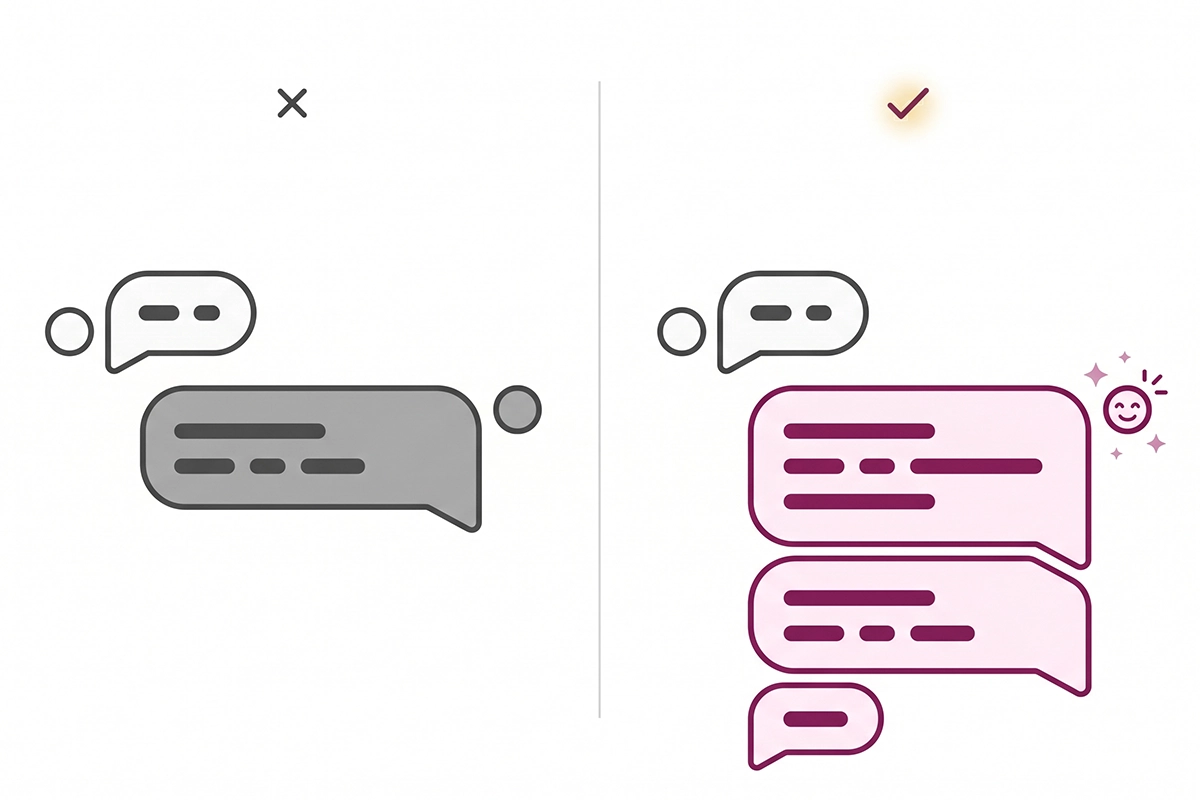
This matters more than it used to. Customer patience for generic AI support is thin and getting thinner. Reported frustration with AI agents rose to 59% in early 2026, up from 54% the year before, and 71% of people said human agents show more empathy. A bot that sounds like a script confirms the fear people already carry into the conversation.
On-brand tone is the cheapest way to push against that. When the bot sounds like the rest of your store, the same emails, the same product pages, the same packaging insert, the customer relaxes. Consistency reads as competence.
Voice and tone are not the same thing
Before you configure anything, separate two ideas that get mixed up constantly: voice and tone. Getting this right is what keeps a bot consistent without sounding robotic.
Voice is your brand's fixed personality. It does not change. If your store is warm, plainspoken, and a little playful, the bot is warm, plainspoken, and a little playful in every message it sends.
Tone is how that voice adjusts to context. The voice stays the same; the register shifts. A customer asking which size to order gets a light, helpful tone. A customer whose package arrived broken gets the same voice, but a calmer, more careful tone that leads with the apology.
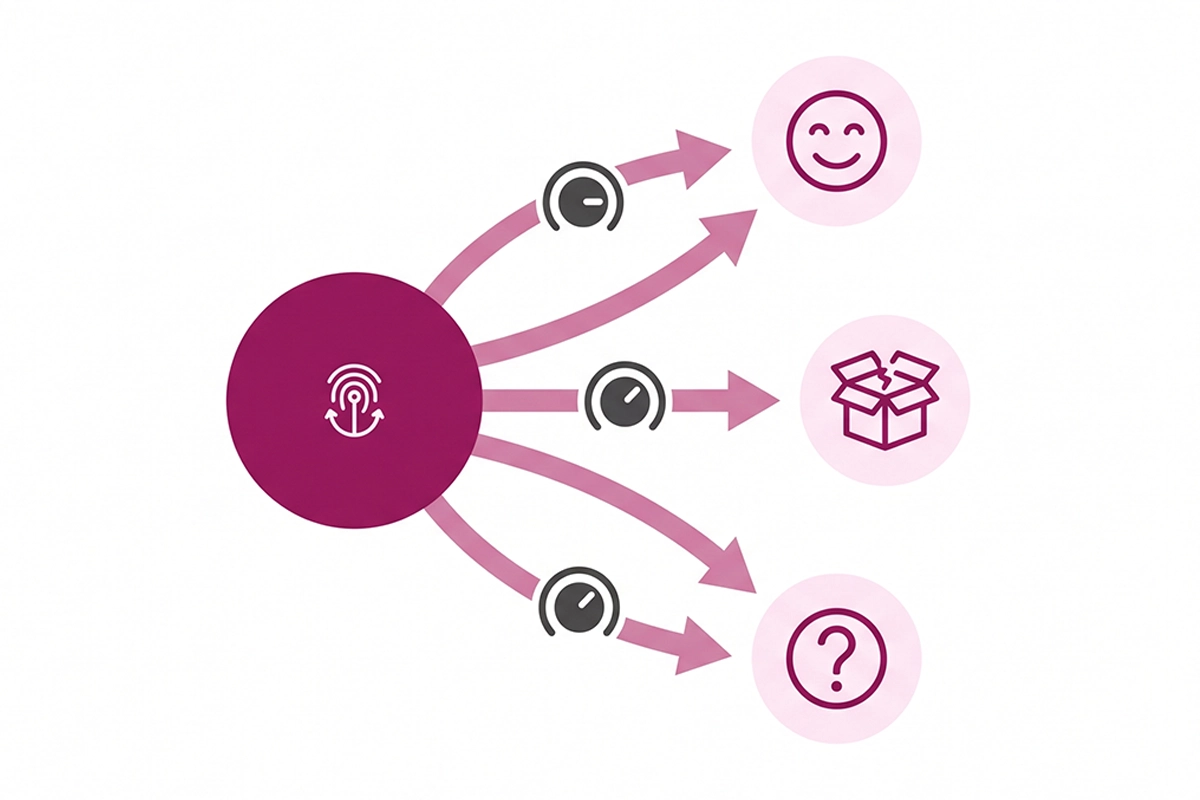
Think of voice as the instrument and tone as how hard you play it. A warm, direct brand stays warm and direct whether it is recommending a product or handling a complaint. It just leads with enthusiasm in one and with empathy in the other.
This distinction is practical, not academic. When you write your bot's configuration, you define the voice once, then you write a few tone rules for the situations that actually come up: a happy question, a confused customer, a complaint, an order problem, and a request the bot cannot handle. Five contexts cover most of what a small Shopify store sees.
The voice attributes worth defining first
"Sound like us" is not something a bot can act on. You have to break voice into attributes you can actually write down. Four of them carry most of the weight for a Shopify store.
Formality
Where does your brand sit between "Hey there" and "Good afternoon"? A skincare brand for twenty-somethings and a supplier of professional dental tools do not talk the same way. Pick a point on that line and hold it. The fastest way to sound off-brand is to swing between casual and stiff inside the same conversation.
Warmth
Warmth is how much the bot acknowledges the person before solving the problem. High warmth opens with "That sounds frustrating, let me sort it out." Low warmth goes straight to the fix. Neither is wrong. A meditation brand wants high warmth; a tools-and-parts store may want efficient and direct. Decide on purpose.
Emoji and punctuation
This is where bots most often betray themselves. Does your brand use emoji? One, sparingly, or never? Exclamation points, or full stops? These small habits are a large part of how a brand sounds in text. Write the rule down, because a model left to its defaults tends to reach for the cheerful exclamation point every time.
Apology and escalation style
When something goes wrong, what does the bot say, and when does it hand off to you? A good apology style is short, takes responsibility without over-grovelling, and moves to the next step. The escalation rule matters just as much: the bot should know the moment to stop trying and offer a human. Knowing its own limits is part of the voice.
Here is what those attributes look like applied to a single warm, plainspoken store, next to the default a bot reaches for on its own.
| Situation | Default bot | On-brand bot |
|---|---|---|
| Greeting | Hello! How may I assist you today? | Hi, what can I help you find? |
| Out of stock | That item is currently unavailable. | That one is sold out right now. Want me to flag you when it is back? |
| Complaint | I apologize for the inconvenience. | Sorry about that, it is not the experience we want. Let me make it right. |
| Cannot answer | I am unable to help with that request. | I am not sure on that one. I will pass you to a person who can answer properly. |
How do you encode brand voice in a system prompt?
All of the above lives in one place: the system prompt. That is the block of instructions the model reads before every conversation. On an LLM-based chatbot, the system prompt is where brand voice becomes real. Here is what belongs in it.
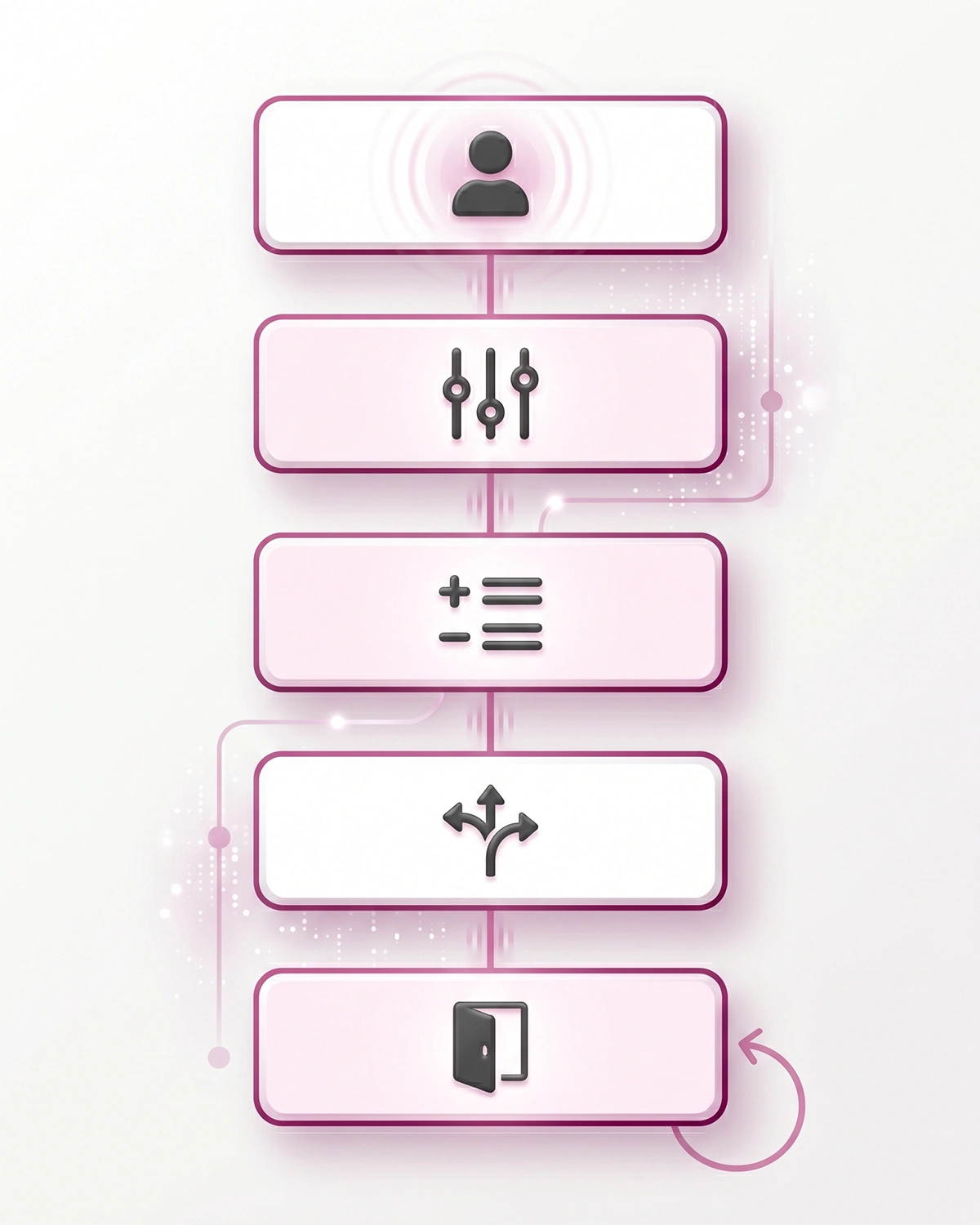
A persona statement. One or two sentences telling the bot who it is and who it serves. "You are the support assistant for [store], a [type] brand. You help shoppers find products and resolve order questions." That grounds everything that follows, and it covers the everyday work an AI chatbot actually does on a store.
The voice attributes, written plainly. Turn the four attributes above into direct rules. "Tone: warm but efficient. Use contractions. One emoji maximum, only when the customer is happy. Never use exclamation points in apologies."
Do and do-not word lists. Models follow concrete examples better than adjectives. List a handful of words and phrases to use, and a handful to avoid. If "no worries" is on-brand and "kindly" is not, say so.
Tone-by-context rules. Spell out the five situations from earlier. A short line each: how to greet, how to handle a complaint, how to say no, and when to escalate.
A few worked examples. Show the bot two or three sample exchanges written in your voice. Examples teach tone faster than description does. This is the single highest-leverage thing you can add. The first message a customer sees sets the tone for everything after, which is why the welcome message is worth getting right on its own.
One more practical note: voice fades over long conversations. Models drift back toward their defaults the longer a chat runs. The fix is to repeat a short version of the persona and tone rules inside the running context, so the bot is reminded who it is on every turn rather than only at the start.
The guardrails that keep tone from breaking accuracy
Here is the part most tone advice skips. A friendly bot that confidently makes things up is worse than a stiff one that gets the facts right. Personality without accuracy is a liability, and a few public cases prove it.
In 2024, Air Canada was held responsible after its chatbot described a refund policy that did not exist. In April 2026, a coding tool's support bot invented a subscription rule outright, and customers cancelled over it. Both bots sounded confident. Confident and wrong is the failure mode you are guarding against.
The guardrails are not complicated, and they matter more than the tone rules.
Ground the bot in your real information
The bot should answer from your actual store data, your products, policies, and FAQs, not from its general training. This is usually called retrieval, and it means the bot looks up the answer in your documents before it replies. If the answer is not in your information, the bot should not invent one.
Give it an honest escape hatch
Add an explicit instruction: if you are not sure, say so and offer a human. A line as simple as "If you do not know the answer, do not guess. Say you will pass it to the team." removes most of the risk. A bot that admits uncertainty in your brand voice is more trustworthy than one that bluffs.
Keep the human handoff close
The tone rules and the accuracy rules meet at escalation. The bot should hand off cleanly when it hits its limits, and it should do so in your voice. Most shoppers are fine with a bot for simple questions as long as a person is reachable when it matters. 68% of people say a complete resolution matters more than a fast one.
This is also where a configured, managed bot earns its keep over a default install. Writing the system prompt is the visible part. The ongoing part, watching real conversations, catching where tone slips or the bot guesses, and tightening the rules, is the work that keeps it on-brand month after month. If you want to see how that is set up and maintained, here is how the Studio Niza AI Chatbots service handles it. The tradeoffs between doing this yourself and having it managed are covered in the guide on picking a Shopify chatbot.
Wrapping up
A chatbot does not have to sound like a robot. The tone is yours to set, and on an LLM-based bot it comes down to a handful of decisions you can make in an afternoon: define your voice as concrete attributes, write tone rules for the five situations that actually come up, and put it all in the system prompt with a few worked examples.
Then comes the part that protects you. Ground the bot in your real store information, give it permission to say "I am not sure," and keep a human handoff one step away. Tone makes the bot feel like your store. Guardrails make it safe to trust. You need both, and the second one is not optional.
If you set this up yourself, start with the worked examples and watch the first week of real conversations closely. That is where you will see the tone slip and the bot guess, and that is where the useful edits come from. A bot that sounds like you and tells the truth is a genuinely good first impression. A bot that sounds like everyone else is a missed one.
Want a chatbot that sounds like your store?
Studio Niza configures the system prompt, tone rules, and guardrails so your bot stays on-brand and accurate, then monitors real conversations as they come in. Setup from $599, then $99/month all-in.
See how AI Chatbots works →Or email contact@studioniza.com if you have a specific question about your store. I read every one.
Frequently asked questions
If you're still unsure after reading these, just send the question.
Can I give my Shopify chatbot a brand voice without coding? +
Yes. On modern LLM-based chatbots, brand voice is set through the system prompt and tone settings, which are plain-language instructions, not code. You describe the voice, list words to use and avoid, and add a few example replies. The technical work is in connecting the bot to your store data, not in the tone itself.
Will a custom tone make my chatbot less accurate? +
Not if you add guardrails. Tone and accuracy are configured separately. The bot's voice comes from the system prompt, while accuracy comes from grounding it in your real store information and instructing it to admit when it does not know. A well-built bot is both on-brand and honest.
Should my Shopify chatbot use emojis? +
It depends on your brand and where the chat appears. Define the rule on purpose rather than leaving it to the model's default, which tends to overuse them. A casual lifestyle brand might allow one emoji when a customer is happy, while a professional or technical store may use none. Consistency matters more than the choice itself.
How do I keep my chatbot on-brand during long conversations? +
Language models drift toward generic defaults the longer a chat runs. The fix is to repeat a short version of the persona and tone rules inside the conversation context, so the bot is reminded who it is on every turn. Reviewing real transcripts and tightening the rules also keeps tone from slipping over time.
Is a Friendly tone preset enough for brand voice? +
No. Presets like Friendly or Professional are a starting point, not a brand voice. They cannot capture the difference between your store and a competitor that picked the same preset. Real brand voice needs defined attributes, word choices, and example replies written specifically for your store.
How often should I review my chatbot's tone? +
Closely in the first 30 days, then periodically after that. The first weeks of real conversations reveal where the tone slips or the bot guesses, which is where the most useful edits come from. After that, a monthly check on transcripts is usually enough for a small store.