
You mean to ask for reviews. Some weeks you remember, most weeks you don't, and the requests you do send often go out before the box has landed on the doorstep. That gap is where reviews quietly disappear, and the fix is not more discipline. It is a Shopify review request automation: a flow you set once that asks at the right moment, follows up on its own, and stops when it should.
Done well, it runs in the background while you handle everything else the store needs. This is written for solo Shopify owners and newer stores, the ones where the reviews team is also the founder, the packer, and the support desk. If that is you, an hour of setup buys back a chore you were never going to do consistently anyway.
This post is the build, not the theory. We will map the trigger to the delivery date instead of the order date, set a follow-up cadence that lifts response without turning into nagging, write the request so it satisfies the FTC review rule, and walk the exact settings in Judge.me and Loox. If you are still sending requests from your own inbox, there is a compliant fallback at the end that gets you most of the way there for free.
Trigger off delivery, not the order date
Most review apps let you fire the request off one of several order events: created, paid, fulfilled, or delivered. The common default is fulfillment, which means the email can go out the moment you print the label, days before the customer has the product in hand. Asking someone to review a thing they haven't touched is how you get thin, low-star, or ignored requests.
Trigger off delivery whenever you can. Delivery means the package is confirmed at the door, the experience is fresh, and the request lands when the customer actually has something to say. For the full breakdown of the ideal window by product type, see the companion piece on the best time to send a review request. This post is about wiring it.
Delivery-based sending depends on one thing: Shopify has to know the order arrived. That status comes through the carrier's tracking. Carriers like USPS, UPS, FedEx, Canada Post, and Sendle report delivery straight to Shopify when you add the tracking number and carrier at fulfillment. Other carriers need a tracking app (Judge.me and Loox both integrate with AfterShip) to pass the delivered status through.
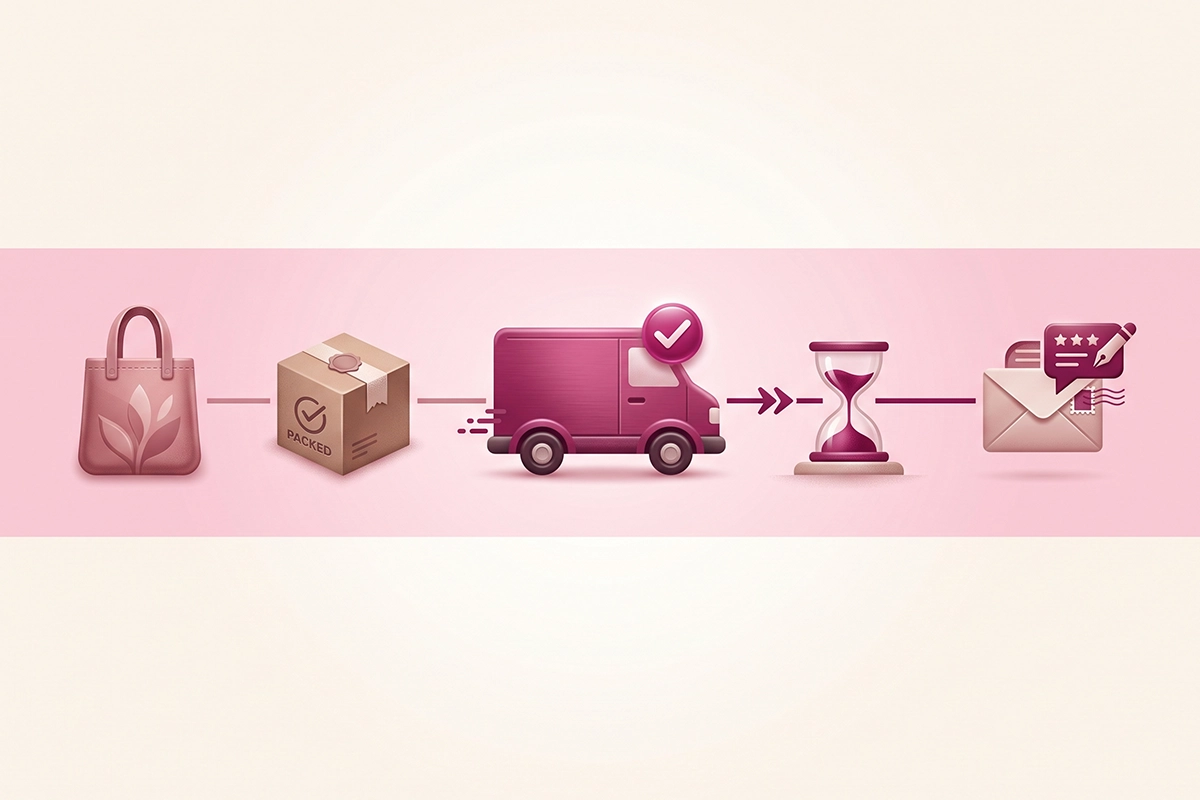
The catch: if a carrier never reports delivered, a delivery-only trigger waits forever and the request never sends. That is what the fallback is for. Both apps let you send the request a set number of days after fulfillment when delivery is never confirmed, so nothing stalls. Turn that fallback on. It is the difference between a flow that runs and a flow that silently drops orders.
What if you sell digital or made-to-order goods?
No shipment means no delivery event, so delivery-based timing has nothing to fire on. For digital downloads, gift cards, or services, trigger off the paid or fulfilled event instead and add a short delay that matches when the customer would have used the thing. A print-on-demand mug still ships, so it follows the delivery rule. A downloadable planner does not, so a two or three day delay after purchase is usually right.
A follow-up cadence that doesn't nag
One request is not a strategy. Plenty of happy customers fully intend to leave a review and then get pulled into their day and forget. A single send captures the eager few. The follow-up captures the ones who meant to.
The pattern that works is three touches at most: the initial request, then one or two reminders spaced about five to seven days apart. The first email does most of the work, the reminders recover a meaningful slice on top, and past the third touch you are mostly buying unsubscribes and irritation instead of reviews. Stores that add a reminder or two reliably collect several times more reviews than stores that send once and stop.

A few rules keep the reminders from feeling like pestering:
- Space them out. Five to seven days between touches gives people room. Same-week double-taps read as desperate.
- Skip anyone who already reviewed. Judge.me and Loox both drop a customer from the sequence the moment they submit, so no one gets asked twice for a review they already left.
- Change the subject line on the reminder. A fresh line gives the second email its own chance to be opened.
- Stop at two to three total. Then let it go. The order that was never going to review is not going to review on the fourth ask.
One honest note on measuring this: do not judge the flow by open rates. Apple's Mail Privacy Protection pre-loads email images, which inflates opens and makes that number close to meaningless. Watch the submission rate instead, reviews collected divided by requests sent. That is the only number that pays your conversion rate.
Wording that satisfies the FTC review rule
The automation makes this easy to get right, and easy to get badly wrong at scale. Since October 21, 2024, the FTC's Rule on the Use of Consumer Reviews and Testimonials has been in force, with civil penalties that can reach $51,744 per violation. A review request template that quietly breaks the rule breaks it on every order until you fix it.
The core trap is conditioning anything on a positive review. You are allowed to offer an incentive for a review. You are not allowed to offer it for a good review. "Leave a review and get 10% off" is fine. "Loved your order? Get 10% off for five stars" is not, because it ties the reward to the sentiment, and the FTC counts that whether you say it outright or just imply it. Keep the ask neutral: invite the review, not the rating.
Two more things the automation should get right by default:
- Ask every buyer, not just the happy ones. An all-orders flow that emails everyone who received a product is inherently safer than hand-picking customers you think will be kind. Routing unhappy customers to a private feedback form while sending happy ones to public reviews is a suppression risk under the same rule.
- Only real buyers. The flow triggers off actual orders, so requests only reach verified purchasers. Do not seed it with reviews from yourself, staff, or family. Insider reviews are allowed only with a clear and conspicuous disclosure of the relationship.
For the deeper walk through the rule, including copy you can paste, see the guide on asking customers for reviews without breaking the FTC rules.
Can you still offer a discount for a review?
Yes. A neutral incentive that goes to anyone who leaves a review, positive or not, is allowed, and it does lift response. The two guardrails: the reward cannot depend on the review being favorable, and if you give one, the resulting review should disclose that an incentive was involved. Set the offer once in the template, keep the wording free of sentiment, and the automation stays compliant on every send.
Automate review requests in Judge.me or Loox
Both apps do this well, and both have a free-enough entry point that a store under $200K a year rarely needs anything pricier. Judge.me's forever-free tier runs automated requests and reminders, which makes it my default recommendation for newer stores. If a free tool covers the job, use the free tool.
Judge.me
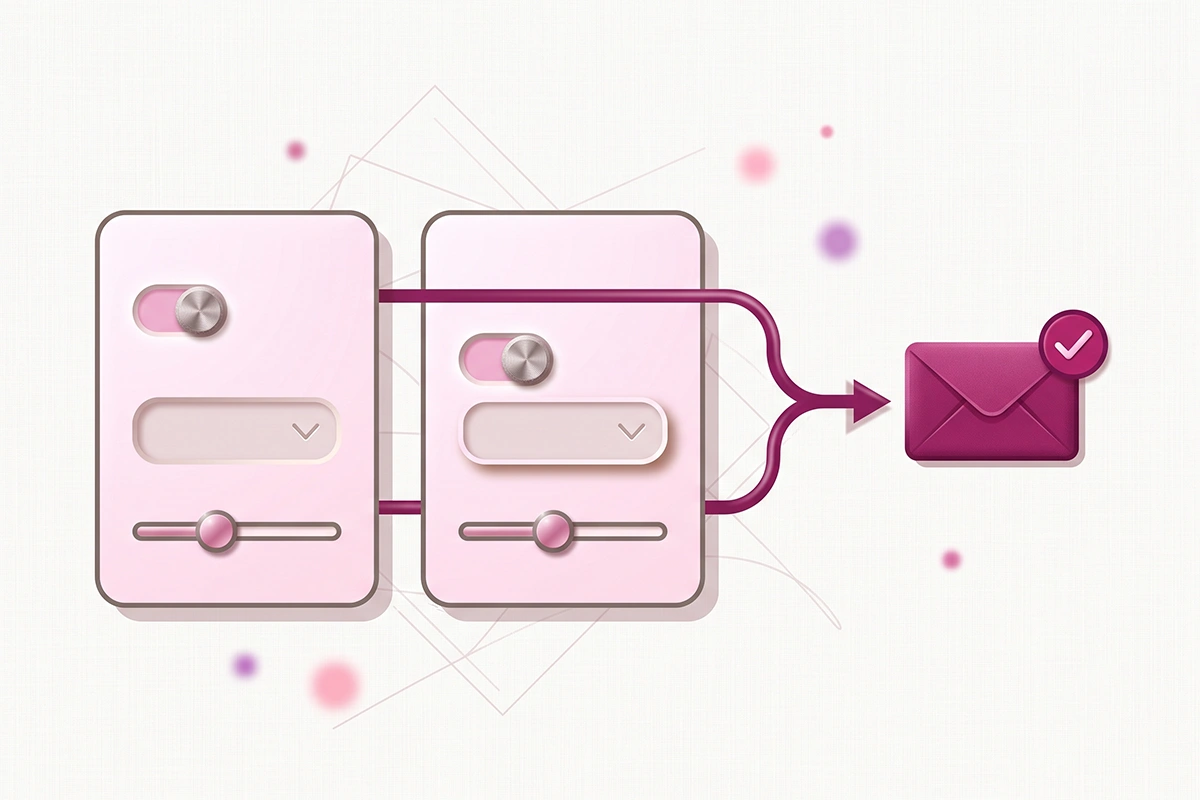
In Judge.me, go to Settings, then Request scheduling. Open the order trigger dropdown and choose Delivered. Right below it, tick if not delivered send after fulfilment and set a fallback delay, so orders that never get a delivery ping still send. Set your wait time (anywhere from 0 to 60 days after the trigger) and, if you want every request landing at a sensible hour, turn on the custom send time so emails go out in your store's timezone rather than whenever the order happened to be placed.
Reminders live in the same area. The standard setup sends the initial request plus a couple of reminders, and the paid Awesome tier lets you run up to three and use a different template for each. Judge.me sends a separate request per product, up to seven line items per order, so a customer who bought three things can review all three. If you would rather send from your own email or SMS tool, enable the Shopify Flow integration and use the Review request ready trigger to hand the timing off to your platform.
Loox
In Loox, open Collect Reviews, then Emails and scheduling. The default is 14 days after fulfillment, and you can set anything from 1 to 70 days. To switch to delivery-based timing, open the timing dropdown and choose Delivery. Note that delivery-based sending sits on the Scale plan and up, and it needs Shopify's shipment status or the AfterShip integration to know an order arrived. Set a fallback timing here too, for orders where delivery is never reported.
Loox bundles one email per order rather than one per product, which keeps the customer's inbox tidier if your average order has several items. It sends two reminders by default, and it times sends around each customer's local hours to catch them awake. As with Judge.me, you can route the actual send through Klaviyo or Omnisend if you already run your email there.
Here is how the two compare on the settings that matter for automation:
| Setting | Judge.me | Loox |
|---|---|---|
| Delivery-based trigger | Yes, native carriers report free | Scale plan and up |
| Timing range | 0 to 60 days after trigger | 1 to 70 days after trigger |
| Fulfillment fallback | Yes | Yes |
| Reminders | 2 standard, up to 3 on Awesome | 2 by default |
| Email grouping | One request per product, up to 7 | One bundled email per order |
| Hand off to your email tool | Shopify Flow trigger | Klaviyo or Omnisend |
| Free-tier automation | Yes | Requests yes, delivery timing paid |
For a fuller side-by-side that also brings in Stamped and Yotpo, there is an honest comparison of the review apps.
Still on manual email? A compliant fallback
Maybe you are not on a review app yet, or you send from your own inbox because that is what you have always done. Manual works until it doesn't, and the ways it fails are predictable: you forget half the sends, the timing drifts, there is no systematic follow-up, and you have no clean way to skip customers who already reviewed.
If you want to stay manual for now, at least make it a system. Save one neutral request template so you are not rewriting it each time. Tie the send to delivery by working from your tracking, not the order date. And send a single follow-up about a week later to anyone who hasn't responded. That is a lighter version of the same three-touch logic, run by hand.
The honest recommendation, though, is to skip the manual stage. The free tier of Judge.me or Loox automates everything above at no cost, and it does the two things a human inbox cannot: it never forgets, and it drops people from the sequence the instant they review. Manual is a fine bridge for a week while you install an app. It is a poor destination.
One exception worth naming: if your store is brand new and has no orders yet, there is nothing to automate. In that case the first job is seeding, not scheduling, and the compliant ways to do that are covered in the guide on getting your first reviews with zero sales.
What to check in the first two weeks
A review flow can look on in the settings and still send nothing. Give it a two-week shakedown before you trust it.
- Confirm delivery status is reaching Shopify. If requests pile up as waiting for delivery and never send, the carrier isn't reporting delivered status. Check the delivery column on your orders, and make sure the fulfillment fallback is on so those orders send anyway.
- Verify your email authentication. If your DKIM and return-path aren't set up, Gmail can quietly block review emails to Gmail addresses, which is a large share of most customer lists. Both apps flag this. Fix it before it costs you a fortnight of sends.
- Track the submission rate, not opens. Reviews collected over requests sent is the number that matters. If it is low, the usual causes are timing (too early, before delivery) or a request that asks for too much.
- Tune the wait window by product type. Consumables, skincare, and anything with a break-in period need more days before the ask, because the customer needs to actually use the thing to have an opinion worth publishing.
Getting the flow running
The whole system comes down to three levers. Trigger off delivery so the ask lands when the product is in hand. Follow up once or twice, then stop, so you lift response without wearing out your welcome. And keep the wording neutral so the FTC rule is a non-issue on every send.
Set that up once in Judge.me or Loox and the chore you kept forgetting turns into a background process that quietly builds your social proof while you do anything else. It is not a huge project. It is an afternoon of settings and a two-week check that it is actually sending.
The reviews themselves still depend on things you can't automate: a product worth reviewing and customers who are glad they bought. What the automation guarantees is that every one of those happy customers actually gets asked, at the right time, in a way that stays compliant. That is the part that was slipping, and now it won't.
Want this flow built and monitored for you?
The Reviews Management service sets up the exact flow in this post: delivery-based triggers, a compliant follow-up cadence, and a reply to every review that lands. I handle the systematic execution so you can keep running the store. From $299 setup, $199/month.
See how Reviews Management works →Or email contact@studioniza.com if you have a specific question about your store. I read every one.
Frequently asked questions
If you're still unsure after reading these, just send the question.
Should I send Shopify review requests based on order date or delivery date? +
Delivery date, whenever your carrier reports it to Shopify, because the customer actually has the product and the experience is fresh. When delivery can't be confirmed, fall back to sending a set number of days after fulfillment so requests never stall. Both Judge.me and Loox support delivery triggers with a fulfillment fallback.
How many review request follow-up emails should I send? +
One or two reminders after the initial request, spaced about five to seven days apart, for three touches at most. The first email collects the bulk, the reminders recover the customers who meant to review and forgot, and past three touches you mostly gain unsubscribes. The app automatically stops emailing anyone who has already reviewed.
Is it against FTC rules to offer a discount for a review? +
No, as long as the discount is offered for any review rather than a positive one. Conditioning the reward on a good or five-star review breaks the FTC's Consumer Reviews and Testimonials Rule, whether you say it directly or just imply it. Keep the incentive neutral and disclose it, and you stay compliant.
Does Judge.me send automated review requests on the free plan? +
Yes. Judge.me's forever-free tier schedules automated review requests and reminders after fulfillment or delivery, which is why it is a common default for Shopify stores under $200K a year. The paid Awesome tier adds extras like a third reminder and per-reminder templates, but the free plan covers the core review request automation.
Can I automate review requests without a paid app? +
The free tiers of Judge.me and Loox automate requests and reminders at no cost, so you rarely need to build anything custom. You can run a manual version with a saved template and a delivery-tied reminder, but it is error-prone and can't skip customers who already reviewed. For most stores, the free app is simpler than a manual system.
Why aren't my Judge.me review requests sending? +
The most common cause is that delivery was never confirmed to Shopify, so a delivery-based request stays stuck waiting for delivery and never fires. Add tracking and carrier details at fulfillment, or turn on the fulfillment fallback so those orders send anyway. A blocked send can also mean your DKIM and return-path aren't verified, which can stop emails to Gmail addresses.