
If you opened your Shopify admin in the last few weeks and found a new item in the sidebar called Agentic, you have already met the Shopify Universal Commerce Protocol. Nobody asked your permission. Nothing broke. But the way your products reach shoppers did change, and it is worth about ten minutes of your attention.
The short version: Shopify and Google co-developed an open standard called UCP that lets AI shopping assistants read your catalog, build a cart, and complete a purchase. Shopify switched it on for every eligible store instead of asking merchants to opt in. Then in the Spring '26 Edition on June 17, Shopify gave it a dedicated section in the admin, which is why a lot of owners are noticing it only now even though it has been running since spring.
The reaction in the Shopify Community forums was predictable and fair. Merchants asked why a sales channel was switched on without a prompt, whether their product photos were being fed somewhere they had not agreed to, and where the off switch was. Several of those threads are months old and the controls have changed since.
So: what the Shopify Universal Commerce Protocol is, what being on by default changed, a walkthrough of the new Agentic section, the five product-data signals Shopify scores you on, and three checks worth doing this week. No panic, no jargon.
What the Universal Commerce Protocol actually is
The Universal Commerce Protocol is an open standard, co-developed by Shopify and Google, that gives AI shopping agents one shared language for talking to a store. Discovery, cart building, checkout, and the post-purchase handoff all run through the same set of rules.
Before UCP, every AI assistant needed a custom integration with every merchant, so in practice only the largest retailers got wired up. The closest comparison is what sitemaps did for search crawlers. You never made a private deal with Google. You published in a format the crawler understood and the crawler did the rest. A shared protocol does the same thing for agents, which is why a two-person store is now included by default rather than by negotiation.
Is UCP the same thing as Shopify Catalog?
No, and the two get mixed up constantly. Shopify Catalog is the data. UCP is the protocol. Catalog is a structured dataset of titles, prices, options, availability, and images that agents can search. UCP is the ruleset an agent follows to act on what it finds there.
Shopify describes Catalog as syndicating product details to ChatGPT, Copilot, the Shop app, and others with no extra apps and no manual feeds. Both pieces are enabled by default for Shopify merchants, which is the sentence that started most of the forum arguments.
Why this is worth ten minutes and not zero
Adobe, which tracks over a trillion visits to US retail sites, found that traffic from AI sources grew 393 percent year over year in Q1 2026. More interesting than the volume: in March 2026 it converted 42 percent better than non-AI traffic, a reversal from March 2025, when it converted 38 percent worse.
Shopify's own Q1 2026 commerce data points the same way. AI-referred sessions on Shopify storefronts grew more than 8x year over year, AI-referred orders grew nearly 13x, and those orders carried 14 percent higher average order values.
Read those numbers honestly. They are platform-wide and heavily weighted by large stores. If you are doing 40 orders a month, 13x of a very small number is still a small number. The reason to care is that the work required to be readable by agents is work you were going to do anyway, and it is cheaper to do before the channel matters than after. For the wider version of that argument, I wrote about how to get your Shopify store cited in ChatGPT, Perplexity, and Claude.
What being on by default changed for your store
Three things, concretely.
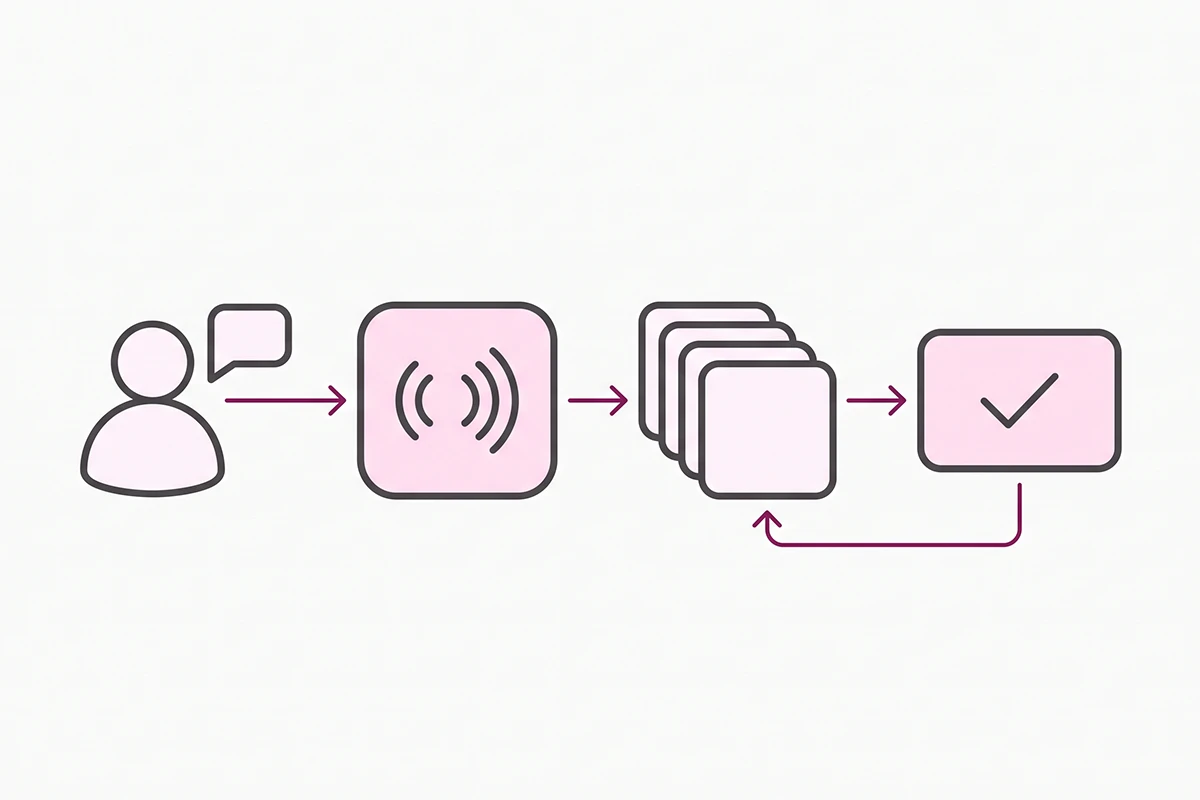
Your eligible products were added to Shopify Catalog. That structured data is what ChatGPT, Microsoft Copilot, AI Mode in Google Search, the Gemini app, and the Shop app read when a shopper asks for a recommendation in your category.
Direct checkout is active wherever the channel supports it. A shopper can finish a purchase inside the AI conversation without ever landing on your store. The order still arrives in your admin, and you still fulfill it, own the customer record, and handle the return.
You are enrolled automatically in new agentic storefronts as Shopify adds them. This is the setting most owners did not know existed, and the one that deserves a deliberate decision.
Which of your products actually made it in
Not all of them, necessarily. Shopify publishes an eligibility list for Shopify Catalog, and a fair number of small stores fail at least one line of it:
- Your store is on the Starter plan or higher and is not password-protected.
- Every product has a title, at least one image, and a price above $0. Free products are excluded.
- Products ship to the United States or Canada.
- Products are published to the online store, Hydrogen, or Headless channels, with an identifiable product URL.
- Products are not set to Unlisted status and are not hidden from search engines.
- Products do not contain sensitive or mature content.
That second-to-last line catches more stores than you would expect. If a product page is hidden from search engines, it is hidden from agents too. The two are not separate switches.
The Agentic section in your admin, walked through
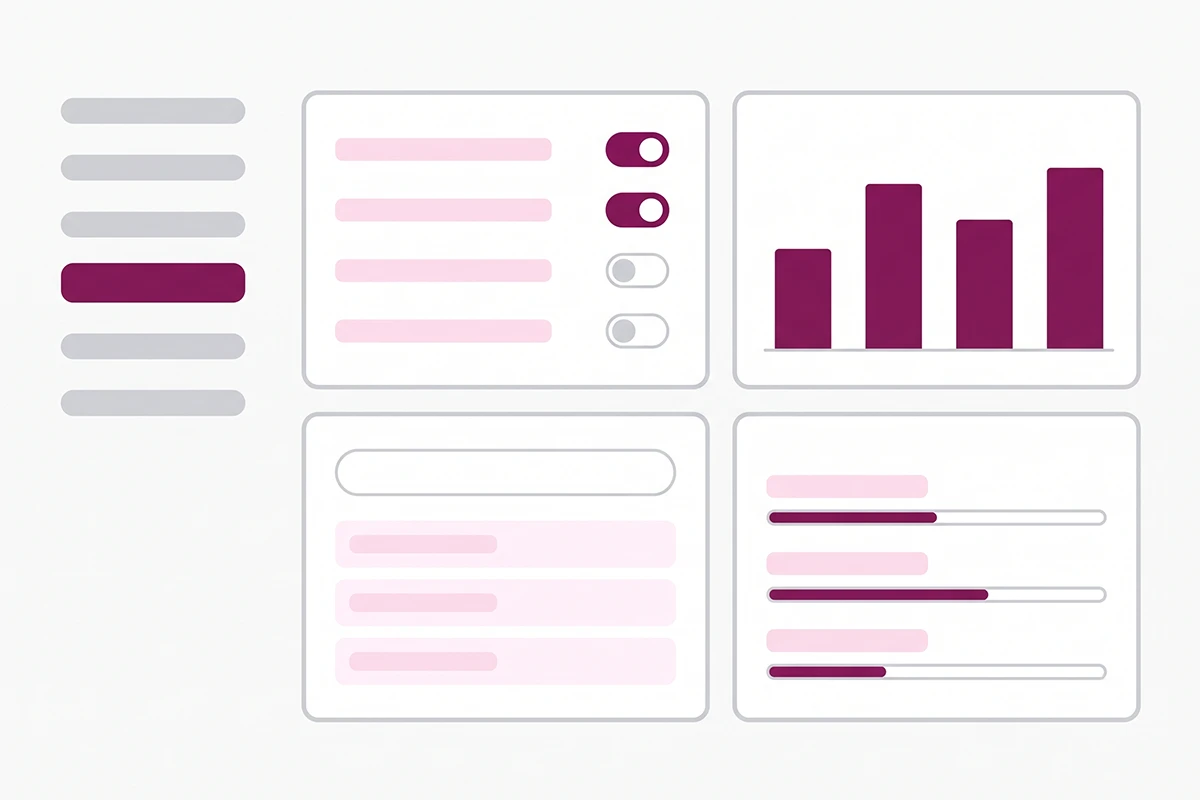
Go to Sales channels, then Agentic. Four things live there.
1. Channel management. A setting called Allow Shopify to manage for me is on by default. While it is on, every agentic storefront has Catalog access, direct checkout is active where supported, and you are enrolled in new channels automatically. Turn it off and you get per-channel controls plus a separate toggle for auto-enrollment.
2. Performance data. Per AI channel you get sales, orders, online store sessions, and online store conversion, plus a combined total sales report. One caveat worth knowing upfront: Shopify says this reporting is not yet available for headless stores.
3. A search preview tool. You type a query and see how your products rank inside Shopify Catalog search. Shopify's own note on this is refreshingly blunt: agentic storefronts re-rank results using their own logic, so treat the preview as a directional signal, not a prediction.
4. Listing quality per product. Each product gets a quality meter and a breakdown of specific insights. This is the most useful part of the section, and it gets its own heading below.
Why your Catalog might show zero products
This is the most common confusion in Shopify Community threads about the Agentic section: the dashboard is right there, reporting that nothing is in Catalog. Walk the eligibility list above from the top. For small stores the usual culprits are a password-protected storefront, $0 products, products that do not ship to the US or Canada, and products left in Unlisted status.
If your products are eligible and still are not appearing anywhere, the problem sits upstream of Catalog. I covered that diagnostic separately in why your store isn't showing up in ChatGPT.
The five product-data signals agents read
This is the part that actually matters, and it is why the Shopify Universal Commerce Protocol is a content problem rather than a technical one. Shopify scores every product on five listing quality signals and tells you which ones are weak.
| Signal | What Shopify measures | What to do about it |
|---|---|---|
| Description completeness | Word count of the description, because AI channels match descriptions to natural-language questions | Write for the question, not the product. Materials, sizing, fit, compatibility, what is included, who it is for |
| Image coverage | The number of product images | Add angles and context shots. One packshot is not enough for an agent to represent the product across different surfaces |
| Product reviews | Average rating and review count, counted only from sources Shopify treats as verified | Run a real review request flow. This is the one signal you cannot write your way into |
| Variant and option completeness | Variants and options, their in-stock status, and whether option names use acronyms or bare numbers agents struggle to read | Rename "OS" and "Free Size" to plain words. Keep option sets consistent across products |
| Shop policy completeness | Whether shipping, returns, refund, and other store policies are present | Fill in every policy page. Shopify says policies signal that a store is legitimate |
Notice what is not on that list. Nothing about theme code, nothing about apps, nothing you can buy your way out of. Four of the five are writing tasks and the fifth is a process.
The variant signal is the sneaky one. An agent has to map a shopper's phrasing onto your option names, and "One Size," "OS," and "Free Size" scattered across a catalog are three different strings to a machine and one concept to a human. Same problem with sizes encoded as bare numbers with no unit attached.
Reviews are the only signal here that depends on your customers rather than your keyboard, and Shopify counts them only from verified sources, so the app you pick has consequences. I compared the two common value-tier options in Judge.me vs Stamped.
Descriptions are where the standard rose. A crawler could rank a thin description as long as the title carried the keyword. An agent asked for a waterproof jacket for a weekend hike under $200 has to decide whether your product answers that question, using only what you wrote. My approach is in writing product descriptions that rank and convert.
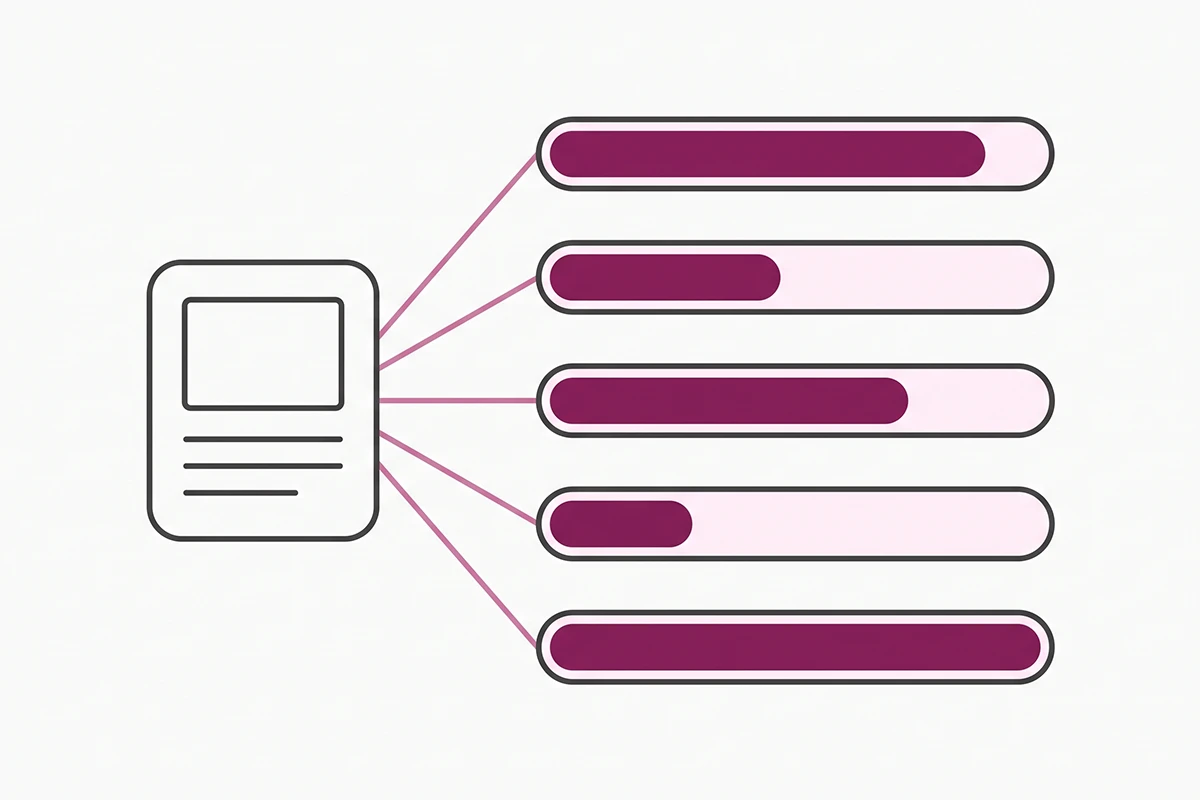
Adobe's Q1 report also scored how much of a retail page is readable by language models. Homepages averaged 75 percent across the US retail sector and FAQ pages scored 80 percent. Individual product pages came in lowest, at 66 percent. The pages carrying the buying decision are the pages least ready to be read by the thing making it.
Shopify is careful to say that listing quality only covers what you directly control. Relevance also depends on popularity, engagement, and brand recognition, which a new store accumulates slowly and cannot shortcut. That is the honest ceiling here, and the reason I would not promise anyone that fixing five fields puts them at the top of an AI answer.
Should you opt out?
For most stores doing under $200K a year, no. But the objections merchants raised are not silly, so here they are fairly.
The strongest one is consent. Every other sales channel on Shopify waits for you to opt in. This one did not, and merchants selling under supplier agreements that restrict where products may be listed had a legitimate reason to be alarmed. If you have a distribution contract with channel restrictions in it, that is a contract question rather than a marketing question, and it is worth reading the clause instead of guessing.
The second objection is presentation. Your product gets summarized by a model, in an interface you did not design, next to competitors you did not choose. That is real. It is also what marketplace listings and shopping results have done for twenty years. The response that works is better source data, not withdrawal.
What turning it off actually costs
Switch off Shopify Catalog access and your products stop reaching those channels through the structured route. They can still be found by ordinary web crawling. But Shopify reports that AI searches powered by Catalog convert at twice the rate of searches relying on scraped data, so you would be trading the good path for the mediocre one.
Three practical details if you do change something:
- Turning off Catalog access can take up to seven days to take effect.
- Turning off Catalog access for a channel also turns off direct checkout for that channel.
- Shop is handled separately. You cannot deactivate Catalog access for Shop from the Agentic section. You manage it from the Shop sales channel settings instead.
One workaround circulating in the forums deserves a warning. Setting products to Unlisted does hide them from agents, and it also hides them from Google and from your own storefront search. That is not an opt-out, it is a delisting. If you want out of AI channels but still in search results, Unlisted is the wrong tool.
Three checks worth doing this week
This is a forty-five minute pass, not a project. Do it once, then leave it alone for a month.
Check one: confirm you are actually in Catalog
Open Sales channels, then Agentic, and check whether your products are listed. If the count is zero, walk the eligibility list from earlier. Password protection and $0 products catch new stores most often.
Check two: search the way a customer talks
In the search preview, type three queries phrased the way a shopper would say them out loud, not the way you named the product. Something like "gift for someone who just moved into their first apartment" rather than "ceramic mug set." Note which products appear and what the listing quality meter says about the ones that missed.
Check three: fix the weakest signal on your top three products
Sort by revenue, take the top three, and fix one signal on each. Usually that is a description that answers the buying question, or option names a machine can interpret. Then set a reminder for thirty days out to open the performance panel and see whether anything moved. For a fuller measurement setup, I wrote about tracking whether AI search is sending shoppers to your store.
Resist the urge to fix all 80 products this week. The scoring is per product, the effort is per product, and your revenue is not spread evenly across them.
Wrapping up
Three things to take away.
First, the Shopify Universal Commerce Protocol is not something you install, configure, or buy an app for. It is already running on your store. The only real decisions are whether to stay enrolled and how good your product data is.
Second, the work is writing. Descriptions that answer real buying questions, option names a machine can read, policy pages that are actually filled in, and a reviews process that runs without you. Four of the five signals come out of a text editor, which is either good news or annoying news depending on how you feel about writing.
Third, the numbers are real but early. AI-referred orders growing nearly 13x on Shopify says something true about direction. It is not a promise about your next quarter, and anyone telling you otherwise is selling something.
What I would not do is treat this as urgent. The queries are new, the competition is thin, and the fix is the same product-data work that has always paid off in ordinary search. Doing it now just means it counts twice.
Want your product data agent-ready?
The Studio Niza SEO & GEO service covers the product data agents actually read: descriptions written per product, clean variant naming, image SEO, real schema, and the policy pages that signal you are a legitimate store. Pricing starts at $499 one-time.
See pricing & services →Or email contact@studioniza.com if you have a specific question about your store. I read every one.
Frequently asked questions
If you're still unsure after reading these, just send the question.
Do I need to do anything to turn on the Universal Commerce Protocol for my Shopify store? +
No. Shopify enabled both the Universal Commerce Protocol and Shopify Catalog by default for eligible merchants, so there is nothing to install or configure. Your job is making sure your products meet the eligibility requirements and that your product data is complete enough for an agent to represent you accurately.
Is Shopify UCP the same thing as Shopify Catalog? +
No. Shopify Catalog is the structured product data that AI agents search, covering titles, prices, options, availability, and images. UCP is the open protocol that defines how an agent acts on that data through discovery, cart building, and checkout. Catalog is what agents read. UCP is how they transact.
Can I stop AI agents from showing my products? +
Yes. In Sales channels then Agentic, turn off the setting called Allow Shopify to manage for me, then deactivate Shopify Catalog access for the channels you want out of. Changes can take up to seven days to take effect, and turning off Catalog access also turns off direct checkout for that channel.
Which AI channels does the Shopify Universal Commerce Protocol cover? +
Shopify lists ChatGPT, Microsoft Copilot, AI Mode in Google Search, the Gemini app, and Shop, plus a grouped option covering smaller and emerging shopping agents. New channels get added over time, and you are enrolled in them automatically unless you turn that setting off.
Why does my Shopify Catalog show zero products? +
Usually an eligibility problem rather than a bug. Your store has to be on the Starter plan or higher and not password-protected, and each product needs a title, at least one image, a price above zero, shipping to the United States or Canada, a published product URL, and a status that is not Unlisted or hidden from search engines.
Does UCP replace regular Shopify SEO? +
No, and the signals overlap heavily. Complete descriptions, real images, clean variant data, and filled-in policy pages help you in both places. Traditional search still sends most of the traffic for most stores under $200K a year, so treat agent readiness as an extension of your SEO work rather than a replacement.
Does agentic checkout mean I lose the customer relationship? +
No. Orders placed inside an AI channel still land in your Shopify admin, and you still fulfill them, own the customer record, and handle returns. What changes is that discovery and comparison happened somewhere you do not control, which is why your product data has to do the persuading.
Is the Universal Commerce Protocol worth caring about for a brand-new Shopify store? +
It is worth about forty-five minutes, not a project. The product-data work that helps agents represent you accurately is the same work that helps you in ordinary search, so it pays off either way. Skip the panic, fix your top three products, and check the performance panel again in a month.