
You added a reviews app because reviews sell. Then you ran a speed test, saw a number sitting in the 40s, and now you are wondering whether the widget that builds trust is quietly costing you rankings and sales.
Here is the honest answer: some review apps slow down a Shopify store, and some barely touch it. The difference is not the reviews themselves. It is how the app loads them. A widget that ships a 400KB script and injects a photo gallery on every page load is a real problem. A widget that loads light and renders your star rating straight from the page HTML is not.
The good news is you do not have to guess. You can measure the exact cost of your review app in about ten minutes, and most of the fixes are settings, not code. This post covers how review widgets add weight, which Core Web Vital they actually hurt, how to measure the real impact on your store, the settings that cut the cost without dropping a single review, and when the trust you gain is worth the speed you spend.
This is the reviews companion to the Core Web Vitals on Shopify post. If you have not run a speed test yet, start there, then come back to check whether your review app is the thing to blame.
Do review apps slow down a Shopify store?
Yes, some do. But the impact depends entirely on the app and how it is set up, and it is measurable rather than a matter of opinion.
The mechanism is simple. Your shopper's browser has limited bandwidth and a limited amount of processing power at any moment. When it is busy downloading and parsing a heavy review script, those resources are not available for loading your product image or running your theme's own code. So a bloated review widget can slow the whole page down even when the reviews sit far below the fold.
This hits mobile hardest. Over 70 percent of Shopify traffic is on phones, where processors are slower and connections wobble. The same app can feel fine on your desktop and painful on a shopper's three-year-old Android. When you test, test mobile, because that is the number Google weighs most.
One more thing worth saying plainly: it is rarely a single app. It is the pile-up. Only apps that add front-end (storefront) code affect speed at all. An admin-only tool for inventory or order management has zero impact on what your shopper loads. Count your front-end apps, not your total installed list, and the review widget is often just one heavy item on a longer bill.
How review widgets add weight
A review app is not one thing. It is usually four things loading together, and each one has a cost.
The script bundle. This is the code that draws star ratings, runs carousels, handles the write-a-review form, and powers sort and filter controls. The more interactive the widget, the bigger this bundle tends to be.
The API round-trip. Most apps fetch your reviews from their own servers after the page starts loading. That request adds roughly 100 to 400 milliseconds before any review can appear, and lazy loading moves when it happens but does not remove it.
Star icons and layout. Small on their own, but they render dynamically, and when they pop in they can nudge the surrounding content.
Photo galleries. This is usually the heaviest part. Customer photos are great for conversion, but if the widget loads them eagerly and at full resolution, they can add hundreds of kilobytes on their own. Photo reviews convert better than text alone, so the goal is to keep them and load them smartly, not to drop them.

Weight varies a lot by app and configuration. These are rough front-end ranges reported across performance testing, useful for orientation, not gospel. Your own store is the only measurement that counts.
| Review app | Typical front-end weight | Notes |
|---|---|---|
| Judge.me | Light, lazy-loaded | Often the lightest option; a common default for stores under $200K/year |
| Loox | Around 180KB | Photo-first; galleries carry most of the weight |
| Stamped | Around 200KB | Widget plus Q&A features |
| Yotpo | Around 300 to 500KB with the full suite | Powerful and heavier; a better fit at Shopify Plus scale |
A well-built, lazy-loaded widget can display text reviews and stars in under 30KB, so the spread between the lightest and heaviest options is real. If you want the honest tradeoffs side by side, here is how the main review apps compare.
Which Core Web Vital does a review app hurt?
Google measures three Core Web Vitals: Largest Contentful Paint (LCP, loading), Interaction to Next Paint (INP, responsiveness), and Cumulative Layout Shift (CLS, visual stability). A review app can touch all three, but in different ways.
CLS: the most visible damage
CLS is where review widgets do the most obvious harm. When the widget loads late and injects itself into the page, it pushes everything below it downward, and that jump counts against you. A "good" CLS is under 0.1, and anything above 0.25 is poor. A single review section that renders without reserved space can push a product page past that line on its own.
LCP: an indirect drag
Your review widget usually sits below the fold, so it is rarely the largest element Google times for LCP. But its script still competes for bandwidth and processing time with your hero image and product content. So a heavy review bundle can delay your LCP even though the widget itself is not what LCP measures. The target is under 2.5 seconds.
INP: the sneaky one
INP measures how quickly the page responds when a shopper taps or clicks, across the whole visit. Review widgets add interactive parts (carousels, filters, helpful-vote buttons, sort dropdowns), and every one of those attaches JavaScript that can block the main thread. When a shopper taps "Add to Cart" and there is a beat of lag, heavy widget code is a common cause. INP is the hardest of the three to pass in 2026, with a large share of sites failing it, and the "good" bar is under 200 milliseconds.
One detail that trips people up: Google judges all three at the 75th percentile of real-user field data, not a single lab test. In plain terms, three out of four of your actual visitors need a good experience for the page to pass.
How to measure the real cost, not guess
You do not have to wonder whether your review app is the problem. There is a direct test, and it takes about ten minutes.
The disable-and-compare test:
1. Run PageSpeed Insights on a product page and note the LCP, INP, CLS, and the Performance score.
2. Temporarily disable the review app. Most Shopify apps can be deactivated or have their app embed toggled off without a full uninstall.
3. Run the exact same test on the exact same page.
4. The difference between the two is your review app's real cost.
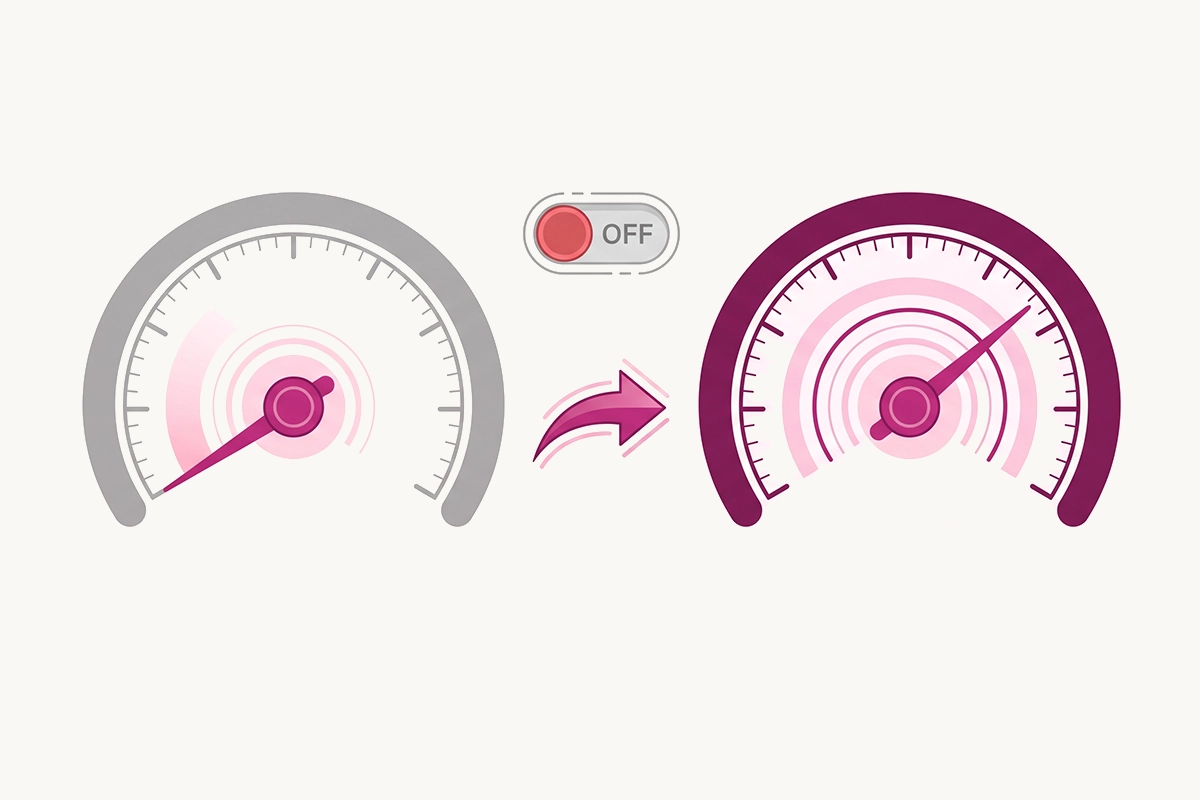
Across performance testing, disabling a review widget commonly recovers somewhere around 5 to 15 Performance points, cuts CLS by 0.05 to 0.2, and improves LCP by 200 to 800 milliseconds. In one documented case, removing a single review script improved a store's median INP by about 45 milliseconds. Your numbers will differ, which is the whole point of testing your own store.
While you are in there, one distinction saves a lot of wasted effort. The big gauge score at the top of PageSpeed Insights is a lab test on a simulated device. The "real user" section below it is field data from the last 28 days of real Chrome visitors, and that is what Google uses for ranking. You can have a lab score of 45 and still pass all three Core Web Vitals in field data, and if you do, you are fine for SEO. Do not delete features to chase the lab gauge.
Two more tools worth knowing. Chrome DevTools lets you open the Network tab, sort scripts by size, and see exactly which app loaded which file, plus a Coverage tab that shows how much of that code goes unused. And Shopify's own web performance report annotates app installs against your scores over time and breaks results down by page type, so you can see the moment a widget changed your numbers.
Settings that cut the cost without dropping reviews
Most stores can keep their reviews and recover most of the speed. These are the settings that do it, roughly in order of impact.
Reserve space for the widget. This is the single biggest CLS fix. Give the review container a minimum height with CSS so the browser holds the space before the reviews load. Shopify's own guidance is clear: the reliable way to stop injected content from shifting the page is to reserve room for it in advance. Do the same for the star rating that appears near the product title.
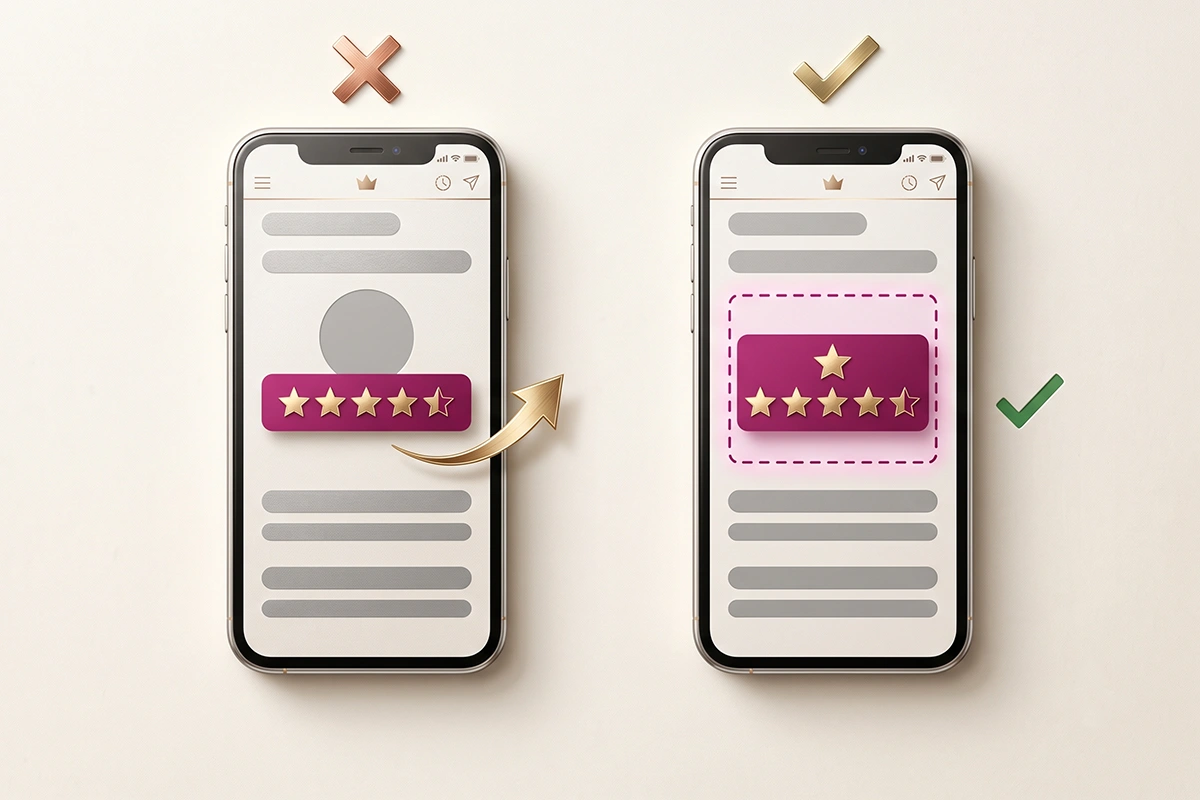
Turn on lazy loading, with eyes open. Lazy loading holds the review widget until the shopper scrolls near it, which frees up your initial load. Be honest with yourself about the tradeoff, though: it defers the API call and the layout shift, it does not erase them. The shift can still happen, just later, when the shopper is looking right at that section. For reviews that sit below the fold, it is still worth doing.
Keep the star summary in the HTML. Make sure the rating summary (for example, "4.7 out of 5 from 134 reviews") and its schema are rendered server-side in the page, not built by JavaScript after load. That way Google reads your stars immediately and shoppers see the rating before the full widget arrives. This is also how you protect your Google star ratings in search results.
Compress and lazy-load customer photos. Photo galleries are usually the heaviest part of a review widget. Serve them as WebP, size them for the space they actually fill, and load them only as the shopper scrolls to them.
Load the widget only where it belongs. Reviews need to appear on product pages, maybe your homepage and collection pages. They do not need to load on your cart, your policies, or your blog. If your app offers page-level controls, use them.
If none of that is enough, switch to a lighter app. Some widgets are simply built heavy and will not behave no matter the settings. When that is the case, moving to a lighter app is a reasonable call. Judge.me is a common landing spot for speed-conscious stores under $200K/year, precisely because it loads light and still generates proper schema.
When the trust gain is worth the speed cost
Here is the part most speed guides skip. Reviews are not decoration you can strip to win a lab score. They are one of the strongest conversion tools on a product page, and star ratings in search results can lift click-through by roughly 15 to 30 percent. Deleting them to shave a few kilobytes usually costs more than it saves.
So the tradeoff is not "reviews or speed." It is "reviews that load light or reviews that load heavy." A widget that adds a little weight but earns you more clicks and more completed checkouts is doing its job. The real cost of ignoring reviews is almost always higher than the cost of a well-configured widget.
The order to work in is straightforward. First, confirm whether your field-data Core Web Vitals actually pass. If they do, and your lab score just looks ugly, leave your reviews alone. If they are failing and the disable test shows the review app is a major contributor, fix the settings above. Switching apps is the next step. Removing reviews entirely is the last resort, not the first, and honestly it is rarely the right one.
Part of doing this work well is knowing when not to touch anything. If your reviews are already loading light and your store passes for real users, the best move is to leave it and spend your time somewhere that needs it.
Wrapping up
Some review apps slow down a Shopify store, but very few of them have to. The weight comes from heavy scripts, API calls, and eagerly loaded photo galleries, and it shows up mostly as layout shift, some interaction lag, and an indirect drag on load time.
You can measure the exact cost with the disable-and-compare test, and you can recover most of it with settings: reserve space, lazy-load below the fold, keep the star summary server-side, compress your photos, and load the widget only where it belongs. Keep the reviews. They are usually paying for their own weight and then some.
Want your reviews working without the speed penalty?
The Studio Niza Reviews Management service sets up your review widget to load light, keeps your star schema intact so you hold your Google ratings, and migrates reviews off discontinued listings so you keep the trust you have earned. From $299 setup, $199/month.
See how it works →Or email contact@studioniza.com if you have a specific question about your store. I read every one.
Frequently asked questions
If you're still unsure after reading these, just send the question.
Do review apps slow down Shopify more on mobile than desktop? +
Usually yes. Mobile phones have slower processors and less stable connections, so the same review script that barely registers on desktop can add real delay on a mid-range Android phone. Since over 70 percent of Shopify traffic is mobile, the mobile number is the one that matters most for both rankings and conversion.
Is Judge.me faster than Yotpo or Loox? +
In most setups, yes. Judge.me ships lighter front-end scripts and lazy-loads its images, which is why it is the common pick for stores that care about speed. Loox and Yotpo are capable apps, but their photo galleries and fuller feature sets tend to carry more weight, so the honest answer depends on how each one is configured on your store.
Will removing my review app improve my Google ranking? +
Only if the app is actually dragging your field-data Core Web Vitals below the passing thresholds, and only after you rule out lighter fixes first. Removing reviews also removes your star schema, which can cost you rich results and conversions. Measure the real impact before you delete anything, because you often lose more than you gain.
How much page weight does a review widget add? +
It ranges widely. A well-built, lazy-loaded widget can be under 30KB, while a full photo-and-Q-and-A suite can push 300KB to 500KB on the front end. The number depends on the app and your settings, which is exactly why you should measure your own store rather than trust a general figure.
Does lazy loading fully fix review app speed problems? +
Not fully. Lazy loading defers the widget until the shopper scrolls near it, which helps your initial load, but the API call and the layout shift still happen, just later. It is a genuine improvement for below-the-fold reviews, but you also need reserved space and a light script to get the full benefit.
Can I keep Google star ratings if I lazy-load my reviews? +
Yes, as long as the rating summary and its review schema are rendered in the page HTML server-side, not built by JavaScript after load. That way Google can read the stars immediately even if the full review list loads later. Check that your app outputs valid JSON-LD review schema before you rely on it.