
A cart on your Shopify store gets abandoned for one of two reasons. Either the shopper was never going to buy today, or something stopped them: a shipping fee, a doubt, a question nobody answered. Live chat abandoned cart recovery only works on the second group, and so does a chatbot.
The real decision is which one answers which question, and whether you can afford to be the one answering.
Most posts on this are written by companies selling one side. Chat vendors tell you a human closes the sale. Bot vendors tell you the human is asleep when the cart dies. Both are partly right, and neither mentions that the free tool already in your Shopify admin now does a bit of both.
This post goes through what a cart actually dies of, how live chat helps on Shopify, what Shopify Inbox shows you about the cart, the moments a human wins and the moments a bot wins, exit-intent versus proactive chat, the recovery numbers I think are honest, the staffing math, and the hybrid setup I'd run.
It's written for new Shopify stores doing under about 500 orders a month, where the person staffing the chat window is also the person packing the boxes.
What an abandoned cart actually dies of
Baymard Institute tracks 50 cart abandonment studies and puts the average abandonment rate at 70.22%. That number sounds like a crisis. But about 42% of US shoppers in Baymard's survey say they abandoned because they were just browsing or not ready to buy. No chat window changes that.
The rest left for a reason. Here is Baymard's list with the browsing group set aside, and my read on whether a conversation can fix each one.
| Reason for abandoning | Share of shoppers | Can a conversation fix it? |
|---|---|---|
| Extra costs too high (shipping, tax, fees) | 40% | Partly. A chat can point to a free-shipping threshold or a cheaper rate. It can't shrink the fee. |
| Delivery too slow | 20% | Yes, if the real date is better than the shopper feared. |
| Didn't trust the site with card details | 19% | Yes, and a human does it best. |
| Had to create an account | 18% | No. That's a checkout setting. |
| Checkout too long or complicated | 17% | No. |
| Website errors or crashes | 17% | A human can catch it and rescue the order. |
| Returns policy not good enough | 13% | Yes, if your policy is better than they assumed. |
| Couldn't see the total cost upfront | 12% | Yes. |
| Card declined | 10% | A human can suggest another way to pay. |
| Not enough payment methods | 9% | No. |
A good part of that list is a settings job. Turn on guest checkout, show shipping costs before the last step, and add express payment buttons before you spend a minute on chat. I covered the timing side in can a Shopify chatbot recover abandoned carts, including why Shopify's built-in recovery email only reaches shoppers who typed an email address.
What's left is the conversation slice: shipping questions, delivery dates, trust, returns, and things going wrong at payment. That slice is where live chat and chatbots compete.
How does live chat help recover abandoned carts on Shopify?
Live chat helps in one way: it puts a person in front of the shopper while the cart is still open. An abandoned cart email arrives an hour later, after the shopper has moved on. A chat reply arrives while the doubt is still a question.
That's the whole advantage, and it only exists when someone is there to answer. (If the tool categories still blur together, chatbot vs live chat vs help desk sorts them out.)
What Shopify Inbox shows you about the cart
Shopify Inbox is free and built by Shopify, and it has one feature that matters for carts. According to Shopify's Inbox conversations documentation, when a customer adds or removes a product, the event appears in the conversation. The cart subtotal and item quantities show in the conversation header while a cart is active.
You can also send a discount code in the chat, and it applies to the cart when the customer clicks it.
In practice, that means you aren't guessing. You can see a $140 cart with two items, watch the shopper remove one, and answer the question behind it. My Shopify Inbox review covers the rest of what the free tool does.
The sign-in catch
Here's the part most comparisons miss. On stores that use new customer accounts, a conversation that starts before the customer signs in shows up as "Shop visitor". Shopify's chat settings documentation says that conversation isn't linked to a customer record and doesn't include an email address, phone number, cart, or order details until they sign in.
The setting that requires sign-in to chat with staff is on by default for those stores. Stores on legacy customer accounts get a name-and-email form instead.
So cart visibility is real, but it isn't automatic. If your chats arrive as "Shop visitor", open Chat settings in Inbox and decide which you'd rather have: a sign-in step with full cart context, or an easy anonymous chat where you have to ask what's in the cart. For a first-year store with few repeat customers, I'd take the easy chat and ask.
Where a human wins, and where a chatbot wins
The chatbot vs live chat abandoned cart question has a different answer for each moment in the cart.
Where a human wins
A human wins when the shopper needs judgment or reassurance. A first-time buyer about to spend $300 who asks whether you're a real business is not looking for a policy paragraph. A reply from the owner, by name, is the trust signal.
A human also wins when something is going wrong: a declined card, a discount code that won't apply, an error at the payment step. A person can try the checkout themselves, suggest another way to pay, or send a draft order.
And a human wins on exceptions, like a custom size, a bundle that isn't listed, or a delivery date that needs a call to the courier.
Where a chatbot wins
A bot wins on facts and on hours. Shipping cost to a postcode, the returns window, whether the medium fits a 38-inch chest, when the order would arrive. These have one right answer, and a bot trained on your policies gives it in seconds at 2 a.m. They're the same pre-purchase questions that block most orders.
A bot also wins on coverage. It can sit on every session at once, which a person can't.
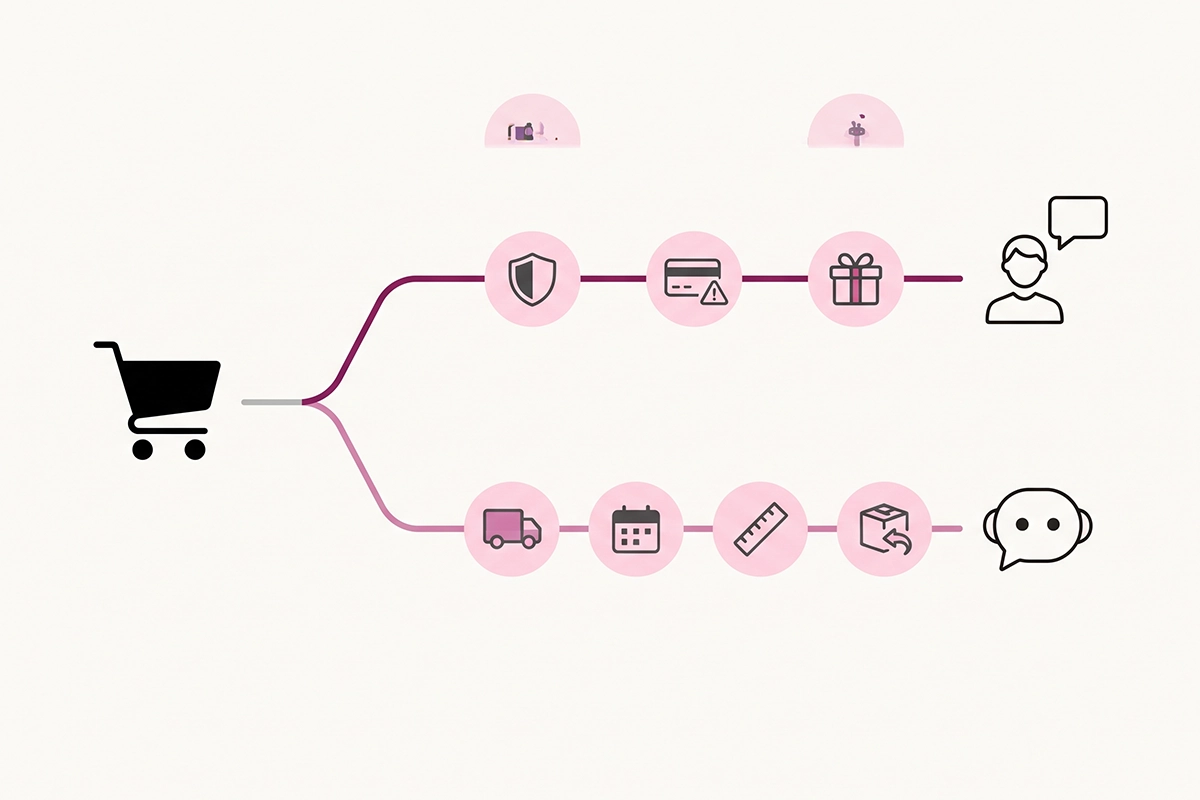
| Cart moment | Better answered by | Why |
|---|---|---|
| Shipping cost or delivery date question | Chatbot | One right answer, needed instantly, at any hour |
| Returns or exchange policy | Chatbot | Policy text, no judgment needed |
| Size and fit with a clear chart | Chatbot | A lookup, as long as the chart is in its knowledge |
| "Is this store legit?" on a high-priced item | Human | Reassurance comes from a person |
| Card declined or checkout error | Human | Someone has to investigate and offer a workaround |
| Custom request or exception | Human | Only you can say yes |
| Shopper going quiet at checkout | Chatbot | Nobody can watch every session by hand |
Exit-intent vs proactive chat: who should start the conversation?
Everything above assumes the shopper opens the chat. Most don't. So the tool has to decide whether to speak first, and there are two ways to do it.
Exit-intent fires when the shopper looks like they're leaving: the cursor heading for the tab bar on desktop, a fast scroll back to the top on mobile. It's a last attempt, and it reaches people after they've mostly decided.
Proactive chat fires earlier, on a sign of hesitation: a long pause on the shipping step, a third visit to the size chart, an item removed from the cart. It reaches the shopper while they're still deciding, which is why I prefer it.
One message tied to what they're looking at ("Shipping to Canada is a flat $12, and orders over $90 ship free. Anything I can check for you?") beats a generic plea to stay.
Two limits. As far as I can tell from Shopify's Inbox documentation, it covers a greeting, availability hours, and an automatic first reply, and it doesn't describe behavior triggers like exit-intent. Triggered messages usually mean a third-party chat or chatbot app.
And whichever tool you use, send one nudge per session, make it easy to dismiss, and skip the countdown timers. A bot that interrupts three times recovers nothing.
What are honest live chat abandoned cart recovery rates?
There is no independent benchmark for carts recovered by chat. I looked. What exists is vendor data, and vendor recovery rates of 10% to 25% usually count only the shoppers who engaged with the chat. That's a self-selected group who were already close to buying.
The one solid baseline is email. Klaviyo's 2026 abandoned cart benchmarks, drawn from more than 110,000 of its customers, put abandoned cart email flows at a 6% average click rate and $6.77 in revenue per recipient. The top 10% of brands reach $13.70.
Chat has to add to that number, because it reaches some of the same shoppers earlier.
Here's an illustration, with assumptions you should replace with your own. Say your store has 1,000 abandoned carts a month at a $60 average order. Around 420 were browsing.
Of the 580 with a real reason, suppose 5% open a chat or reply to a nudge. That's 29 conversations.
If a third of those finish the purchase, you've recovered about 10 orders, or $600.
That is 1% of abandoned carts. It's real money and it repeats every month, but it's a low single-digit number, the same range I gave in where chatbot revenue actually comes from. Anyone quoting you a 20% recovery rate is measuring a different denominator.
The staffing math for a one-person store
Twenty-nine conversations a month is not much chatting. LiveChat's Customer Service Report, built on about 2 billion chats, puts the average chat at 8 minutes 25 seconds. That's roughly four hours of actual conversation a month.
The cost is being reachable. The same report puts the average first reply in retail at 55 seconds. To reply inside a minute, someone has to be near the screen.
Cover eight hours a day, every day, and that's about 240 hours of availability a month to produce four hours of chat and $600 in recovered orders. That works out to $2.50 per hour of being on call.
So the math splits three ways:
You're already at your desk. The cost is close to zero. Keep the Inbox app on your phone and answer what comes in.
You'd have to hire someone to watch the chat. At this volume it doesn't pay. A bot covers that shift for free (the Inbox agent) or for a flat monthly fee.
Your average order is high. At a $400 average order, the same 10 recovered orders are $4,000, and a person answering trust questions earns their time.
One more thing the benchmark shows: retail chat agents in that report handle about 18 chats a day. A small store generates a fraction of that. Staffing live chat full time for cart recovery alone is a big-store habit that doesn't fit a store this size.
The hybrid setup most small stores should run
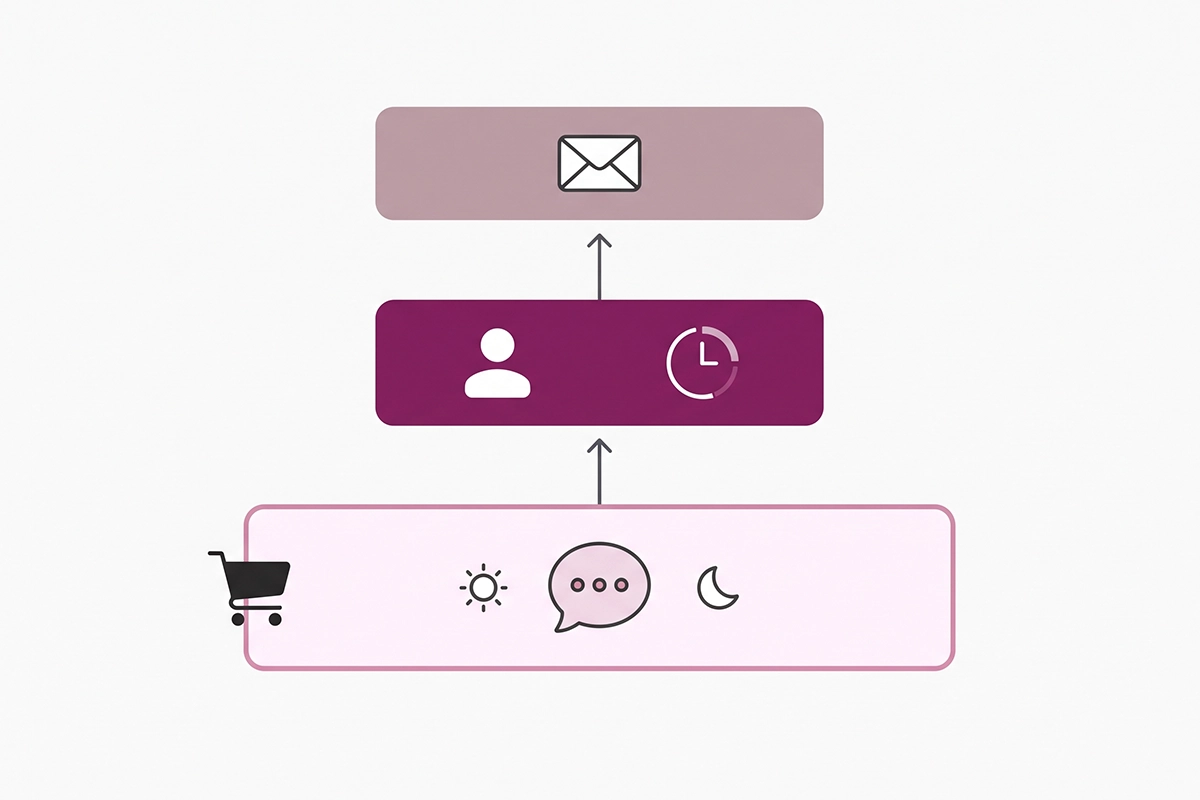
For a store under about 500 orders a month, I'd run both, with the bot doing the hours and you doing the judgment. Seven steps, in order.
1. Fix what chat can't. Guest checkout on, shipping cost visible before the final step, express payment buttons live. This is the 40% reason, and it costs nothing.
2. Turn on the Inbox agent for off-hours. Inbox lets you assign its AI agent to all conversations, only when staff are unavailable, or never. Pick the middle option.
Per Shopify's documentation, the agent answers product, pricing, and availability questions, checks order status, and can add recommended products to the cart. My Inbox AI agent setup guide covers the tone and rules to write.
3. Set honest availability hours. Two to four hours a day that you can really keep, placed where your customers shop, beat a full day you'll miss. When staff are available, the agent hands the conversation over with its context. When they aren't, it gives the customer your email address.
4. Decide the sign-in setting. Check whether chats arrive as "Shop visitor" and choose between cart context and an easier first message.
5. Take the human moments yourself. Declined cards, errors, exceptions, and trust questions on your priciest items. Those are the conversations worth your time.
6. Keep the abandoned cart email running. Chat works during the visit. Email works after it. They reach different shoppers.
7. Count it. Note every order where a chat came first. After 60 days you'll know your own recovery number, and that beats any benchmark.
If a free tool fits, I recommend the free tool, and for most first-year founders this one fits. You outgrow it when you want triggered nudges at the shipping step, or a bot that someone else trains and watches for you. That's when a dedicated chatbot earns its fee.
Wrapping up
Live chat abandoned cart recovery works, but on a narrower slice than the vendors suggest. About four in ten abandoned carts were never buying. A good share of the rest left over costs and checkout steps that no conversation fixes. What remains is a set of answerable questions and a few moments that need a person.
Give the answerable questions to a bot, because it's there at 2 a.m. and you aren't. Keep the trust questions, the payment failures, and the exceptions for yourself, during hours you can actually hold.
Expect low single-digit recovery on top of your email flow. Measure your own number and don't trust anyone's benchmark, including mine.
The work still on your plate: open Inbox, check how chats are arriving, set your hours, and write down the five questions shoppers ask most before buying. That list is your bot's first training set and your own cheat sheet for the chats you take.
If you'd rather have the bot half built, trained on your real policies, and watched each week, that's what the service below does.
Want the bot half of this built for you?
The Studio Niza AI chatbot service trains a bot on your products, shipping rules, and policies, and hands the conversations a human should take back to you. $599 setup, $99/month.
See how the chatbot service works →Or email contact@studioniza.com if you have a specific question about your store. I read every one.
Frequently asked questions
If you're still unsure after reading these, just send the question.
Does Shopify Inbox show what is in a customer's cart? +
Yes, for customers it can identify. Shopify Inbox shows cart add and remove events in the conversation, and the cart subtotal and quantities in the conversation header. On stores using new customer accounts, a shopper who has not signed in appears as Shop visitor, and the conversation does not include cart or order details until they sign in.
Is live chat worth it for a Shopify store under 200 orders a month? +
It is worth it if you are already at your desk and can reply within about a minute, because the tool is free and the only cost is your attention. It is not worth hiring someone to watch a chat window at that volume. Let a bot cover the hours you are away and take the chats that need a person yourself.
How fast do I need to reply for live chat to save a sale? +
Aim for under a minute. LiveChat's Customer Service Report puts the average first reply in retail at 55 seconds, and a shopper with an open cart will not wait much longer than that. If you cannot hold that pace, set shorter availability hours and let a bot answer outside them.
Should I offer a discount in chat to save an abandoned cart? +
Not as the first move. Most cart questions are about shipping, delivery, returns, or trust, and a clear answer recovers the sale at full price. Keep a discount for a shopper who has named price as the only thing stopping them, and send it as a code in the chat so it applies to their cart.
Do I still need abandoned cart emails if I have live chat or a chatbot? +
Yes. Chat works while the shopper is still on your site, and email works after they have left, so they reach different people. Live chat abandoned cart recovery adds to your email flow and does not replace it.
How do I track sales recovered by chat? +
Keep a simple log of every order where a chat came before the purchase, with the cart value and what the question was. Shopify Inbox also reports the orders its agent assisted. After 60 days, divide chat-assisted orders by your abandoned carts to get your own recovery rate.