
Shopify Inbox is already sitting in your admin. It is free on every plan, Shopify keeps nudging you to turn it on, and if you run a store in 2026 you have probably wondered whether it quietly solves customer chat for you. This Shopify Inbox review gives you the answer I give paying clients: for most new stores, yes, it is enough. For now.
That "for now" is the useful part. Inbox is a live chat tool with some AI sprinkled on top, not a chatbot. The difference does not matter at 5 chats a week. It matters a lot at 25, or when the chats start arriving at 3 AM your time.
Full disclosure before we start: I run Studio Niza, and one of the four services I sell is a managed AI chatbot. I am still going to tell you to start with the free tool, because that is the honest order of operations. This review covers what Inbox actually does, what it does not do, and the specific signals that tell you the free tier has stopped being enough.
What Shopify Inbox is (and why it's free)
Shopify Inbox is Shopify's own chat app. It adds a chat widget to your storefront, connects to the Shop app, and routes every conversation into one inbox you can answer from desktop or your phone. It is free on every plan, with no message limits and no paid tier hiding behind the free one.
Why would Shopify give this away? Because chat sells. By Shopify's own numbers, 70 percent of Inbox conversations happen while the customer is making a purchasing decision. Every question you answer well is a checkout Shopify earns a slice of, so the tool pays for itself on their side of the table.
Be clear about what it is, though. Inbox is a place where you talk to customers, with automation around the edges. It is not an autonomous agent. That distinction runs through this whole review.
What Shopify Inbox does well
For a free tool, Inbox covers real ground. Four features do most of the work.
Live chat with cart visibility
While you chat, Inbox shows you what the customer is looking at, what is in their cart, and what they have ordered before. Shopify built a real-time buyer signal pipeline specifically so you can see purchase intent as it happens, and message classification labels incoming chats by topic so you can jump on the ones that look like a sale.
This context is genuinely useful. "Does this come in medium?" is a different conversation when you can see the exact product page the customer is on.
Instant answers: your FAQ inside the chat window
Instant answers are pre-written question-and-answer pairs that appear as buttons in the chat widget. You can publish up to 100 of them, and they work around the clock without you. Shopify Magic will even suggest questions and draft answers based on your store policies and past conversations.
Set these up properly and a real share of routine questions never reaches you. This is the closest thing to automation Inbox has, and it is worth an afternoon of your time.
AI-suggested replies from Shopify Magic
During a live conversation, Shopify Magic drafts a suggested reply from your product listings, store policies, and shipping settings. You review it, edit it, and press send. The drafts only generate in English, and they are only as good as the store data behind them: thin product pages and missing policies mean thin suggestions.
Used well, this cuts your reply time. But notice the shape of the feature: it helps you answer faster. It does not answer for you.
Selling inside the conversation
You can send product cards, photos, and discount codes without leaving the chat, and automated order status updates handle the most common support question in ecommerce before it becomes a conversation. If you step away, Inbox collects the customer's email and continues the thread there.
Shopify's listing claims quicker responses can lift conversion by up to 69 percent. Treat vendor numbers like vendor numbers, but the direction is right: answered chats convert, and ignored chats do not.
What Shopify Inbox does not do
Here is the part the app listing does not lead with. None of these limits are hidden, exactly. They are just easy to miss until you are living with them.
It suggests replies. It does not send them.
Every AI feature in Inbox keeps a human in the loop by design. Shopify Magic drafts text into an editable field and waits for you, which is a sensible safety choice. It also means the AI in Shopify Inbox never resolves a conversation on its own.
Practically: if you get 30 chats this week, you personally handle 30 chats this week. The AI made each one faster. It made none of them disappear.
It cannot take order actions
Inbox shows you the customer's order history. It cannot act on it. There is no flow where a customer asks the chat to change a shipping address, edit an order, start a return, or track a specific package, and the tool handles it. Automated status updates are broadcast messages, not a conversation about that customer's order.
For context, "where is my order" questions are the bulk of ecommerce support volume for most small stores. Inbox softens them with status updates. It does not absorb them.
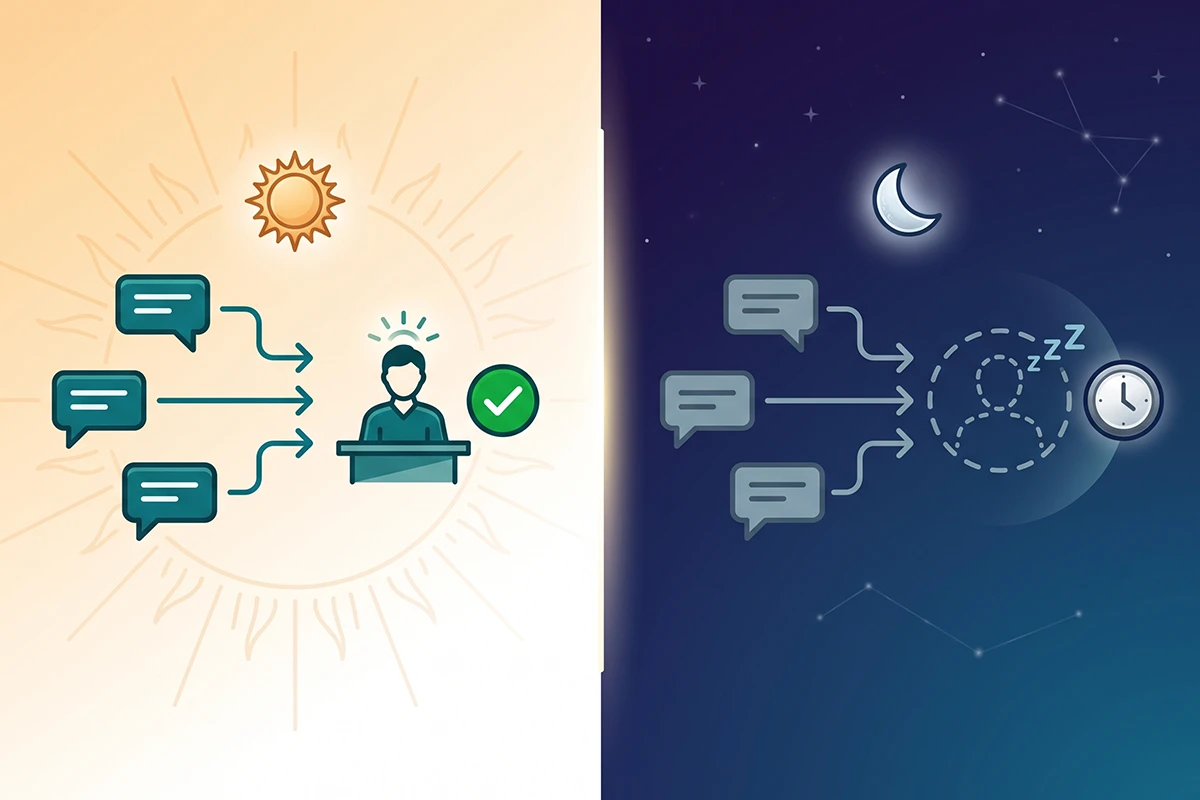
It has no real off-hours coverage
Instant answers work while you sleep, but only for the questions you predicted. Everything else sits until morning. The email continuation is meant to catch these conversations, and store owners consistently report those follow-up emails landing in the customer's spam folder, which means the sale you thought you saved often was not saved at all.
If your customers are in the US and you are not, this is the limit you will feel first. A buyer with a pre-purchase question at their 2 PM does not wait for your 9 AM.
The small frictions that add up
A few patterns show up over and over in merchant reviews and community threads. Notifications that do not fire, so chats sit unseen. No spam filtering, so freelancer pitches bury real buyers. No way to manage multiple stores from one login. And the recent redesign added clicks for exactly the high-volume merchants who needed fewer of them.
None of these kill the tool at low volume. All of them get more expensive as volume grows, which is the theme of this entire review.
So is Shopify Inbox good?
Yes. Install it today. It is free, it takes under an hour to set up properly, and most of the conversations it opens are with people deciding whether to buy from you. A new store with no chat at all is leaving easy sales on the table.
I want to be clear about how unusual this recommendation is, coming from me. Chatbots are one of the four services Studio Niza sells, and I am telling you not to buy one yet. A store doing 30 to 100 orders a month with a handful of chats a week does not need a paid chatbot. It needs Inbox turned on, instant answers filled in, and the owner answering the rest. I have written before about whether AI chatbots actually work for small Shopify stores, and the honest answer starts with "not until the volume justifies one."
So the review question was never really "is Shopify Inbox good." It is good. The question is when it stops being enough, and that has a concrete answer.
When does Inbox stop being enough? The volume threshold
There is no official cutoff, but after building and monitoring chatbots for Shopify stores, I watch for three signals. Any one of them means the free tool is starting to cost you more than a paid one would.
Signal 1: the same 10 questions make up most of your chats. Somewhere around 15 to 20 conversations a week, most stores notice that sizing, shipping times, returns, and order status are 70 to 80 percent of everything they answer. Instant answers catch some of it. The rest is you, typing the same paragraph again.
Signal 2: off-hours chats are turning into lost sales. Read your Inbox history for conversations that started while you were offline and never converted. If buyers in other timezones ask pre-purchase questions and get silence, you are paying for the free tool in missed checkouts.
Signal 3: customers ask the chat to do things. Track a package. Change an address. Ask when a sold-out product restocks. Inbox structurally cannot do any of it, and a trained AI chatbot connected to your store data can.
Here is the honest side-by-side:
| What you need | Shopify Inbox | Trained AI chatbot |
|---|---|---|
| Answering autonomy | Suggests replies; you review and send every one | Answers and resolves on its own, escalates edge cases to you |
| Order questions | Shows you the data; sends broadcast status updates | Looks up the specific order and answers the customer directly |
| Off-hours coverage | Pre-written instant answers only | Full conversations, 24/7, in your brand voice |
| Repetitive questions | You answer each one, faster with saved replies | Handled without you |
| Spam and noise | No filtering; everything reaches you | Absorbed by the bot; only real escalations reach you |
| Cost | Free on every Shopify plan | Roughly $39 to $279/month self-serve; managed from $99/month plus setup |
On cost, since this market hides it: self-serve chatbot software generally runs $39 to $279 a month, and you do the building, training, and monitoring yourself. Managed services commonly charge $300 to $2,000 a month. Studio Niza's managed tier is $599 setup and then $99 a month, and I publish the cost math behind that number because almost nobody selling chatbots does. The point is not that you should buy mine. The point is that the real difference between Inbox and a chatbot is training on your own policies and product knowledge plus the ability to act, and that is what the money buys.
The honest decision path from free Inbox to a paid chatbot
Here is the path I recommend to clients, including the ones who arrive ready to pay me.
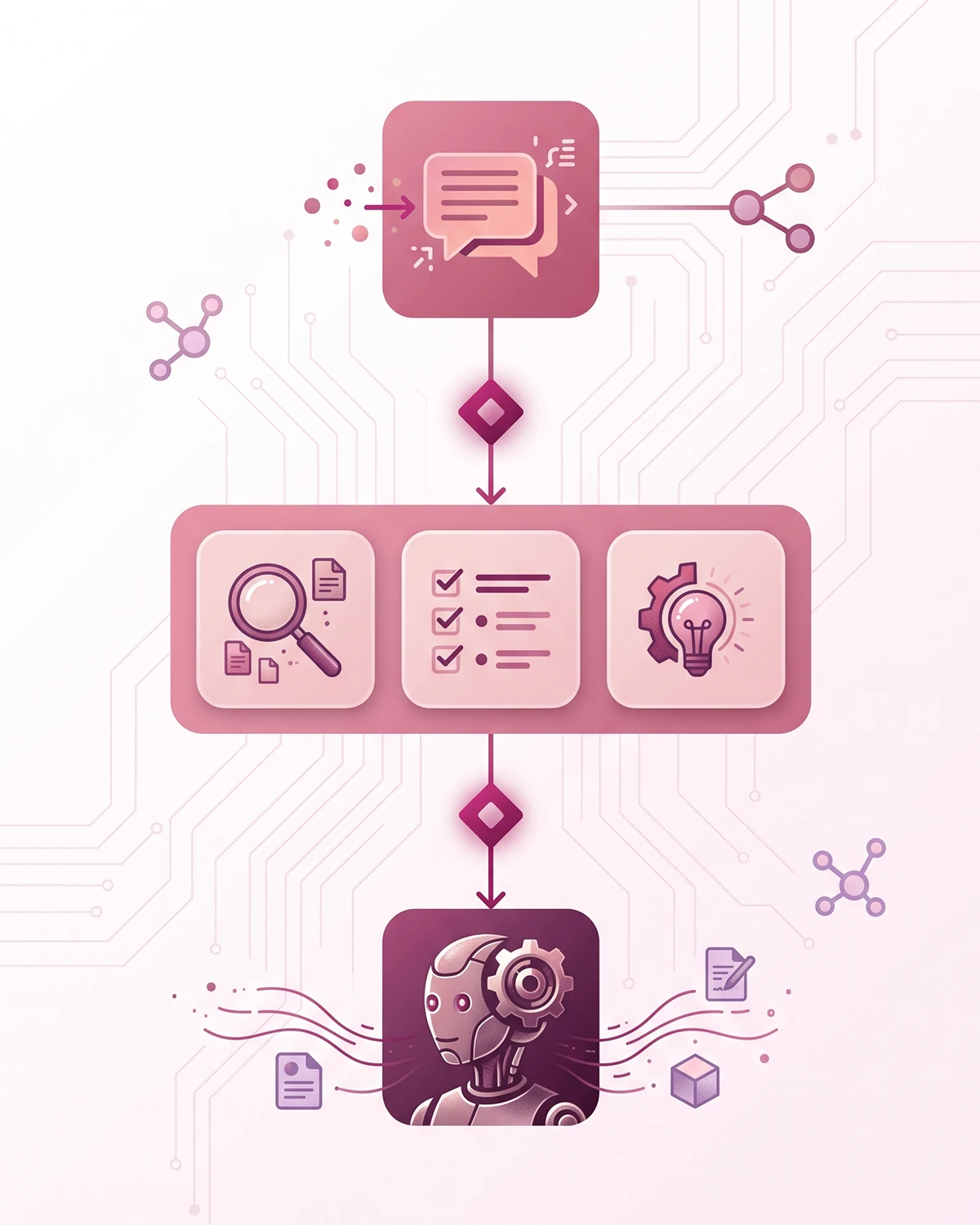
Stage 1: turn Inbox on the week you launch. Set your availability hours honestly, write a greeting that sounds like you, and turn on contact capture so offline visitors leave an email. Cost: free. Time: under an hour.
Stage 2: build instant answers from real questions. Once a month, read your chat history and turn every repeated question into an instant answer. Accept Shopify Magic's suggestions where they are accurate and rewrite the ones that are not, because you are responsible for what the answers say. This stage alone deflects a meaningful share of routine chats, and it doubles as the first draft of a chatbot knowledge base if you ever upgrade.
Stage 3: upgrade when the signals fire, not before. When repetitive volume, off-hours losses, or order-action requests show up consistently for a month or two, that is the moment a chatbot earns its cost. At that point your real decision is self-serve versus managed, and whichever you pick, insist on a clean human handoff design so the bot escalates gracefully instead of trapping frustrated customers.
Notice what this path protects: your budget in months 1 through 6, and your sales after that. Jumping straight to a paid chatbot at launch wastes money. Staying on Inbox two years too long wastes revenue. The signals tell you where you are.
Wrapping up
Shopify Inbox is a good free tool wearing slightly oversold AI clothing. As live chat with cart context, instant answers, and reply suggestions, it is genuinely useful, and every new store should run it. As a "free chatbot," it is not one: a human sends every reply, order actions do not exist, and off-hours coverage stops at the questions you pre-wrote.
So here is the Shopify Inbox review verdict, stated plainly. Start with Inbox. Set up instant answers properly. Then watch for the three signals: repetitive questions crossing roughly 15 to 20 chats a week, off-hours conversations dying unanswered, and customers asking the chat to do things it cannot do.
When those show up, you are no longer choosing between free and paid. You are choosing between your hours and a tool that costs less than the sales you are losing. That is a much easier decision, and by then your Inbox history will have quietly written the chatbot's training material for you.
Outgrown the free chat window?
The Studio Niza chatbot service builds a trained AI assistant on your own policies and products, monitors it monthly, and hands off to you when a human is needed. Setup from $599, then $99/month. Start with Inbox. Come back when the volume does.
See chatbot pricing →Or email contact@studioniza.com if you have a specific question about your store. I read every one.
Frequently asked questions
If you're still unsure after reading these, just send the question.
Is Shopify Inbox completely free? +
Yes. Shopify Inbox is free on every Shopify plan, with no message limits, paid tiers, or per-seat fees. The real cost shows up later as your time, because a human still has to read and answer every conversation.
Does Shopify Inbox have an AI chatbot? +
Not in the way most people mean it. Shopify Magic suggests replies and drafts instant answers, but you review and send every message yourself. Nothing in Inbox resolves a conversation on its own.
Can Shopify Inbox answer customers while I sleep? +
Only partially. Instant answers can handle up to 100 pre-written questions around the clock, and automated order status updates cover common shipping questions. Anything outside those waits for you, with an email follow-up that customers sometimes find in their spam folder.
Can Shopify Inbox check a customer's order status? +
It shows you the customer's cart, viewed products, and past orders while you chat, and it can send automated order status updates. What it cannot do is hold a conversation about a specific order or take an action like editing or canceling one without you.
What's the difference between instant answers and a trained AI chatbot? +
Instant answers are static question-and-answer buttons you write in advance. A trained AI chatbot generates answers from your full product catalog and policies, handles follow-up questions, and works without you pressing send. One is an FAQ inside a chat window; the other is closer to a support agent.
How many chats per week before Shopify Inbox stops being enough? +
There is no official number, but the pattern I see is around 15 to 20 chats a week. At that volume, most stores find that the same 10 questions make up most conversations and that off-hours messages start turning into lost sales. Those two signals matter more than the raw count.