Somewhere in the last two years, "block the AI scrapers" became default advice. It shows up in Shopify Facebook groups, in Reddit threads, and in blog posts that were written in 2023 and never revisited. Someone pastes a snippet into their store's robots.txt file, feels protected, and never checks what it did.
Here is the problem with that advice. It was written for publishers who sell access to words. You sell products.
If you block AI crawlers, Shopify stores give up something measurable in exchange for something theoretical. Shopify's own commerce data from Q1 2026 put AI-referred sessions at more than 8x year over year, with those shoppers converting nearly 50 percent better than organic search visitors on product pages and spending about 14 percent more per order. Blocking the crawlers that feed ChatGPT, Claude, and Perplexity answers does not protect your catalog. It takes you off the shortlist.
That does not mean you allow everything without reading anything. There is a real difference between the bots that collect training data and the bots that fetch your page to answer a shopper's question right now, and you can treat those two groups differently. Most store owners who want to block AI crawlers on Shopify only object to the first group, then accidentally block both.
This post covers who is actually crawling your store, what blocking each bot really prevents, the narrow cases where blocking still makes sense, how to check what your robots.txt allows today, and the configuration I would use. If you want the wider picture on getting your store cited in ChatGPT, Perplexity, and Claude, that post pairs with this one.
The AI crawlers actually hitting your Shopify store in 2026
The first thing to understand is that "AI crawlers" is not one thing. Every major AI company now runs several bots with separate names, separate jobs, and separate consequences when you block them.
This matters more than it sounds. A rule that blocks one name has no effect on the others, and the names are close enough that people mix them up constantly.
OpenAI runs three bots
OpenAI's crawler documentation lists three user agents and states plainly that each setting is independent of the others. GPTBot collects content that may be used to train future models. OAI-SearchBot builds the index behind ChatGPT's search feature. ChatGPT-User fetches a specific page when a person asks ChatGPT to look at it.
You can block GPTBot and stay fully visible in ChatGPT search. That combination is the most common configuration among brands that want citations without contributing to training runs.
Anthropic runs three bots
Anthropic split its crawlers the same way in early 2026. Its crawler documentation lists ClaudeBot for training, Claude-SearchBot for search indexing, and Claude-User for pages fetched during a live conversation.
The documentation is unusually direct about the trade. As Search Engine Journal reported, Anthropic states that disabling Claude-SearchBot stops its system from indexing your content, which may reduce your site's visibility and accuracy in user search results. That is the vendor telling you what a block costs, in writing.
Perplexity, Google, and the rest
Perplexity documents two agents: PerplexityBot for indexing, and Perplexity-User for fetches triggered by a person. Perplexity's crawler docs also cover firewall allow-listing, which tells you something about how often these bots get blocked by security settings nobody remembers configuring.
Google is the one to be careful with. Googlebot handles crawling for Google Search, and Google's AI Overviews and AI Mode draw on that same index. There is no separate AI Overviews crawler to block. Google-Extended is a different thing entirely: it is a control token covering Gemini training and grounding, and Google states it does not affect a site's inclusion in Search. Blocking Google-Extended is a training opt-out, not an AI opt-out.
| User agent | Run by | What it does | What blocking it costs you |
|---|---|---|---|
| GPTBot | OpenAI | Collects content that may train future models | Nothing immediate. Future content stays out of training |
| OAI-SearchBot | OpenAI | Builds the index behind ChatGPT search | Your store stops being eligible as a cited source in ChatGPT |
| ChatGPT-User | OpenAI | Fetches a page when a person asks ChatGPT to read it | ChatGPT cannot open your product page on a shopper's request |
| ClaudeBot | Anthropic | Collects content that may train Claude models | Nothing immediate. Future content excluded from training |
| Claude-SearchBot | Anthropic | Indexes content for Claude's search results | Anthropic says this may reduce visibility in search answers |
| Claude-User | Anthropic | Retrieves pages during a live Claude conversation | Claude cannot pull your page in response to a question |
| PerplexityBot | Perplexity | Indexes pages for Perplexity answers and citations | You drop out of Perplexity's citation pool |
| Perplexity-User | Perplexity | Fetches a page a Perplexity user asked for | Perplexity treats this as user-directed, so results vary |
| Googlebot | Crawls for Google Search, AI Overviews, and AI Mode | Everything. Never block this one | |
| Google-Extended | Controls Gemini training and grounding use | Gemini training only. No effect on Google Search | |
| Bingbot | Microsoft | Crawls for Bing, which feeds Microsoft Copilot | Bing rankings and Copilot answers at the same time |
Training bots vs retrieval bots: the split that decides your answer
Once you see the table, the decision gets simpler. There are two lanes, and you are allowed to have a different policy for each.
Training bots read your pages so that a future model version knows more about the world. GPTBot, ClaudeBot, and Google-Extended sit here. Blocking them changes nothing about today's traffic. It is a values decision about whether your words feed the next model, and for most product catalogs there is very little at stake either way, because the content is product specifications and shipping policies rather than original reporting.
Retrieval bots read your pages so an AI can answer a shopper's question this minute and link to you. OAI-SearchBot, Claude-SearchBot, PerplexityBot, and the three user-triggered fetchers sit here. Blocking these is what removes you from the answer.
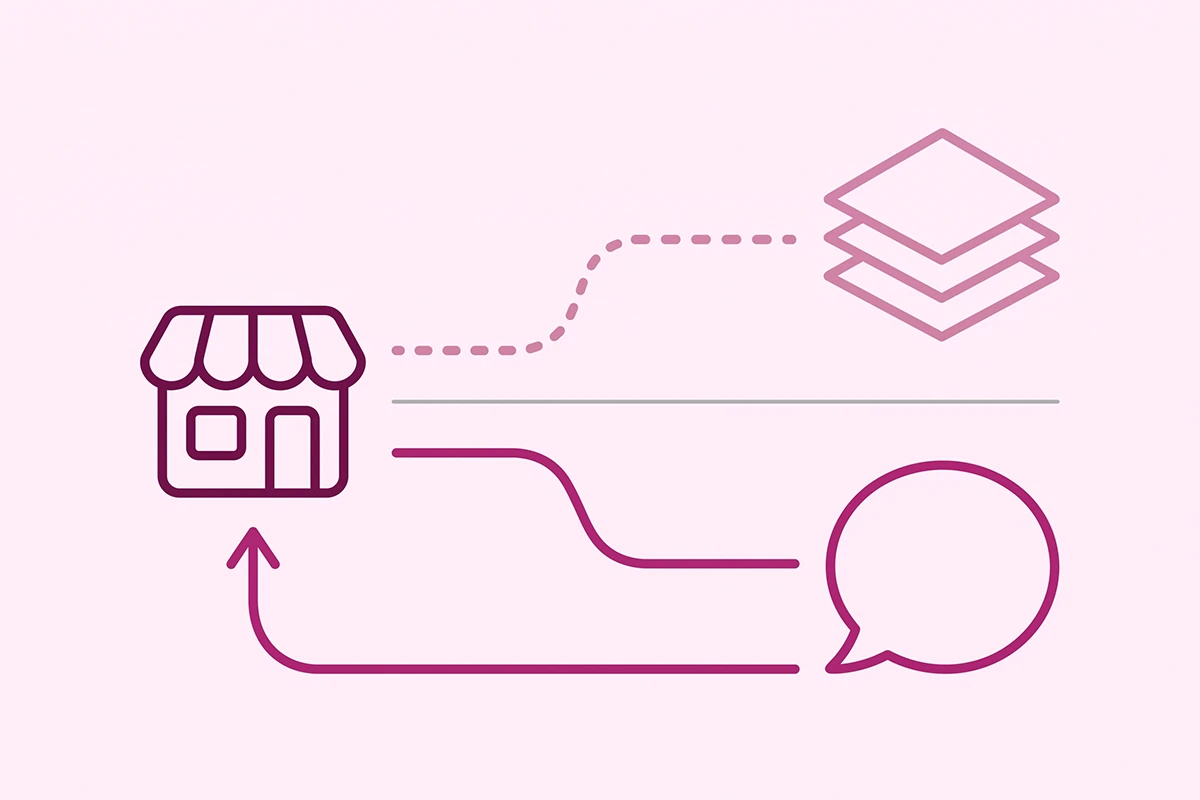
Almost every "block AI crawlers" snippet floating around was written before this split existed. Those snippets close both lanes at once, which means a store owner who only objected to training has also removed their products from the citation pool without knowing it.
The split also explains why AI traffic behaves the way it does. Shopify calls the effect journey compression: the AI does the comparing before the shopper ever arrives, so landing on your product page means your product already made the shortlist. That is the same shift driving what the Universal Commerce Protocol changes about product discovery. A retrieval block cuts you out at the shortlist stage, before any of that can happen.
What blocking AI crawlers on Shopify actually costs you
Here is the honest version of the numbers, including the part that most posts leave out.
Shopify's Q1 2026 figures were the headline: AI-referred sessions up more than 8x, AI-referred orders up nearly 13x, conversion nearly 50 percent better than organic search, average order value about 14 percent higher. The Q2 update was more modest, with AI-referred sessions up 197 percent year over year against a much larger base, while organic search grew 12 percent and still sends more sessions than every AI platform combined.
So the honest framing is not "AI search has replaced Google." It has not, and it will not this year. The honest framing is that this is a small, fast-growing channel with unusually good buyers, and the cost of participating is a text file edit.
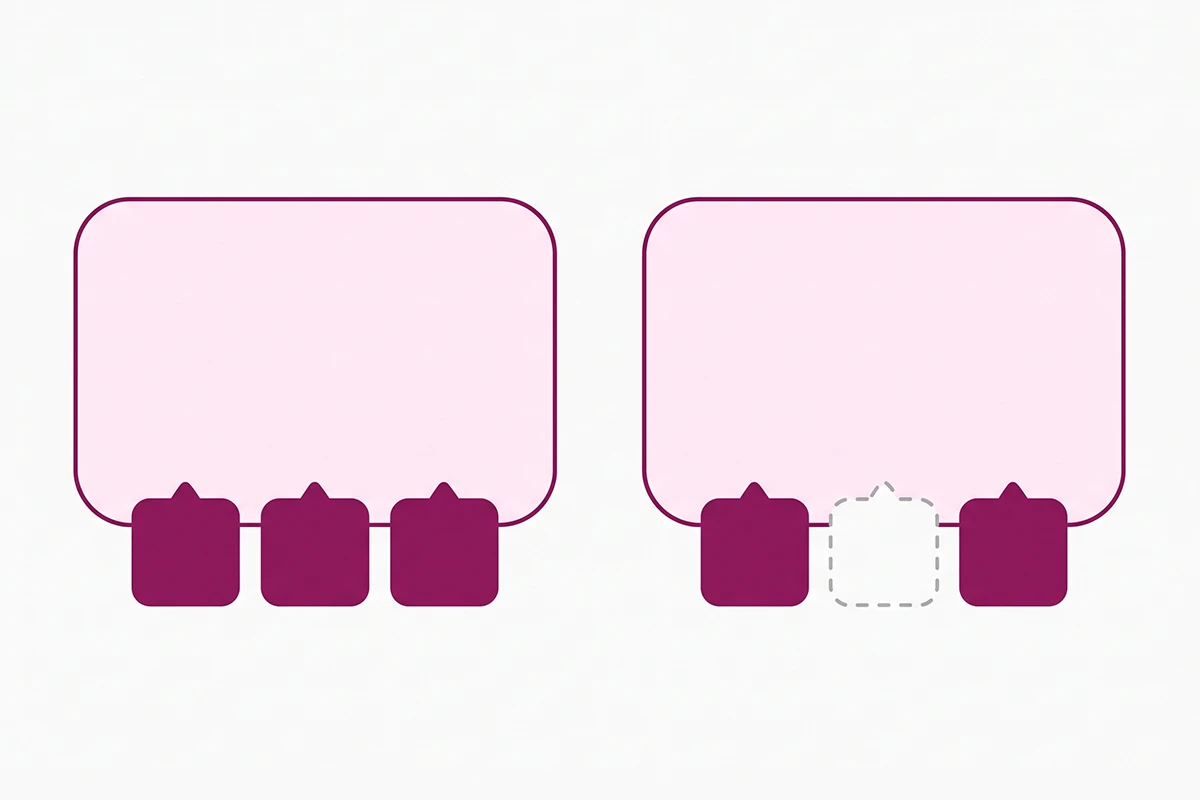
There is a second cost that is harder to see. When an AI cannot read your store, it still answers the shopper's question. It just builds the answer from marketplaces, review aggregators, and your competitors. Cloudflare noted this in its own testing: when a crawler was successfully blocked, the answers it produced were less specific and missing details from the original source, but the answers still got produced.
Blocking does not create silence. It creates an answer about your category that does not include you.
Being crawlable is only half of it, of course. The crawler has to find something worth citing when it arrives, which is why policy pages, shipping details, and structured FAQ content matter as much as the robots.txt rule. Shopify's Knowledge Base app is a free way to give retrieval bots that kind of material.
When does blocking AI crawlers make sense?
There are real cases. They are narrower than the internet suggests.
Content people pay to see
If you sell a course, a members-only library, or a paid newsletter, keeping that content out of both training and retrieval is reasonable. You are protecting the product itself. Note that anything genuinely behind a login is not crawlable anyway, so this mostly applies to preview pages and sample chapters.
Staging, preview, and internal URLs
Preview theme URLs, unlisted pages, and internal search result pages should be disallowed for everyone, AI included. Shopify's default robots.txt already handles most of this, which is one more reason not to overwrite the file casually.
Genuinely original editorial you monetize
If your store's blog is doing original research nobody else has, blocking the training bots while leaving the retrieval bots open is a defensible position. You stay citable, you stay out of the training set. This is the "do not train on me, but do cite me" configuration, and it is the one I would pick for a store with real editorial investment.
Notice what none of these cases describe: a product catalog. Product titles, specifications, prices, materials, sizing, and shipping policies are facts that appear in a dozen other places. There is no protective value in hiding them, and a large cost to hiding them from the systems shoppers now use to compare options.
How do you check what your Shopify robots.txt allows right now?
Most owners have never looked. Do this before you change anything, because a surprising number of stores discover they were never blocking AI crawlers in the first place, or that they are blocking something they did not choose.
Step one. Open yourstore.com/robots.txt in a browser. It is a plain text file. You do not need a tool.
Step two. Search the page for the bot names in the table above. Shopify's default file does not name any AI crawler. It sets rules for everyone under a single wildcard group and disallows cart, checkout, admin, account, and some collection filter paths. If you see AI bot names in there, someone added them.
Step three. Look for a broad Disallow: / under any user agent other than the ones you intended. This is the rule that quietly deletes a store from a channel.
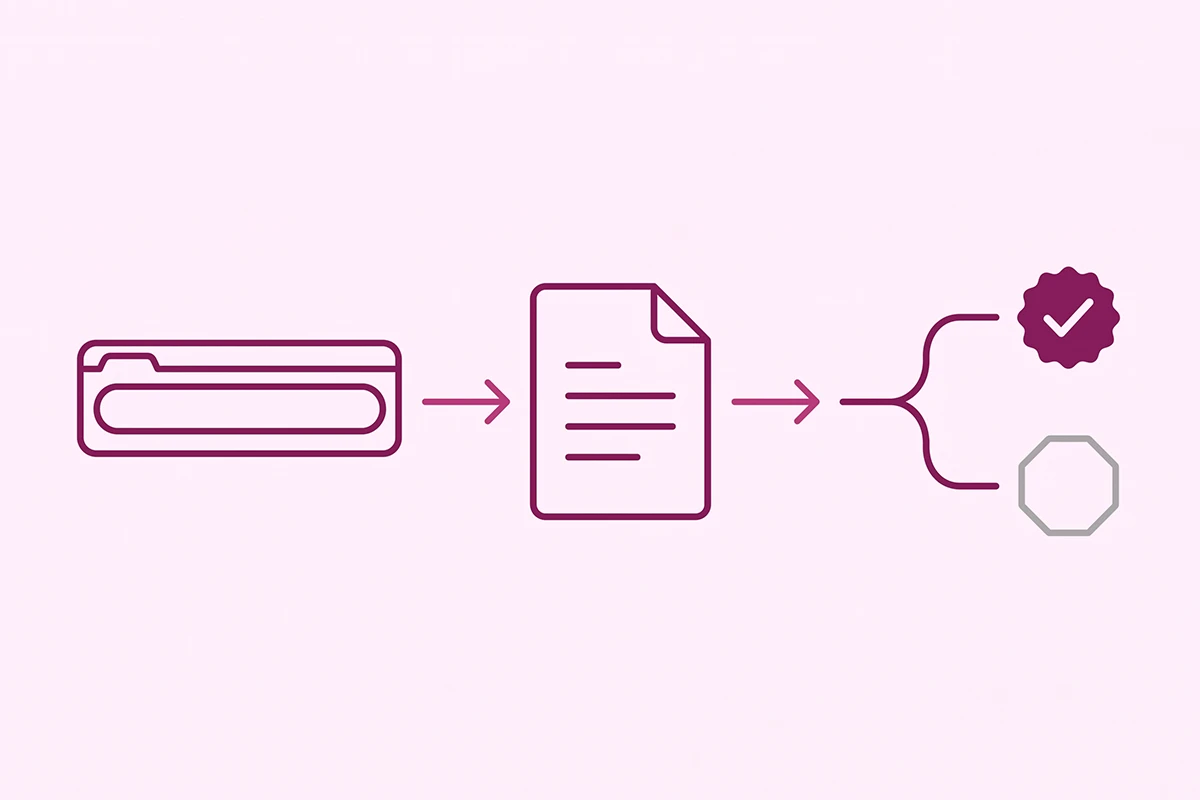
Step four. Check whether you have a robots.txt.liquid template at all. In your Shopify admin, go to Online Store, then Themes, then Edit code, and look in the Templates folder. If the file is not there, you are on Shopify's default and nothing has been customized.
Step five. Check your apps. Some SEO and store-protection apps write rules into that template or filter unusual user agents at the middleware layer. If your file looks clean but AI engines still cannot see you, an app is a likely culprit, and so is a security preset from whoever set the store up.
If the file checks out and you are still invisible in AI answers, the problem is upstream of crawling. That is a different diagnosis, covered in why your store isn't showing up in ChatGPT.
The allow-with-eyes-open robots.txt setup for Shopify
Shopify generates a solid default file, and Shopify's own help documentation says it works for most stores. If you have not customized anything, the honest answer is that you may already be done. Open the file, confirm no AI bots are named, and go do something else.
If you want explicit rules so that intent is recorded and future theme changes do not surprise you, here is the configuration I use for stores that want AI visibility while opting out of training.
| User agent | Rule | Why |
|---|---|---|
| OAI-SearchBot | Allow: / | Eligibility to be cited in ChatGPT search |
| ChatGPT-User | Allow: / | Lets ChatGPT open your page for a real shopper |
| Claude-SearchBot | Allow: / | Eligibility to be cited in Claude search |
| Claude-User | Allow: / | Live retrieval during a Claude conversation |
| PerplexityBot | Allow: / | Perplexity citations and referral clicks |
| Perplexity-User | Allow: / | User-triggered fetches |
| Bingbot | Allow: / | Bing rankings, and Copilot runs on Bing's index |
| GPTBot | Your call | Training only. Disallow if you object, no traffic cost |
| ClaudeBot | Your call | Training only. Same trade as GPTBot |
| Google-Extended | Your call | Gemini training and grounding. Does not touch Search |
Two cautions before you touch anything. First, the Shopify robots.txt.liquid template is an unsupported customization, which means Shopify support cannot help you fix it. Second, if you add the template, you need to keep the Liquid that outputs Shopify's default rules, or you will wipe out protections you did want.
Shopify's developer documentation shows how to add new rules alongside the default output rather than replacing it. Duplicate your theme first, edit the copy, preview it, then publish. That takes fifteen minutes and costs nothing. You do not need an app for this, though apps exist for people who would rather not open Liquid at all.
What robots.txt can't do for you
This is the part most guides skip, and skipping it gives people false confidence.
Robots.txt is a request, not a wall. Compliant bots honor it. Bots that do not care about your preferences ignore it and always have. In August 2025, Cloudflare published evidence that Perplexity used undeclared crawlers with rotating identities to reach content on sites that had explicitly blocked its named bots. Perplexity disputed the characterization, arguing that user-triggered fetches are a different category from crawling. That argument has not been settled, and you should assume it will not be settled soon.
Blocking is not retroactive. Disallowing GPTBot today does nothing about content already in a model. If your concern is content that has been crawled for the last two years, robots.txt is closing a door on an empty room.
You do not control your own firewall. Publishers can block at the network layer. Shopify merchants generally cannot, because Shopify runs the infrastructure. That is a fair trade for not managing servers, but it means robots.txt really is your main control surface.
Anything public is readable. If a product description is on a page a shopper can load, a determined scraper can load it too. The realistic goal is influencing well-behaved systems, not achieving actual secrecy.
Wrapping up
Three things to carry out of this.
First, blocking AI crawlers on Shopify is two decisions, not one. Training and retrieval are separate lanes with separate user agents. If you object to model training, block the training bots and leave the retrieval bots open. Do not close both because a 2023 snippet told you to.
Second, check before you change. Shopify's default file names no AI crawlers, so if something is blocked, a person or an app did it. Fifteen minutes with your own robots.txt file will tell you more than another week of reading opinions about whether AI is stealing from you.
Third, be realistic about the size of this. AI referrals are still a small share of most stores' traffic, and organic search still sends far more. But the buyers arriving through AI convert better and spend more, the channel is growing quickly, and the entry fee is a free text edit. Very few SEO decisions have that shape.
The work that remains after this is the harder part: giving those crawlers something specific and accurate to cite when they arrive. That is content and structured data, not configuration. Once you have allowed the right bots, the next step is measurement, so you can see whether any of it is working. That process is covered in how to track whether AI search is actually sending you shoppers.
Want someone to check this for you?
The Studio Niza SEO & GEO service includes a crawler and indexing audit: what your robots.txt allows, what is actually reaching AI engines, and what is quietly blocked. The Starter tier is $499 one-time.
See pricing & services →Or email contact@studioniza.com if you have a specific question about your store. I read every one.
Frequently asked questions
If you're still unsure after reading these, just send the question.
Does blocking AI crawlers on Shopify help my Google rankings? +
No. Google Search rankings are governed by Googlebot, which is a separate crawler from every AI bot named in robots.txt. Blocking GPTBot, ClaudeBot, or PerplexityBot has no effect on your Google position, positive or negative. The one Google-related rule to be careful with is Googlebot itself, which you should never disallow.
Can I block GPTBot and still appear in ChatGPT? +
Yes. OpenAI documents GPTBot, OAI-SearchBot, and ChatGPT-User as independently controllable, so you can disallow GPTBot for training while allowing the other two. That combination keeps your store eligible to be cited in ChatGPT search results while opting your content out of future model training runs.
Does Shopify block AI crawlers by default? +
No. Shopify's default robots.txt does not name any AI crawler. It sets rules under a single wildcard group and disallows administrative paths like cart, checkout, account, and certain collection filter URLs. If your store is blocking AI crawlers, a person or an app added that rule.
Will allowing AI crawlers slow down my Shopify store? +
It is unlikely to be an issue, because Shopify hosts the infrastructure and absorbs crawl load. If a specific bot does get aggressive, several operators including Anthropic support the non-standard Crawl-delay directive in robots.txt, which asks the bot to slow down rather than stop entirely.
Can AI crawlers copy my product descriptions? +
Anything on a public page can be read by anything that can load that page. Robots.txt controls the behavior of well-behaved declared bots, not determined scrapers, and Cloudflare has documented at least one AI company using undeclared crawlers to reach blocked content. The realistic goal is influencing compliant systems, not achieving secrecy.
Do I need an app to edit my Shopify robots.txt? +
No. Editing robots.txt on Shopify means adding a robots.txt.liquid template in your theme's Templates folder, which is free and takes about fifteen minutes. Apps exist for owners who would rather not open Liquid code, but they are a convenience rather than a requirement. Note that the template is an unsupported customization, so duplicate your theme before editing.