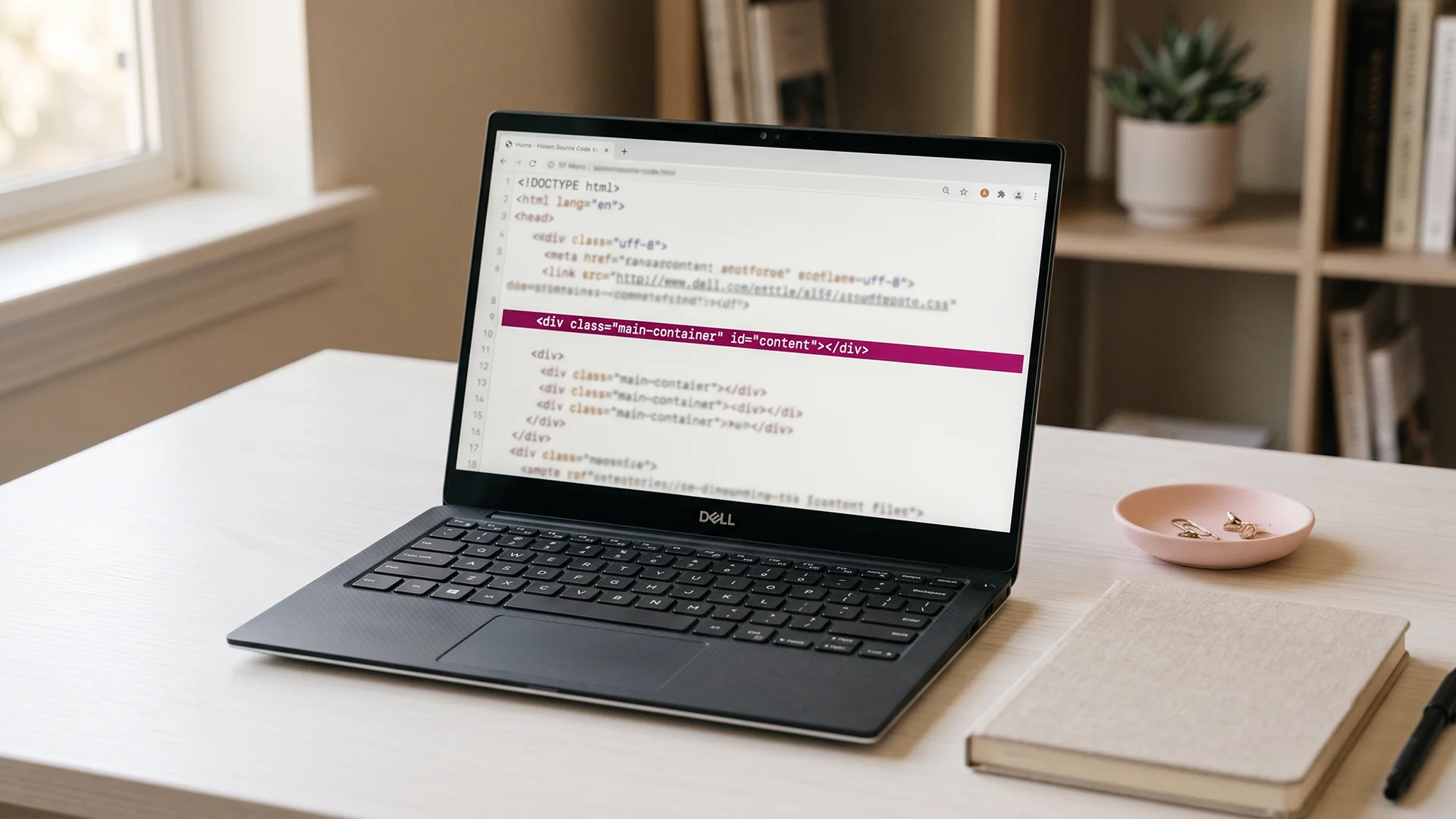
You read somewhere that canonical tags fix duplicate content, and now you are about to open your theme code and add one. Stop for a second. On Shopify, the Shopify canonical URL you are about to "add" is almost certainly already there, already pointing at the right page, quietly doing its job. Adding a second one is one of the fastest ways to break the exact thing you were trying to fix.
Here is the honest version most guides skip. Shopify sets a canonical tag on every page for you, and for the large majority of stores it gets that right. The tag is not magic and it is not a switch you flip. It is a hint you hand Google, and Google decides whether to follow it.
So the useful question is not "how do I add a canonical tag." It is "is mine already correct, and are there any pages where Shopify's default is actually wrong." For most new stores the answer is yes and no, in that order.
This post covers what the tag actually tells Google, how Shopify handles variants and paginated collections, the few cases where the default backfires, the difference between canonicalizing and noindexing, and how to check any page's canonical in about two clicks. No theme edits required to follow along.
What a canonical tag actually tells Google
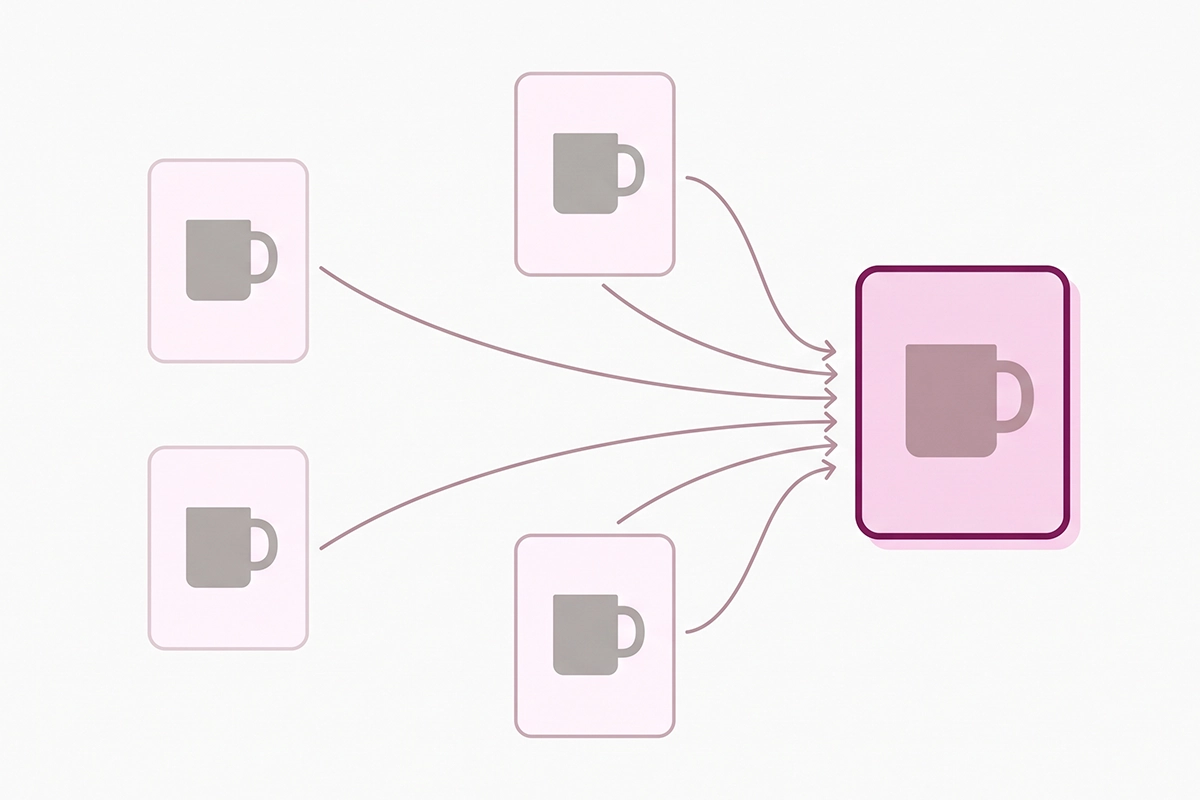
A canonical tag is a single line in the head of a page. It names the "main" version of that page when the same content can be reached at more than one address. On Shopify, one product can be opened through a collection path, through a variant link, or with a tracking parameter attached. To a shopper that is all the same product. To Google, each of those addresses is a separate page.
The tag points all of those addresses at one preferred URL, so the ranking signals land on a single page instead of getting split across near-identical copies. That is the whole job. It is also why canonicals matter for the duplicate content that variant and tag URLs create on almost every Shopify store.
Now the part most posts leave out. A canonical is a hint, not a command. Google treats it as a strong suggestion, weighs it against your other signals, then makes its own call. Google's own documentation says plainly that there is no guarantee it will pick your declared URL, only that it will take the preference into account.
What a canonical does not do
It does not delete the duplicate URL. Both addresses stay live and reachable. It does not force a URL out of search results either, so a collection-path version of a product can still show up in Google even when its canonical points elsewhere. People often expect the tag to hide those URLs, and it simply does not work that way.
If you actually need a URL gone, a canonical is the wrong tool. That is a job for a redirect or a noindex tag, both of which we get to below.
The order Google trusts your signals
Google ranks the ways you can express a canonical preference, strongest first: a redirect is the strongest signal, a canonical tag is a strong signal, and inclusion in your sitemap is a weaker one. They stack, so when your redirects, canonical tags, internal links, and sitemap all point at the same URL, Google is far more likely to agree with you.
How Shopify sets your canonical URLs automatically
Every theme from the Shopify Theme Store adds a canonical tag to every page, out of the box. You do not switch it on. It is already in your theme, built from a value Shopify generates for each page and prints into the head.
For products, that canonical is the clean product address: your domain, then the product handle, with no collection path and no variant attached. Shopify's own partner documentation spells this out. Open the same product through a collection or with a variant selected, and the canonical still points back to that one bare product URL.
That behavior cleans up the messiest sources of duplicate product URLs automatically:
| URL a crawler might land on | Canonical Shopify sets |
|---|---|
| /collections/sale/products/blue-mug | /products/blue-mug |
| /products/blue-mug?variant=12345 | /products/blue-mug |
| /products/blue-mug?pr_prod_strat=... (from a Recommended products block) | /products/blue-mug |
| /products/blue-mug?utm_source=newsletter | /products/blue-mug |
| / (homepage) | / (points to itself) |
The variant case is worth calling out because Shopify handles it well. A product with twenty size and color combinations could spawn twenty near-identical variant URLs. Shopify strips the variant parameter and rolls all of them up to the one product page, so those twenty do not compete against each other in search.
There is a trade-off baked in. If a variant has real search demand of its own, say people searching for the red version by name, it cannot rank on its own while it lives as a variant. When that is your situation, build it as a separate product with its own page rather than fight the canonical.
Does Shopify canonicalize paginated collections correctly?
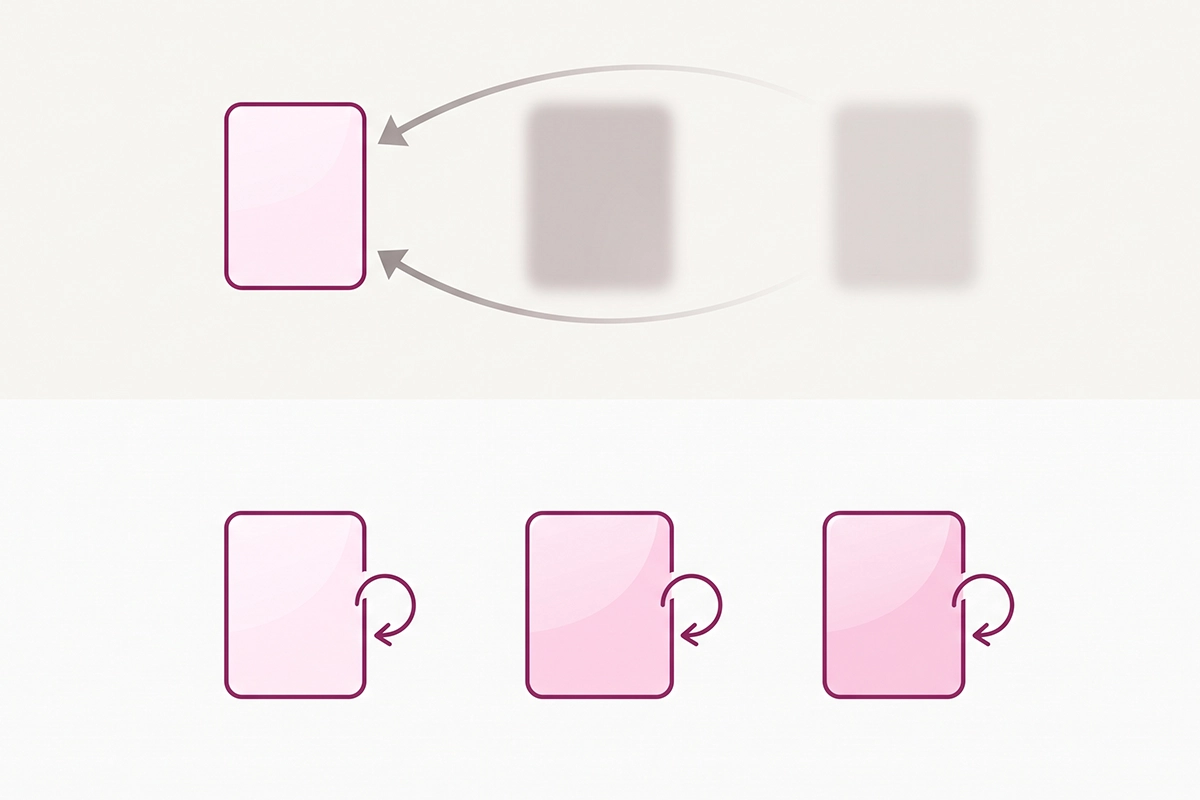
Yes, and this is where a lot of well-meaning advice online is flat wrong. On a collection that spans several pages, Shopify gives each page a canonical that points to itself. Page 2 canonicals to page 2. Page 3 to page 3. That is a self-referencing canonical, and for pagination it is exactly what Google wants.
You will find posts telling you to override this and point every paginated page back to page 1. Do not. Google has warned against this for years. Pointing page 2 and beyond at page 1 tells Google those later pages are duplicates of the first, and products that only appear deeper in the collection can quietly drop out of the index. On a store with a deep catalog, that is a real chunk of your products going invisible.
The old rel="next" and rel="prev" markup is not the answer either. Google confirmed years ago that it stopped using those pagination signals for indexing, so chasing them is wasted effort. Each paginated page stands on its own now, which is why Shopify's self-referencing default is the right call. If you want your category pages to hold together, that work belongs in your collection page SEO, not in canonical surgery.
The one small pagination gap
There is a minor imperfection worth knowing. The base collection URL and the same URL with a page-one parameter attached can both serve identical content, and Shopify does not always fold that page-one version back to the clean base URL. It is a low-stakes duplicate, and it is not worth a theme edit for most stores. If you never link to that version yourself, Google rarely finds a reason to care.
When Shopify's default canonical is actually wrong
For maybe nine out of ten stores, the default is correct and the right move is to leave it alone. The honest scope of this whole topic is small. Still, there are a handful of cases where the default breaks or where a manual canonical is the right choice, and these are the ones worth your attention.
A second canonical from a theme or page builder
Heavily customized themes and drag-and-drop page builders sometimes inject their own canonical tag on top of Shopify's. Now the page has two, and they may not agree. Google's rule here is unforgiving: when a page carries more than one canonical tag, it tends to ignore all of them and pick a canonical on its own. If you use a page builder for landing pages or product pages, this is the first thing to check.
An app that overrides the canonical
Some SEO and theme apps rewrite the canonical or add their own tag. Most do it correctly, but a few slip up after an app update or a theme change. If you installed something that touches SEO settings, verify a few pages afterward with the two-click check below.
A landing page that duplicates a product
Say you build a dedicated campaign page that sells the same product as your main product page. Now two pages compete for the same terms. This is a legitimate reason to set a manual canonical, pointing the weaker page at the one you want to rank. A mistake here can hide the wrong page, so go slowly and check your work.
Internal links that contradict the canonical
This is the most common real-world reason Google ignores a Shopify canonical, and it has nothing to do with the tag itself. If every Recommended products block, collection link, and menu item points at the collection-path or variant version of a product, you are sending Google one signal through the canonical and the opposite signal through your entire link structure. Google reads both, and sometimes it sides with your links. The fix is to link to the clean product URL wherever you can. Tag pages carry a related quirk worth understanding in your blog URL structure and tag pages.
Cross-domain and Shopify Markets
Shopify sets a separate canonical for each Markets domain, and it does not let you point a canonical from one domain to another out of the box. If you run multiple regional domains and want to consolidate them, the default will not do it for you, and that crosses into international SEO territory that needs its own plan.
Canonical vs noindex: which one do you need?
These two get mixed up constantly, and using the wrong one causes real damage. They solve different problems.
A canonical tag says: these URLs are the same page, please index this one and roll the signals into it. Both URLs stay live for shoppers. A noindex tag says something stronger and simpler: drop this page from search entirely. Unlike a canonical, noindex is a directive, and Google obeys it. The page stays reachable for people, but it will not appear in results.
Here is the trap. Do not reach for noindex to choose between duplicate URLs on your own store. Google recommends against using noindex to select a canonical within a single site, because it blocks the page from search entirely instead of consolidating it. And never put a noindex on a page while also canonicalizing it to a different page. Those are contradictory instructions, and Google tends to resolve the conflict by throwing out your canonical.
On Shopify, you cannot easily add a noindex to a single page without a theme edit or an SEO app, which is another reason most owners never touch this. When a page should genuinely disappear from search, a thank-you page after checkout, say, that is the moment for noindex, not a canonical.
| Situation | Right tool |
|---|---|
| Same product reachable via collection and variant paths | Leave Shopify's canonical alone |
| A thin thank-you or cart page you never want in search | noindex |
| A retired product with a live replacement | 301 redirect |
| Two live pages competing for one keyword | Manual canonical to the stronger page |
| An old product URL you changed the handle on | 301 redirect (Shopify can auto-create this) |
The redirect rows matter because a redirect is stronger than a canonical and actually removes the duplicate. Use a redirect when a page is truly gone or replaced, and save the canonical for the cases where both URLs need to stay live for shoppers.
How to check a page's canonical in two clicks
Before you change anything, look at what you actually have. There are two quick ways, and neither needs an app.
The two-click check in your browser
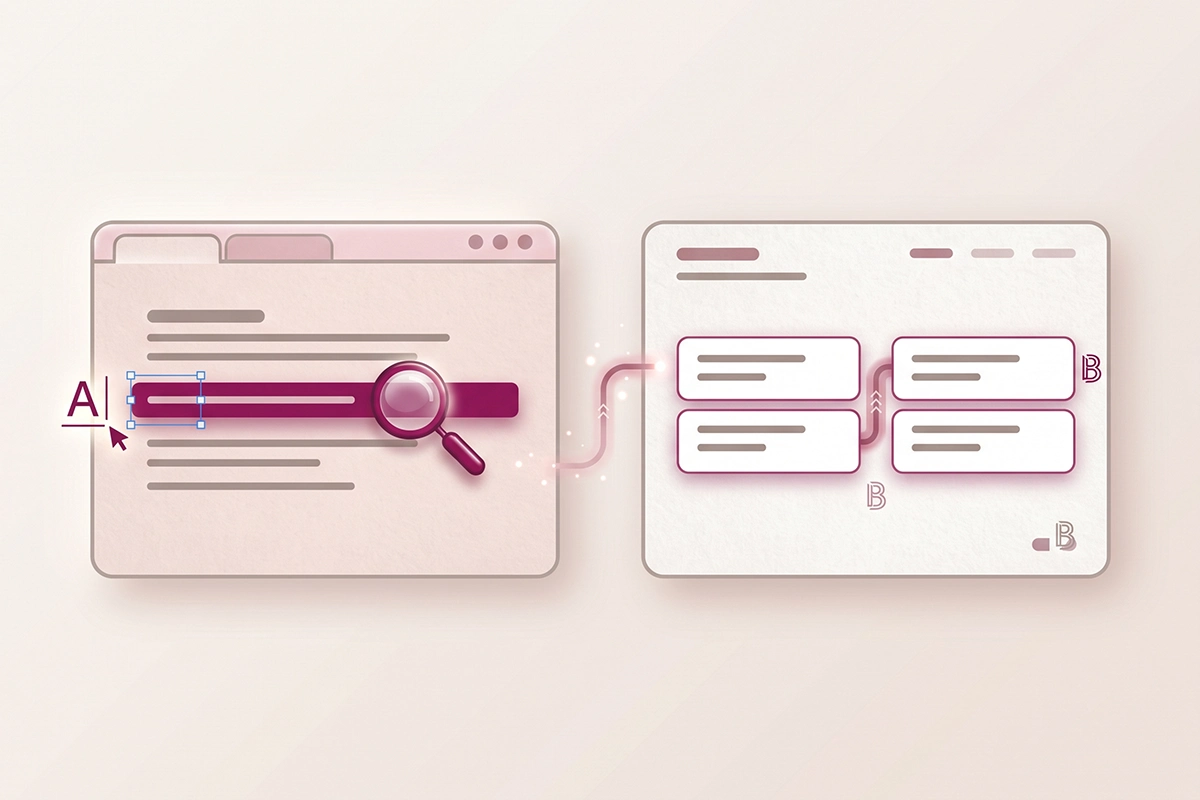
Open the page. Right-click and choose View Page Source, or press Ctrl+U on Windows and Command+Option+U on a Mac. That is click one. Then press Ctrl+F, type "canonical," and read the line it lands on. That is click two. You want a single tag whose address is the clean URL you expect, usually the bare product or collection version. Check a product page, a collection page, and a paginated page, and you have covered the three spots that matter most.
Two things to watch for. If you see more than one canonical line, that is the duplicate-tag problem from earlier, and it needs fixing. If the address points somewhere you did not expect, a collection path or a variant, something in your theme or an app has overridden the default.
The Search Console check
The browser shows what you declared. Search Console shows what Google actually decided, which is not always the same thing. Open the URL Inspection tool, paste a URL, and look under Page indexing at two fields: User-declared canonical (the one you set) and Google-selected canonical (the one Google chose). When they match, your signals are aligned and you are done. When they differ, Google is overriding you, and the usual culprit is the internal-link mismatch from the previous section.
Reading the Pages report without panicking
If you open the Pages report and see thousands of URLs flagged "Alternate page with proper canonical tag," take a breath. That is not an error. Google's own help docs describe it as normal and correct: it means Google found your canonical, agreed with it, and indexed the right page instead of the duplicate. You should never expect every URL on a Shopify store to be indexed, only the canonical ones.
The status that does deserve attention is "Duplicate, Google chose different canonical than user." That means Google looked at your declared canonical and picked a different page anyway, usually because your internal links or sitemap disagree with your tag. The fix is the same: make your signals point the same way. If pages you care about are missing from search entirely, the walkthrough for pages that are not getting indexed covers that separate diagnostic.
Wrapping up
Here is the short version. On Shopify, your canonical URL is usually already set correctly, the tag is a hint rather than a command, and the default handles variants and paginated collections better than most of the advice telling you to override it. The cases where the default is actually wrong are narrow: a second canonical from a theme or page builder, an app that overrides it, a landing page duplicating a product, internal links contradicting the tag, and cross-domain setups. Canonical, noindex, and redirect are three different tools, and reaching for the wrong one is where the damage happens.
So before you edit any code, do the check. This weekend, view-source one product page, one collection page, and one paginated page. Confirm each canonical is the clean URL you expect and that there is only one of them. If they check out, close the tab. That is the most likely outcome. If something looks off, you now know which of the five cases you are dealing with.
Canonicals are one small piece of a healthy Shopify store, and they are easy to over-worry. If you would rather run a full pass at once, the weekend SEO audit puts this check alongside the other things worth a look. Most stores find their canonicals were fine all along, which is exactly the point.
Want a second set of eyes on your Shopify SEO?
Studio Niza's Shopify SEO work includes a full canonical and internal-linking check, real schema, image SEO, and indexing follow-up. Not template fill-ins. Plans start at $499 one-time.
See SEO pricing & services →Or email contact@studioniza.com if you have a specific question about your store. I read every one.
Frequently asked questions
If you're still unsure after reading these, just send the question.
Does Shopify add canonical tags automatically? +
Yes. Every theme from the Shopify Theme Store adds a canonical tag to every page automatically, and for most stores it points to the correct URL with no setup. Product pages canonicalize to their clean product address, with collection paths and variant parameters stripped off. You rarely need to add a canonical URL yourself.
Should I edit theme.liquid to add a canonical tag on Shopify? +
Usually no. Your theme already outputs a canonical tag on every page, so adding another one gives the page two canonicals, which can lead Google to ignore both. Check what you already have with View Page Source before touching any code, and only override the default for a specific, deliberate reason.
Why does Google Search Console say "Alternate page with proper canonical tag"? +
That is a normal status, not an error. It means Google found the canonical you declared, agreed with it, and indexed the main page instead of the duplicate. You should not expect every Shopify URL to be indexed, only the canonical ones, so these entries are a sign the setup is working.
Can Shopify variant URLs rank separately in Google? +
Not while they exist as variants. Shopify canonicalizes every variant URL back to the main product page, so a single variant cannot rank on its own for its own search term. If a variant has real, independent search demand, the fix is to build it as a separate product with its own page rather than override the canonical.
Is a canonical tag the same as a 301 redirect? +
No. A 301 redirect sends both shoppers and search engines from one URL to another and is the stronger signal, so use it when a page is truly gone or replaced. A canonical tag keeps both URLs live for shoppers and only tells Google which one to prefer, so use it when both addresses need to stay reachable.
Do I need an SEO app to manage canonical URLs on Shopify? +
For most stores, no. Shopify's built-in handling covers the canonical URL for products, variants, collections, and pagination correctly out of the box. An app or a manual canonical only earns its place when you have a specific override in mind, such as consolidating a duplicate landing page, and even then it should be checked carefully.