
Type site:yourstore.myshopify.com into Google and count the results. If you sell 200 products but Google shows a few thousand pages, you have just met Shopify duplicate content. You did not create those extra pages on purpose. Shopify made them for you, quietly, every time a product sits in more than one collection, every time a shopper picks a variant, and every time someone filters a collection by tag.
Here is the part that trips people up: this is not a penalty. Google does not hand out a duplicate content penalty to honest stores, and it has said so for years. What duplicate URLs actually do is split your ranking signals across copies of the same page and waste the time Google spends crawling your store. Both can hold a page back from the position it deserves, which feels like a penalty even though it is not one.
This post covers where Shopify generates duplicate paths, what the canonical tag fixes on its own, where it falls short, when to noindex instead of canonicalize, and a 15-minute audit you can run this weekend. It is written for stores with a lot of variants, filters, or tag pages: the ones wondering why their rankings feel diluted. You will not need a developer for most of it.
What counts as duplicate content?
Duplicate content is the same (or nearly the same) page reachable at more than one URL. On Shopify, that usually is not stolen text or copied descriptions. It is one real product or collection that the platform serves under several different web addresses.
The myth worth killing first: there is no duplicate content penalty for normal stores. Google's own guidance has said this since 2008, and it still holds. Google treats the same content under different URLs as benign in most cases and simply picks one version to show.
So if it is not a penalty, why care? Two reasons, both quiet. First, deduplication: when Google finds several copies, it indexes one and filters the rest out of results. If it picks the wrong copy, the URL you wanted to rank gets buried. Second, signal dilution: links, internal links, and relevance signals get spread across the copies instead of pooling on one page.
There is a third cost for larger catalogs: crawl waste. Googlebot has to crawl a URL before it knows the content is a duplicate, so a store with thousands of duplicate paths spends Google's crawl time on copies instead of new products. For a store with a few hundred clean pages this rarely matters. For a store generating tens of thousands of URLs, it does.
Where Shopify generates duplicate URLs
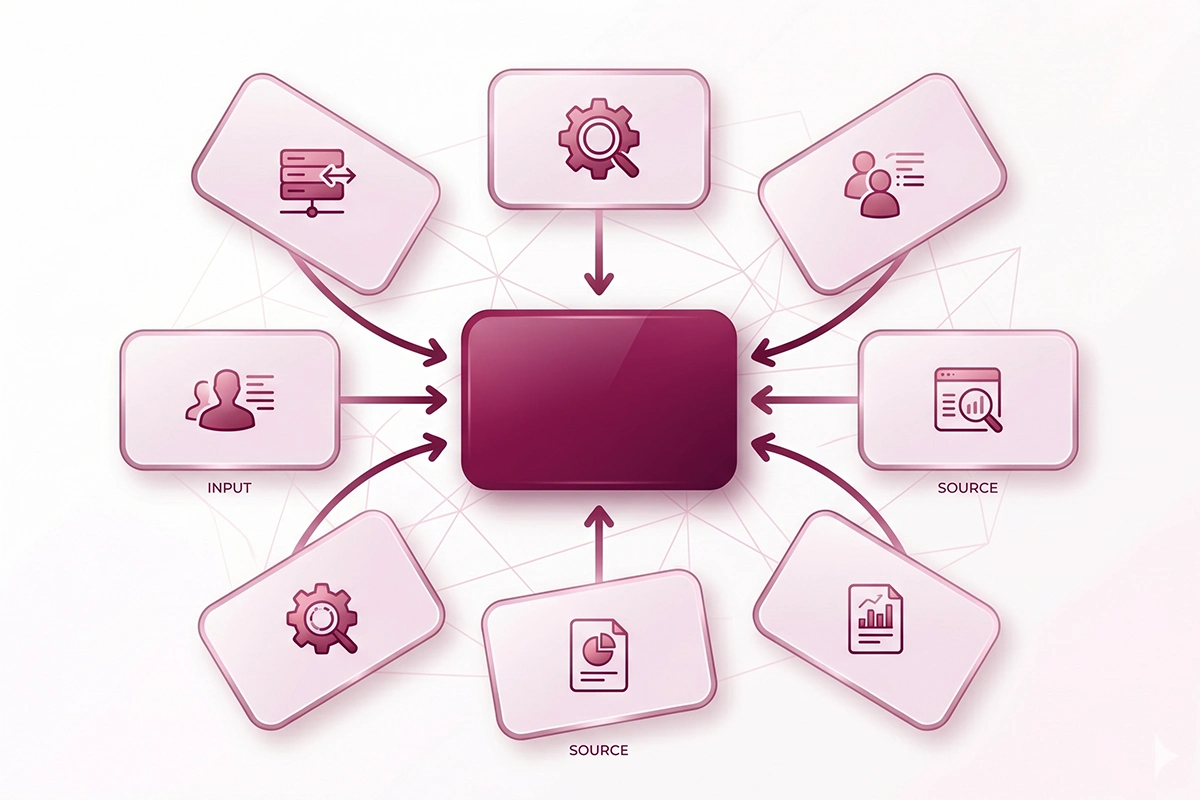
Most Shopify duplicate content comes from five built-in behaviors. None of them are bugs. They exist for good reasons (cleaner navigation, working filters, useful tracking) and they create extra URLs as a side effect.
Variant URLs (?variant=)
When a shopper picks a size or color, Shopify adds a parameter like ?variant=44710 to the URL. A product with five sizes and eight colors can produce forty of these. The good news for shopify variant url seo: modern themes already point the canonical tag on every variant URL back to the clean base product URL, so this one is usually handled for you.
Collection-scoped product URLs
When a product lives in more than one collection, Shopify can build a different URL for each path, such as /collections/summer/products/linen-dress and /collections/sale/products/linen-dress. Same product, same page, two addresses. This comes from the within: collection Liquid filter that themes use to keep the collection name in the breadcrumb. Shopify's canonical points them all to /products/linen-dress, but your internal links often still point at the collection-scoped versions.
Tag and filter URLs
This is the one that catches stores off guard. Filtering a collection by tag creates URLs like /collections/all/red or /collections/dresses?filter.p.tag=linen. Each one shows a slice of the same collection, and Shopify does not always canonicalize these the way it does variants. This is why shopify tag pages indexed shows up as a real complaint: people find dozens of thin tag pages in Google they never meant to publish. Your collection page SEO work is wasted if ten tag slices of it compete with the page itself.
/collections/all and pagination
Every Shopify store has a /collections/all page listing every product, which overlaps heavily with your real collections. Long collections also split into ?page=2, ?page=3, and so on. These are not always a problem, but on a large catalog they add up.
Tracking and recommendation parameters
Email links, ads, and Shopify's own product recommendations append parameters like ?utm_source= or ?pr_prod_strat=. Each one is technically a new URL with identical content.
A small catalog turns into a large crawl surface fast. Here is what one product can become:
| Source | Example path | Roughly how many |
|---|---|---|
| Clean product URL | /products/linen-dress | 1 per product |
| Collection-scoped copies | /collections/summer/products/linen-dress | 1 per collection it lives in |
| Variant URLs | /products/linen-dress?variant=44710 | 1 per variant |
| Tag and filter slices | /collections/all/red | 1 per active tag combination |
| Tracking and recommendation | /products/linen-dress?pr_prod_strat=... | Effectively unlimited |
A store of 500 products, where each one sits in 3 collections and has 3 variants, is already several thousand crawlable URLs for 500 real pages. One side effect worth flagging: when you later merge variant listings or retire a product, the reviews attached to those old URLs can get orphaned. That is a separate cleanup, but it starts with the same messy-URL problem.
What the canonical tag does (and doesn't)
The canonical tag is one line in a page's head that names the preferred version of a page using rel="canonical". It tells search engines: of all the URLs that show this content, this is the one to index and credit. Shopify themes add this automatically for most stores.
Here is what most people get wrong about the canonical tag on Shopify. It is a hint, not a command. Google treats it as one signal among several (internal links, sitemaps, redirects) and can choose a different URL if your other signals disagree. If every internal link points to /collections/sale/products/linen-dress but your canonical says /products/linen-dress, you are sending mixed messages.
What Shopify's canonical tag handles well out of the box: variant URLs point back to the base product (good for shopify variant url seo), and collection-scoped product URLs point to the clean /products/ URL.
Where it falls short: tag and filter pages often canonicalize to themselves or to a tagged URL instead of the parent collection, so thin slices can still get indexed. And /collections/all and parameter junk are not always pointed anywhere useful.
The honest takeaway: for product pages, the default canonical tag on a modern Shopify theme is usually doing its job. For collection tag and filter pages, it frequently is not, and that is where the real work lives.
When to noindex vs canonicalize
Two tools, two jobs. A canonical tag consolidates duplicates that still have a reason to exist. A noindex tag removes a page from search entirely while letting Google keep crawling its links. Picking the wrong one is the most common mistake here.
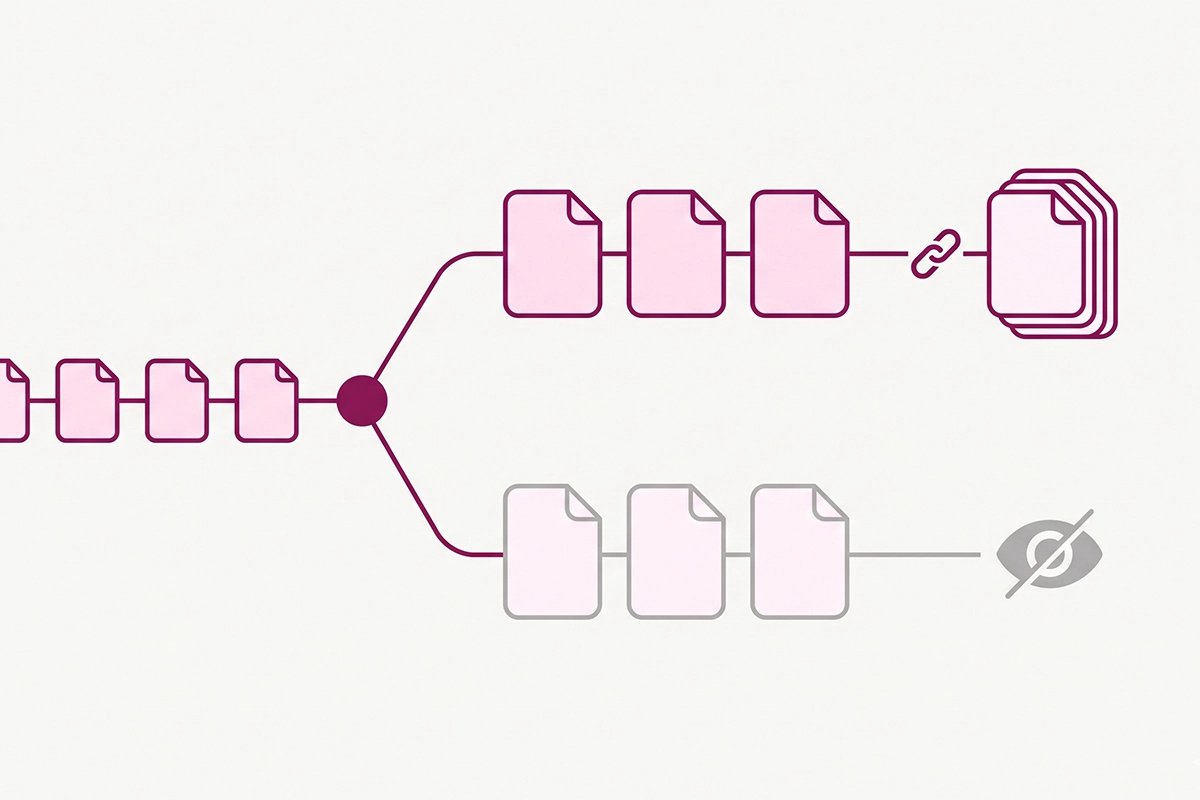
Canonicalize when the duplicate has genuine value to a user but should not be its own search result: collection-scoped product URLs, variant URLs, and paginated pages pointing to the main collection. These are mostly handled by your theme already.
Noindex when the page has little or no standalone search value: thin tag pages with a handful of products, internal search results, and pure parameter URLs. Shopify documents the method: you add a small condition to theme.liquid that prints a robots noindex tag for the templates you choose.
| If the URL is... | Do this | Why |
|---|---|---|
| A variant or collection-scoped product copy | Leave it (theme canonical handles it) | Already consolidated to the base product |
| A paginated collection page (?page=2) | Leave it to the theme | Part of one collection series |
| A thin tag page with real search demand | Build a proper collection instead | Earns its own page and can rank |
| A thin tag or filter page with no demand | noindex | Removes clutter, saves crawl |
| Internal search results | noindex | Never useful in Google |
But here is the fix that moves the needle more than any tag: point your internal links at the canonical URL. When your navigation, related-product blocks, and blog links all point to /products/linen-dress instead of the collection-scoped copies, every signal lines up and Google has no reason to pick the wrong page. This is unglamorous, manual work, which is exactly why most cheap, template-based SEO services skip it. It does not copy and paste across a hundred stores.
You can also edit Shopify's robots.txt.liquid template to stop crawling of certain parameter URLs, but that is an advanced step and easy to get wrong. For most small stores, noindex on the thin pages plus clean internal links is enough.
The 15-minute audit
You do not need software for a first pass. Here is a 15-minute audit that surfaces the worst of your Shopify duplicate content.

1. Check a product page's canonical (2 minutes)
Open a product through a collection path (like /collections/sale/products/linen-dress). View the page source (right-click, then View Page Source) and search for "canonical". It should point to the clean /products/linen-dress URL. Then switch a variant and confirm the canonical stays the same. If both check out, your shopify variant url seo basics are solid.
2. Compare canonicals in Search Console (4 minutes)
In Google Search Console, run URL Inspection on an important product. Compare the user-declared canonical (your tag) with the Google-selected canonical (Google's choice). If they match, good. If Google picked a collection-scoped or tagged version, your internal links are probably arguing with your canonical. Pages that never get indexed at all are a related signal worth checking too.
3. Read the "Alternate page with proper canonical tag" report (3 minutes)
In Search Console, open Indexing, then Pages, then the row labeled "Alternate page with proper canonical tag". This status is usually normal: it means Google found duplicates and is correctly indexing your canonical. Scan the list anyway. If a page you want indexed is sitting in there, its canonical points at the wrong place. If the count is enormous next to your real page count, that points to a structural problem.
4. Find indexed tag pages (3 minutes)
Search Google for site:yourstore.com inurl:collections. Skim for tag and filter slices that should not be there. This is the fastest way to see whether you have a shopify tag pages indexed problem. Make a short list of the thin ones to noindex.
5. Spot-check your internal links (3 minutes)
Hover over the product links in your nav and on a collection page. Do they read /products/handle or /collections/x/products/handle? If it is the latter, that is your highest-value cleanup.
Where to start
Shopify duplicate content is rarely the disaster it feels like when you first see thousands of URLs in a site: search. It is almost never a penalty. It is signal dilution and wasted crawl time, and both are fixable without touching most of your store.
Start with the audit. If your product canonicals are clean and Google is selecting the URLs you expect, you may be in better shape than you feared, and your time is better spent elsewhere. If Google is choosing collection-scoped or tagged copies, fix your internal links first, then noindex the thin tag and filter pages that have no search demand. Turn the tag pages that do have demand into real collections so they earn their place.
The honest limit: this gets you most of the way there. Themes vary, some apps add their own parameters, and a large catalog can need a more careful pass and sometimes a robots.txt.liquid edit. If you want the bigger picture of your store's technical health, a fuller Shopify SEO audit covers the rest. For most stores with a lot of variants or tags, though, the 15-minute pass above finds the leaks that matter. You can do the first one this weekend.
Want someone to find the duplicate URLs for you?
Studio Niza's Shopify SEO work includes a technical crawl that catches duplicate variant, collection, and tag URLs, sets the right canonicals, noindexes the thin pages, and points your internal links at one clean URL. Pricing starts at $499 one-time.
See pricing & services →Or email contact@studioniza.com if you have a specific question about your store. I read every one.
Frequently asked questions
If you're still unsure after reading these, just send the question.
Does Shopify duplicate content cause a Google penalty? +
No. Google has stated for years that there is no duplicate content penalty for normal stores. The real costs of Shopify duplicate content are signal dilution across copies and wasted crawl time, both of which can quietly hold a page back without being a formal penalty.
Does Shopify add canonical tags automatically? +
Yes. Modern Shopify themes add a canonical tag to product pages that points variant URLs and collection-scoped URLs back to the clean base product URL. The gap is usually on collection tag and filter pages, where the default canonical often does not point to the parent collection.
Will the variant URL hurt my Shopify SEO? +
Usually not. Shopify canonicalizes variant URLs to the base product page, so for shopify variant url seo there is rarely anything to fix. It is worth a 30-second check: switch a variant and confirm the canonical tag in the page source still points to the clean product URL.
Should I noindex my Shopify tag pages? +
It depends on search demand. Thin tag or filter pages that nobody searches for can be set to noindex to cut clutter and save crawl budget. Tag pages that do have real search demand should become proper collection pages instead, so they can rank on their own.
What does “Alternate page with proper canonical tag” mean in Search Console? +
It means Google found duplicate URLs and is correctly indexing the canonical version you specified, so in most cases it is normal and needs no action. Check it only if a page you want indexed is listed there, or if the count is huge next to your real page count.
Can I edit Shopify's robots.txt to fix duplicate URLs? +
Yes. Shopify lets you edit a robots.txt.liquid template to stop crawling of certain parameter URLs, but it is an advanced step that is easy to get wrong. For most small stores, using noindex on thin pages and pointing internal links at canonical URLs solves the duplicate content problem without touching robots.txt.