Your home page is the strongest page on your Shopify store. It has the most backlinks, the most direct traffic, and it sits at the top of your site's structure, so Google treats it as the clearest statement of what your brand is. And on most new stores, it says almost nothing.
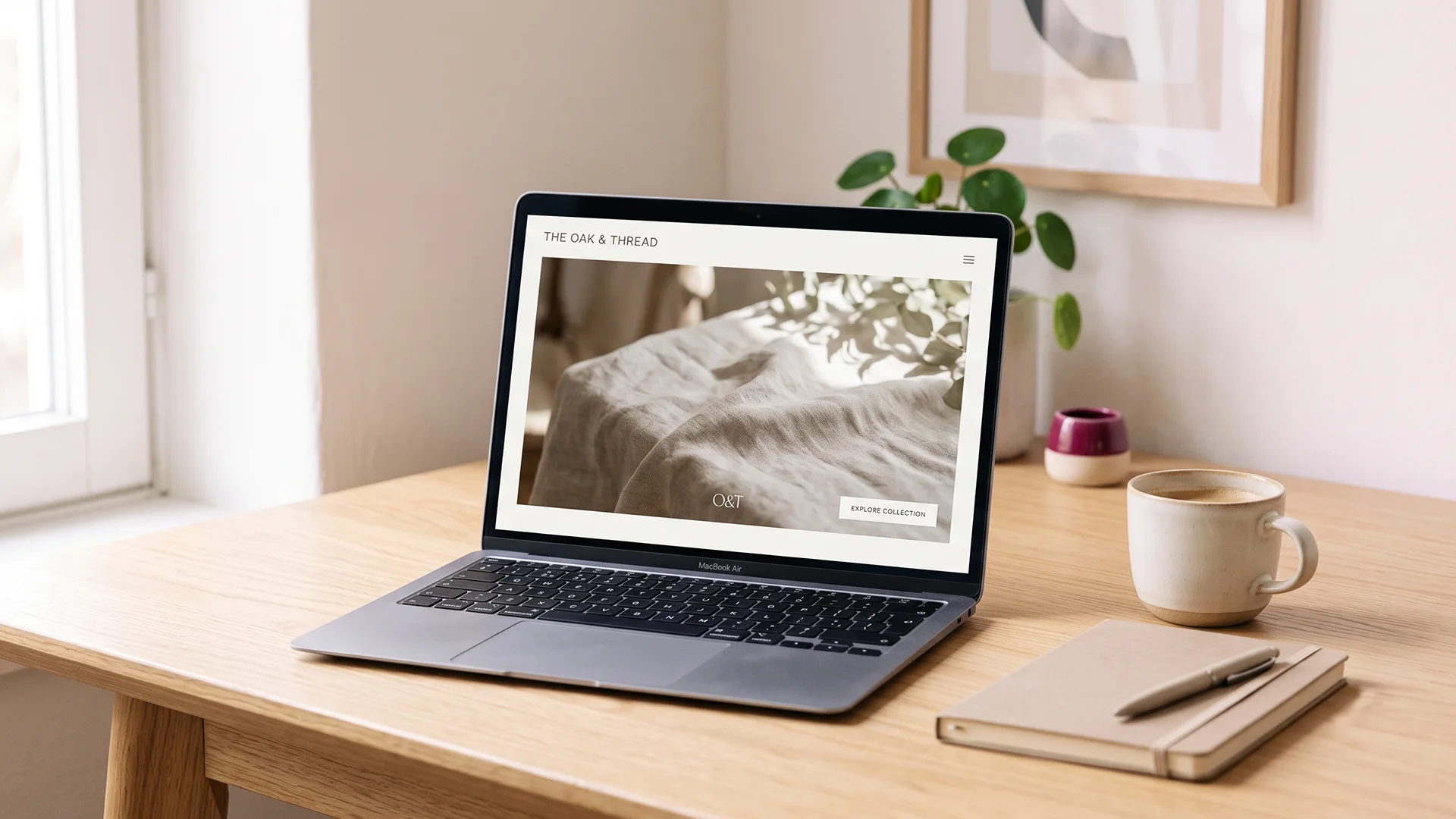
The usual setup is a full-width hero image, a "Shop Now" button, and maybe a headline baked into the picture as pixels. It looks clean. To a search engine it reads as a near-empty page, because a crawler cannot read the words inside your hero photo. That is the core problem behind almost every "shopify home page seo" search: the page with the most authority on your store is also the page with the least for Google or an AI engine to read.
This is fixable in an afternoon, and none of it means turning your home page into a wall of text. You need a title and meta that describe what you sell, a real headline and a sentence or two above the fold, links that point Google at your best collections, and Organization schema so both Google and AI search recognize you as a brand. This post walks through each one, in the order that matters, for a store versus a single product. By the end you will know exactly what to change and where to change it in your Shopify admin.
Why your home page ranks for nothing
Search engines rank text. Your home page hero is an image, and a photo of a model wearing your product does not tell Google "this is a linen clothing store." A striking hero with no crawlable words is, in SEO terms, a blank page. So the most-linked page on your store ends up ranking for your brand name and not much else.
Here is why that stings more than a weak product page. Your home page collects more links and more authority than anything else on your site, which is exactly why wasting it is expensive. A product page that ranks for nothing costs you one product's worth of traffic. A home page that ranks for nothing wastes the page best positioned to rank for your main category term.

The shopper sees a beautiful first impression. Googlebot sees a logo, a menu, and a picture it cannot read. Both are looking at the same page, and only one of them can act on what your brand actually sells. The fix is not more images. It is a small amount of real text placed where it counts, which is what the rest of this post covers.
Worth saying plainly: this is what most stores do at this stage, not a mistake you made alone. Shopify themes are built to look good out of the box, and "looks good" and "reads well to a crawler" are not the same target.
Your home page title and meta: brand or keywords?
A product page title is easy: it is the product. Your home page is different, because it represents the whole store, not one item. So the title has to answer a bigger question: what does this brand sell, and to whom?
The pattern that works for a brand home page is simple: what you sell, then your brand name. Not "Home," not "Welcome to [Store]," and not the brand name on its own. If you sell linen clothing, "Linen Clothing for Warm Weather | Bramble & Co" tells Google the category and the brand in one line. "Bramble & Co" alone tells it only the brand, which you already rank for.
Keep the title under 60 characters. Google shows roughly 60 characters of a title in results, and Shopify's title field actually lets you type up to 70, so it is easy to write a title that gets cut off in search (Shopify's own SEO docs confirm both numbers). Front-load the category words so the important part survives if Google truncates it.
The meta description is your ad copy, not a ranking factor. It does not move rankings directly, but it decides whether someone clicks your result over the store above you. Write 150 to 160 characters that say what you sell and give one honest reason to choose you: the range, the material, free shipping, whatever is true. Google rewrites descriptions often, and a clear one gives it less reason to.
One honest note on cost. Most cheap SEO services template-fill the same meta description across every page of a store, home page included. Your home page is the one page that most deserves a line written just for it. That is the difference between real SEO and template fill-ins, and it takes about ten minutes to do right.
What to put above the fold on a Shopify home page
Above the fold is what a visitor sees before scrolling: on most screens, your header, hero image, and the first slice of content. It is prime space for people and crawlers alike, so it should carry the words that explain your store. Three things belong there.
A real headline (H1)
One clear sentence that says what you sell, wrapped in an H1 tag. "Handmade Ceramic Mugs and Tableware" does the job. "Welcome" does not. More on the H1 tag itself in the next section, because Shopify themes handle it in a way that trips people up.
One or two supporting sentences
Right under the headline, add a short line describing your focus and range. Something like "Small-batch stoneware thrown in Portland, made for everyday use." That is it. This is the text Google reads to understand your store, and it is the text an AI engine quotes when it describes you. You are not writing an essay, you are giving the page a voice.
Links to your top collections
A short row of your main categories, as real text links, not just the drop-down nav. More on why this matters for authority in a moment.
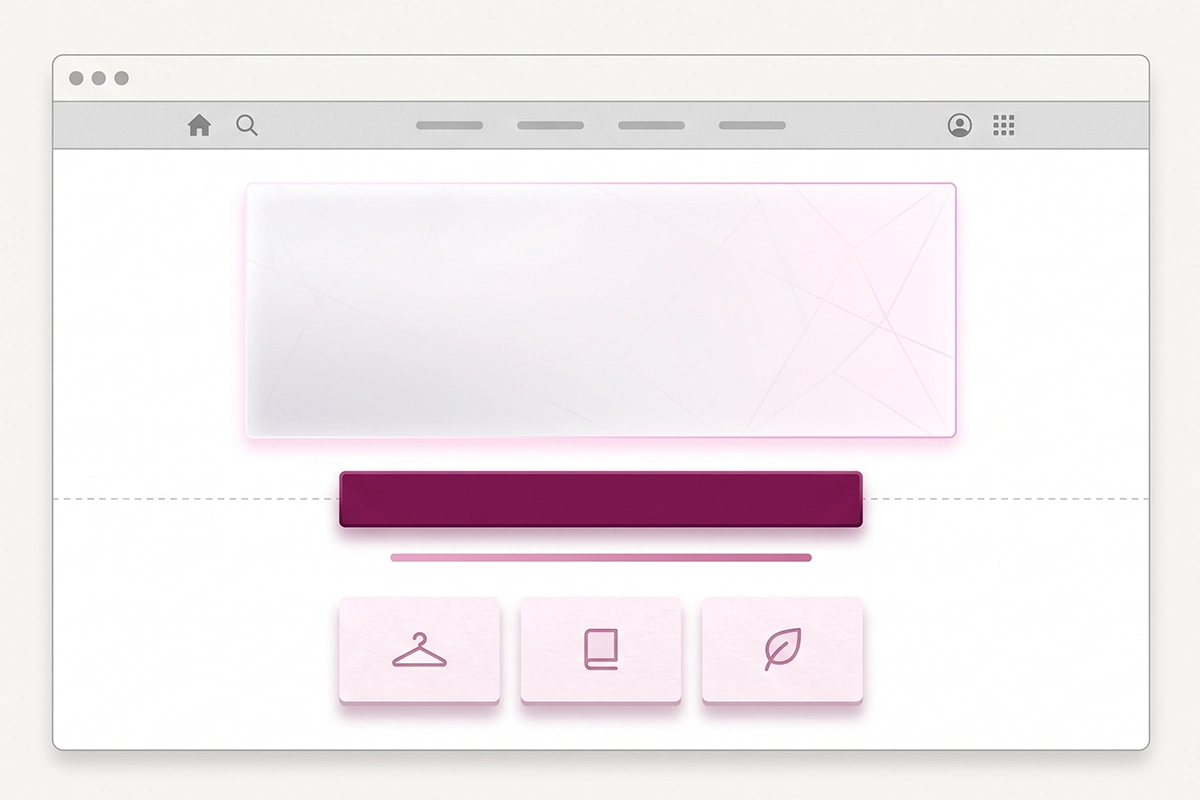
Google's John Mueller has been clear that the old workaround, stuffing a wall of keyword text at the bottom of the page, is the wrong move. His advice is to put a sentence or two up near the heading where it helps users understand the page, instead of hiding a giant block down low (covered in this Search Engine Roundtable write-up). A headline and one or two sentences blends into almost any design. It does not have to look like a text page, and it should not.
If you are worried this clutters your hero, it does not have to sit on top of the image. Drop it into a slim content band just below the hero. Google can read text anywhere on the page now, top or bottom, so this is less a ranking trick and more about users seeing what you sell in the first second. A clean sentence under the hero does both jobs at once.
Does your home page even have an H1?
Here is the part that surprises people. Many Shopify themes do not put a useful H1 on the home page at all. Some wrap your logo in the H1, so your "main heading" is literally your store name as an image. Some ship a hero H1 that just says "Welcome" or the tagline the theme came with. Some skip the H1 entirely.
The H1 is the second-strongest on-page signal after the title tag, so an empty or wasted one on your most important page is a real miss. You want exactly one H1 on the home page, and you want it to say what you sell.
Checking takes 30 seconds. Open your home page, right-click, and choose "View Page Source" (or "Inspect"). Use Find (Ctrl+F or Cmd+F) and search for <h1. Read what is inside it. If it is your logo alt text, "Welcome," or nothing at all, that is your fix for the afternoon. Shopify's docs recommend the same view-source check for confirming what your page actually outputs.
How you change it depends on your theme. Newer Online Store 2.0 themes let you edit the hero section's heading directly in the theme editor, so you can set it to a proper keyword-led line. If your theme hard-codes the H1 or hides it in the logo, that is a small theme-code edit, and it is the kind of thing worth doing once and correctly. This home page work is step one of the full new-store SEO checklist for a reason: it is the highest-authority page you own.
The internal links that pass authority to your collections
Every link on your home page passes a share of its authority to the page it points at. Because the home page holds the most authority on your store, its internal links are the most valuable internal links you have. Point them at the pages you actually want to rank.
For most stores, that means your collections. Collection pages target the broad, high-value category terms ("women's running shoes," "organic skincare") that bring in buyers, which makes them your money pages far more often than any single product. Your home page should link to your best three to six collections in the page content, with descriptive anchor text, not only in the drop-down menu.
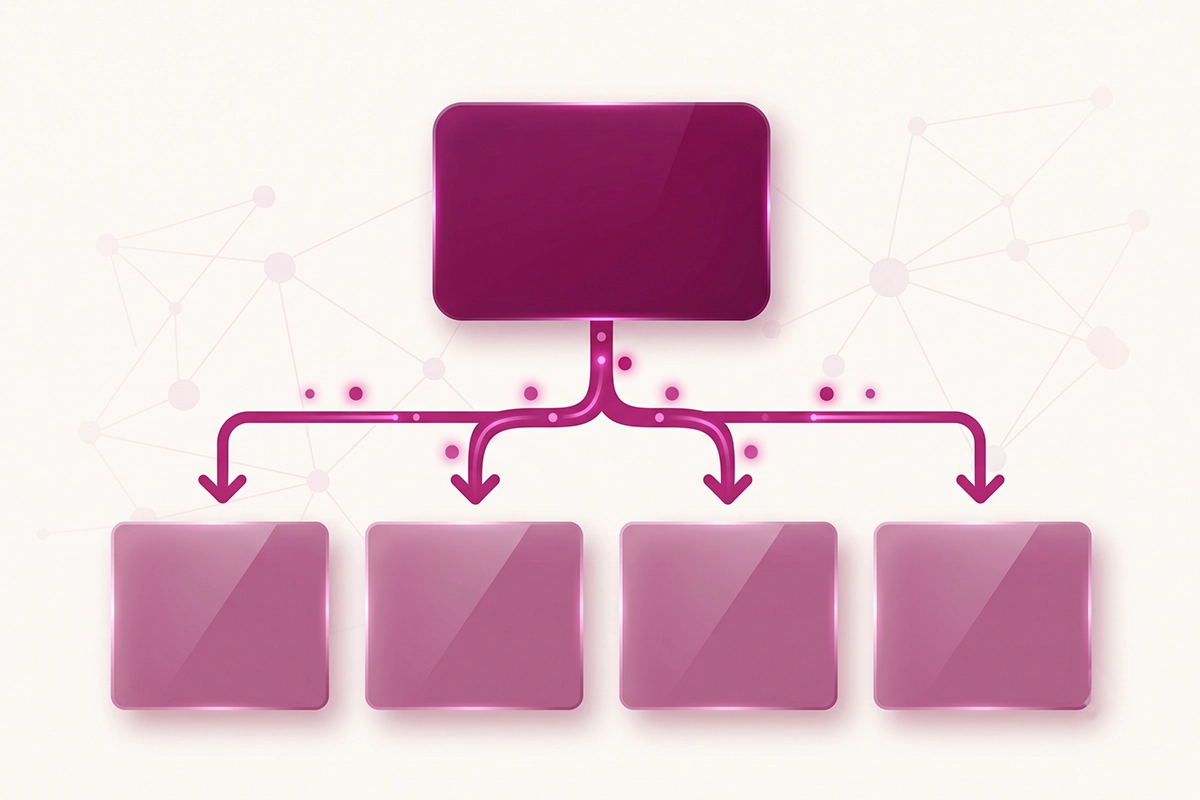
The difference is anchor text and placement. A "Shop by category" band with links that read "Men's Trail Shoes" and "Waterproof Hiking Boots" passes clearer topic signals than a menu link that just says "Shop." Google reads the anchor text as a hint about what the destination page is about, so vague anchors waste the signal. Shopify's own SEO checklist makes the same point: every important page should be reachable from the home page, and internal links spread authority to the pages that need it.
This is the free half of SEO that most stores skip. You already have the authority sitting on your home page. A proper internal linking system decides where it flows, and pointing it at your collections gets those category pages crawled and ranked faster. Keep the featured links to the collections that matter. Linking to all twenty dilutes the point.
Organization schema: how Google and AI recognize your brand
Everything above helps a crawler read your page. Organization schema helps it read your brand. It is a small block of JSON-LD code in your home page's head that states, in machine-readable form, your business name, logo, URL, and your profiles elsewhere on the web (your Instagram, your Facebook, your Wikidata entry if you have one).
Those profile links use a property called sameAs, and they matter more than they look. They tell Google and AI engines that the brand on this site is the same brand as those other accounts, which builds you into a single recognized entity instead of a random store. For AI search especially, this lowers the chance a model confuses you with a similarly named brand.
Here is the honest version, because you have been sold enough magic. Organization schema is not a lever you pull to jump up the rankings. Google confirmed in 2025 that structured data helps it understand pages, and Microsoft said the same for Bing's Copilot, but there is no solid proof that schema alone earns AI citations. What it reliably does is make your brand easier for machines to read correctly, which is table stakes now, not an edge.
Why bother, then? Because AI engines infer less than Google does. When ChatGPT or Perplexity pulls a page to answer a shopping question, it wants quick, unambiguous confirmation of what this is and who is behind it, and clean schema gives it that. Adding Organization schema to your home page takes about ten minutes and improves how you are recognized across every page of your store. It is one of the cheapest GEO moves available, and most stores have not done it yet, which is exactly why it is worth doing now. If you want the full setup, I wrote a deeper guide on Organization and Brand schema, and a broader one on getting cited by ChatGPT and Perplexity.
A home page Google and AI can both read
Your home page is the most valuable page on your store. The whole job here is to stop wasting it. None of this changes your design in a way a customer would notice, and all of it changes what a machine understands when it lands on the page.
Three things to take away. First, give the page words: a title and meta that say what you sell, a real H1, and a sentence or two above the fold. Second, spend the home page's authority on purpose by linking to your best collections with clear anchor text. Third, add Organization schema so Google and AI search read you as a brand, not a mystery.
Start by viewing your source and reading your current H1 and title. That one check tells you how much of this applies to you, and it usually applies more than owners expect. The changes take an afternoon and they compound, because everything you link to from a stronger home page gets a little stronger too.
If any of it feels like more than you want to touch in your theme, that is a fair place to hand it off.
Want your home page done right?
The Studio Niza SEO service covers your home page title and meta, above-the-fold copy, internal links to your collections, and Organization schema, with custom keyword research and indexing follow-up. Plans start at $499.
See pricing & services →Or email contact@studioniza.com if you have a specific question about your store. I read every one.
Frequently asked questions
If you're still unsure after reading these, just send the question.
How long should a Shopify home page title be? +
Aim for under 60 characters. Google typically displays about 60 characters of a title tag in search results, and anything longer risks being cut off. Shopify's home page title field allows up to 70 characters, so it is easy to overshoot. Put what you sell at the front so the key words survive if Google truncates it.
Where do I edit my Shopify home page title and meta description? +
In your Shopify admin, go to Online Store, then Preferences. The homepage title and meta description fields sit near the top of that page. This is separate from product and collection SEO, which you edit on each individual page, so a lot of owners never find it.
Will adding text to my home page hurt the design? +
No. You only need a headline and one or two sentences, which blends into almost any layout. The text can sit in a slim band just below your hero image instead of on top of it. A clean line describing what you sell reads as intentional, not cluttered.
Does the home page meta description affect my Google rankings? +
Not directly. The meta description is not a ranking factor, but it heavily influences whether people click your result, and click-through affects performance over time. Treat it as the ad copy for your home page: say what you sell and give one honest reason to choose you.
Do I need Organization schema if my store is brand new? +
Yes, and it is one of the first things worth adding. Organization schema takes about ten minutes and helps Google and AI search recognize your store as a real brand from the start. It will not rank you on its own, but it improves how machines read your brand across every page. Being early on this is an advantage, since most new stores skip it.
Can AI search engines like ChatGPT actually read my Shopify home page? +
They can, as long as there is crawlable text and clean structured data for them to read. If your home page is only a hero image, an AI engine has little to work with, the same problem Google has. Add a real headline, a sentence or two about what you sell, and Organization schema, and you give AI search a clear picture of your brand.