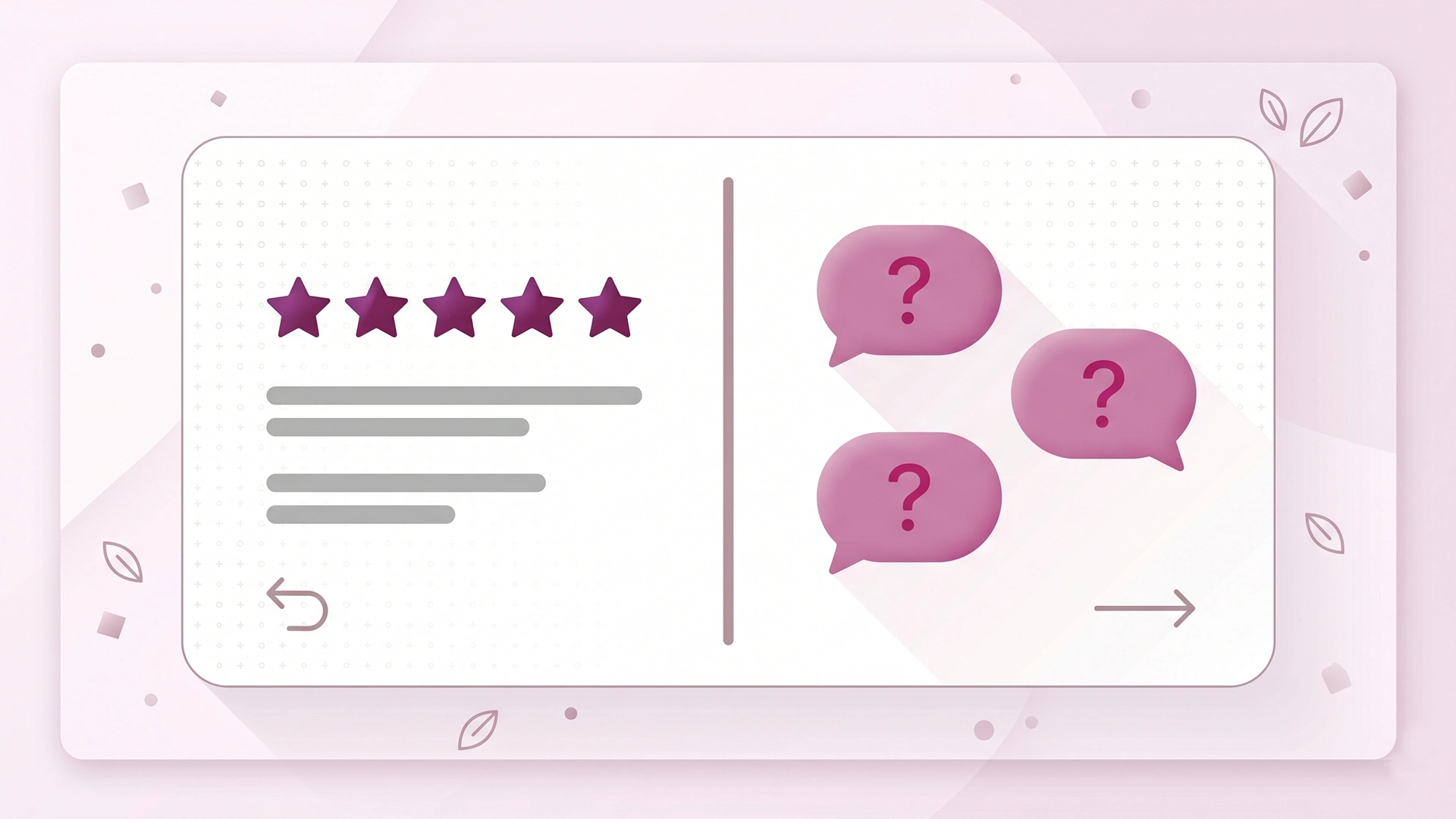
You added reviews to your product pages, watched the star ratings build up, and figured social proof was handled. For most new Shopify stores, reviews are the first and only trust signal anyone bothers to set up. They are also only half the picture.
Here is the gap. A review tells a shopper what a past buyer thought after they used the product. It cannot tell the shopper standing on your page right now whether the thing will fit their specific situation. That is a different question, and it is the one that quietly loses you sales.
Product Q&A answers that question. It is the customer-submitted questions-and-answers block that sits on a product page, separate from reviews and separate from any FAQ you wrote yourself. Most stores skip it because they assume reviews already cover it. They don't.
This post covers what product Q&A does that reviews structurally can't, why it earns its place for conversion and for search, how the same answers feed both your FAQ schema and your chatbot, and how to seed your first questions without faking anything. If you run a Shopify store that launched in the last year, this is one of the cleaner trust wins still sitting unused.
What's the difference between product reviews and Q&A?
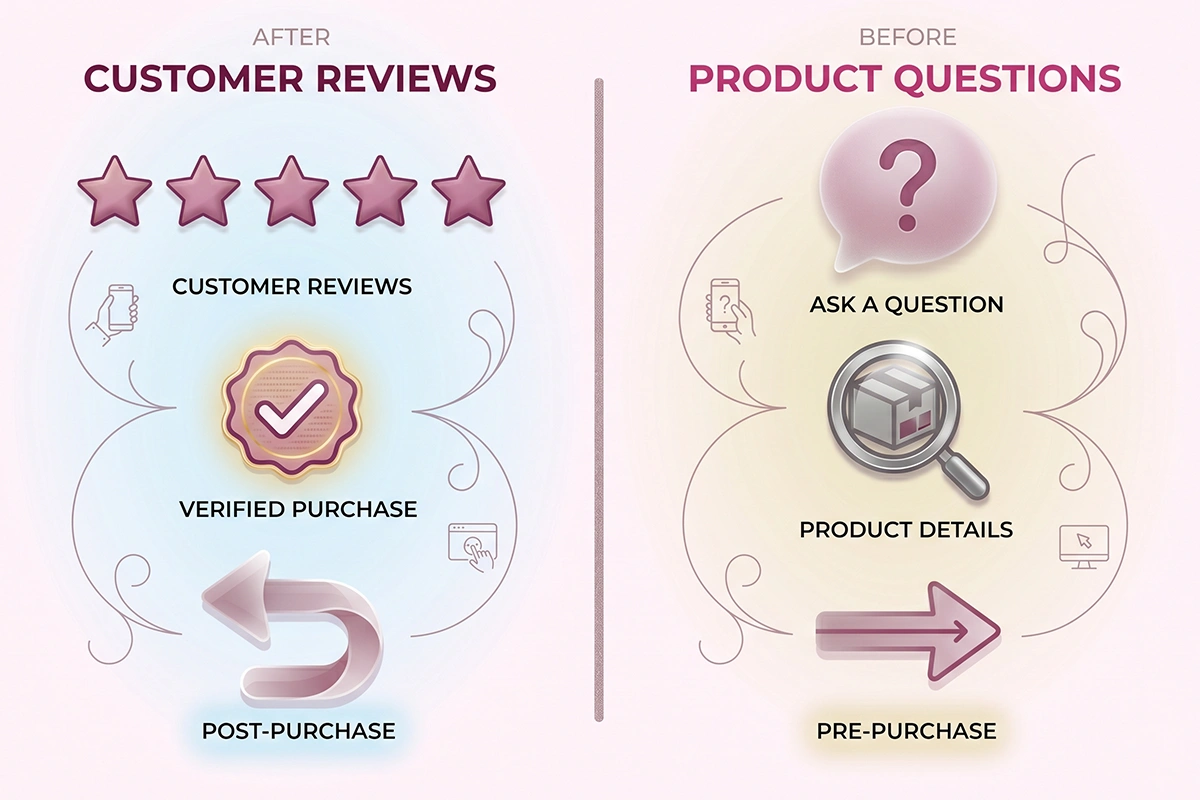
Reviews and product Q&A are both social proof, but they answer different questions at different moments. A review looks backward: a verified buyer rates the product after using it. Product Q&A looks forward: a shopper who has not bought yet asks something specific, and either you or a past customer answers before the sale happens.
That timing difference changes how each one works. Reviews tend to be general. Most say some version of “great product, fast shipping, would buy again.” That is useful for overall confidence and weak for a specific doubt. Q&A is the opposite: someone asks the one thing standing between them and checkout, and the answer stays public for the next shopper with the same doubt.
If you have been weighing which review formats to collect in the first place, the photo reviews versus text reviews tradeoff covers that side of the question. This post is about the layer most stores never add at all.
| Aspect | Product reviews | Product Q&A |
|---|---|---|
| When it is written | After purchase | Before purchase |
| Who writes it | Verified buyers | Shoppers, answered by you or past buyers |
| What it answers | Was it good? | Will it work for me? |
| What triggers it | A completed order | A specific pre-purchase doubt |
| Best-fit schema | Review and AggregateRating | QAPage (customer-submitted) or FAQPage (store-written) |
| Main job | Overall confidence | Removing one objection |
Do you need Q&A if you already have reviews?
Yes, because reviews and Q&A remove different kinds of doubt. Reviews build general confidence. Q&A removes the specific objection keeping one shopper from buying. A wall of five-star reviews still won't tell a buyer whether the jacket runs small or the supplement is third-party tested.
The questions that kill a sale are almost always situational. Will this fit a narrow foot? Is the cable long enough to reach across a room? Does it ship to Canada, and how long does it take? Is the material safe for a toddler? A buyer with one of these doubts will scan your reviews, fail to find their exact concern, and leave.
These are pre-purchase questions, and on most Shopify stores there is nowhere on the page to ask them. The shopper's only options are to email you and wait, or to close the tab. Most close the tab.
The absence is not neutral, either. Research from PowerReviews, drawn from product pages across more than a thousand retail sites, found that roughly a quarter of shoppers grow more suspicious of a product's quality when its page has no questions-and-answers section. An empty space where Q&A should be reads, to a careful buyer, like the store is either hiding something or simply not there.
The conversion and trust case for product Q&A
Shoppers who interact with product Q&A convert at a much higher rate than those who don't. By the time someone reads or asks a question, they are close to buying and just need one doubt cleared. The same PowerReviews analysis, covering 1.5 million product pages, reported a conversion lift of more than 150% among shoppers who engaged with the Q&A portion of a page.
Read that number the right way. Shoppers who go looking for a Q&A section are already further down the path to buying, so part of that lift is self-selection, not pure cause and effect. The honest version is simpler: Q&A does not create demand. It removes the last reason a near-ready buyer talks themselves out of the purchase.
The pattern holds over time, too. Q&A platform vendors such as Answerbase report that a notable share of question-and-answer pairs keep assisting conversions long after they are first posted, as later shoppers find the same answer waiting for them. Treat vendor figures as directional rather than gospel, but the direction is consistent.
The cost side is what makes this an easy call for a small store. Most product Q&A apps on Shopify have a free or near-free tier, and an answer you write once keeps working. Compare that to paid traffic, where every visit costs money whether or not it converts. For stores doing under $200K a year, that math is hard to argue with.
How does product Q&A help SEO and AI visibility?
Product Q&A helps SEO because it adds question-shaped content to a page in the exact words shoppers search, and it helps AI visibility because question-and-answer pairs are easy for AI engines to lift and cite. People search in questions. If your product page already contains a real question and a clear answer, you have a direct match that competitor pages, full of marketing copy, do not.
FAQPage vs QAPage: which one your Q&A actually is
Here is a distinction most stores get wrong, and it matters more now. There are two relevant schema types. FAQPage is for questions the store writes and answers itself. QAPage is for pages where users submit questions and answers. Google's own documentation is explicit: if your page lets users submit answers, use QAPage instead of FAQPage.
So a static FAQ you wrote is FAQPage. A customer-submitted Q&A block is closer to QAPage. Picking the wrong type can get the markup ignored. We walked through the mechanics of question markup in our guide to FAQ schema on Shopify, which is worth reading alongside this.
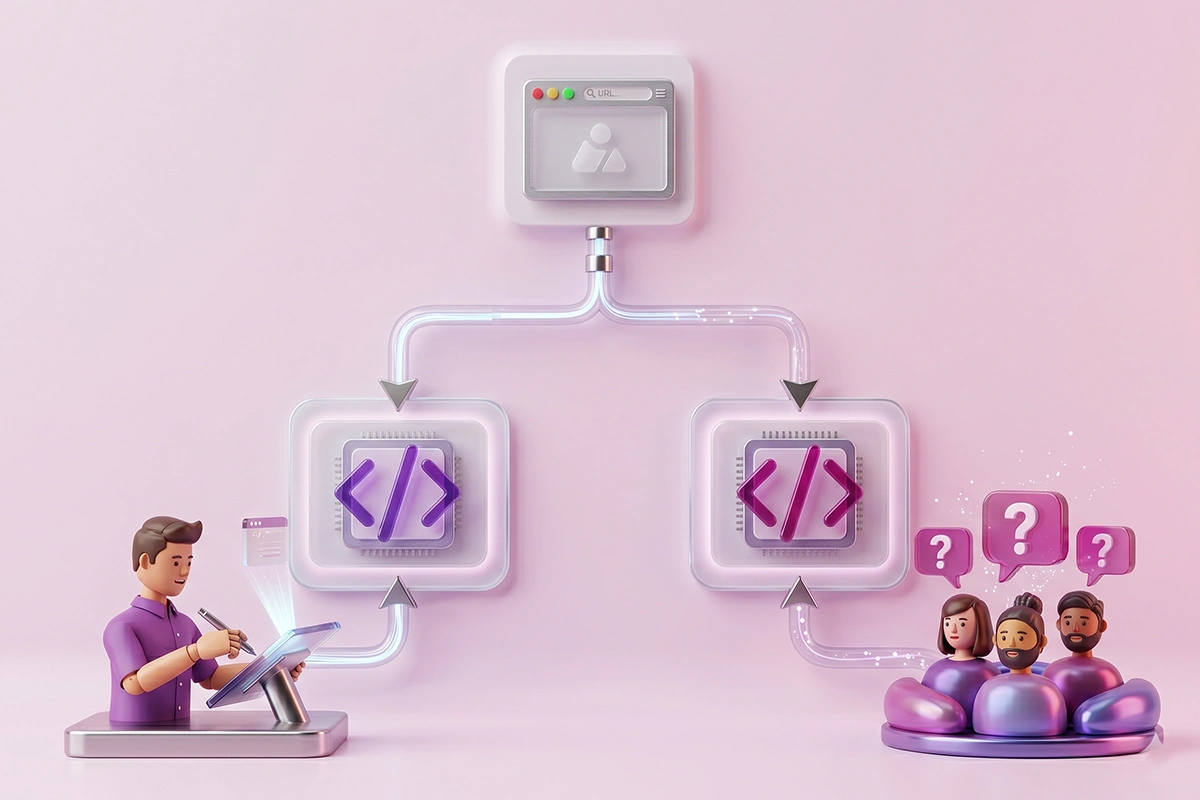
There is one more wrinkle. As of May 7, 2026, Google stopped showing FAQ rich results, the expandable dropdowns that used to appear under a listing. That does not mean question markup is dead. Google still reads it to understand the page, FAQPage is still a valid type, and you can leave existing markup in place. The visible perk is gone. The parsing value is not.
Why question-shaped content gets pulled into AI answers
AI search engines like ChatGPT, Perplexity, Claude, and Google's AI answers work by retrieving passages that directly answer a query and citing them. A clean question with a clean answer is the ideal shape for that. When a shopper asks an assistant whether a product does X, a store page that already contains that exact question and answer is far more likely to be the source that gets cited.
This is the core of getting your store cited by AI search, and product Q&A is one of the few content types that produces it as a byproduct of normal customer service. You are not writing for the algorithm. You are answering a buyer, and the answer happens to be exactly what the machines want.
How product Q&A feeds your chatbot's knowledge base
Every product question you answer is also training data for a store chatbot, because real customer questions are exactly the inputs a bot needs to be useful. A chatbot is only as good as the answers it can draw on, and the hardest part of setting one up is anticipating what customers will actually ask.
Product Q&A solves that for you. Your customers tell you, in their own words, what they need to know. So one answer ends up doing three jobs: it clears the doubt for the shopper who asked, it sits on the page as indexable and citable content, and it becomes a knowledge-base entry a Shopify chatbot can serve instantly the next time, without anyone typing a reply.
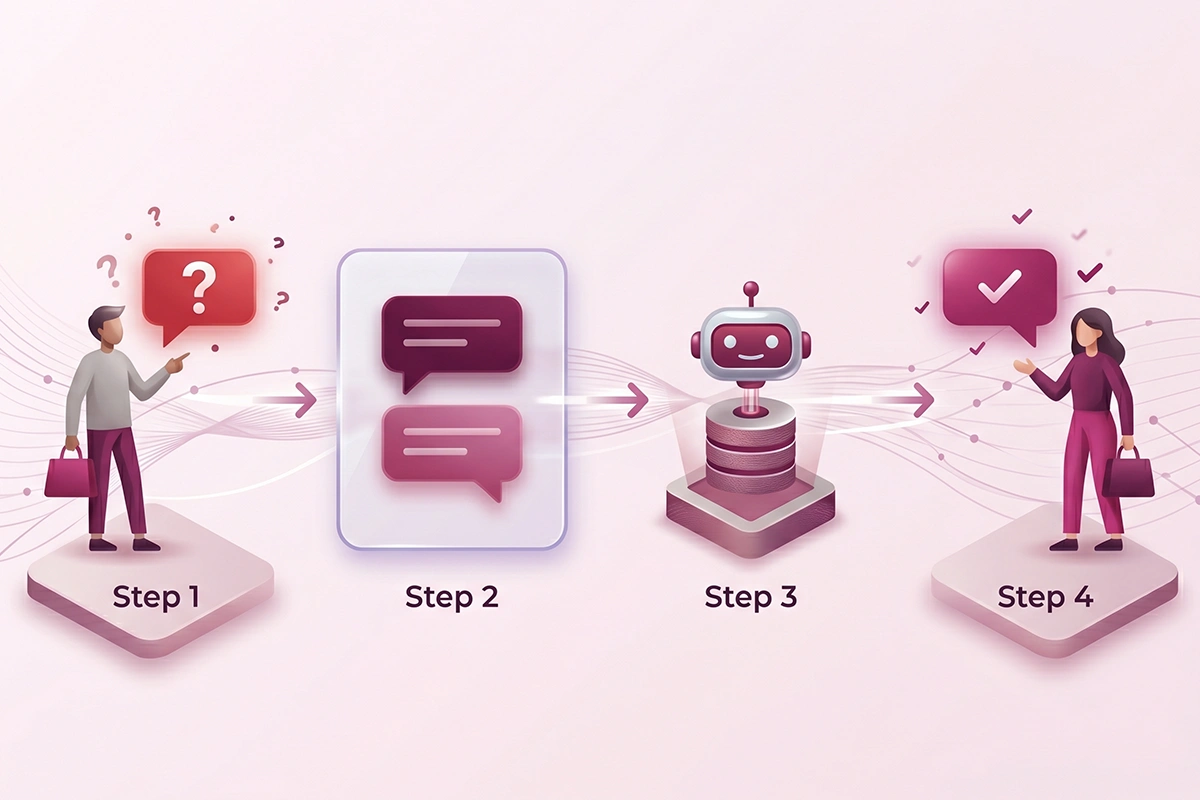
The chatbot and the Q&A block are not the same tool. A chatbot answers privately and in real time, then the conversation disappears. Q&A is public, permanent, and crawlable. You want both, and they feed each other: Q&A pairs train the bot, and the bot surfaces answers that can become new Q&A entries.
If you are weighing whether a Shopify AI chatbot is worth it yet, the questions piling up in your Q&A block are a good signal of how much repetitive work a bot would take off your plate. When the same five questions keep coming, that is your answer. You can see how the studio approaches that in the AI chatbots service.
How to seed your first product questions without faking it
Seed your Q&A with real questions you have already been asked, answered in your store's voice and clearly attributed to the store. Do not invent fake customers or fake questions. That crosses from helpful into deceptive, and it is not worth the risk.
You almost certainly have a backlog of real questions already. Check your support email, your Instagram and TikTok DMs, your live chat logs, and your return reasons. The questions that come up more than once are the ones worth posting. You are not making anything up. You are moving questions you already answered privately into a place where the next shopper can see them.
The line you do not cross is inventing questions from imaginary customers, or writing fake buyer answers to make the product look better than it is. Reviews have strict authenticity rules, and the same spirit applies here. We covered asking for reviews the FTC-compliant way, and the honesty principle carries straight over to Q&A: when the store answers, label it as the store.
One studio habit worth borrowing: answer every question, not just the flattering ones. A hard question with a straight answer (“no, this is not waterproof, here is what it is rated for”) builds more trust than ten softball questions. Leaving questions unanswered is worse than having no Q&A block at all, so only turn it on if you will tend it.
Which Shopify Q&A app to start with
You do not need to spend much to start. The Shopify App Store has a full category of question-and-answer apps, several with genuine free tiers. Apps like Askify and ShopQuestions let customers post questions and let you answer from your admin at no cost to begin.
If you already run a reviews platform, check whether it bundles Q&A. Stamped, for example, includes question-and-answer features on its paid plans, roughly $23 to $149 a month depending on volume, which keeps reviews and questions in one place. Pick the simplest tool that puts a submission box on the product page and a moderation queue in your admin. The app matters far less than the habit of answering.
Putting Q&A and reviews to work together
Reviews and product Q&A are not competing for the same slot on your page. They do two different jobs, and a page that wants to convert needs both. Reviews give a shopper the confidence that other people are happy. Q&A gives the specific shopper in front of you the one answer that gets them to checkout.
If you only have time for one move this week, keep it small. Pick a free Q&A app, install it on your three or four best-selling products, and seed each one with the two or three real questions you already get by email or DM. That is an afternoon of work, and it puts you ahead of most stores at your stage, who are still treating reviews as the whole story.
From there, the compounding takes over. Every new question you answer clears a doubt, adds question-shaped content that search and AI engines can use, and builds a knowledge base your future chatbot will run on. None of it needs more traffic. It just needs you to answer the questions your customers are already asking.
The honest catch, as always, is the tending. A Q&A block only works if someone answers, promptly and truthfully. If that someone is you, keep it to your best products so it stays manageable. If you would rather it ran without you thinking about it, that is the kind of steady, unglamorous work a service can take off your hands.
Want your social proof handled for you?
Studio Niza's Reviews Management service runs your review requests, replies to every review, and keeps trust signals attached when products are merged or retired. Setting up and tending a product Q&A block fits naturally alongside that work. Pricing starts at $199 a month.
See reviews management →Or email contact@studioniza.com if you have a specific question about your store. I read every one.
Frequently asked questions
If you're still unsure after reading these, just send the question.
Is product Q&A the same as an FAQ section on Shopify? +
No. An FAQ section is questions you write and answer yourself, which schema treats as a FAQPage. Product Q&A is questions your shoppers submit, which is closer to a QAPage. They can look similar on the page, but they serve different roles and search engines read them differently.
What Shopify app should I use for product questions and answers? +
Start with a free option like Askify or ShopQuestions, which let customers post questions and let you answer from your admin. If you want questions and reviews in one platform, Stamped includes Q&A on its paid plans. The simplest app you will actually maintain is the right one.
Can I add product Q&A to my Shopify store without an app? +
You can build a basic version with metafields or a custom section, but you will not get a customer submission box, notifications, or a moderation queue. For most owners, a free or low-cost Shopify product Q&A app is worth it to avoid the manual work.
Will unanswered product questions hurt my store? +
Yes. An empty or ignored Q&A block reads worse than not having one, because it signals the store is not paying attention. Only turn Q&A on if you will answer questions promptly, ideally within a day or two.
How is product Q&A different from a chatbot? +
A chatbot answers privately and in real time, then the conversation disappears. Product Q&A is public, permanent, and crawlable by search and AI engines. They work best together: your answered questions can train the chatbot, and the chatbot handles the live back-and-forth.
Does product Q&A still help SEO after Google dropped FAQ rich results? +
Yes. Google stopped showing FAQ rich results in May 2026, but it still reads question markup to understand a page, and AI search engines actively pull question-and-answer content into their answers. The visible dropdown is gone; the value of clear questions and answers is not.