
Nothing on your store stopped working on October 1, 2026. That is the confusing part of the Shopify script tag deprecation, and it is why most owners haven't looked at it yet.
Here is what actually happened. On October 1, Shopify stopped letting apps create or update script tags, the older way apps load code onto a storefront. The script tags already on your store keep running. On March 1, 2027, Shopify stops loading them at all, and anything that still depends on one goes quiet.
When that day comes, it won't look like one problem. Review stars vanish from product pages. The chat bubble stops appearing. An ad platform reports fewer conversions than Shopify does. Three symptoms, three different apps, one cause.
Almost everything written about this so far is for developers. This post is for the owner who installed a reviews app in 2023, a chat widget a year later, and has never had a reason to know what a script tag is. You'll get the two dates, a five-minute check for each widget, the questions to send an app developer, and the order to fix things before Black Friday.
Most stores on current, maintained apps will find they need a toggle, not a rebuild. The check is free, and running it now keeps this from surprising you in the busiest month of the year.
What the Shopify script tag deprecation changed on October 1 (and what happens on March 1, 2027)
Shopify announced the change in its developer changelog on August 24, 2026. There are two dates, and they do different things.
October 1, 2026: apps can no longer create or update script tags
From this date, any app that tries to add a new script tag, or change an existing one, gets an error. Shopify applied this to every API version, so an app can't avoid it by staying on older code. Existing script tags were left alone and keep running.
For you, two things can already go wrong. If you install a legacy app today, or uninstall and reinstall one to "reset" it, the app may not be able to put its code on your storefront at all. You get an installed app and an empty space where the widget should be. And an app that still relies on a script tag can no longer change it.
March 1, 2027: Shopify stops loading script tags
This is the date that matters for what shoppers see. Shopify stops injecting script tags into storefronts, and widgets or tracking that only load that way stop appearing. No error message shows up on the page. The space is just empty.
The warning you were told to expect is not coming
Early coverage said owners would see a warning banner when installing an affected app from October 1. Shopify staff said in late September that the install warning would not ship, and that they would look at script tag usage again in January. As of this writing, there is also no page in your admin that lists which apps are affected.
So when you read "Shopify script tags removed," take it this way: removal is scheduled, nobody is going to notify you app by app, and the check is yours to run.
What is a Shopify script tag, in plain English?
A script tag is an instruction an app gives Shopify: load this JavaScript file on every page of this store. The app registers it once, at install. From then on Shopify adds the file to your storefront automatically, on every theme you publish, without anyone touching theme code.
That convenience is why so many apps used it. Review stars, chat bubbles, pop-ups, currency converters, heatmaps, and older tracking code were commonly delivered this way. It is also why the method is being retired. Script tags run outside the theme, and you can't see them or switch them off in the theme editor.
One detail matters for the rest of this post. Script tags belong to the app, not the theme. Switching themes never turned them off. The replacements work differently, and that difference is where owners get caught.
What replaced script tags: app embeds, app blocks, and web pixels
Shopify's migration guide for storefront script tags points apps to three replacements. You don't build any of them, but you need to know where each one lives in your admin, because that is where you check.
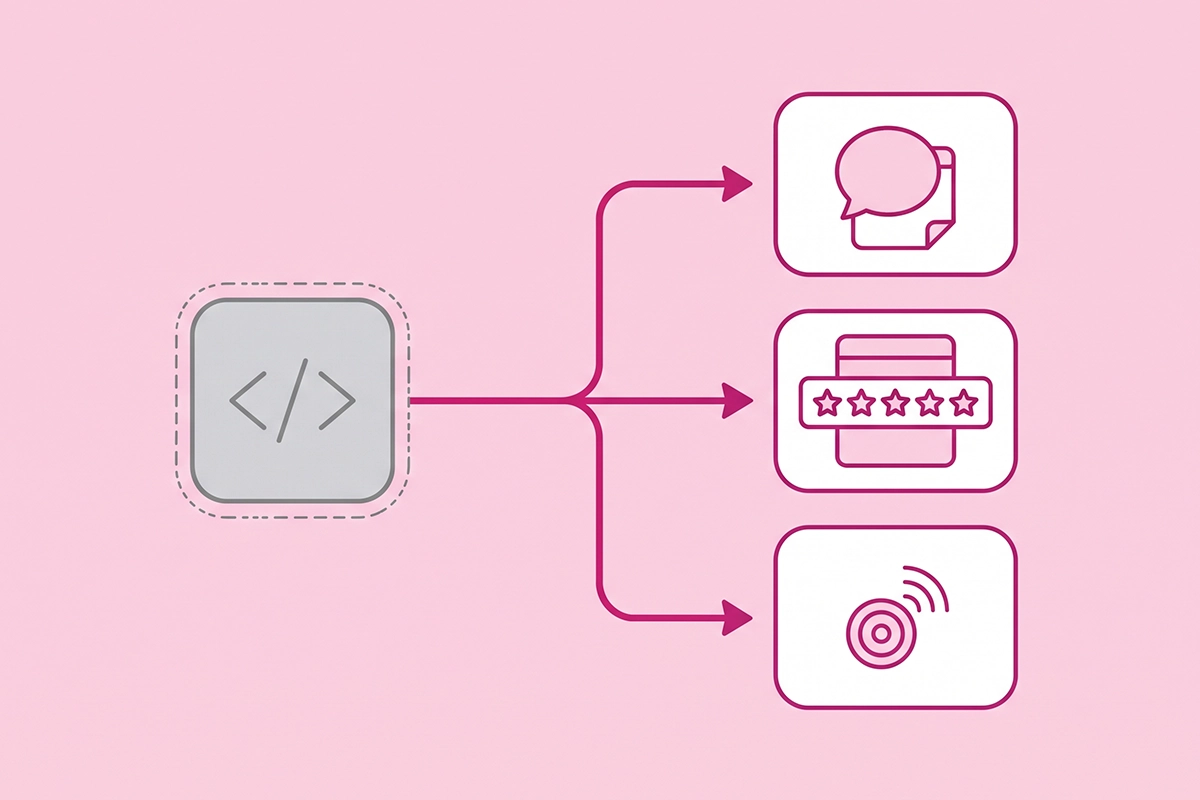
| Replacement | What it is for | Where you find it | Who turns it on |
|---|---|---|---|
| App embed | Floating or site-wide elements: chat bubbles, pop-ups, the core script a reviews app needs | Online Store > Themes > Edit theme > App embeds | You, once per theme |
| App block | Something placed in a specific spot on a page: the reviews widget, a star rating under the title | Theme editor, added inside a section | You, on each template. Needs an Online Store 2.0 theme |
| Web pixel | Tracking only: analytics and conversion data | Settings > Customer events | The app. Nothing for you to switch on in the theme editor |
App embeds work on older vintage themes as well as Online Store 2.0 themes. App blocks need the newer kind. Shopify's Help Center has the steps for turning an app embed on: open the theme editor, click the App embeds icon in the sidebar, switch the app on, and save.
Two things in that table cause most of the trouble. An app embed is off until you switch it on, and it is only active on the theme you enabled it on. Publish a different theme and you have to re-activate your apps there. Developers asked Shopify to switch embeds on automatically for existing stores, and the answer was that there is no way to do it.
Which widgets stop working: review stars, chat bubbles, and pixels
All three are caught by the Shopify script tag deprecation, and each one fails in a way that looks like a separate problem.
| What you notice | What is probably happening | Where to look first |
|---|---|---|
| Stars and the review widget are missing from product pages | The reviews app's script no longer loads, or its app embed is off on the live theme | App embeds, then the product template |
| The chat bubble is gone on every page | The chat app's script tag stopped, or its embed was never switched on | App embeds |
| An ad platform or email tool reports fewer events than Shopify | The tracking script no longer loads and no web pixel replaced it | Settings > Customer events |
| Event counts doubled after an app update | The old script tag and its replacement are both running | Page source, then the app developer |
Review stars and review widgets
Current versions of the major review apps run on app embeds and app blocks. Judge.me's setup instructions, for example, start with switching on its app embed, even on vintage themes. The stores at risk run a reviews app that hasn't been updated in years, or a current app installed long ago and never moved to the new setup.
If your stars disappear, your reviews are not deleted. They live in the app. What's missing is the code that displays them. My post on adding a reviews section to your Shopify store walks through app blocks, and whether review apps slow down your store covers what to measure while you're in there. If you'd rather hand the setup off, that is what the reviews management service does.
Chat bubbles
A chat bubble is the textbook app embed: it floats over every page. Older chat widgets, and small custom-built ones, were often installed with a script tag at signup. A chat widget that vanishes in the middle of a sale is expensive, because nobody reports it. Shoppers just don't ask.
If you're re-evaluating an older chat tool anyway, my Shopify Inbox review covers when the free option is enough, and the AI chatbots service page explains what a managed bot adds.
Pixels and tracking
Tracking is the quiet one. Nothing visible changes on the storefront when a tracking script stops. You find out weeks later, when an ad platform's conversions don't match your orders. Shopify's replacement is the web pixel, which you manage under Settings > Customer events and which needs no theme toggle.
Some apps use both methods. Klaviyo's documentation says its sign-up forms and Viewed Product tracking depend on its app embed being on, while other events come through Shopify's pixel. So "the pixel is installed" doesn't always mean the whole app is working.
The opposite failure exists too. Shopify warns that a script tag and its replacement running at the same time load the script twice, which can double-count events. Extra scripts also cost speed, which I covered in the Core Web Vitals and INP post.
How do I check which apps still use script tags?
There is no report for the Shopify script tag deprecation, so you read it off your own storefront. Allow about five minutes per widget.
Step 1: Look for script tags in your page source
Open your homepage in a desktop browser. Right-click, choose View Page Source, then search the page (Ctrl+F or Cmd+F) for asyncLoad. That is the small loader Shopify uses for script tags. Directly below it you'll see a list of web addresses, each ending in ?shop= followed by your store's myshopify.com address. Each address is one script tag, and the domain usually tells you which app it belongs to.
If the word doesn't appear, no app is loading a script tag on that page. Repeat on a product page, and write down every app you find.
Step 2: Check App embeds on your live theme
Go to Online Store > Themes > Edit theme and open App embeds. For each app from Step 1, see whether it has an embed listed and whether it is on. A script tag with no embed means the app hasn't migrated. A script tag with an active embed means it migrated but may not have cleaned up. Both are worth an email.
Step 3: Check Customer events
Open Settings > Customer events. Every app pixel and custom pixel on your store is listed there. If a tracking app from Step 1 isn't on the list, its tracking still depends on the script tag.
Step 4: Test like a shopper
Open a product page in a private window, on your phone. Confirm the stars, the review widget, and the chat bubble all appear. It is the one test that matches what your customers see.
One exception. If a freelancer or agency once built a custom app inside your admin to load a script, Shopify says those apps can't use the replacements at all. That script has to move into the theme code, which is a job for whoever built it.
What to ask your app developer
For every app on your Step 1 list, send support one short message. Four questions cover it.
- Does your app still use a script tag on my store? Give them your myshopify.com address so they can look it up.
- Is there an app embed, app block, or web pixel that replaces it, and is it active on my published theme? Ask for the exact name of the embed so you can find it.
- Once the replacement is on, will you delete the old script tag? This is the question that prevents double loading.
- If you haven't migrated yet, what date will you? A vague answer in October is a signal to plan a replacement, not to wait for February.
A maintained app answers this in a day, often with a help article. Silence is information too. An app whose developer hasn't replied by mid-November probably isn't going to ship a migration by March.
The fix order before BFCM
Black Friday is November 27, 2026. The March cutoff comes three months later, so nothing about the Shopify script tag deprecation forces a fix before the sale. Two things still argue for running the check now.
Any theme change you make for the holidays switches off app embeds until you turn them back on. And installing or reinstalling a legacy app in November may simply not work. Here is the order I'd use.
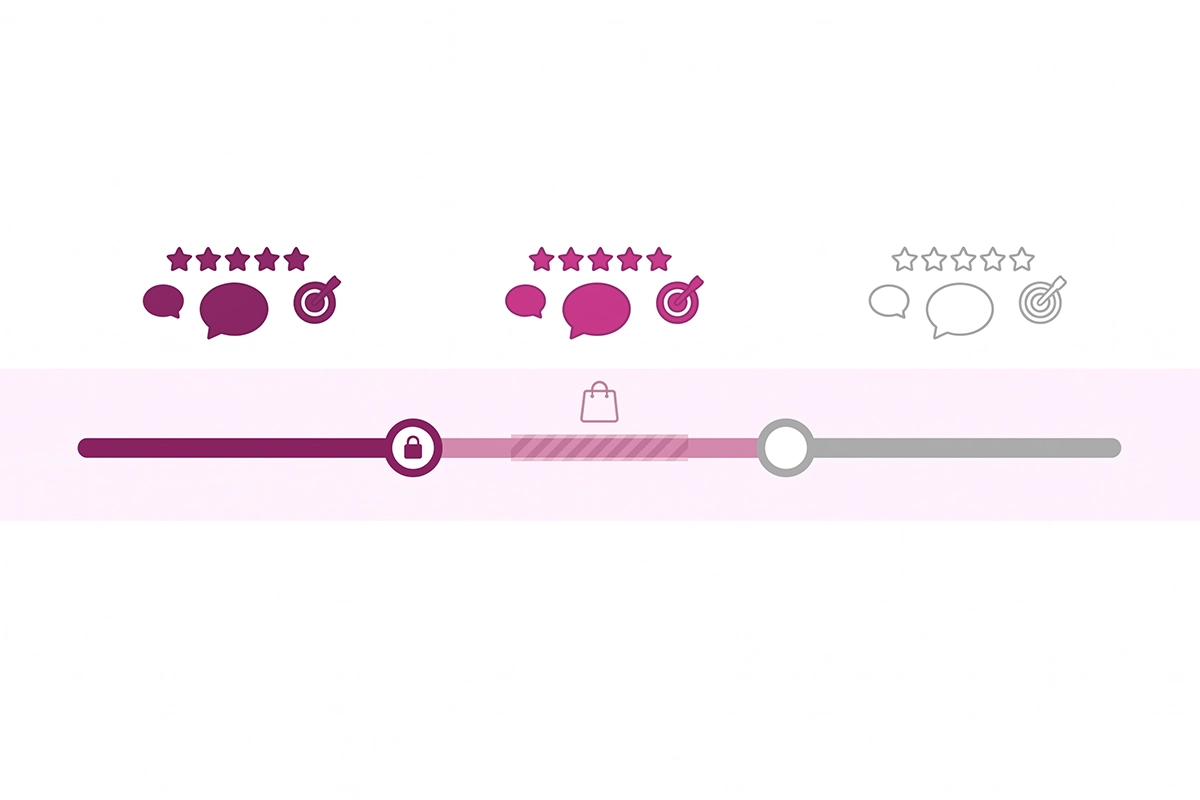
- By October 31: run the check and send the emails. Steps 1 to 4 above, then the four questions to each developer. Start with reviews on product pages, then chat, then tracking.
- By November 13: switch on the replacements and test. Activate each app embed on your published theme, confirm the old script tag is gone from your page source, and compare one day of tracked events against your Shopify orders.
- November 14 to December 1: freeze. No theme switches, no app swaps, no reinstalls. If you must publish a holiday theme, re-check App embeds the minute it goes live. The same freeze logic runs through my chatbot holiday prep checklist.
- January 2027: replace what hasn't moved. Any app still on a script tag with no migration date gets replaced now, while you have time to move data such as reviews.
- The week of February 22: run the check once more. Before March 1, your page source should show no script tags you still depend on.
Wrapping up: the Shopify script tag deprecation in short
The Shopify script tag deprecation has two dates, and only one of them is visible. October 1, 2026 took away an app's ability to create or change script tags. March 1, 2027 is when anything still relying on one stops loading: review stars, chat bubbles, and older tracking.
Three things to take with you. Shopify is not going to send you a list, so the check is yours. The replacements are better, but app embeds are off by default and tied to one theme, which makes every future theme switch a moment to re-check. And one cause can look like three unrelated problems, so if stars, chat, and conversions go wrong in the same week, look here first.
The work left for you is small, but it is real: view your page source, open App embeds and Customer events, send four questions to a handful of developers, and test on your phone. For most first-year Shopify stores that is under an hour. If your store runs an app nobody maintains anymore, it is a bigger job, and better started in October than in February.
Shopify's notes on this change were written for developers, and your customers will never read them. If you'd like plain-English posts like this one written for your own store, that is the blog content service.
Want someone to run this check for you?
The Studio Niza Shopify SEO service includes a technical pass on what loads on your storefront: app scripts, schema, and tracking. Pricing starts at $499 one-time.
See pricing & services →Or email contact@studioniza.com if you have a specific question about your store. I read every one.
Frequently asked questions
If you're still unsure after reading these, just send the question.
Did the Shopify script tag deprecation break my store on October 1? +
No. On October 1, 2026, Shopify stopped apps from creating or updating script tags, but existing script tags keep running. What can fail now is a fresh install or reinstall of a legacy app, which may show nothing on your storefront. The visible cutoff is March 1, 2027, when Shopify stops loading script tags entirely.
Will Shopify tell me which of my apps use script tags? +
Not at the moment. There is no page in the Shopify admin that lists affected apps, and Shopify staff said in late September 2026 that the install warning planned for October 1 would not ship. You can find script tags yourself by viewing your page source and searching for asyncLoad, then asking each app developer about their migration.
Do app embeds work on older vintage themes? +
Yes. App embeds work on both vintage themes and Online Store 2.0 themes, so an older theme does not stop an app from migrating. App blocks are different: they need an Online Store 2.0 theme with JSON templates.
Does the Shopify script tag deprecation affect Google Analytics or Meta pixel tracking? +
Only if that tracking is loaded through an app's legacy script tag. Tracking set up as a web pixel is listed under Settings > Customer events and is not affected, and code pasted directly into your theme is separate from script tags. If a tracking app is not listed under Customer events, ask its developer how it loads before March 1, 2027.
What should I do if an app developer never migrates? +
Plan to replace the app before March 1, 2027. Export whatever data you can first, such as reviews, then install a maintained alternative and switch on its app embed. Do the swap outside the BFCM window, because a rushed change during a sale is hard to test.
Are order status page script tags part of this deprecation? +
No. Script tags on the order status page were covered by an earlier change tied to the Thank you and Order status page upgrade, which had a deadline of August 26, 2026. The October 1, 2026 and March 1, 2027 dates apply to script tags on the online store itself.