
Most Shopify owners who want to blog get stuck in the same place. Not the writing. The deciding. You open a blank post, stare at it, and have no idea what to say. Meanwhile your support inbox has thirty unanswered questions in it, and you treat those as a chore instead of what they actually are.
That gap is the whole problem this post fixes. The fastest way to turn support tickets into content is to stop inventing topics and start mining the ones already sitting in your inbox, chat logs, and reviews. Every real question a customer asks is a topic someone searched for, typed out, and cared about enough to contact you. You did not have to guess at demand. They handed it to you.
This is the highest-intent, lowest-research source of blog ideas a small store has. A keyword tool gives you a number and a guess. A support ticket gives you the exact words a real buyer used, the context behind the question, and proof that at least one person wanted the answer badly enough to ask for it.
Here is what this post covers: why a customer question is a pre-validated keyword, where to find the best ones, how to tell a real topic from a one-off, how one ticket becomes a blog post plus an FAQ entry plus a chatbot answer, a tagging system to capture them as they arrive, and how to write the post so it ranks and gets cited by AI search. None of it requires a content calendar you will abandon by week three.
Why a customer question is a pre-validated keyword
When you do keyword research the usual way, you are guessing. You type a phrase into a tool, it returns a search volume, and you hope that number means real people want that answer. A support ticket skips the guessing. Someone already wanted the answer enough to contact you about it.
That matters more than it sounds, because most of search is the long tail. In a study of 306 million keywords, Backlinko found that 91.8% of all keywords are long-tail, and the median keyword gets just 10 searches a month. Search demand is spread across millions of specific, low-volume phrases, not a handful of fat head terms.
Customer questions live exactly in that long tail. They are specific, written in plain language, and often shaped as a question. The same study found that about 14% of searches are phrased as questions, with "how" the most common. Separately, roughly 70% of Google queries are three words or longer. When a customer emails "does this work with hard water" or "how do I clean the suede version," they are writing your next blog title for you.
There is a second reason these questions are valuable. Google has said that around 15% of the searches it handles every day are queries it has never seen before. New questions appear constantly, and your customers are a live feed of them. A keyword tool will not show you a brand-new question because there is no historical volume yet. Your inbox will.
Where to mine topics: tickets, chat logs, and reviews
Your support inbox is bigger than your email. Four sources hold customer questions, and most stores only ever look at one of them.
Email and contact-form messages
This is the obvious one. Search your support folder for question marks and recurring phrases. The questions people send before buying (sizing, compatibility, shipping times, materials) are usually pre-sale, which means they have buyer intent baked in.
Live chat and chatbot transcripts
If you run live chat or a chatbot, the transcript log is one of your richest sources, because people ask a chat window things they would never bother to email. Export the last 30 to 90 days and skim for repeated questions. If you do not have a chatbot yet, this is one quiet argument for adding one. A chatbot captures questions you would otherwise never see.
Product reviews and Q&A
Reviews are where customers explain why they bought, what confused them, and what they wish they had known first. A review that says "I was worried it would run small but it fit fine" is a sizing post waiting to be written.
The questions you answer the same way every time
The strongest signal is repetition. If you have typed the same answer five times this month, that is not a support task anymore. That is a blog post you keep rewriting by hand and never publishing.
Contrast this with the slow way. Most blog advice tells you to brainstorm topics related to your industry and audience. That works, but it starts from a blank page and your best guess. Mining tickets starts from proof.
How to tell a blog topic from a one-off question
Not every ticket is a blog post. Plenty are account-specific ("where is my order #4471") and belong in a help doc or a canned reply, not on your blog. You need a quick filter so you are not writing posts nobody searches for.
Run each recurring question through three checks.
| Check | Keep it if | Skip it if |
|---|---|---|
| Recurring | You have answered it more than twice | It came up once, from one customer |
| Searchable | A stranger could type it into Google | It needs an order number or account to answer |
| Pre-purchase | It helps someone decide to buy | It is purely post-purchase admin |
A question that passes all three is a topic. "Is this safe for color-treated hair" passes. "Can you change the address on order 8812" does not. The first helps every future shopper. The second helps one person, once.
One more filter is worth applying: depth. A good ticket-born topic has enough to it that you can write 1,200 words or more without padding. If the honest answer is one sentence, it belongs on your FAQ page or in a chatbot reply, not in a standalone post. This is also why chasing volume backfires. Ten thin posts built from shallow questions do less than three thick posts built from real ones, which is the same reason 2 to 3 strong posts a week beats daily posting.
How one support ticket becomes three assets
Here is where the work compounds. One good customer question does not become one thing. It becomes three, and they reinforce each other.

Take a real example. A customer emails: "Do your candles work in a windy outdoor space?" That single question becomes three things.
A blog post. "Do soy candles stay lit outdoors? What works on a breezy patio." You answer in depth, link to the relevant products, and you now rank for everyone who searches that before buying.
An FAQ entry. A two to four sentence version of the answer goes in your FAQ section with FAQPage schema, which is now mostly an AI-citation signal rather than a rich-snippet one. AI search engines pull these short, direct answers when someone asks the same thing.
A chatbot answer. The same answer trains your store chatbot so the next person who asks gets it instantly, without emailing you at all.
This is the loop most stores never close. Support, content, and your bot usually live in separate corners. Run them as one system and a question you answer once stops coming back, because it is now answered on your blog, in your FAQ, and by your bot. You did the work a single time.
If you want to go further, that one post can be sliced into an email, a few social posts, and a short video. Content compounds when you reuse it. The ticket is the seed. Everything else grows from it.
A tagging system to capture topics as they arrive
The reason most stores never do this is simple. By the time you sit down to blog, you have forgotten the good questions. The fix is to capture them the moment they arrive, not months later.
You do not need software for this. You need a tag and a habit.
Tag at reply time
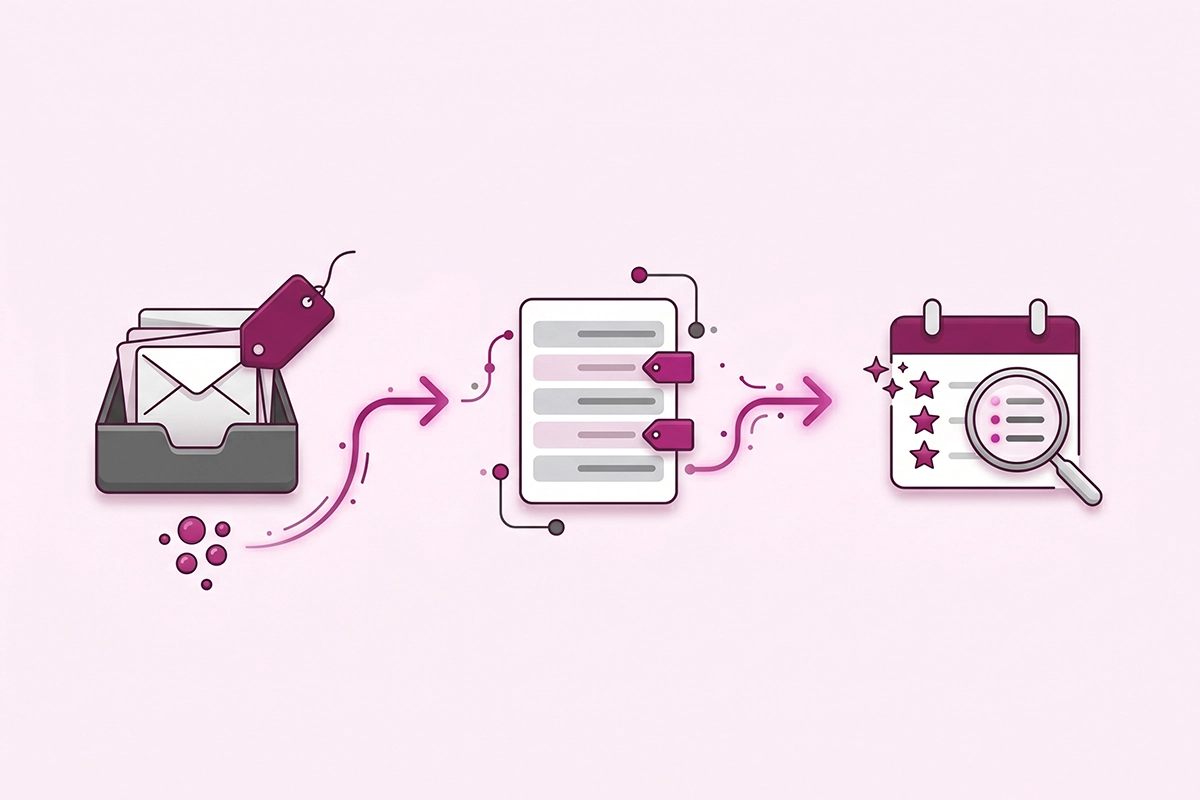
When you answer a support message that feels like a real, recurring question, add one label. In Gmail, a label called "blog-idea." In a help desk like Gorgias or Zendesk, a tag with the same name. It takes two seconds, and you do it while the question is fresh.
Keep one running list
Copy each new tagged question into a single running document. Write it the way the customer asked it, in their words. Those exact words are your title and your keyword research in one place.
Do a 15-minute Friday review
Once a week, scan the list and mark the questions that showed up more than once. Those move to the top. That is your content queue, ranked by real demand, built without a single keyword tool.
That is the whole system. A tag, a list, and fifteen minutes on Friday. Over a month, even a store with modest order volume will collect more genuine topics than it can publish, which is the opposite of the blank-page problem you started with. If you want a fuller list to prime the pump while your own queue fills up, our post on 30 Shopify blog content ideas covers topics that work for most stores.
How to write the post so it ranks and gets cited
Capturing the question is half the job. Writing it so it earns traffic from both Google and AI search is the other half. The good news is that question-shaped content is exactly what AI search rewards.
Lead with the answer. Open the post, and each section, with a complete answer in the first sentence or two. Then explain. This is the format AI engines extract and cite, and it is also what an impatient shopper wants. Answer-engine guides recommend a tight 40 to 60 word direct answer before you go deeper.
Match how people actually phrase the question. AI prompts are longer and more conversational than Google searches. Semrush found the average ChatGPT prompt runs about 23 words, against roughly 3.4 words for a typical Google query. A customer's real question, in their own words, already sounds like an AI prompt. That is the advantage of starting from a ticket instead of a keyword tool.
Add the FAQ entry with schema. Put the short version of the answer in your FAQ block and mark it up with FAQPage schema. Google has wound down FAQ rich results in regular search, so the value now is that AI engines use that structured question-and-answer data to find and cite authoritative answers.
Link it into the rest of your store. Connect the post to the relevant product and collection pages, and to related posts. This helps shoppers navigate and helps search engines understand how your content fits together. A post that answers "which size do I need" should link straight to the product it is about.
Keep your own voice. The reason this beats generic AI-written content is that you have the real answer, the real context, and the real customer language. Generic content cannot fake that, and increasingly it does not rank.
Wrapping up: start with this week's inbox
The blank page is not a content problem. It is a sourcing problem, and you already have the source. Your customers have been telling you what to write about every time they hit send.
Three things to take away. First, a real customer question is a pre-validated keyword: specific, long-tail, and proven to matter because someone actually asked it. Second, one good question becomes three assets (a post, an FAQ entry, and a chatbot answer) that reinforce each other and stop the question from coming back. Third, the only system you need to turn support tickets into content is a tag, a running list, and fifteen minutes on Friday.
You will still have to write the posts, and writing well from a real question takes more than pasting a ticket into an AI tool. But you will never again sit down to a blank calendar wondering what your store should say. The answer is in your inbox, in your chat logs, and in your reviews, waiting.
Start small. This week, tag five questions. Next Friday, pick the one you have answered the most times, and write that post. Then do it again.
Want someone to run this for you?
The Studio Niza blog content service turns your real customer questions into keyword-researched posts, with FAQ schema and internal links built in. No invented topics, no AI slop. From $449/month.
See blog content pricing →Or email contact@studioniza.com if you have a specific question about your store. I read every one.
Frequently asked questions
If you're still unsure after reading these, just send the question.
How many support tickets do I need before a topic is worth a blog post? +
A good rule is three. If you have answered the same question three or more times, it is recurring enough to deserve a post. Below that, keep it as a tagged note and wait to see if it comes up again. Repetition matters more than raw volume, and even a store with modest order counts collects repeat questions quickly.
What if my store is too new to have many support tickets yet? +
Use what you have and supplement it. Pre-sale questions from your contact form, comments on your social posts, and questions in your niche's communities all count. You can also look at related stores' reviews and FAQ pages to see what buyers in your category ask. As your own ticket volume grows, your topic list gets sharper.
Can I use my chatbot logs to find blog topics? +
Yes, and they are one of the best sources. People ask a chatbot things they would never bother to email, so the transcripts surface questions you would otherwise never see. Export the last 30 to 90 days and look for repeated questions. This is part of why it is easier to turn support tickets into content once a chatbot is capturing them for you.
Do customer questions make good FAQ schema entries? +
They make the best ones. A real customer question is already phrased the way other people search, which is exactly what FAQPage schema and AI search engines reward. Write the answer in two to four direct sentences, mark it up, and it becomes a citable answer for ChatGPT, Perplexity, and Google AI Overviews.
Should I quote the customer's exact words in the blog post? +
Use their phrasing for the title and headings, but never publish identifying details. The wording is valuable because it matches how strangers search. Strip out names, order numbers, and anything personal, then write the question the way they would have typed it into Google.
How is turning support tickets into content different from just writing an FAQ page? +
An FAQ page gives short answers in one place. To turn support tickets into content, you write a full post for the questions deep enough to deserve one, then also add the short version to your FAQ and your chatbot. The blog post ranks for the long-tail search, the FAQ entry feeds AI citations, and the chatbot handles repeat askers. Same question, three jobs.