
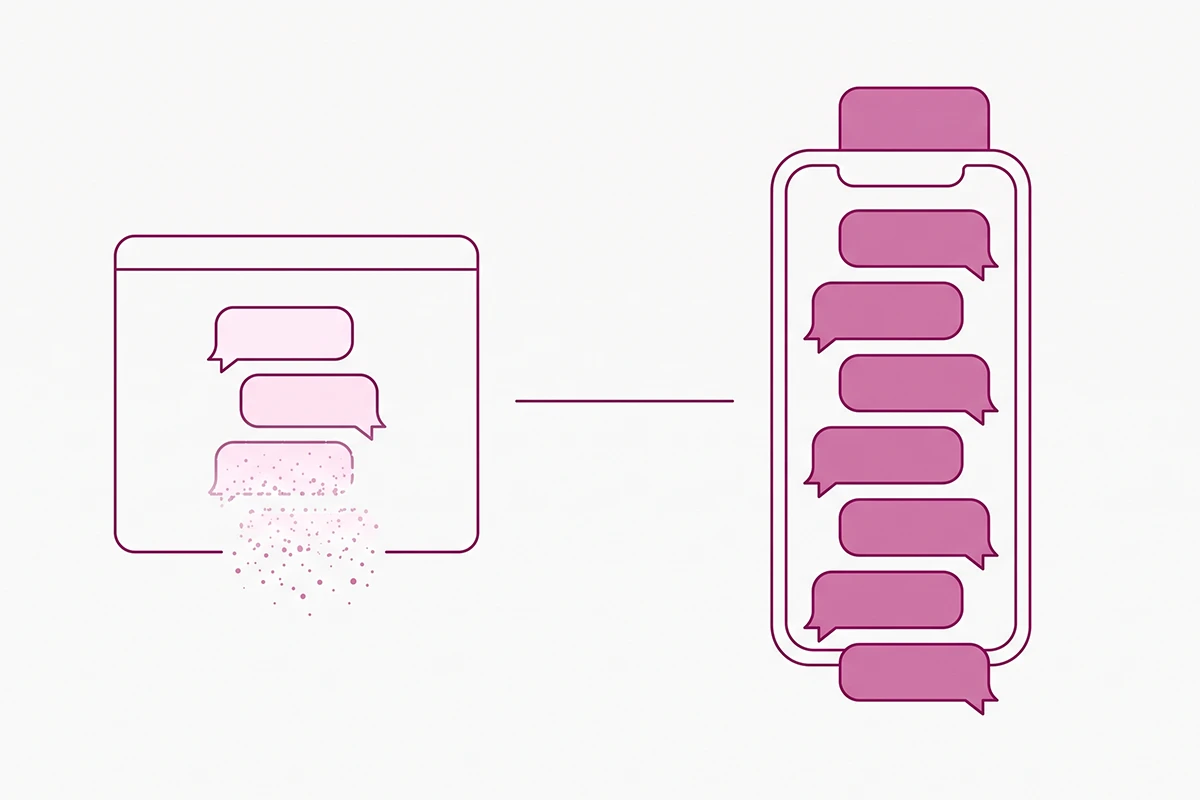
Your chat widget only exists while the browser tab is open. Close the tab and the conversation is gone, along with whatever the customer told you about their size, their order, and their problem.
A WhatsApp thread does not work that way. It sits on someone's phone and survives the session, the device, and the month. A customer messages you at 9pm about a delivery, gets an answer, and that same thread is still there next week when they want to reorder.
That difference is real, and it is why a WhatsApp chatbot for Shopify looks so obviously better than a site widget the first time you watch one work. It is also why the pricing works completely differently, and that part rarely makes it into the app demo.
Here is the short version. A site widget costs a flat monthly fee no matter how many people use it. A WhatsApp chatbot costs a flat monthly app fee plus a per-message charge paid to Meta, and that rate changes depending on which country your customer is in and what kind of message you send. Meta moved the WhatsApp Business Platform from per-conversation to per-message billing on July 1, 2025. Channel choice stopped being a convenience question that day and became a cost question.
If your customers are in the UK, Australia, Europe, India, or Southeast Asia, some of them are already messaging you on WhatsApp first and opening your website second. That is worth taking seriously. It is not automatically worth paying for. This post covers when a channel bot earns its cost, what WhatsApp Business charges in plain terms, the opt-in rules you cannot skip, and the one-inbox rule that keeps the whole setup from quietly leaking messages.
Widget or channel: what actually changes
The technical difference between a site widget and a channel bot is small. Both are usually the same underlying chatbot answering the same questions. What changes is who owns the surface.
On your site, you own it. You decide when the widget opens, what it says first, and who sees it. The visitor is anonymous, which is fine, because they have not bought anything yet. When they leave, the session ends and you are back to nothing.
On WhatsApp, the customer owns it. The thread is tied to their phone number, so you know exactly who you are talking to and what they have ordered before. That is the upside. The downside is symmetric: because it is their space, you need permission to speak first, you need a pre-approved message format to do it, and you pay Meta each time.
So the honest framing is not "which bot is better." It is who needs to reopen the conversation, and how often. If the answer is almost always the customer, a widget is enough. If you need to reach back out regularly with something they actually want, a channel bot starts to make sense.
When a WhatsApp chatbot beats a site widget
Four conditions. If your store hits two or more, the per-message cost is probably worth it. If it hits none, you are buying a nicer version of something you already have.
1. Your customers buy again within about 90 days
Coffee, supplements, pet food, skincare, consumables of any kind. A thread that is still open when they run out is a reorder channel that costs one message. For a store where people buy once a year, that same thread is just a dormant contact you are paying to maintain.
2. You sell into cash-on-delivery markets
In India, Vietnam, Indonesia, and parts of the Middle East and Latin America, a meaningful share of orders arrive unpaid and some of them are never collected. A WhatsApp confirmation step before dispatch is not customer support, it is revenue protection, and it is the one use case where the maths is rarely close. There is a whole category of Shopify apps built for nothing but this, which tells you how expensive the return-to-origin problem gets.
3. Your post-purchase window is long or unpredictable
Made-to-order, preorder, long international shipping. The questions come after checkout, not before, and they repeat. "Where is my order" answered on the channel the customer already lives in beats the same answer buried in an email.
4. Your customers have a phone habit, not an email habit
This one is regional and easy to get wrong from the wrong country. WhatsApp is the single most-preferred social platform in the world, named as the favourite by 17.4 percent of users in DataReportal's Digital 2026 report, and typical users open it more than twenty times a day. In Brazil, India, Indonesia, the Netherlands, and large parts of Europe, a business without a WhatsApp number reads as slightly unreachable. In the United States, it mostly does not register. If you are selling across several of those markets at once, you are also looking at running a multilingual chatbot, which is a separate decision with its own tradeoffs.
| Factor | Site widget | WhatsApp chatbot |
|---|---|---|
| Who the visitor is | Anonymous until they tell you | Known by phone number |
| Conversation lifespan | Ends with the session | Persistent thread |
| Who can start a conversation | Either side, free | Customer freely, you with opt-in and a paid template |
| Cost shape | Flat monthly | Flat monthly plus per message |
| Best at | Pre-purchase questions | Post-purchase updates and reorders |
| Setup friction | Install and configure | Business verification, number, template approval |
What WhatsApp Business actually costs in 2026
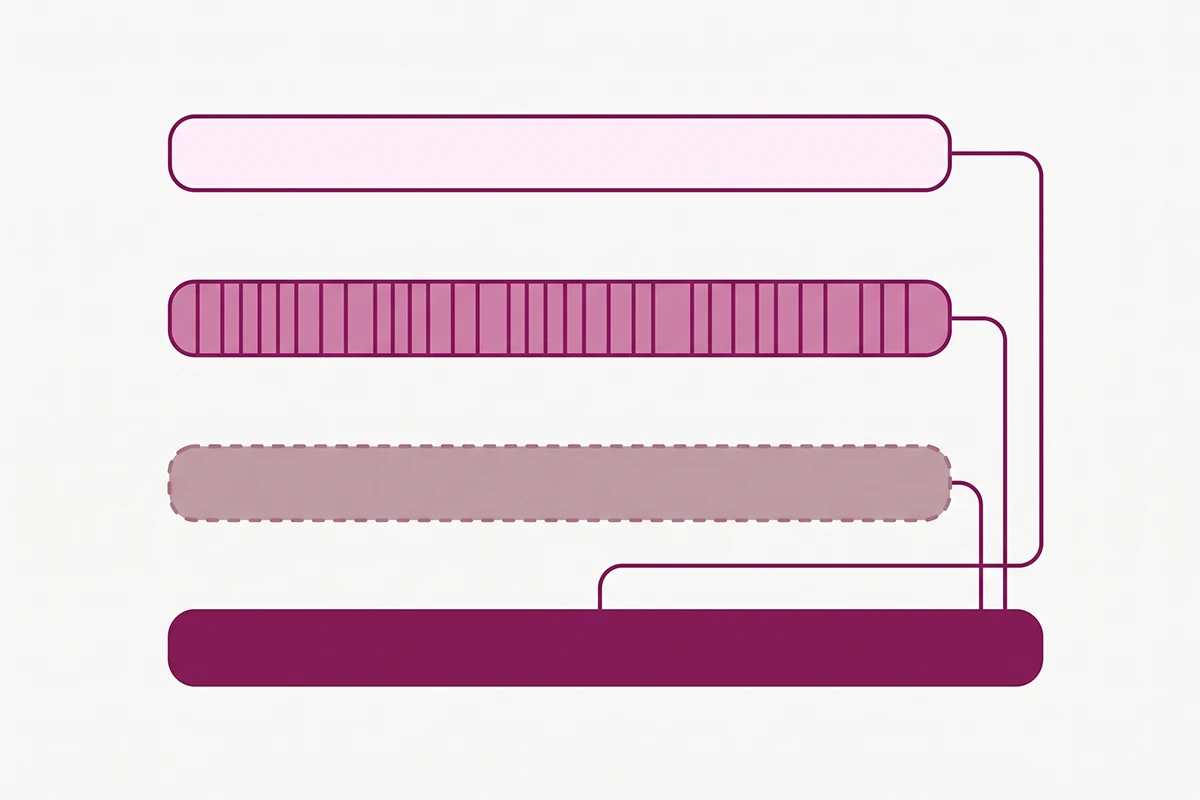
This is the section the vendor roundups skip, so it is worth being precise. There are three layers to the bill and only one of them shows up on an app's pricing page.
Layer one: what Meta charges
Since July 2025, Meta bills per message delivered, and every message falls into one of four template categories. The distinction matters more than the rates do:
- Service messages are free. These are your replies to a customer inside an open conversation. Free for everyone since November 1, 2024.
- Utility templates are free inside the customer service window. That window opens when the customer messages you and stays open for 24 hours from their last message. Outside it, utility templates are charged.
- Authentication templates follow the same rule: free inside the window, charged outside.
- Marketing templates are always charged. No window, no exemption.
There is also a free entry point window: if a customer reaches you through a click-to-WhatsApp ad or a Facebook Page button and you reply within 24 hours, every message for the next 72 hours is free, templates included.
Rates vary by the customer's country calling code. Meta publishes the full rate card, currently effective October 1, 2025, as downloadable files on its pricing documentation. As a rough sense of scale, marketing messages run somewhere around a cent in India, around two and a half cents in the United States, around six cents in the UK and Brazil, and over thirteen cents in Germany. Check the current card for your own markets before you budget anything, because those numbers move.
Layer two: what the app charges
The Shopify app sitting between your store and Meta bills separately. Interakt, one of the more established options, runs $21 to $99 a month depending on tier, and its listing states plainly that Meta conversation charges apply on top. Most competitors land in the same band. Some also add a markup to Meta's per-message rate, which is worth asking about directly, because it is not always disclosed on the pricing page.
Layer three: your time
Business verification, getting a dedicated number, writing templates, waiting on approval, and rewriting the ones that get rejected. Budget a few hours for setup and an hour a month after that.
A worked example
Say you are a UK store doing 500 orders a month. You send a shipping notification as a utility template outside the service window for each one: roughly $10. You run one marketing broadcast to 2,000 opted-in contacts: at a UK marketing rate near six cents, roughly $120. Add a mid-tier app at about $41. Your month is around $170.
The shipping notifications cost almost nothing. The broadcast is 70 percent of the bill, and the broadcast is the feature every demo opens with. That same message to that same list over email costs close to zero. It will get opened less, which is exactly the tradeoff you are paying for, but it should be a deliberate purchase rather than a surprise. The same logic applies to cart reminders, which is worth weighing against how cart recovery works on your own site for free.
Opt-in, templates, and the rating that can throttle you
WhatsApp is stricter than email, and the penalties land on your phone number rather than your sender reputation.
Meta's Business Messaging Policy requires two things before you message anyone: they gave you their mobile number, and they gave you opt-in permission confirming they want to hear from you. Having someone's number from checkout is not consent on its own.
Three practical rules follow from the policy:
- Name the categories in your opt-in. Meta's guidance is that consent should cover the types of message you plan to send, such as order updates, offers, and recommendations. "Get WhatsApp updates" is thin. A short list is safer.
- Honour opt-outs from anywhere. If someone asks you to stop, on or off WhatsApp, you have to remove them from your contact list. A customer telling you by email counts.
- Templates need approval before first contact. Anything you send to open a conversation has to be a pre-approved template. Replies inside an open window do not. Rejections are common, usually fixable, and per-template rather than fatal.
The real risk is not rejection. It is your quality rating. Meta watches user feedback, including blocks and reports, and reviews opt-in flows when something looks wrong. A number that annoys people gets its messaging limits tightened, and in bad cases the account gets suspended. Sending fewer, better-targeted messages is not caution here, it is how the channel stays usable.
What to automate on WhatsApp versus on your store
The split is not arbitrary. WhatsApp works where you already know who the person is and an order exists. Your site works where you do not.
| Job | Where it belongs | Why |
|---|---|---|
| Order confirmation and shipping updates | Utility templates, high open rate, cheap | |
| Cash-on-delivery confirmation | Protects revenue before dispatch | |
| Delivery exceptions and delays | Reaches people who ignore email | |
| Review requests after delivery | Timed off a known delivery event | |
| Sizing, fit, and material questions | Your site | Asked before anyone hands over a number |
| Product discovery and comparison | Your site | Needs images, links, and the cart nearby |
| Returns policy questions | Your site | Anonymous browsers ask this constantly |
| Anything from a first-time visitor | Your site | No opt-in exists yet |
Review requests deserve a note. Sending them on WhatsApp works well because delivery is a clean trigger and the message arrives where people actually read it. The mechanics are the same as email, so the sequencing advice in review request automation carries over directly. Just remember that a review request is a utility or marketing template depending on how you word it, and wording it as a promotion makes it cost more.
Messenger is not WhatsApp, and the one-inbox rule
These two get bundled together because Meta owns both. Operationally they behave nothing alike.
What Messenger's 24-hour window allows
Messenger gives you a 24-hour window to respond after a customer messages you, and inside that window you can include promotional content freely. Outside it, you are limited to specific message tags. The human agent tag buys you seven days for manual replies. A one-time notification lets you send a single follow-up. Sponsored messages allow promotion, and they are paid.
So if you came here searching for a Facebook Messenger abandoned cart setup, here is the honest answer: inside 24 hours of the customer messaging you, fine. Outside it, a promotional cart reminder needs a sponsored message, which is an ad buy. Messenger is a reply channel, not a broadcast channel. The upside is that replying costs you nothing per message, which WhatsApp cannot say.
The one-inbox rule
Every channel you add has to land somewhere a human checks. This sounds obvious and it is the most common way these setups fail. A store adds WhatsApp, keeps the site widget, keeps Instagram DMs, and within a month something goes unanswered for three days in whichever one gets checked least.
Shopify Inbox covers your online store chat and Meta's own surfaces. It does not handle WhatsApp, so WhatsApp means a separate app, and that app needs to be the place everything lands or you need a help desk above both. There are 963 chat apps in the Shopify App Store as of this writing, and eight of the first fifteen mention WhatsApp, so the options are not the constraint. Picking one and routing everything through it is. If the categories still feel blurry, chatbot, live chat, and help desk each do a different job, and knowing which you are buying prevents paying for two of them.
The rule in one line: do not add a channel you cannot answer within the same hour you answer the others.
Wrapping up
Three things to take away.
First, the site widget and the WhatsApp chatbot are not competing for the same job. One handles strangers before they buy, the other handles customers after. Most stores that get value from both are running both, deliberately, with different scripts.
Second, the cost is two bills, not one. The app subscription is the visible layer, Meta's per-message charge is the layer that scales, and marketing templates are where it scales fastest. Service replies and in-window utility messages are free, which means a WhatsApp bot answering questions costs very little and a WhatsApp bot broadcasting offers costs real money.
Third, and this is the part that will not be popular: if you are a newer store selling to the US, UK, or Australia, with a purchase cycle measured in months, you probably do not need this yet. A free click-to-chat button on your product pages gives you the WhatsApp presence without the API, the verification, the template approvals, or the per-message bill. Start there, watch how many people use it, and let the volume tell you whether the full setup is worth building.
The stores where a channel bot is obviously correct know it already. Their customers are messaging them on WhatsApp whether they set it up or not. If that is not happening to you yet, the widget is doing its job, and the money is better spent elsewhere.
Not sure which surface your bot belongs on?
The Studio Niza AI Chatbots service starts on your storefront, where the cost is flat and predictable, and adds a channel bot only when your order pattern justifies the per-message bill. Setup is $599, then $99/month all-in.
See how the chatbot service works →Or email contact@studioniza.com if you have a specific question about your store. I read every one.
Frequently asked questions
If you're still unsure after reading these, just send the question.
Do I need the WhatsApp Business API to add WhatsApp to my Shopify store? +
Not for a click-to-chat button. Free apps add a WhatsApp icon that opens a chat with your number, and they need no API, no verification, and no per-message fees. You need the WhatsApp Business Platform as soon as you want anything automated: order updates, cart reminders, broadcasts, or a bot that replies without you.
How much does a WhatsApp chatbot for Shopify cost per month? +
Two bills. The Shopify app typically runs $20 to $100 a month, and Meta charges per message on top of that. A small store sending mostly order updates might add $10 to $30 in message fees. A store running marketing broadcasts to a few thousand contacts can add several hundred, because marketing templates are charged every time with no free window.
Can I send abandoned cart messages on WhatsApp? +
Yes, but they count as marketing templates, which means they are always charged and require prior opt-in from that customer. They also need to be pre-approved before you send them. Compare the cost against cart recovery on your own site and by email first, since both of those reach the same shopper for far less.
Can Shopify Inbox handle WhatsApp messages? +
No. Shopify Inbox covers chat on your online store along with Meta's own messaging surfaces. WhatsApp conversations need a separate Shopify app connected to the WhatsApp Business Platform, which is why adding WhatsApp usually means adding a second inbox to check.
Do I still need a chat widget on my site if I have a WhatsApp chatbot? +
In almost every case, yes. A first-time visitor with a question about sizing will not hand over a phone number to ask it. The widget catches anonymous pre-purchase questions and the WhatsApp chatbot handles known customers after an order exists. They cover different halves of the same funnel.
What happens if my WhatsApp message templates get rejected? +
Rejection applies to that one template and is usually fixable by rewording it, so it is an annoyance rather than a real setback. The thing worth watching is your quality rating, which Meta adjusts based on blocks and reports from recipients. A rating that drops far enough tightens your messaging limits and, in serious cases, suspends the account.