Most blog posts stall in the same place. Minute forty, four hundred words in, when the shape of the thing stops making sense and you close the tab.
That is a structure problem, not a writing problem. You know your products. You know what customers email you about. What you do not have is a container to pour it into.
This post is the container. It is the blog post template Studio Niza uses for every article on this site, including this one, laid out block by block with word count ranges and a plain note on what each block is for.
I am publishing it because there is nothing proprietary about a skeleton. The work is in the filling: the research, the specific numbers, the voice that sounds like a person. A template only stops you from rebuilding the same scaffolding every Tuesday.
Two things upfront. This is not a formula that makes a thin post rank. Google's own guidance is direct about that: unique content that goes beyond common knowledge matters more than any structural trick. And this blog post template is built for informational posts, the kind that answer a question a shopper or a fellow owner is typing into search. Gift guides and product roundups bend the middle. The top and the bottom stay the same.
Everything below is copyable. Take it, change it, argue with the word counts. What you should walk away with is a skeleton you can open on a Monday and fill without deciding anything about structure ever again.
Why use a blog post template at all?
Three reasons, in order of how much they actually matter.
Because readers do not read
Nielsen Norman Group's foundational study of web reading found that 79 percent of test users scanned any new page they came across, and only 16 percent read word by word. Later research put a number on the scanning: on an average page visit, people have time to read at most 28 percent of the words, and 20 percent is more likely.
Your post is not competing for a careful reader. It is competing for a fast one. A structure that front-loads the answer and breaks the page into labeled sections is built for how people behave, not for how we wish they behaved.
Because consistency carries the SEO furniture
Every post needs the same set of unglamorous parts: a title under 60 characters, a meta description, a URL handle, alt text on every image, internal links, a closing. When you decide structure fresh each time, parts get skipped. The FAQ block disappears on post six. The internal links disappear on post nine.
A skeleton means the furniture ships every time without you having to remember it.
Because speed compounds
The first post you write on a template takes about as long as usual. The fifth takes half as long, because the only decisions left are what to say. For a solo owner writing between order fulfillment and customer emails, that difference is the whole reason the blog survives past month two.
What a template is not: a ranking trick. Google's guide to optimizing for generative AI search says plainly that there is no ideal page length and no requirement to break content into small pieces for machines to understand it. Structure earns its place by helping the human. The machines follow the human.
The blog post template, top to bottom
Here is the whole thing. Word counts are ranges, not rules, and they assume a finished post somewhere between 1,800 and 2,500 words.
| Block | Length | The job it does |
|---|---|---|
| Title (H1) | 50 to 60 characters | Earns the click in search. Carries the primary keyword near the front. |
| Direct answer line | 1 sentence, 25 to 40 words | Answers the title question immediately, before the reader scrolls. |
| Byline and date | 1 line | Real name, linked to a real About page. Visible publish date. |
| Introduction | 150 to 250 words | Names the problem, confirms it is common, promises the framework. |
| Table of contents | 5 to 7 links | Lets a scanner jump. Optional on posts under 1,200 words. |
| Body sections (H2) | 5 to 7 sections, 200 to 350 words each | One idea per section. Two to four phrased as real questions. |
| Cited number | At least 1, linked | Anchors the post to a primary source instead of an opinion. |
| Comparison table or list | 1 where the topic warrants it | Compresses three or more options across three or more attributes. |
| Images | 1 hero plus 2 to 4 inline | Each one clarifies something the text cannot say quickly. |
| Internal links | 3 to 6 | Sends the reader to the next question, spreads authority. |
| Closing section | 200 to 300 words | Two or three takeaways, honest about the work still left. |
| CTA block | 40 to 60 words | One offer, one button, no urgency. |
| FAQ block | 6 to 8 questions, 40 to 70 words per answer | Catches the long-tail questions the body did not answer directly. |
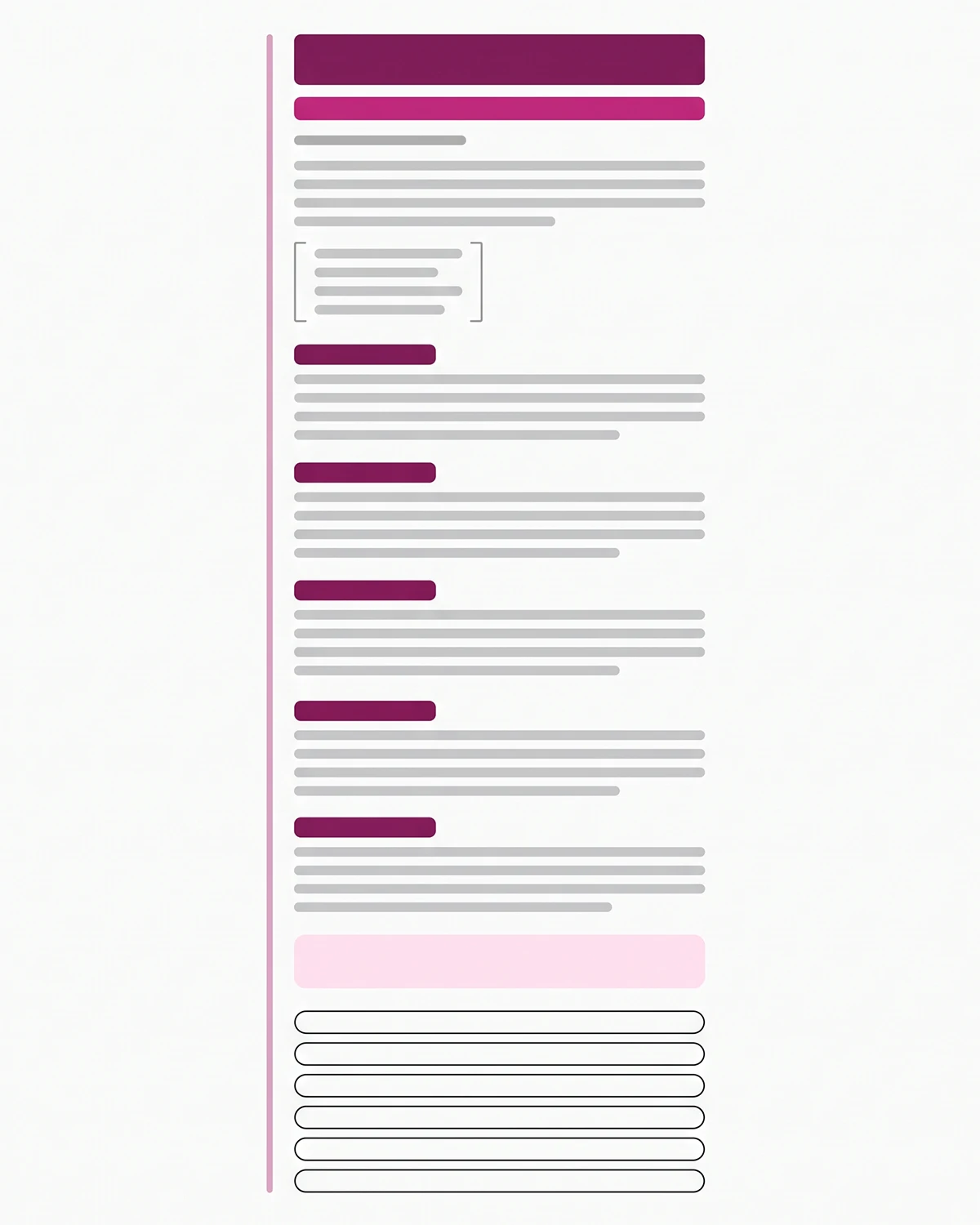
The totals land around 2,000 words on a typical post. That is a byproduct of the structure, not a target. If you want the reasoning behind length specifically, I wrote a separate piece on how long a Shopify blog post should be and why the honest answer is "as long as the question takes."
The title and the one-line answer under it
These two blocks do more work than the rest of the post combined, because they are what a scanner and a search engine both see first.
Title patterns that hold up
Keep it to 60 characters or fewer. Shopify's own SEO documentation gives the same number and the same reason: most search engines shorten longer titles. Put the primary keyword near the front, because that is the part that survives truncation on mobile.
Four patterns cover most informational posts.
| Pattern | Use it for |
|---|---|
| How to [outcome] on Shopify | Process posts |
| [Tool] vs [Tool]: which fits [audience] | Comparisons |
| The [number] [things] that [outcome] | Checklists |
| [Thing] for [audience]: [specific promise] | Guides |
Useful beats clever every time. If you want the longer version, including how to write for the click without overpromising, see the post on writing Shopify blog titles that earn the click.
The one-line direct answer
Directly beneath the H1, before the reader scrolls, write one sentence of 25 to 40 words that answers the question in the title. No windup. No "in this post we will explore."
This is the single most important line in the template, for two reasons. It is the first thing a scanner reads, so it decides whether they stay. And it is the cleanest passage for a search engine or an AI system to lift when someone asks the same question elsewhere.
The introduction
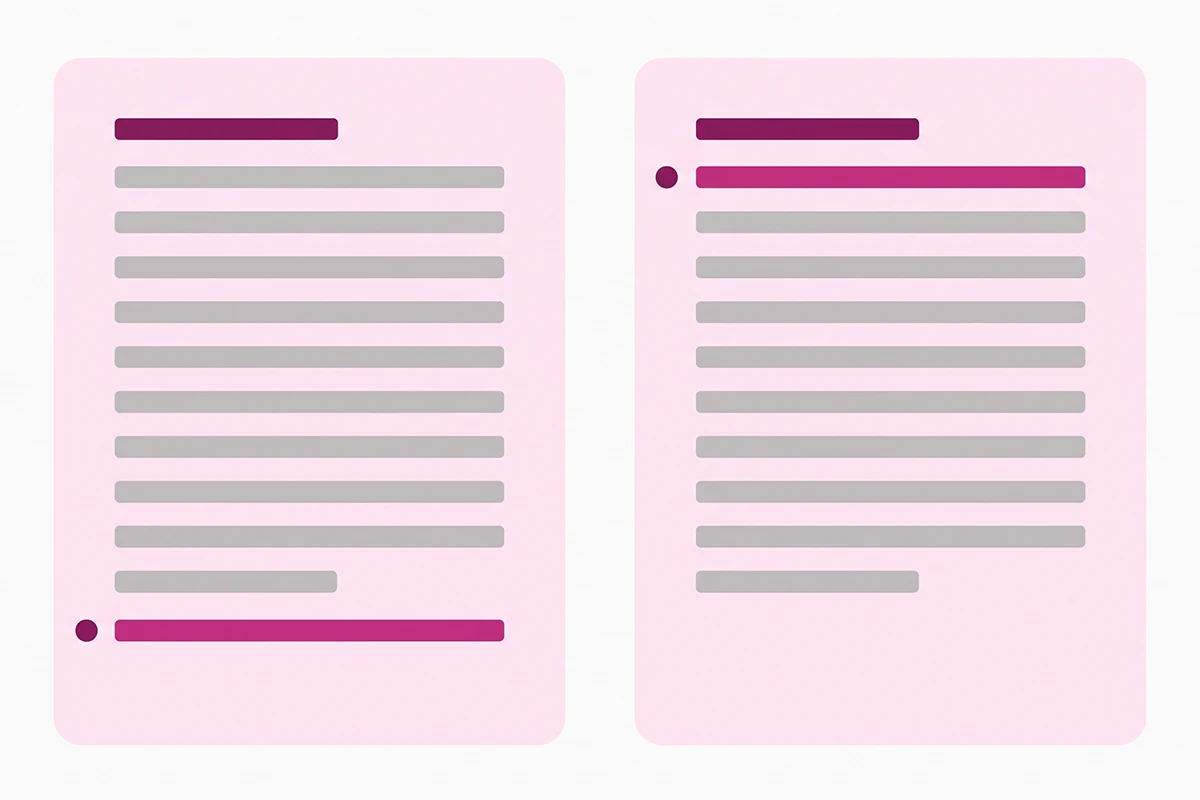
150 to 250 words. Name the problem in the first two sentences. Confirm that most stores hit it, so the reader knows they are not behind. Then promise what the post delivers. Get the primary keyword in somewhere inside the first 100 words, once, where it reads naturally.
Above the intro, keep a visible byline with a real name linked to a real About page, plus a publish date. That costs nothing and it is one of the clearest trust signals you can ship on every post. More on that in the piece about the trust signals Google and AI look for.
How to structure the body sections
The middle is where posts fall apart, usually because the writer is thinking in paragraphs instead of in sections.
Heading logic
Five to seven H2 sections. One idea each. 200 to 350 words each. Never skip a level: H1 to H2 to H3, in order.
Front-load the information-carrying words in every heading. Nielsen Norman Group's eye-tracking work on the F-shaped reading pattern found that after two horizontal passes, readers scan straight down the left edge of the content. The first two or three words of each heading are doing almost all of the work.
Phrase two to four of your headings as questions people would actually type. "Does my store need this yet" is a heading. "Understanding the fundamentals" is not.
Where the cited number goes
Put at least one linked, primary-source number in the first two body sections. Not "studies show." Not "experts agree." A real figure with a real link.
The sources worth citing for a Shopify store are narrower than you would think: Google Search Central, the Shopify Help Center, Nielsen Norman Group, Baymard Institute, and the documentation of whatever tool you are discussing. Competitor blogs are not sources. Neither is a forum thread, although forums are excellent for finding out which questions to answer.
Images and tables
One hero image, then two to four inline images placed where they clarify something words handle slowly. A diagram of how a process flows earns its place. A stock photo of a laptop does not.
Use a table whenever you are comparing three or more options across three or more attributes. Below that threshold, prose is faster to read. Every image needs alt text under 100 characters that describes what is in the frame, which matters for accessibility first and search second. The details are in the post on what every blog image should do.
Does the FAQ block still earn its place in 2026?
Yes, but not for the reason it used to.
On May 7, 2026, Google added a deprecation notice to its FAQ structured data documentation stating that FAQ rich results no longer appear in Search. The Search Console report and Rich Results Test support come out in June 2026, and the Search Console API support follows in August 2026. For most sites this was a formality: Google had already restricted FAQ rich results to well-known government and health sites back in August 2023, so the expandable dropdown had been invisible for ordinary stores for nearly three years.
Here is the honest read. The SERP feature is gone. The block is not.
Keep the FAQ section because readers use it, because it captures long-tail questions in visible text that a search engine can rank on its own merits, and because writing six real questions forces you to think about what the post left unanswered. Keep the FAQPage markup if it is cheap for you to maintain, since FAQPage is still a valid Schema.org type and Google has said unused structured data does not cause problems. Just do not add it expecting a feature.
Google is equally clear that structured data is not required for its AI features and there is no special markup to add for them. Anyone selling FAQ schema as an AI visibility trick is selling a theory, not a documented mechanism. The longer version of this argument, including when the markup is still worth shipping, is in the post on FAQ schema on Shopify.
Rules for the block itself: six to eight questions, none of them duplicating a body heading, 40 to 70 words per answer, and the complete answer contained in the first sentence.
Where the internal links and the CTA go
Internal link placement
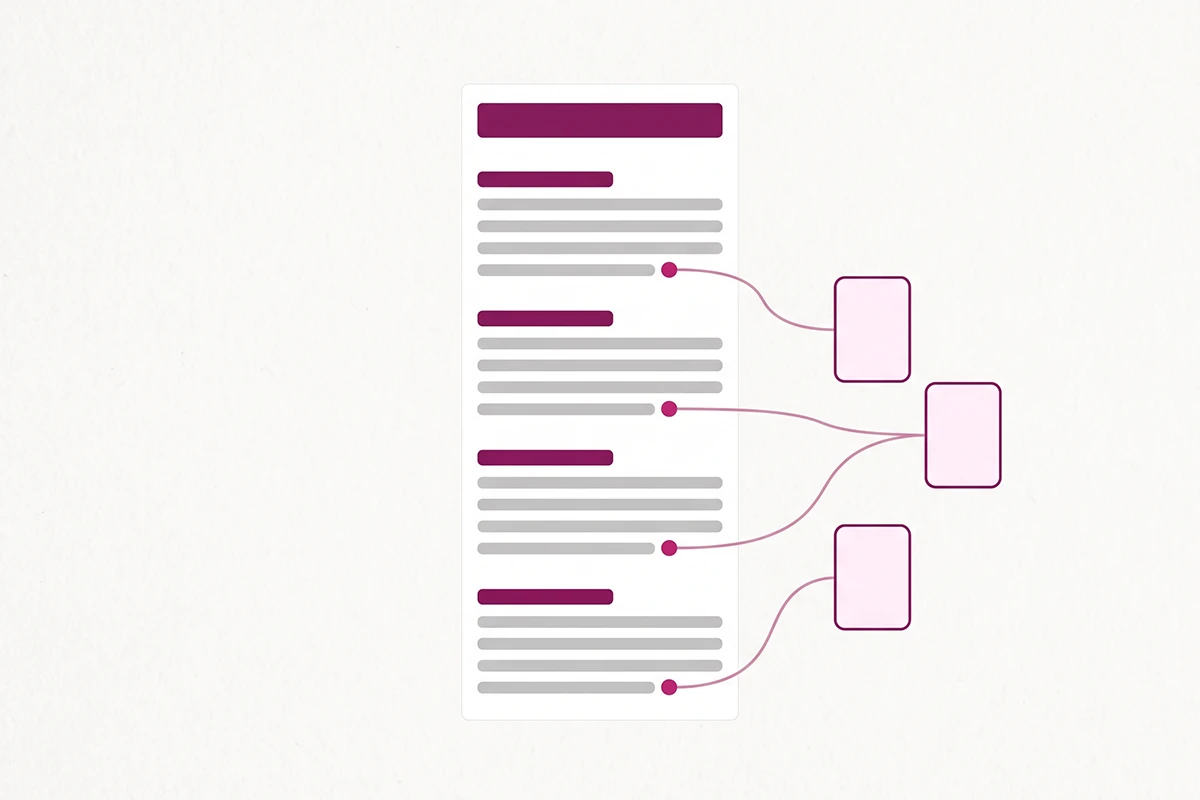
Three to six internal links per post. Place them at the natural exit points, the moment where the reader has just formed a new question that this post is not going to answer. That is usually the end of a subsection, not the middle of a paragraph.
Anchor text names the destination. "How long a Shopify blog post should be" tells a scanner what they will get. Vague anchors like "read more" tell them nothing. The full approach is in the post on Shopify internal linking strategy.
The CTA that does not beg
40 to 60 words, placed after the closing section and before the FAQ. Name who the offer is for, say where the pricing lives, and give one button. That is the entire pattern.
Skip the urgency. No countdown, no scarcity claims, no "book a call to learn more." A reader who found this post through search is early. The CTA's job is to be findable when they are ready, not to convert them today.
The Shopify admin fields most owners leave blank
Shopify's blog editor gives you a page title, a meta description, a URL handle, an excerpt, tags, and a featured image. Most new stores fill two of the six.
The excerpt and the meta description are not the same field and should not carry the same text. The excerpt shows on your blog landing page, so write it for a browser who is already on your site. The meta description shows in search results, so write it for a stranger deciding whether to click. The URL handle should be short, keyword-bearing, and dateless, because you will want to update this post in a year without the URL announcing its age.
Where to break this template
A template is a floor, not a ceiling. Three situations where you should ignore it.
When the honest answer is short. If a question takes 800 words to answer completely, write 800 words. Padding a thin topic to hit a structure is how a blog starts sounding like every other blog.
When the format demands a different middle. Comparison posts want the table high, usually right after the intro, because that is what the reader came for. Gift guides want the list first. The top and bottom of the template hold; the body reshapes.
When you have something only you can say. Google's guidance draws a sharp line between commodity content, the kind that could have come from anyone, and content that carries a real point of view from real experience. Their own example contrasts a generic tips list against a specific first-hand account of a decision and what it cost. A template cannot supply that. You can, and it is the part of a post that no competitor can copy.
The last thing worth saying is a warning about speed. A template makes posts faster, and faster tempts volume. Resist it. Twelve posts built carefully on this skeleton will outperform thirty thin ones, and the thirty will cost you more hours to produce. Publishing on a schedule you can hold for a year matters more than the number on the schedule.
Copy the table in section two into a document, fill the blocks, and you have a post. Do it eight times and you have a blog that reads like one person wrote it, because one person did.
Want the filling, not just the skeleton?
The Studio Niza Blog Content service builds every post on this exact template, with keyword research, real schema, original images, and internal linking handled for you. Written for your store, in your voice.
See blog content pricing →Or email contact@studioniza.com if you have a specific question about your store. I read every one.
Frequently asked questions
If you're still unsure after reading these, just send the question.
How long should a blog post be if I follow this template? +
There is no ideal length. Google's own generative AI search guide says so directly, and says you do not need to chunk content into small pieces for machines. This skeleton works from roughly 1,200 to 2,500 words. The sections scale with the topic, so a simple question gets four body sections and a comparison gets seven.
Do I need an app to use a blog post template on Shopify? +
No. Shopify's built-in blog editor has every field this template needs: page title, meta description, URL handle, excerpt, tags, and a featured image. Blog apps add scheduling and analytics conveniences, but nothing in this structure requires one.
Can I use the same blog post template for every article? +
The skeleton stays the same. The middle changes. Your title, direct answer, intro, FAQ, links, and CTA work identically on every informational post. Only the body sections change shape, and a comparison post or a gift guide will reorder those. Keeping the frame constant is what makes the blog read like one person wrote it.
Where should the target keyword go in a blog post template? +
Title, the direct answer line, somewhere in the first 100 words, two or three H2 headings, and the closing section. That is enough. Forcing the keyword into every heading reads badly to humans and does not help, since Google's systems understand synonyms and related meanings without an exact match.
How many internal links should one blog post have? +
Three to six is the working range for most small stores. Place them where the reader has a genuine next question, not at fixed intervals. Every link should use descriptive anchor text that names the destination, so a scanner reading only the links still learns something.
Should FAQ answers repeat what is already in the body? +
No. If an answer already lives in a body section, the FAQ block is wasting space. Use the FAQ for adjacent questions the post raises but does not directly answer: pricing, timing, tool choices, and edge cases. Two to four sentences each, with the complete answer in the first sentence.
How long does one post take to write using a blog post template? +
Three to five hours for a first-timer, two to three once the skeleton is familiar. Research is the slow part, not writing. The template removes structural decisions entirely, which is usually where the hour disappears.
Does a blog post template help with AI search visibility? +
Indirectly. Google states there is no special schema markup and no required structure for AI Overviews or AI Mode. What helps is a page that is indexed, snippet-eligible, and organized with clear headings and direct answers, because that makes the relevant passage easy to find and quote. The template produces that as a side effect.