
You picked a chatbot tool. You installed it. Then you hit the screen that says "write your responses," and you stopped.
That is where most Shopify stores stall. Not at the install, at the writing. The tool is free or cheap, the setup takes twenty minutes, and then there is a blank field waiting for words you have never had to write before. So the widget goes live with a default greeting and nothing behind it.
This post is the words. Fifteen complete chatbot scripts for ecommerce stores, grouped by the job each one does: three greetings, five FAQ answers, four save-the-sale lines, and three handoffs for when the bot runs out of road. Each one comes with a note on tone and when it fits.
Copy them. Change the shipping windows, the return terms, the product names, and the voice until they sound like your store. They are a starting point, not a finish line, and the starting point is what you are missing.
Two things before the scripts. First, every script here is short on purpose. Chat is not email. A shopper reading on a phone with one hand will skim three sentences and re-ask their question if you hand them a paragraph. Second, a script is a public promise. If you write "we reply within an hour," you have committed your store to replying within an hour. Only write what you can hold.
Why most chatbot scripts read like a form letter
Most owners write their first chatbot script the way they would write a policy page. Complete sentences, full context, every exception covered. Then it lands in a chat bubble 320 pixels wide and nobody reads past line two.
Chat copy has a different shape. Every script that works does four things, in this order:
It identifies who is talking, bot or human. It scopes what it can help with, in two or three concrete things rather than "anything you need." It gives a next step, a question or a link, never a dead end. And it leaves an exit, a way to reach a person.
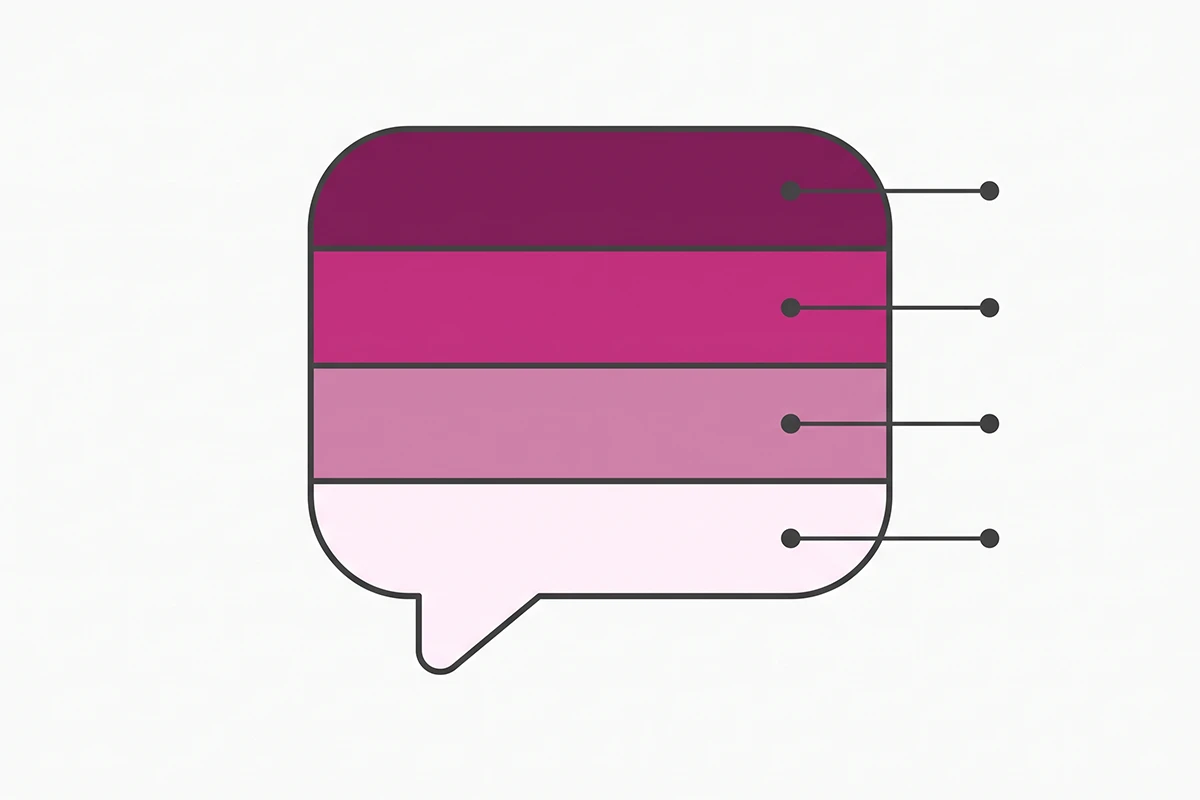
You will not hit all four in every message. A shipping answer does not need to reintroduce the bot. But across a full conversation all four have to appear, and the greeting carries most of the weight.
The other rule: write in your store's voice, not in chat-support voice. "We apologize for any inconvenience" belongs to a company with a legal department. If you sell hand-thrown ceramics to 400 customers a year, write like that instead. There is more on keeping your chatbot on-brand if that part is the sticking point.
Three greeting scripts that name the bot
The greeting is the only script every visitor sees, so it is the one worth rewriting three times. If you want the full reasoning behind it, I covered what to say in the first 60 seconds. Here are the three versions you need.
All three start by naming the bot. That is not modesty, it is a rule now. Under the EU AI Act, systems that interact directly with people have to inform users they are dealing with AI, and the Commission's guidance is explicit that the disclosure has to be clear and not buried in a footer. In California, SB 1001 says a business using a bot to push a sale is not liable if it discloses that it is a bot. Eight words in the first bubble handles both.
Script 1. New visitor, first time on the site
"Hi, I'm the [Store] assistant, a bot. I can check sizing, shipping times, and order status. What are you looking at today?"
Tone: quick and specific. The three named jobs do the work. Naming what the bot handles tells a visitor in about five seconds whether it is worth typing. A vague "How can I help?" hands the whole problem back to them.
Script 2. Returning visitor
"Welcome back. I'm the [Store] bot. Picking up where you left off, or is this about an order?"
Tone: familiar, not watchful. Two paths, both common. Do not name the products they viewed last time unless your tool genuinely knows, and never guess. A greeting that gets it wrong is worse than a generic one.
Script 3. Cart in progress
"Looks like you've got [product] in your cart. I'm the [Store] bot. Want me to check the delivery date for your postcode, or confirm the return window before you check out?"
Tone: helpful, not pushy. No discount, no countdown. This one fires only when a cart exists. It offers the two facts people actually stall on, which is the whole reason it works.
Five FAQ answers your chatbot should never get wrong
These five cover most of what a first-year store gets asked. On Shopify Inbox they map straight onto instant answers, which are question and answer pairs the shopper taps. You can publish up to 100 of them. You need about ten.
The Inbox agent also reads your store policies, product catalog, and published storefront pages, so whatever you write here has to match what is already on those pages. Two versions of your return window in two places is worse than one.
Script 4. Shipping times and cost
"Orders ship from [location] within [1 business day]. [Standard] delivery is [3 to 5 business days] and costs [$5], free over [$60]. Express is [$12] and takes [1 to 2 days]. Want me to check a specific country?"
Tone: numbers first, no apology. If your shipping is slow, say the real number anyway. A shopper who finds out at checkout abandons; one who finds out in chat sometimes buys anyway.
Script 5. Returns
"You have [30 days] from delivery. Items need to be unworn with tags attached. Return shipping is [free / $6, deducted from the refund]. Refunds land [3 to 5 business days] after the parcel reaches us. Want the returns link?"
Tone: flat and complete. This is the one script to over-share on. The National Retail Federation put online returns at 19.3% of sales in 2025, with 82% of shoppers weighing free returns when they choose where to buy. Hedging here costs you the sale long before anyone returns anything.
Script 6. Sizing
"[Product] runs [true to size / a little small]. Most people who wear a [US 8] take the [M]. The size chart is [here], measured flat in [cm]. Tell me your usual size in another brand and I'll compare."
Tone: opinionated. A neutral sizing answer is useless. The shopper can already see the chart; what they want is the thing you would say out loud in a shop. Sizing is where the preventable returns live, so a real opinion here pays twice.
Script 7. Discounts
"No code running right now. Prices stay the same year-round except [Black Friday]. [Sign up here] and you'll hear first."
Tone: honest and closed. If there is no sale, say so plainly. A bot that dodges the discount question sends people off to hunt for a code in another tab, and a share of them do not come back.
Script 8. Order status
"Happy to check. What's your order number? It's in your confirmation email and starts with [#]."
Tone: one question, nothing else. Then hand over the tracking. This is the highest-volume script most stores run, and I have written separately about handling "where is my order" without a human.
Four save-the-sale scripts for the moment before they leave
A chatbot does not recover carts the way an email flow does, and I have been clear about what a chatbot can and cannot recover. What it can do is answer the objection while the shopper is still on the page. That matters, because most abandonment is fixable. Baymard's research puts extra costs at the top of the list, cited by 39% of shoppers who abandoned a checkout, and a separate survey of US adults put the figure at 48%.
Script 9. Exit intent
"Before you go, anything I can check? Delivery date, sizing, or the return policy?"
Tone: one line, no discount. Three options, all of them information. If you lead with a code, you have taught that shopper to move their mouse toward the top of the browser next time.
Script 10. Out of stock
"[Product] is out in [M] until about [mid-September]. I can email you when it lands, or [Product B] is in stock now and runs similar. Which is more useful?"
Tone: a specific date, or no date at all. "Back soon" is worse than nothing. It reads as a brush-off and it gives the shopper no reason to wait.
Script 11. Price hesitation
"Fair question. [Product] is [$X] because [it's made in Portugal in runs of 200]. It's covered by a [2-year] guarantee and returns are [free] for [30 days] if it isn't right. Want the details on the guarantee?"
Tone: answer, do not flinch. Justify the price once, then reverse the risk. Still no discount.
Should the bot ever hand out a code? Sometimes, but never as the opening move. Answer the objection first. A bot that drops a code every time someone hesitates is a machine for teaching your best customers to wait.
Script 12. Comparison shopper
"Good comparison. [Product] uses [X] and weighs [Yg]. The difference people notice most is [Z]. What matters more to you: [weight, warranty, or delivery speed]?"
Tone: confident, no competitor bashing. Give the specification, name the real tradeoff, then ask what they are weighing. Running down another brand reads as insecurity.
Three handoff scripts that keep trust when the bot taps out
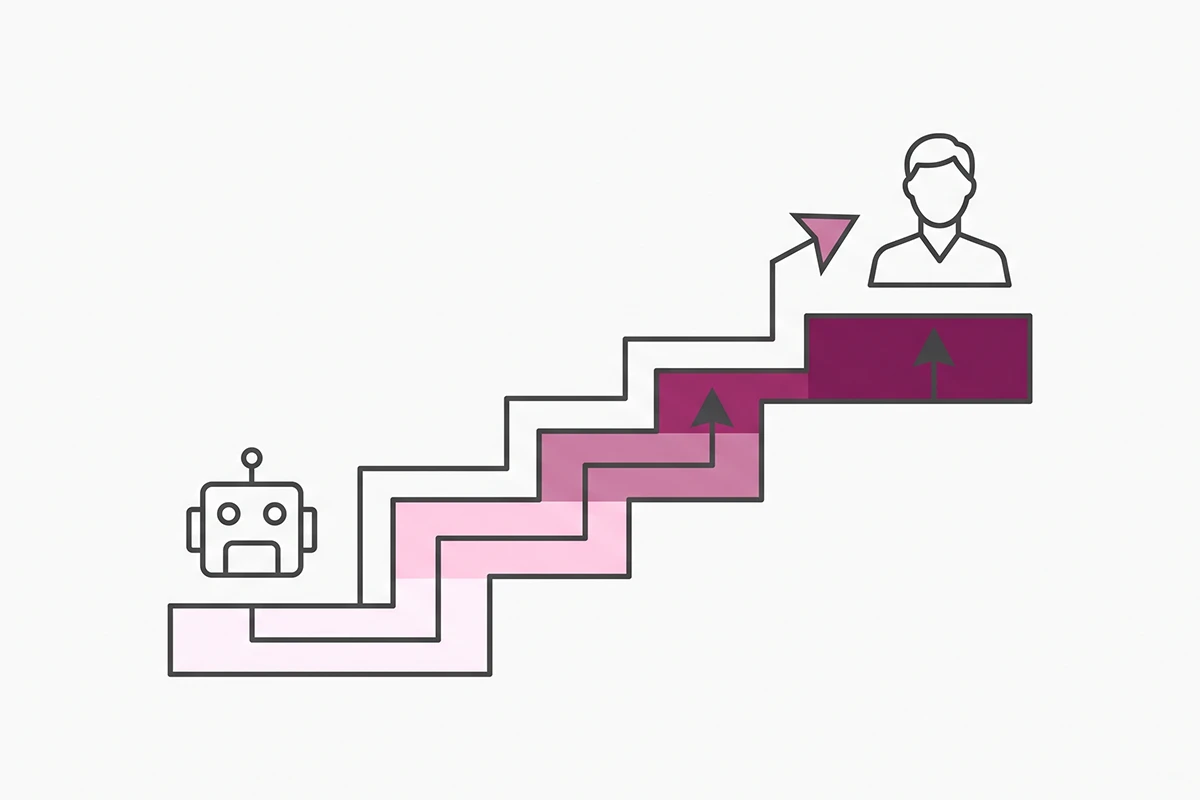
The handoff is the part most stores skip, and it is the part that decides whether the chatbot helped or hurt. I covered designing the escalation in more depth elsewhere. The principle behind all three scripts is Nielsen Norman Group's ninth usability heuristic: help users recognize, diagnose, and recover from errors. A bot that guesses instead of admitting the gap fails all three at once.
Script 13. The bot does not know
"I don't have that one. I've passed it to [Name], who'll reply by email within [one business day]. What's the best address for you?"
Tone: no apology spiral. Admit, route, commit to a window you can actually hold. Do not write "within an hour" if you sleep during your customers' afternoon.
Script 14. The customer is upset
"That's not what should have happened. I'm handing this to a person now rather than making you explain it twice. [Name] will reply by [tomorrow, 5pm]. Your order number and this chat go with it."
Tone: short. No emoji, no "we value your feedback." The line that does the work is the one about not repeating themselves, because that is the specific thing people brace for.
Script 15. Outside business hours
"It's [9pm] here, so nobody's around until [9am tomorrow, GMT+8]. I can still check sizing, shipping, and stock. For anything else, leave your email and [Name] will reply first thing."
Tone: state the timezone. A shopper who knows when a reply is coming will wait. One who does not know, leaves. This script matters most for stores selling across time zones, which is most Shopify stores.
How to adapt all 15 to your store in about 30 minutes
Three passes. First, replace every bracket with your real number, name, or window. Second, read each script out loud, and rewrite anything you would not say to a customer standing in front of you. Third, cut one sentence from each. Almost all of them have one too many.
Then decide where each script lives. On Shopify Inbox the three destinations get confused constantly:
| Where it goes | What it actually is | Which scripts |
|---|---|---|
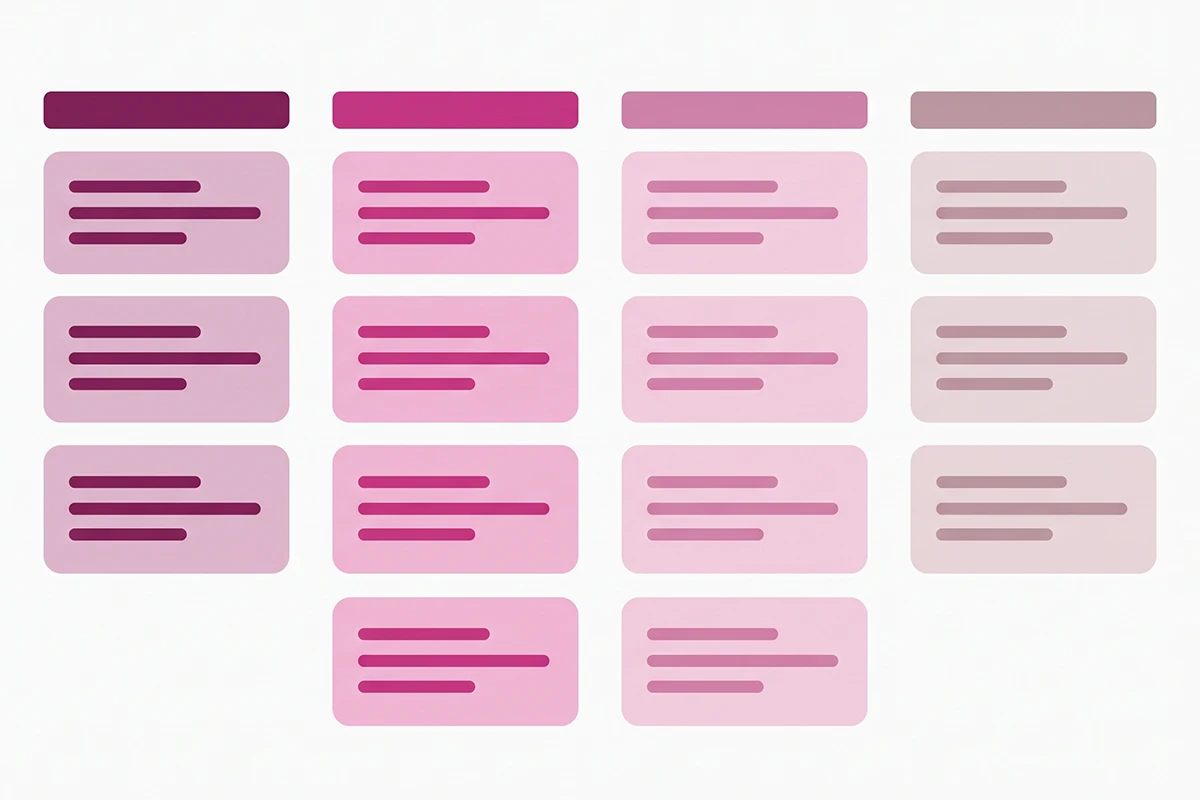
| Instant answers | Tappable question and answer pairs the shopper sees inside the chat window. Up to 100 can be published. | Scripts 4 to 8 |
| Agent knowledge | Content the automated agent draws on, alongside your store policies, catalog, and storefront pages. | Scripts 1 to 3, 9 to 12 |
| Quick replies | Staff-side typing shortcuts you trigger with a one-word keyword. They do not change what the agent answers automatically. | Scripts 13 to 15 |
That last row trips up a lot of stores. Writing a careful quick reply does nothing for the automated conversation. It is a shortcut for you, not for the bot.
Shopify Magic can suggest instant answers from your policies and chat history, though the suggestions are English-only and you remain responsible for the accuracy of anything you publish. Treat them the way you should treat these scripts: a first draft, not a finished one.
Then test. Open your own store in a private window and run all fifteen paths on a phone, not a desktop. Most broken scripts break on mobile, where the bubble is narrow and the keyboard covers half the screen.
Wrapping up
Three things worth keeping from all of this.
Scripts are shorter than you think. One to three sentences, ending in a next step. If a script needs a fourth sentence, it is usually two scripts wearing a trench coat.
Only write what your store can hold. A reply window, a shipping estimate, a return term: the moment it is in a script, it is a public commitment your shopper will hold you to. That is the same rule I apply to the studio's own pricing page. Only advertise what you can confidently deliver.
And the bot does not have to be impressive. It has to be honest and fast. A bot that says "I don't know, here's who does, and they'll reply by tomorrow" earns more trust than one that improvises an answer about your return policy and gets it wrong.
The part that stays yours is reading the transcripts. Once a month, open the last thirty conversations and find the questions that got a follow-up question. Those are the scripts that failed, and they are the only reliable list of what to write next. Ten good scripts and a monthly read will beat fifty scripts you wrote once and never checked.
Start with the greeting and the five FAQ answers. That is about twenty minutes of work, and it covers most of what your store will be asked this month.
Want the scripts written for your store?
The Studio Niza chatbot service covers conversation design, script writing in your brand voice, Shopify data connections, and monthly tuning. Setup is $599, then $99/month with a 90-day minimum.
See how the chatbot service works →Or email contact@studioniza.com if you have a specific question about your store. I read every one.
Frequently asked questions
If you're still unsure after reading these, just send the question.
How many chatbot scripts does a small Shopify store actually need? +
Eight to twelve covers almost everything a first-year store gets asked. The three greetings and the five FAQ answers in this post are the core set. Writing forty scripts before you have forty distinct questions in your transcripts is work you will end up deleting.
What is the difference between instant answers and quick replies in Shopify Inbox? +
Instant answers are customer-facing question and answer pairs that appear as tappable options in the chat window. Quick replies are staff-side shortcuts you trigger with a one-word keyword while typing a reply, and they do not change what the automated agent says. Many stores write quick replies expecting them to run automatically, and they do not.
How long should a chatbot response be? +
One to three short sentences, ending in a next step. Chat is read on a phone with one hand, so anything longer gets skimmed and the shopper re-asks the same question. If a script needs a fourth sentence, it is usually two scripts.
Do chatbot scripts still matter if I am using an AI chatbot? +
Yes, more than with a rule-based bot. The scripts become the source content and the guardrails the AI answers from, so a vague or contradictory script produces a vague or contradictory answer. An AI chatbot with no written policy content will improvise, which is the outcome you are trying to avoid.
Should a chatbot offer a discount code to save a sale? +
Sometimes, but not as the opening move. Answer the objection first with the delivery date, the return window, or the reason for the price. A bot that drops a code every time someone hesitates teaches your repeat customers to stall on purpose.
Can I use these chatbot scripts for ecommerce in Shopify Inbox? +
Yes. They are plain text with bracketed placeholders, so they paste straight into instant answers, agent knowledge content, or quick replies. Replace every bracket with your real numbers before you publish anything.
How often should I update my chatbot scripts? +
Read your transcripts once a month and look for questions that got a follow-up question. Those are the scripts that failed, and they are the only reliable list of what to rewrite. Ten scripts you check monthly beat fifty you wrote once.
Do I have to tell customers they are talking to a bot? +
In the European Union, yes. The AI Act requires systems that interact directly with people to inform them they are dealing with AI, at the latest at the start of the first interaction. In California, disclosing that a bot is a bot removes liability under SB 1001. Naming the bot once in the greeting is simpler than geo-targeting your disclosure.