
You wrote a FAQ page. It covers shipping times, returns, sizing, and where the order is. And you still answer those exact questions by email, three or four times a week, in your own words, from scratch.
That is the quiet cost of a static FAQ page. It sits there, technically complete, while customers skip it and message you instead. The information exists. It just isn't where people look, in the moment they have the question.
An faq chatbot shopify setup fixes the "where people look" part. Instead of asking a customer to find the right page, scroll to the right heading, and read, you let them type the question and get the answer back in one step. The FAQ content does the work. You stop being the lookup layer.
This is the cheapest first automation most stores can build, because you already own the raw material. Every answer you have typed into an email is a chatbot answer waiting to be reused. Reviews, blog posts, and your FAQ page are all part of the same knowledge base, and once that knowledge is written down cleanly, one chatbot can serve it, your FAQ page can display it, and search engines can read it.
Here is how to turn each FAQ entry into a chatbot answer with matching schema, connect it to the content you already have, find the questions your FAQ is missing, and keep the whole thing current. For new Shopify stores doing this solo, that order matters.
Why nobody reads your FAQ page
Most people do try to help themselves first. In fact, most customers now prefer to solve simple issues on their own instead of contacting support, and roughly 78% of support leaders say the same, according to HubSpot's research on self-service.
So the problem isn't that customers refuse to read. The problem is what a static FAQ page actually asks of them.
A static FAQ page makes the customer do the searching. They have to find the page in your navigation, guess which heading covers their question, scan a wall of accordions, and hope the wording matches what's in their head. That is three or four steps before they get an answer. Emailing you is one step, so they email you.
The FAQ page still earns its place. It's indexable, it's linkable, and it gives the chatbot something to pull from. But as the front line of support, it loses to the inbox every time, because the inbox is easier for the customer even though it's harder for you.
A chatbot flips that. When someone types "where's my order" into a chat box, they skip the page, the scroll, and the guessing. Self-service that actually gets used pulls a real slice of routine questions out of your inbox, because it removes steps instead of adding content you already had.
If you're still deciding whether your store is even ready for one, what a Shopify chatbot actually does (and what it doesn't) is the honest version.
Turn each FAQ entry into a chatbot answer
The unit of work here is simple: one question, one clean answer, written so a bot can retrieve it and a human can read it.
Take a real FAQ entry. "Do you ship internationally?" The answer a chatbot needs is self-contained: it names the countries, the rough timeline, and the cost, without assuming the customer read anything above it. That last part matters. On your FAQ page, an answer can lean on the heading above it for context. In a chat window, each answer shows up alone, so it has to stand on its own.
Write each answer the way you'd write it to a customer who asked cold. Full sentences. The actual number. The one link they need next. If your return window is 30 days, say 30 days, not "see our policy." The bot is only as good as the answer behind it.
Which questions belong in the chatbot first?
Don't guess the list. You already have it, in your sent folder. Pull your 20 to 30 most repeated questions from real emails and chat logs, and build those first. For most stores the top of that list is predictable: order status, shipping times, returns and exchanges, sizing or specs, and "is this in stock." Those five buckets cover a large share of everyday support before you write a single custom flow.
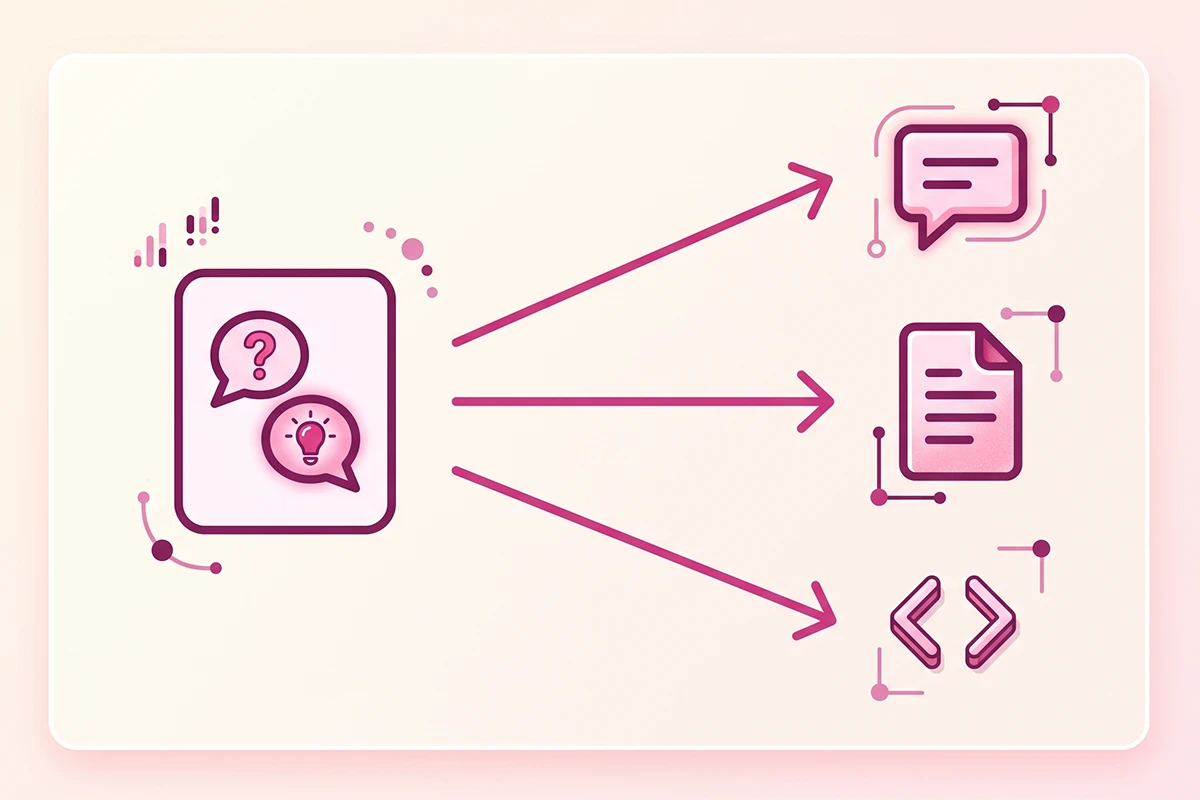
One more habit worth building early: write the answer once, use it in three places. The same clean answer feeds the chatbot, the visible FAQ page, and the FAQ schema in your code. You aren't writing three versions. You're writing one and pointing three things at it. Getting that source right is most of the work, which is why training a chatbot on your own policies and product knowledge is worth doing deliberately, rather than dumping a document into an app and hoping.
Do you still need FAQ schema in 2026?
Short answer: keep it, but for a different reason than you were told two years ago.
Google removed FAQ rich results from Search on May 7, 2026. The expandable question-and-answer dropdowns that used to sit under your listing are gone for every site type, and the reporting for them is being retired in stages, per Google's own documentation and coverage of the change. If you added FAQ schema purely to win those dropdowns, that reason is over.
Here's what didn't change. FAQPage is still a valid schema type, and Google has said unused structured data doesn't hurt your Search performance. More useful for a small store: clean question-and-answer markup is one of the easiest formats for AI engines to read and cite, because it mirrors how people ask things. Google's guidance is honest that schema is not a shortcut to AI Overviews, and the content still has to be genuinely good, but structured Q&A that matches your visible answers is a low-cost signal, not a trick.
So the schema and the chatbot come from the same source, which is the point of doing them together. You write the answer once. The visible FAQ shows it, the chatbot retrieves it, and the JSON-LD makes it machine-readable. One rule keeps this clean: the schema text has to match the visible answer word for word, or you're sending mixed signals.
I've written the longer version of this shift in why FAQ schema still earns its place for AI search, so I won't re-run all of it here. For this post, the takeaway is narrower: don't strip your FAQ schema, and don't treat it as a growth lever. Treat it as the machine-readable copy of answers your chatbot is already giving.
Your blog and reviews are the same knowledge base
Your FAQ answers the quick questions. Your blog answers the deeper ones. Your reviews and product Q&A answer the ones customers trust more coming from other buyers. Those aren't three separate projects. They're three views of one knowledge base.
Think about a sizing question. The FAQ gives the fit-and-return-window answer. A blog post can go further, with a real fit guide and measurements. And the honest signal, "runs a half size small," often lives in the reviews, in a customer's own words. A chatbot that can pull from all three answers better than one wired to the FAQ alone.
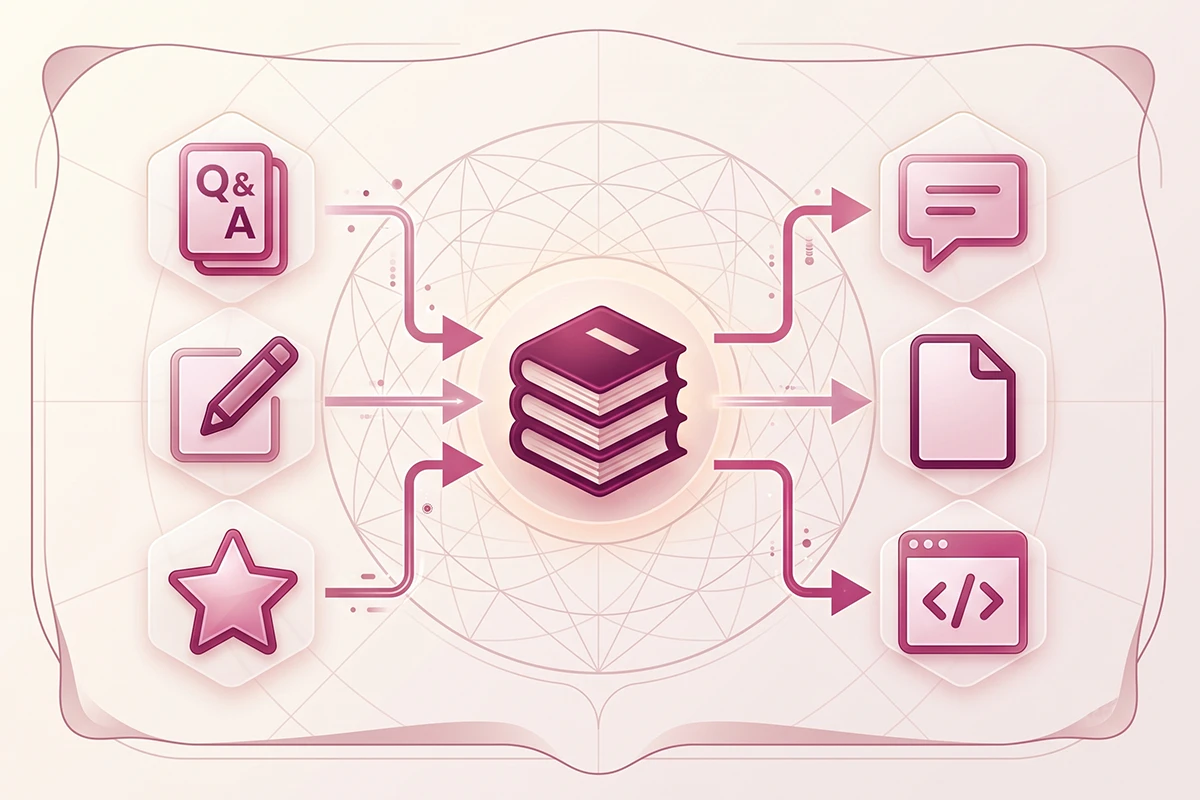
This is also why writing content pays off more than it looks like on paper. A blog post isn't just a blog post. It's a source the chatbot can cite, an answer the FAQ can link to, and a page search engines index. Content compounds when you reuse it, and the chatbot is one of the cleanest ways to reuse it. Your support tickets are a list of pre-validated questions that can become blog posts, FAQ entries, and chatbot answers at the same time.
Reviews carry the same double duty. They're social proof on the product page, and they're raw material for the knowledge base, because they surface the objections and edge cases you'd never think to write a FAQ for. If you want the fuller version of how those pieces fit, product Q&A and reviews cover different jobs and you want both.
The practical move: stop treating FAQ, blog, and reviews as separate tabs on your to-do list. Treat them as one library that three different tools read from.
How to find the questions your FAQ is missing
Your FAQ was written from what you assumed customers would ask. Your chat logs show what they actually ask. The gap between the two is your content roadmap.
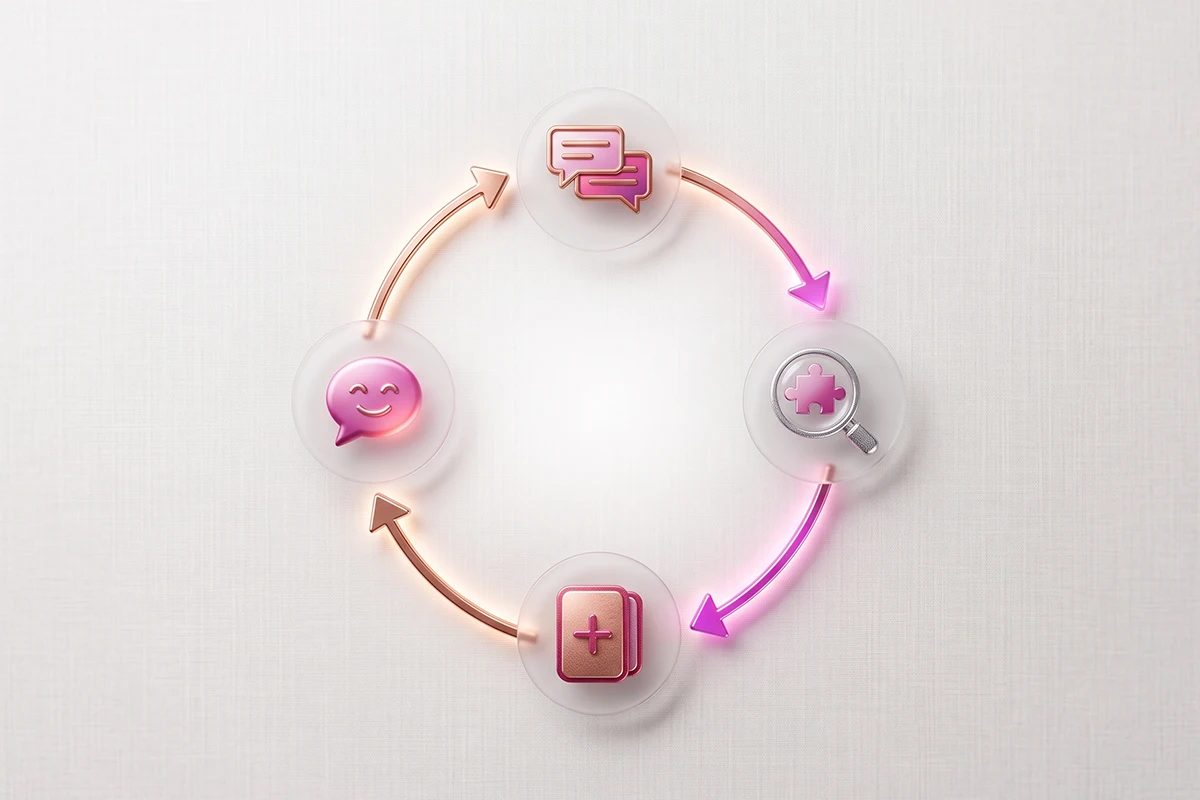
Once the chatbot is live, read the conversations, especially the ones where it didn't have a good answer. Every question the bot fumbled is a missing FAQ entry, and it's pre-validated, because a real customer typed it. This is the same idea as mining your inbox, except the chatbot logs it for you and sorts it by frequency. Shopify's own guidance on AI knowledge bases makes the same point: a good self-serve setup should surface the gaps and flag out-of-date answers for you to fix.
One honest caution while you read those logs. A chatbot can look successful and still be failing people. If you only track how many chats ended without reaching you, a customer who gave up counts as a "win." That's why deflection alone is a misleading number, and why it's worth understanding the difference between deflection and resolution before you celebrate a high stat. The question isn't "did they stop messaging me." It's "did they get the answer."
So use the logs two ways. Add the missing questions as new FAQ entries and chatbot answers. And flag the questions the bot answered but customers weren't satisfied with, because those usually mean the answer behind the bot is thin, not that the bot is broken. Fixing the source fixes both the bot and the page.
How to keep it current
The fastest way to make customers trust the chatbot less is to let it give an answer that used to be true. A bot that quotes last season's shipping cutoff is worse than no bot, because it sounds confident while being wrong.
How often should you update it?
Most of the maintenance is event-driven, not calendar-driven. When a policy changes, the answer changes the same day. On top of that, a short monthly pass through the chat logs catches the drift you didn't plan for. Here's a simple version of what to check and when.
| What to review | Trigger | How often |
|---|---|---|
| Shipping times, cutoffs, and costs | Carrier or rate change, holiday season | Same day, plus a quarterly check |
| Return and refund policy | Any policy change | The same day it changes |
| Product details, stock, and specs | New or discontinued products | As it happens |
| New or fumbled questions | Chat log review | Monthly |
| FAQ schema vs the visible answer | Any answer edit | Every time you edit an answer |
The last row is the one stores forget. If you update a visible FAQ answer but not the schema behind it, the two stop matching, and that mismatch works against you. Edit them together, always. Because your chatbot, FAQ page, and schema all read from the same source, updating the source once keeps all three honest at the same time. That's the whole payoff of building it this way.
Wrapping up
A static FAQ page nobody reads is just a slower inbox. Turning it into a chatbot doesn't require new content. It requires taking answers you already give, writing each one cleanly, and pointing your FAQ page, your chatbot, and your schema at the same source.
Start with the questions you actually get, not the ones you imagined. Wire the blog and reviews into the same knowledge base so the bot can answer the deeper questions too. Read the logs to find what's missing, and keep the answers current the day your policies change.
Be honest with yourself about the limit, though. A chatbot handles the repeat questions, not the hard ones. Plenty of people who start with a support bot still end up needing a human for something, and that's fine. The goal isn't to delete your inbox. It's to stop paying for it three times a week with the same five answers, so the messages that reach you are the ones that actually need you.
Want the chatbot built for you?
Studio Niza builds Shopify chatbots trained on your real FAQ, policies, and product knowledge, then monitors and tunes them every month. Setup is $599, then $99/month, all in.
See how the chatbot service works →Or email contact@studioniza.com if you have a specific question about your store. I read every one.
Frequently asked questions
If you're still unsure after reading these, just send the question.
What is an FAQ chatbot for Shopify? +
An FAQ chatbot for Shopify is a chat tool that answers your store's common questions from the same content as your FAQ page, so customers get shipping, returns, and order-status answers in one step instead of emailing you. It reuses answers you already have rather than needing new ones.
Can a chatbot answer from my existing Shopify FAQ page? +
Yes. A chatbot can pull from your existing FAQ, and that is usually the best place to start. The main change is that each answer has to be self-contained, since a chat window shows one answer at a time without the surrounding context a FAQ page provides.
How many questions should a Shopify FAQ chatbot start with? +
Start with your 20 to 30 most repeated questions, taken from real emails and chat logs rather than a guessed list. For most stores that means order status, shipping, returns, sizing, and stock, which cover a large share of everyday support before any custom work.
Does an FAQ chatbot replace my support inbox? +
No. A Shopify FAQ chatbot handles the repeat questions so your inbox holds the ones that actually need you. Most customers who use a support bot still reach a human for complex or unusual issues, so plan for handoff rather than expecting the bot to answer everything.
Do I still need FAQ schema if I have a chatbot? +
Keep it. Google removed FAQ rich results in May 2026, but FAQPage schema is still valid and helps search engines and AI tools read your answers. The schema, the chatbot, and the visible FAQ should all come from the same source, and the schema text must match the visible answer word for word.
How often should I update my FAQ chatbot answers? +
Update answers the same day a policy changes, and review your chat logs once a month for new or fumbled questions. Because the chatbot, FAQ page, and schema read from one source, updating that source keeps all three current at the same time.