Every Shopify SEO guide starts the same way: do your Shopify keyword research first. Almost none tell you how to do it without paying for a subscription.
You read three paragraphs and hit the line that says to plug your seed term into Ahrefs. Ahrefs Lite runs $129 a month. Semrush Pro runs $139.95. For a store doing 40 orders a month that is a strange thing to commit to on step one of a process you have never tried.
So the tab gets closed, and the store goes live without a keyword map.
Shopify keyword research does not need a paid tool. It needs four free data sources, one focused afternoon, and a willingness to read the search results page instead of trusting a number someone else calculated. That is the same first pass I run on client work before any paid tool touches the account.
I will also show three months of this site's own Search Console data, including the parts that do not flatter the method. One head term here pulled 1,644 impressions and zero clicks.
Why Shopify keyword research stops at the paywall
Shopify keyword research is two questions wearing one name. What words do people type when they want what you sell, and which page on your store should answer each of them?
Neither requires a subscription. Every guide reaches for one because paid tools compress hours of manual checking into a single screen, and the people writing those guides mostly work for the companies selling them.
A paid tool buys two things: precise search volume, and a difficulty score. Knowing a keyword gets 2,400 searches rather than "1K to 10K" changes your forecast, not your decision. You are choosing between a term you can plausibly reach and one you cannot, and that gap is an order of magnitude.
Difficulty scores have the bigger problem. Built mostly from backlink data, they tell you how hard a keyword is on average across all sites. They do not tell you whether a store your size has a lane on that specific results page. The page itself tells you that, and looking at it costs nothing.
Start with the free data you already own
If your store has been live more than about six weeks, you already own keyword data nobody else has: the exact queries Google has shown your pages for. Your Search Console query report beats every other starting point because it reflects your store rather than a category average. If you have not connected it, start with setting up Search Console for your Shopify store.
What to pull, and what it means
Open Performance, set the range to the last three months, switch on Average position, and sort the query table by impressions. Read it in three groups.
Position between roughly 8 and 25. Near-misses. Google already thinks your page is relevant and is testing it just outside the click zone. Improving a page that ranks 14th is far cheaper than creating one from nothing.
Position past 30. Topic signal, not a target. Google is showing you occasionally because nothing better exists for a rare phrasing.
Queries you did not expect. The gold. If shoppers reach a product page through a phrase you never wrote anywhere, they have handed you your next title.
The half of the report Google does not show you
Your query table is incomplete by design. Google omits what it calls anonymized queries, defined in Search Central's breakdown of performance data filtering as searches not issued by more than a few dozen users over a two-to-three month window. The clicks still count in your totals. The phrase is withheld.
Ahrefs measured the scale across 22 billion clicks and 887,534 properties in April 2025 and found anonymized queries made up 46.77% of traffic on average, with the most common per-site range running from 45% to 80%. Smaller, more specialised sites lose more, because rare searches are exactly what the threshold removes.
So treat the table as a sample, not a census. Roughly half the picture is missing, and the missing half is the long tail.
The free Shopify keyword research tools worth your time
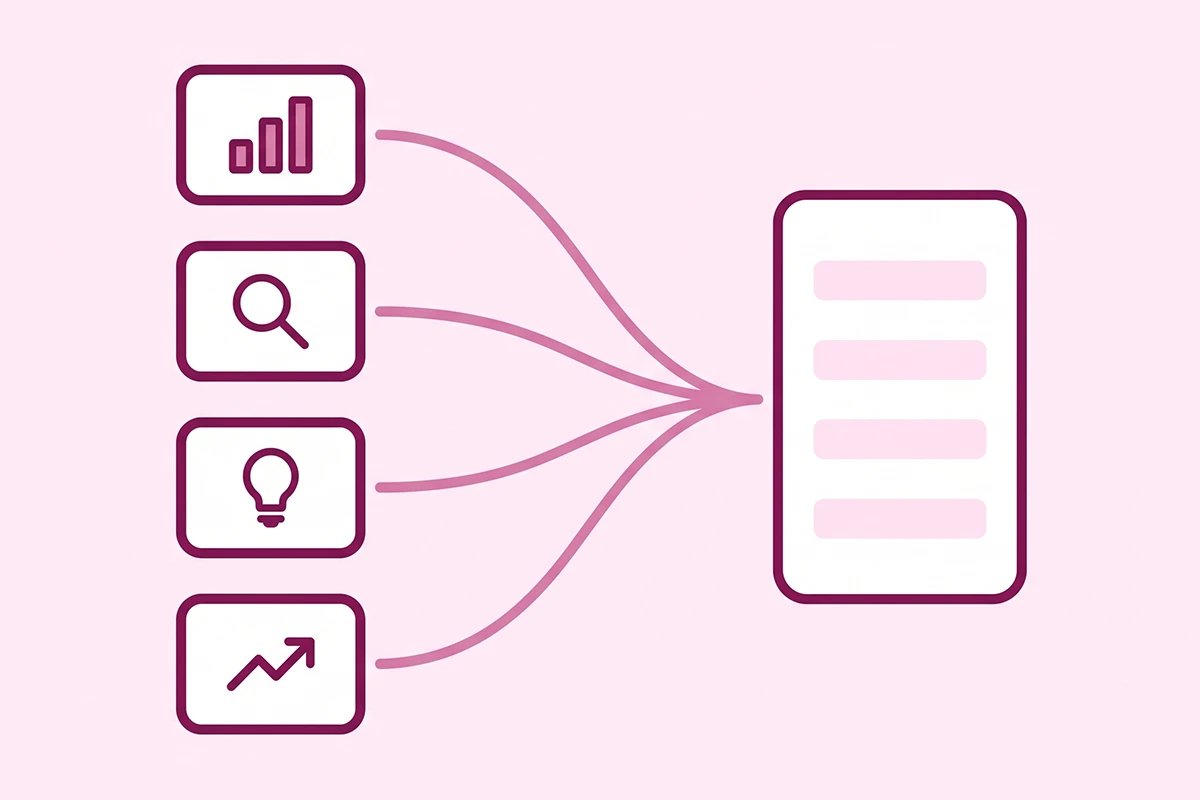
Four sources cover the whole job. Each does something the others cannot, which is why the workflow uses all four.
Bing Webmaster Tools keyword research
The most underrated free tool here. Bing's Keyword Research tool is free with any verified account and reports exact monthly numbers rather than bucketed ranges, filtered by country and device, with a question filter that surfaces query-shaped searches directly. Bing volume is smaller than Google volume, so read it as a ratio. And because Bing feeds Microsoft Copilot, its question data doubles as a list of prompts AI assistants already answer.
Google Keyword Planner
Free, but it lives inside Google Ads, so you need an Ads account. You do not need to run a campaign or enter a card: choose Expert Mode during setup and skip campaign creation. Accounts without active spend see volume as wide ranges like "1K to 10K" rather than exact figures, and the competition column refers to advertiser competition, not organic difficulty. Reading that column as an SEO signal is the most common mistake people make here.
Google autocomplete and People Also Ask
Type your product category into Google and read the dropdown. Those are real queries, ranked by frequency. Add a letter after your seed term and cycle the alphabet to pull dozens more, then expand a few People Also Ask entries. No volume numbers here, but it is the closest you get to hearing your buyer talk.
Google Trends
Relative interest, not absolute volume. Two keywords side by side tell you which is growing, and a 12-month view tells you when your category peaks.
| Tool | Best for | What it will not give you |
|---|---|---|
| Google Search Console | Queries your store already appears for, with real position data | Demand you do not yet rank for. Roughly half of queries are withheld |
| Bing Webmaster Tools | Exact search numbers, question-shaped queries, Copilot prompts | Google-scale volume. Read the ratios, not the totals |
| Google Keyword Planner | Idea generation from a seed term or a URL, rough sizing | Exact volume without ad spend. Organic difficulty at all |
| Autocomplete and People Also Ask | Real buyer phrasing, question variants, long-tail discovery | Any volume figure whatsoever |
| Google Trends | Seasonality, head-to-head comparison, rising terms | Absolute search counts |
How do you judge intent and difficulty without a paid score?
You open the search results and look at them. This one step replaces both the difficulty score and the intent guess, and it is the step beginners skip. Search the keyword in an incognito window set to the country you sell to, then answer three questions.
1. What type of page is ranking?
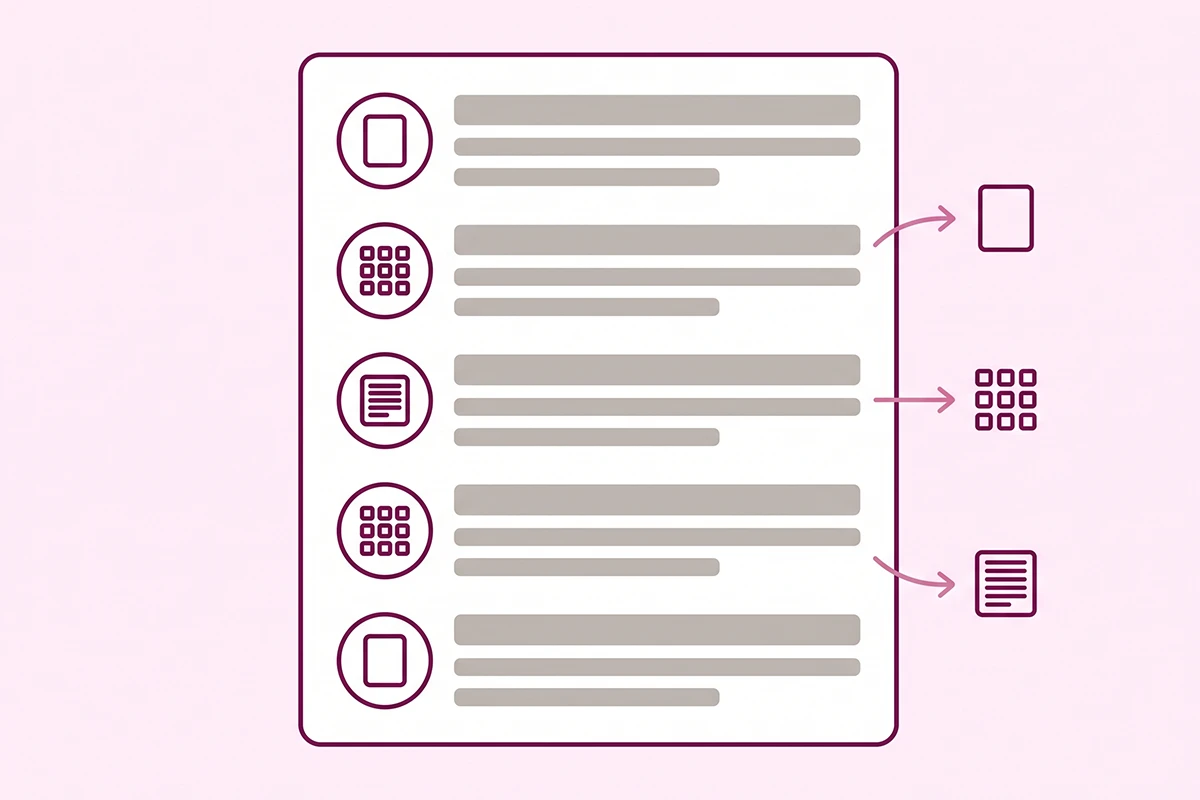
Google has already decided what kind of page satisfies this query. If page one is filled with collection and category pages, a blog post will not rank there however well written. If it is filled with articles and buying guides, a product page will not rank there either. Shopify's guidance on keyword types and page mapping lines up: product pages take transactional searches, collection pages take broader commercial ones.
2. Who is ranking, and is anyone your size?
Scan the domains. If every result is a marketplace and three national retailers, that keyword is not available to you this year. If two or three are independent stores or small blogs you have never heard of, there is a lane. This beats any difficulty score, because it is specific to the query rather than an average.
3. Does anything on page one answer the query well?
Sometimes Google ranks the best available page rather than a good one: thin content, outdated pages, near-miss answers. That gap is your opening, and no difficulty score can see it.
Reading intent from the words themselves
Shopify's ecommerce keyword research guide splits queries into four intents, and the modifier gives it away. "How," "what," and "why" are informational. "Best," "top," and "vs" are commercial investigation. "Buy," "price," and a product name are transactional. A brand name alone is navigational.
What three months of my own Search Console data shows
This journal publishes daily and has been live since May 2026. The Search Console export for May 8 to August 1, 2026 reads: 324 named queries, 4,120 impressions, three clicks.
Three clicks. I lead with that because it would be easy to show the pattern underneath without the context and make it look like more than it is.
Longer queries rank better. Short ones barely rank at all.
Grouping every clean query by word count and taking the median average position produced this:
| Query length | Queries | Median position |
|---|---|---|
| 1 to 2 words | 22 | 49 |
| 3 to 4 words | 149 | 37 |
| 5 to 6 words | 58 | 36 |
| 7 or more words | 31 | 32 |
The trend is steady rather than dramatic. The top individual results are where it gets interesting, and they were all question-shaped or comparison-shaped: "how to show star ratings in google search shopify" at position 7.6, "do photo and video reviews convert better?" at 8.0, and "loox vs yotpo" at 13.9 across 202 impressions.
The biggest term in the export, "shopify seo checklist," pulled 1,644 impressions at position 28.4 and produced nothing. That is 40% of all impressions on this site sitting on page three, where nobody goes.
The part that does not flatter the method
Long-tail queries win position first. They do not win volume for a long time afterward.
There is a real counterargument too. A SparkToro analysis of 332 million queries, reported by Search Engine Land, found that queries with fewer than 11 searches a month account for only 3.6% of total demand. The long tail is easy to reach and thin on volume.
So the honest version: long-tail, question-shaped, and comparison keywords are where a new store gets its first rankings, and no single one will change your month. Thirty of them working at once will, over quarters rather than weeks.
One product, start to finish
Take a waxed canvas laptop sleeve for a 14-inch laptop, sold by a store with about 20 SKUs. Here is the full pass, using nothing paid.
Step 1: Write the seed list by hand, before opening anything
Three columns: what you call it, what a customer would call it, what it is an alternative to. That produces waxed canvas laptop sleeve, laptop sleeve 14 inch, canvas laptop case, minimalist laptop sleeve. Five seeds is plenty, and this is the step people skip.
Step 2: Expand with autocomplete and People Also Ask
Type each seed into Google, record the dropdown, run the alphabet trick, expand a few People Also Ask entries. Real variants that surface: "waxed canvas laptop sleeve 14 inch," "is waxed canvas waterproof," "waxed canvas vs leather laptop bag," "how to clean a waxed canvas laptop sleeve."
Step 3: Size the list in Bing and the Keyword Planner
Paste the list into Bing for exact numbers, then into Keyword Planner for suggestions you missed. Sort into three buckets: roughly hundreds, roughly thousands, roughly tens of thousands.
Step 4: Read the results page for your top eight
About three minutes each. Note the dominant page type and whether any independent store ranks, then drop anything where page one is entirely marketplaces and national retailers. "Laptop sleeve" fails that test. "Waxed canvas laptop sleeve 14 inch" returns small store product pages, so it stays.
Step 5: Assign one primary keyword per page
The output is a spreadsheet with three columns: keyword, target page, intent. One primary keyword per page, no exceptions. Secondary terms live inside that same page.
| Keyword | Intent | Target page |
|---|---|---|
| waxed canvas laptop sleeve 14 inch | Transactional | Product page |
| canvas laptop sleeves | Commercial | Collection page |
| waxed canvas vs leather laptop bag | Commercial investigation | Blog post |
| how to clean a waxed canvas laptop sleeve | Informational | Blog post |
Where does each keyword go: product, collection, or blog?
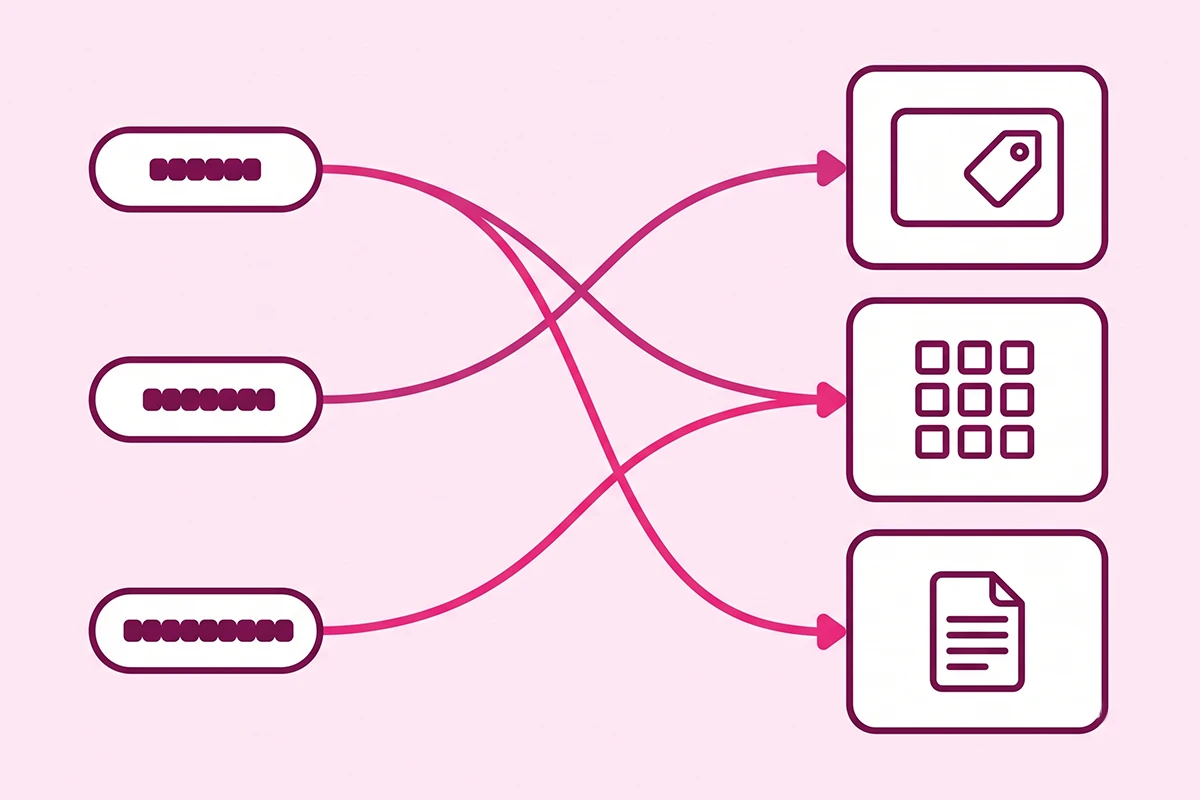
This is the step that turns a list into a plan, and where most Shopify keyword research falls apart. A keyword on the wrong page type will not rank, however good the page is.
Product pages take the specific, transactional terms
Anything with a size, colour, material, model, or compatibility detail. These convert best because the searcher has already decided what they want, so getting the phrasing into the title matters more here than anywhere else. More in product descriptions that rank and convert.
Collection pages take the broad commercial terms
Category-level searches where the shopper wants options, not one item. "Canvas laptop sleeves," "gifts for coffee drinkers." These are the highest-value pages in most Shopify stores and the most neglected, since Shopify generates them with no description. The full argument is in collection page SEO.
Blog posts take questions and comparisons
Anything a product page cannot honestly answer: how something works, how two things differ, how to care for a thing. If several keywords cluster around one theme, build a group of connected posts rather than one long page, the idea behind building a topic cluster. Short on subjects? There are 30 blog post topics in an earlier post.
Is low search volume a reason to skip a keyword?
Usually not, if the intent is close to buying. A keyword with 90 monthly searches and clear purchase intent is worth more to a small store than a 12,000-search term you will not touch for two years.
The exception is zero. If Bing shows nothing, the Keyword Planner shows nothing, and autocomplete does not suggest it, you invented the phrase. That happens more often than expected.
Wrapping up
Free tools are enough for Shopify keyword research. Search Console for what you already rank for, Bing for exact numbers, the Keyword Planner for ideas and rough sizing, autocomplete and People Also Ask for real buyer wording. A paid subscription speeds up work you can do without it, and speed is not your constraint in year one.
The results page is your difficulty score. Reading page one for eight keywords takes half an hour and tells you what no metric can: whether a store your size has room. Do that before you write anything.
And expect the long game. My own data shows question-shaped queries reaching page one while head terms sit on page three, and that pattern producing three clicks in twelve weeks. Rankings arrive first and traffic follows later. Anyone promising a different sequence is selling something.
What comes after is unglamorous: take the map and fix the pages one at a time, in the order set out in the 25-page Shopify SEO checklist. Start with five keywords, not fifty, and check Search Console in six weeks. The report will tell you what to do next, which is the whole point of building the habit.
Want the keyword map done for you?
The Studio Niza Starter SEO tier includes custom keyword research for every page, real schema markup, image SEO, and indexing follow-up. Not the same template meta description copied across 200 products. Pricing starts at $499 one-time.
See pricing and services →Or email contact@studioniza.com if you have a specific question about your store. I read every one.
Frequently asked questions
If you're still unsure after reading these, just send the question.
Do I need a paid SEO tool to do Shopify keyword research? +
No. Google Search Console, Bing Webmaster Tools, Google Keyword Planner, Google Trends, and the search results page itself cover the whole process for free. Paid tools mainly buy you two things: tighter volume numbers and a difficulty score. Neither one decides whether a new store can rank, because that comes down to what is already sitting on page one.
How many keywords should a new Shopify store target? +
One primary keyword per page, and no more. If you have 12 products, 4 collections, and a homepage, that is 17 primary keywords to start. Trying to rank a single page for six keywords usually means it ranks well for none of them.
Can I use my Shopify store search data for keyword research? +
Yes, and most owners forget it exists. Shopify records what shoppers type into your own store search bar under Analytics, and those phrases are the exact words your buyers use. They will not show you outside demand, but they are excellent seed terms and they surface product gaps you did not know you had.
What is a good search volume for a Shopify product keyword? +
For a store under a year old, anything between 50 and 500 monthly searches is usually a better target than a 10,000-search head term. Volume you cannot reach is worth nothing. A keyword with 80 searches a month that you actually rank for beats a keyword with 8,000 that keeps you on page three.
How often should I redo keyword research for my Shopify store? +
A full pass once or twice a year is enough for most small stores. In between, check your Search Console query report monthly and add anything new that shows impressions. Your own report will find keywords no tool would have suggested to you.
Should a collection page and a blog post target the same keyword? +
No, and doing it forces the two pages to compete with each other in the same results. Give the collection page the broad commercial term shoppers use when they want to browse options, and give the blog post the question or comparison version of that same topic. Then link the blog post to the collection page.