Most Shopify owners write their product titles, tweak their theme, and never touch the small grey line of text under the blue link in Google. That line is the meta description. On a lot of new stores it is either blank or filled in automatically, which is exactly why the search listing reads flat and nobody clicks.
Here is the part that trips people up. Your meta description does not move your ranking. Google has said this plainly for years. What it does is decide whether the person who already found you in the results clicks through to your store instead of the shop listed right below you.
So it is not an SEO lever in the ranking sense. It is a click lever. And for a new store fighting for every visit, the click is the whole game.
This post covers what the meta description does and does not do, the length that survives getting cut off on a phone, how to write one for products, collections, and blog posts, where to edit it inside Shopify, and why Google sometimes throws yours out and writes its own. If you have ever wondered why your listing looks bland while a competitor's looks sharp, this is the fix.
What a meta description does (and does not do)
A meta description is a short summary of a page that search engines can show under the page title in results. It lives in the page's HTML as a <meta name="description"> tag. On Shopify you never touch that tag directly. You fill in a field and Shopify writes the tag for you.
Start with what it does not do. It does not help you rank. Google's own documentation is clear that an accurate meta description can improve click-through but will not affect your position in results. So if a service tells you rewriting your descriptions will lift your rankings, they are selling you the wrong reason.
What it does do is earn the click. When your page shows up for a search, the searcher scans a short stack of titles and descriptions and picks one. A clear, specific description that matches what they typed is the difference between your listing and the one below it. That is real traffic, and on a new store it is traffic you are not paying for.
This is also where the meta description gets confused with the product description, which is a different thing entirely. The product description is the body copy on the page that convinces someone to buy once they land. The meta description is the pitch that gets them to land in the first place. Both matter. If you want the on-page version, we covered how to write product descriptions that rank and convert separately. This post is about the line that comes before the click.
What Shopify shows when you leave it blank
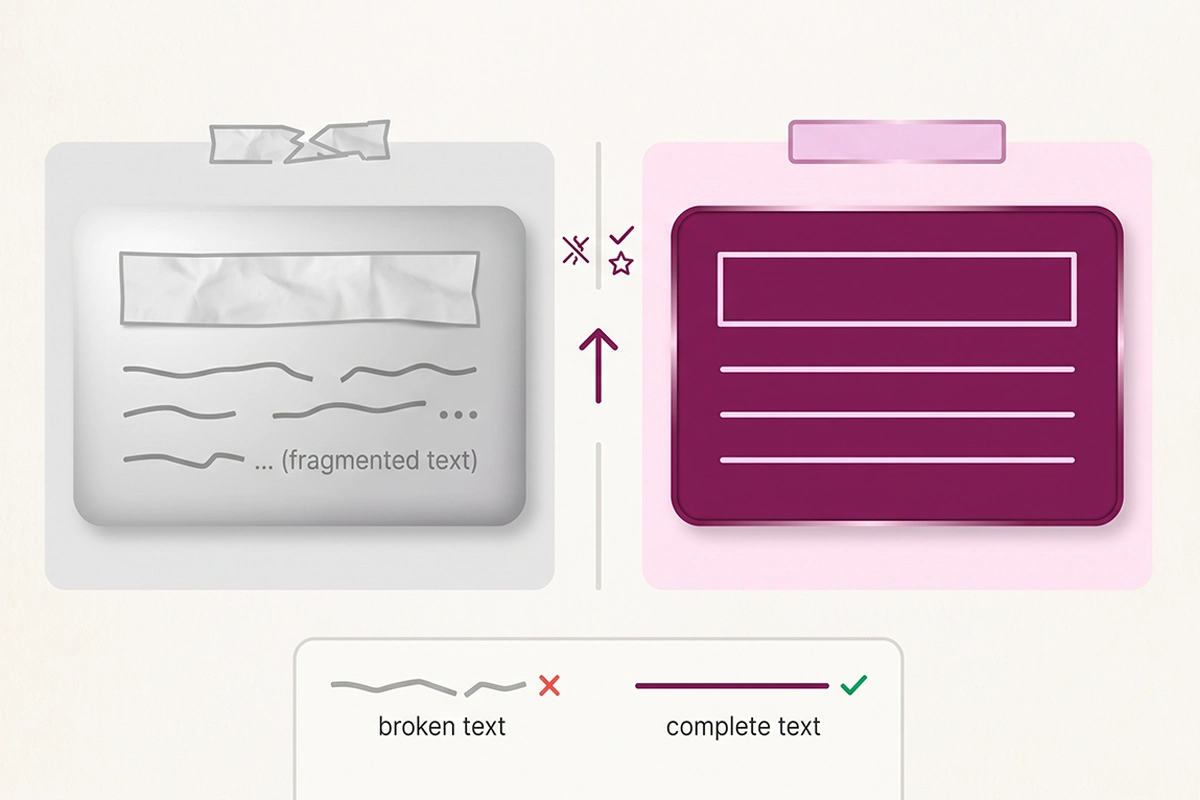
Here is what actually happens on most new stores. You add a product, you fill in the title and the body description, and you never scroll down to the search listing box. So the meta description field stays empty.
When that field is blank, Shopify does not leave the tag out. It fills the tag with the start of your product's body description, or the product title, whatever it has on hand. Shopify's developer docs confirm this: the page title and meta description default to the product's title and description when you have not set them yourself.
That sounds convenient until you see the result. The body copy of a product page usually opens with a sentence written for someone already on the page, not for someone scanning Google. It often starts mid-thought, gets cut off at a random word, and reads like a fragment. Multiply that across fifty products and your whole store looks auto-generated in search, because it is.
The blank field is the single most common reason a Shopify listing looks bland. It is not that you wrote a bad description. It is that you never wrote one, and the fallback was never meant to be your shop window. The fix is not complicated: fill the field with a real sentence written for the searcher. The rest of this post is how.
How long should a Shopify meta description be?
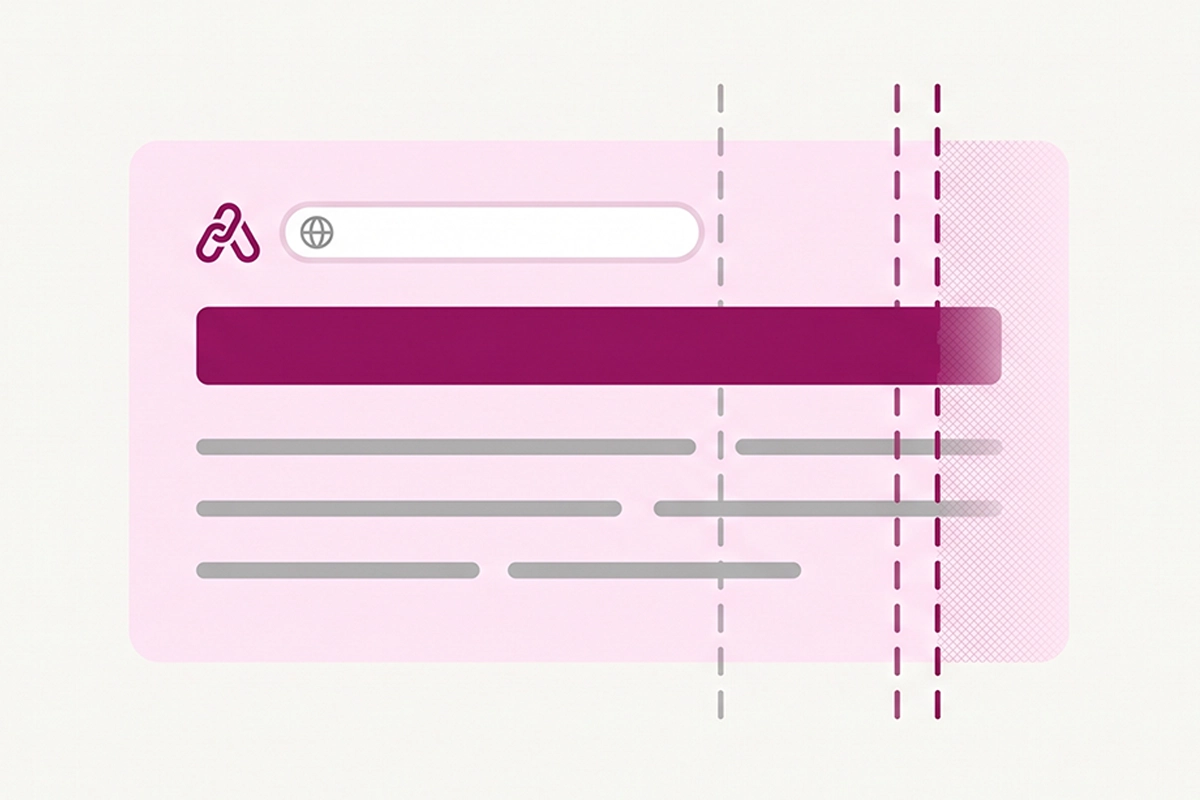
The old rule was 155 to 160 characters. That is close, but it hides the real mechanic. Google does not count characters. It measures pixel width, and it cuts your description off when it runs out of room.
The practical numbers for 2026 look like this. On desktop, Google gives your description roughly 920 pixels, which works out to about 155 to 160 characters of normal English. On a phone the box is narrower, closer to 680 pixels, or about 120 characters. Since most Shopify traffic is mobile, the phone number is the one that should worry you.
Pixel width matters because letters are not the same size. A capital W is wide. A lowercase i is thin. Two descriptions with the same character count can cut off in different places, which is why a plain character counter is only a rough guide.
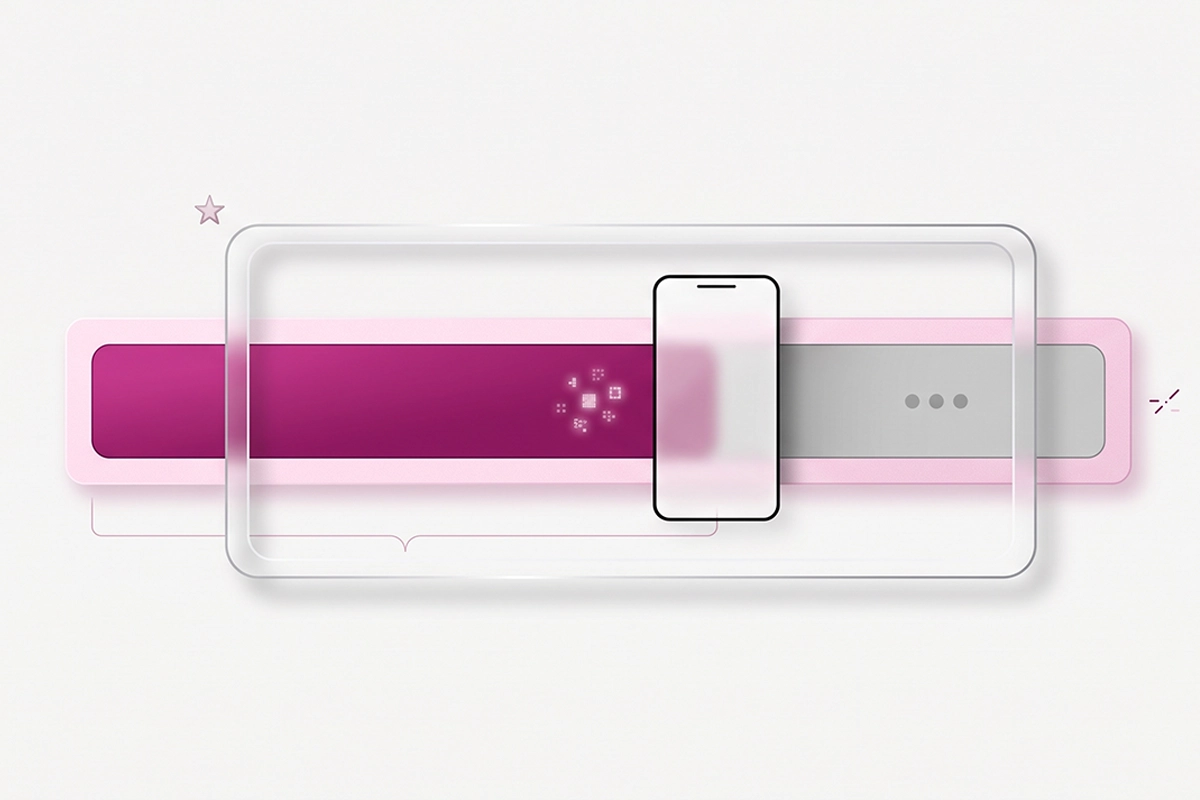
The takeaway is simple. Aim for 140 to 155 characters so the full line shows on desktop, and put your most important words in the first 120 characters so nothing critical is lost when the phone cuts it off. Lead with the thing that earns the click: the product, the benefit, the offer. Save any call to action for the end, because the end is the part you can afford to lose to truncation.
Before you publish, paste your title and description into a free SERP preview tool and look at both the desktop and mobile cutoff. It takes ten seconds, and it is the only reliable way to see the real line instead of guessing from a character count.
How to write one that earns the click
A good meta description reads like a sentence a person would actually say, not a pile of keywords. It answers the search, names something specific, and gives the reader one reason to pick you. Use your main keyword once, naturally, because Google bolds words in the description that match the search, which makes your listing stand out on the page. Do not stuff it. A description crammed with repeated keywords reads like spam, and Google is more likely to throw it out and write its own.
The shape that works across page types is the same: lead with the specific thing, add one proof point or benefit, close with a light nudge. Here is how that plays out for the three pages you will write most.
Products
For a product, front-load what it is and the one detail a buyer cares about, then add a trust signal like free shipping or a guarantee. "Merino wool socks that stay dry on long hikes. Lifetime warranty, free shipping over $50. Four colors, three sizes." reads clean, fits the box, and tells the searcher exactly what they get. Avoid opening with your brand name unless the brand is the reason people search.
Collections
A collection page covers a category, so the description should frame the range, not a single item. Name the category, hint at the selection, and give a reason to browse. Something like "Handmade ceramic mugs and bowls, glazed in small batches. New pieces added every month, shipped from our studio." Collection pages are quietly some of the highest-value pages on a store, and most owners never touch their SEO fields. We went deep on that in the collection page SEO post.
Blog posts
A blog post description should promise what the reader will learn, in plain terms, and match the question they searched. "How to migrate your Shopify reviews when you discontinue a product, without losing your star ratings. The steps, the apps, and the FTC rule." tells them the payoff before they click. If you are still sorting out how your Shopify blog URLs and structure work, that affects these pages too, and we covered it in how Shopify blog URLs work.
Where to edit it in Shopify
The field lives in the same place on almost every page type. Open the item you want to edit, scroll to the bottom, and find the box labeled Search engine listing preview. Click Edit website SEO (on some pages it is a pencil icon), and you will see two fields: Page title and Description. The Description field is your meta description.
The paths by page type: products live under Products; collections under Products then Collections; blog posts under Content then Blog posts; and standalone pages like About or Contact under Online Store then Pages. Your homepage is the exception. It sits under Online Store then Preferences, in the Search engine listing section near the top.
One quirk worth knowing. If you type a description that exactly matches your product's body copy, Shopify treats the field as empty and falls back to the default anyway. So the SEO field only sticks when it holds something different from the title and body. That is the first thing to check if your edits do not seem to save.
For a store with a handful of products you can do this by hand in an afternoon. Start with your homepage, your top three collections, and your best sellers, because those are the pages getting the most impressions. If you are working through a broader on-page pass, meta descriptions are one line on the larger Shopify SEO checklist, and they are one of the faster wins on it.
Why Google rewrites it anyway
Here is the honest part most guides skip. Even a well-written description gets replaced sometimes. Studies of large result sets have found Google rewrites somewhere between 60 and 80 percent of meta descriptions, pulling a different sentence from your page instead. This is not a bug and it is not a penalty. Google does it when it thinks a passage from your page answers the specific search better than your written line.
So why bother writing them at all? Two reasons. First, the queries where Google keeps your description tend to be the high-intent ones: your brand name, an exact product match, a search that already lines up with your title. Those are the clicks you most want to win, and a truncated or blank description loses them. Second, a clear description makes it less likely Google reaches for its own version, because there is nothing better to reach for.
You cannot force Google to use your line, but you can raise the odds. Write unique descriptions per page, since duplicates across products are one of the top triggers for a rewrite. Match the search intent of the page. Keep it specific and free of keyword stuffing. And structure the page itself well, because clear headings and direct answers give Google good material to pull from when it does rewrite.
This is also where meta descriptions connect to AI search. Tools like ChatGPT and Google's AI Overviews summarize pages the same way, favoring clean, specific text. A page written to be understood at a glance is a page that both a search snippet and an AI answer can quote. We covered that overlap in getting cited in AI Overviews.
Wrapping up
The meta description is a small field with an outsized effect on whether your ranking turns into a visit. It will not lift your position, so do not let anyone sell it to you as a ranking fix. Treat it as the one sentence that earns the click.
If you want to start today, do three things. Fill in the blank fields on your homepage, your top collections, and your best-selling products first. Keep each one under about 155 characters, with the important part in the first 120. And preview each in a SERP tool before you save, so you see the real mobile cutoff instead of guessing.
That is most of the value, and you can do it yourself. The last stretch, writing a unique, intent-matched description for every page across a bigger catalog and keeping them from going stale, is where it turns into real work. That is the part stores usually either learn slowly or hand off.
Want your highest-traffic pages rewritten for the click?
The Studio Niza SEO service writes meta titles and descriptions per page, not templated across your whole catalog, plus real schema, image SEO, and indexing follow-up. Plans start at $499.
See pricing & services →Or email contact@studioniza.com if you have a specific question about your store. I read every one.
Frequently asked questions
If you're still unsure after reading these, just send the question.
What is the ideal Shopify meta description length in 2026? +
Aim for 140 to 155 characters so the full line shows on desktop, and keep your most important words in the first 120 characters so they survive on mobile. Google measures pixel width, not exact characters, so a description heavy on wide letters can cut off sooner. Preview it in a SERP tool before you publish.
Do meta descriptions help my Shopify store rank? +
No. Google has confirmed for years that the meta description is not a ranking factor. It affects your click-through rate, not your position, which still makes it worth writing well, because more clicks mean more traffic from the same ranking.
Why is Google showing a different description than the one I wrote? +
Google rewrites a large share of meta descriptions, often 60 to 80 percent, when it thinks a sentence from your page matches the search better. This is normal and not a penalty. You can lower the odds by writing unique, specific descriptions that match what the page is actually about.
What happens if I leave the Shopify meta description blank? +
Shopify fills the tag automatically with your product title or the start of your body description. That fallback is written for someone already on the page, so it often reads like a cut-off fragment in search. Writing a real Shopify meta description for each key page fixes the bland listing.
Can I use the same meta description on every Shopify product? +
No, and it works against you. Duplicate descriptions across products are one of the most common reasons Google discards your text and writes its own. Each page should have its own description that reflects that specific product or collection.
Should I put my keyword in the Shopify meta description? +
Yes, once, worked naturally into a real sentence. Google bolds words in the description that match the search, so a relevant keyword helps your listing stand out. Repeating it several times reads like spam and makes a rewrite more likely.
How many characters can a Shopify meta description be? +
Shopify's field has no hard character limit, so you can paste a very long description and it will save. Google, though, truncates the visible snippet at roughly 155 characters on desktop and about 120 on mobile. Plan for the Google limit, not the Shopify field.
Do meta descriptions matter for AI search and ChatGPT? +
They help indirectly. AI tools like ChatGPT and Google's AI Overviews favor clean, specific page text when they summarize and cite sources. A clear meta description is a sign of a clearly written page, and clear pages are the ones AI answers tend to quote.