Your store's technical SEO is probably fine. The sitemap is submitted, Search Console is connected, HTTPS is on, and your theme is not blocking crawlers. That is the plumbing, and once it works, it mostly stays working.
On-page SEO is the part you actually touch, and it is where most new Shopify owners stall. Not because it is hard, but because they have never sat down and worked through the elements of one page in order. They edit a title here, a description there, and never finish a single page end to end.
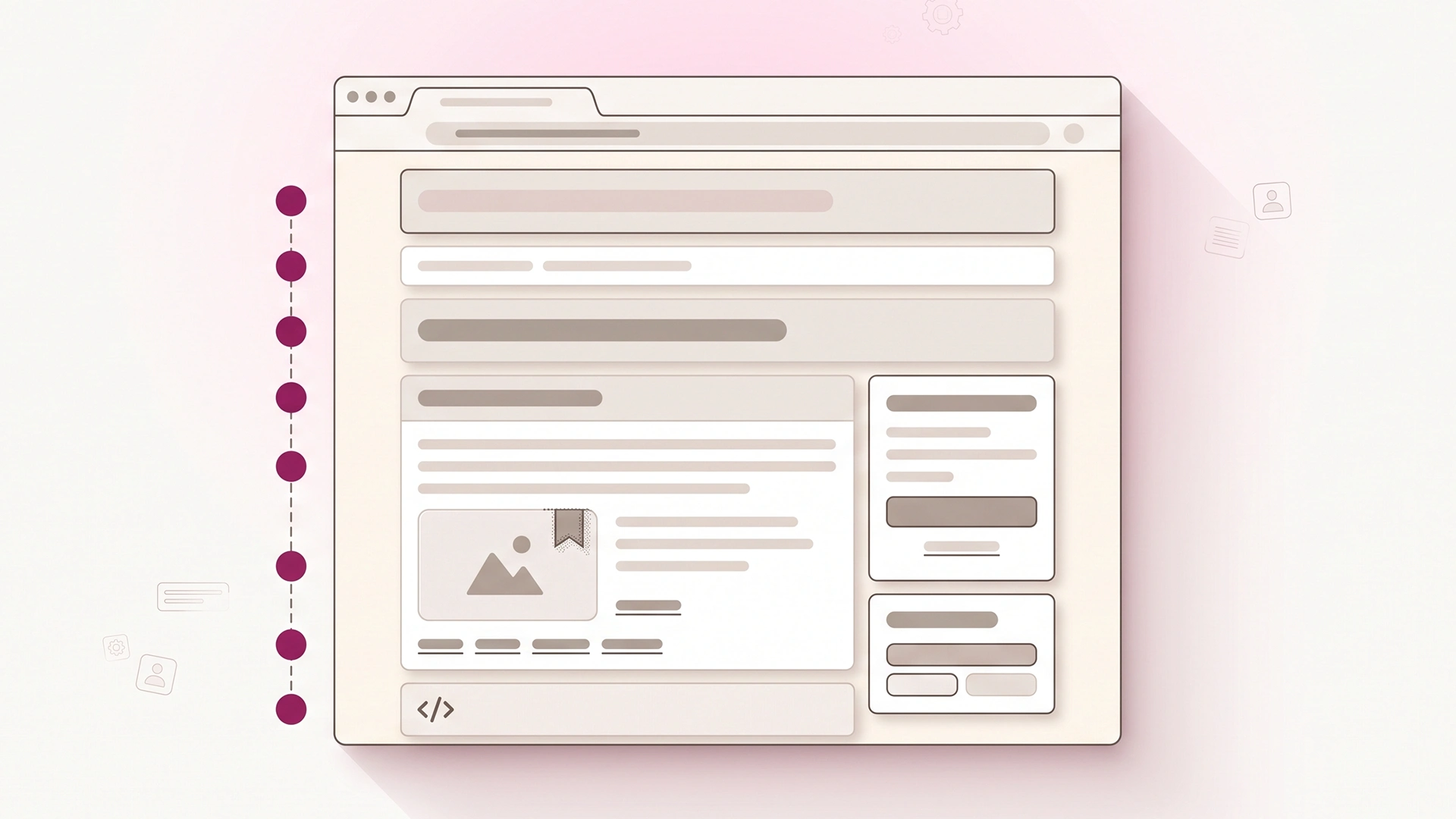
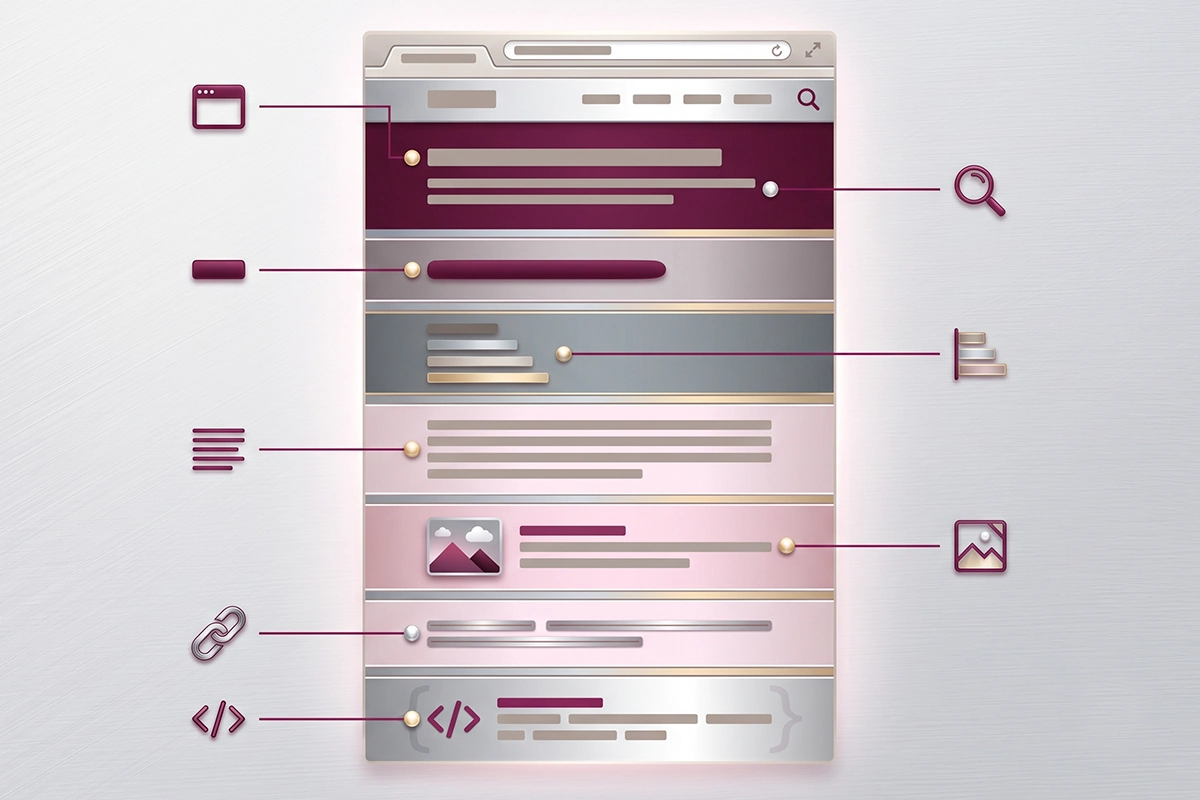
Shopify on-page SEO is not forty tasks. It is eight elements on one page: the title tag, meta description, H1, heading structure, body copy, image alt text, internal links, and schema. Worked in the right order, one page takes about half an hour the first time and less after that.
This is a one-pass checklist. You open one page, usually a product or collection page, and go top to bottom. Each element gets the one rule that matters most and a quick before-and-after so you can see the change. By the end you will have a page that reads clearly to a shopper, a search engine, and an AI answer engine, which in 2026 are three audiences you cannot afford to pick between.
What one pass over a single page looks like
On-page SEO means everything on the page itself that you control: the words, the structure, and the code that describes them. Off-page SEO is the other half, the links and mentions from other sites, and it is a different job for a different day. This checklist is only the on-page half, because that is the half you can finish this week without waiting on anyone.
Order matters more than people expect. The title and headings tell a search engine what the page is about, so you set those first. The copy supports them. The alt text, links, and schema are supporting signals that only make sense once the main message is clear. Fixing schema on a page with a vague H1 is like polishing a sign nobody can read.
Here is the whole pass in one table. The rest of this post walks each row in order.
| Element | The one rule | Where it lives in Shopify |
|---|---|---|
| Title tag | Match your H1 and stay near 50 to 60 characters | Edit website SEO, Page title |
| Meta description | Write it for the click, not the ranking | Edit website SEO, Description |
| H1 | One per page, and it is your product or collection title | The main Title field |
| Headings (H2, H3) | Never skip a level; the headings should read as an outline | Description editor |
| Body copy | Say something only your store can say, 250 words or more | Description editor |
| Image alt text | Describe the image, work the keyword in once | Each image's alt text field |
| Internal links | Link out with descriptive anchor text, never "click here" | Description editor |
| Schema | Shopify adds partial Product schema; stars need a reviews app | Theme plus reviews app |
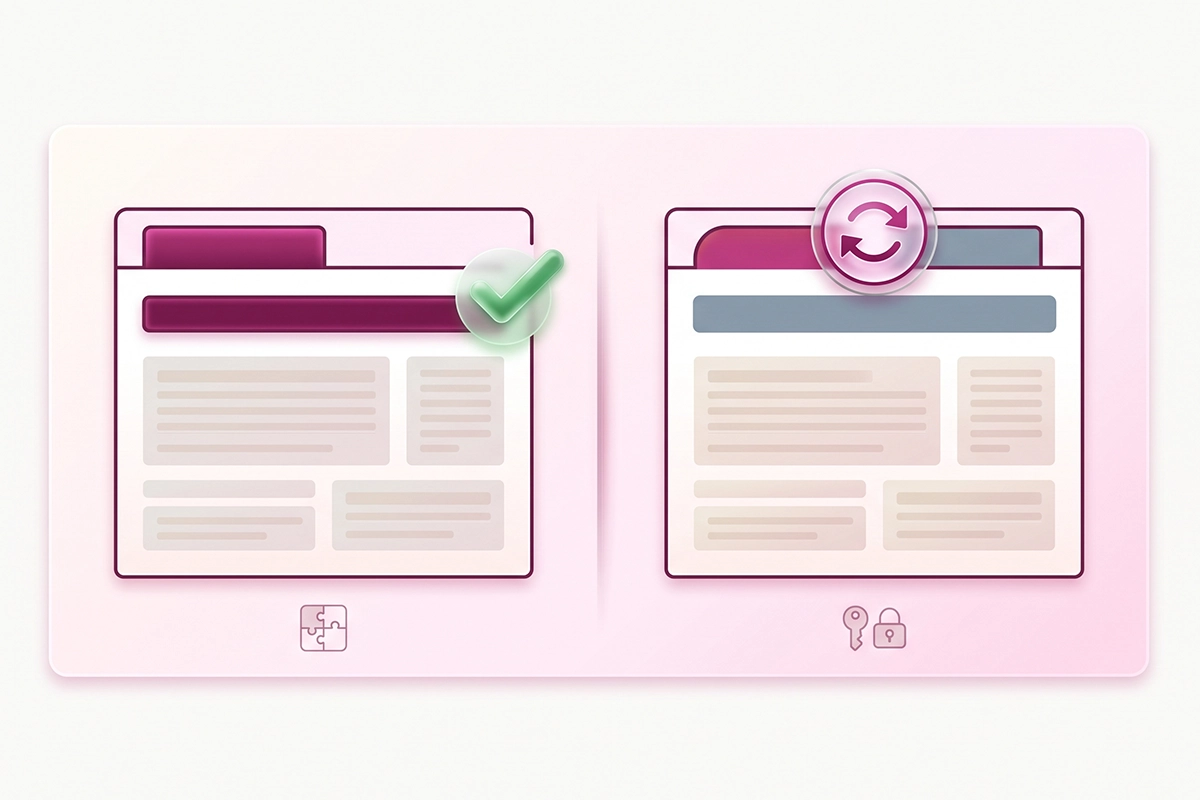
One thing to know before you start, because it trips up almost everyone. Shopify gives every product and collection two separate title fields, and they do two different jobs. The main Title field at the top of the page becomes your H1, the headline a shopper reads. The Page title field under "Edit website SEO" becomes your title tag, the blue link Google shows in search. Most owners fill the first and never touch the second, which means their search title is just their product name and their store name stapled together.
Not sure which page to start with? Work through the Shopify pages worth optimizing first, then bring each one through this pass.
Title tag: match your H1, stay near 50 to 60 characters
The title tag is the single most important element on the page, so it goes first. It is the clickable blue headline in search results, and it carries real ranking weight alongside a large influence on whether anyone clicks at all.
The one rule: make your title tag say the same thing as your H1, and keep it in the 50 to 60 character range. This matters because Google rewrites titles far more often than owners realize. A Zyppy study of more than 80,000 title tags found Google rewrote about 61.6% of them, and a 2025 follow-up study put the rate at 76%. When your title tag and H1 agree, Google has far less reason to step in and swap your wording for its own.
Two small mechanics help. Titles in the 51 to 60 character range get rewritten least, so avoid the too-short and the too-long extremes. And when you need a separator, use a dash instead of a pipe. The same research found Google removes pipe characters about 41% of the time and dashes only around 20%.
One Shopify-specific trap: your theme already appends your store name to the title tag. If you add it yourself, your store name shows twice and pushes your keyword off the visible line. Lead with the product and its main keyword, and let Shopify handle the brand at the end.
This is also where cheap SEO shows its seams. Template services fill the same generic title pattern across hundreds of products at once. A real pass writes one title per page, because one per page is what actually holds up in search.
Here is the difference on a real-feeling example.
Before: Home | YourBrand Store
After: Merino Wool Beanie for Women, Soft, Warm, Tagless
The first tells Google nothing and will almost certainly be rewritten. The second leads with the keyword, sits at 50 characters before Shopify adds the brand, and reads like something a shopper would click.
Meta description: write for the click, not the ranking
The meta description is the gray text under your title in search results. Here is the part most guides bury: it is not a direct ranking factor. Google has said so for years. Its job is to earn the click, which is why you write it like ad copy, not like an SEO field to fill.
The one rule: front-load the keyword and give one concrete reason to click. Keep it around 150 to 160 characters so it does not get cut off, per Shopify's own guidance. When your keyword matches the searcher's query, Google bolds it in the snippet, which helps you stand out.
Google may rewrite this too, and more often than the title. Write a good one anyway. On the pages where Google keeps it, a clear description with a real hook lifts your click-through rate, and that is worth the two minutes.
Before: Shop our beanies. High quality. Free shipping available.
After: A merino wool beanie that stays soft and itch-free, with no scratchy tag. Warm enough for real winters, and it ships free in two days.
The first could describe any store. The second names the product, answers the "will it itch" question a shopper is already holding, and gives a reason to click now.
H1 and heading structure: one heading, then a clean outline
Your H1 is the main headline on the page, and it should exist exactly once. That has been the steady best practice for years, and reputable guides like Yoast's still recommend a single H1 per page so the primary topic stays unambiguous. On Shopify, you rarely add one by hand: your product or collection Title field already becomes the H1. The mistake to avoid is pasting a second large heading into the description editor and creating a competing H1 by accident.
Below the H1, your H2 and H3 headings form an outline. The rule that keeps you out of trouble: never skip a level. Do not jump from an H2 to an H4 because the smaller size looked nicer. Headings describe structure, not font size, and CSS handles the way they look.
There is a five-second test for this. Strip the paragraphs and read only the headings. If the page still makes sense as an outline, your hierarchy is working. If it reads like a jumble, a shopper scanning the page feels that same jumble.
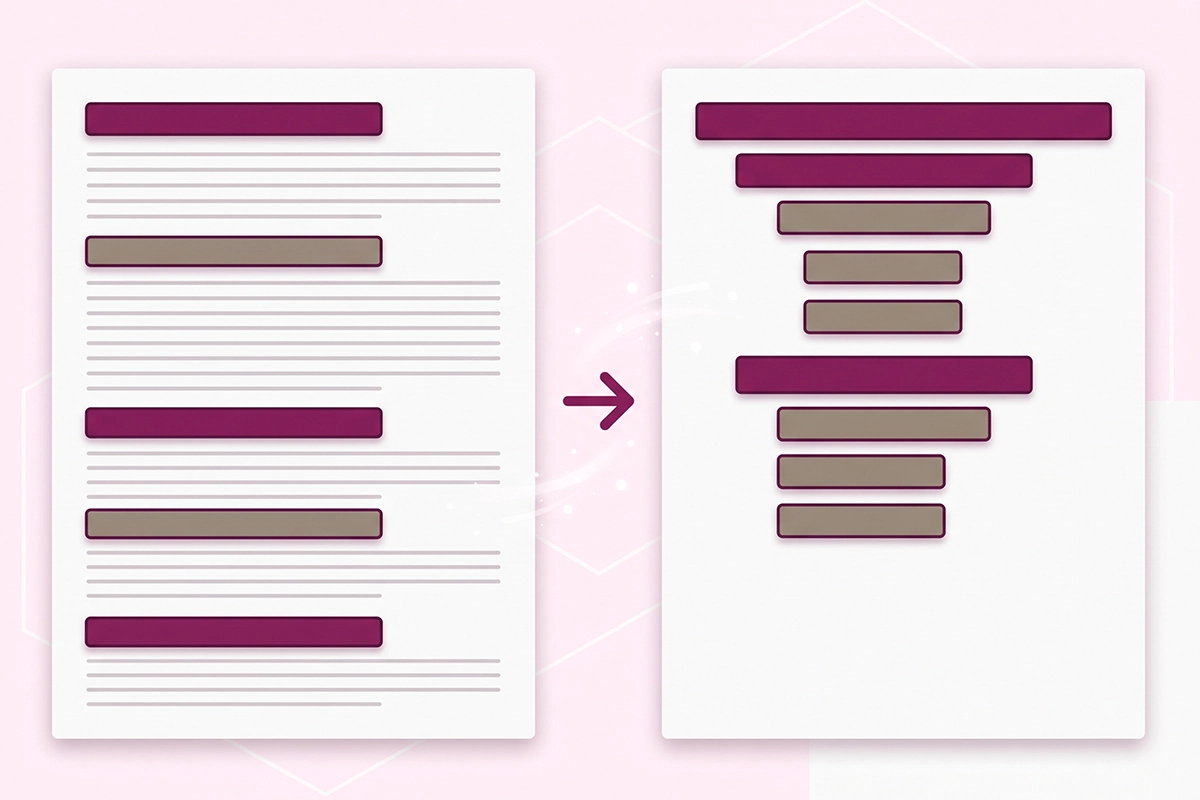
One more move earns you visibility in AI answers. Phrase a heading or two as the actual question a buyer would ask, then answer it in the first sentence underneath. Google's AI Overviews and assistants like ChatGPT tend to pull from a clear question followed by a short, direct answer. A heading like "Is merino wool warm enough for winter?" with a plain answer below it is easy for both a person and a machine to lift.
Before: An H1 with the product name, then a bold line styled to look big, then another bold line, with no real structure underneath.
After: An H1 with the product name, then H2 Features and materials, H2 How it fits, H2 Care instructions, and H2 Common questions. Each heading describes what follows.
Body copy and image alt text: say what only you can
Body copy is where most product pages quietly lose. The manufacturer's description came with the product, so it also came with every other store selling that product. Duplicate copy gives Google no reason to prefer your page over the hundred others running the same paragraph.
The one rule for copy: write something only your store could write. Use the buyer's own language, name the real objection, and aim for at least 250 words of genuine description, which is the floor Shopify itself suggests for a page to be understood. You do not need words for their own sake. You need enough real detail that the page answers the questions a shopper would otherwise leave to go ask. For the full method, see how to write product descriptions that rank.
Image alt text is the fastest win on the page. Alt text is the readable description of an image, and search engines lean on it because they cannot see the picture. The one rule: describe what is actually in the image in a plain phrase, and work the keyword in once if it fits naturally. Do not stuff keywords, and do not write alt text for a machine. Write it for someone who cannot see the screen. There is more on this in image alt text and WebP for Shopify.
Copy, before: "Stay warm this season with our stylish beanie. Made with quality materials. Perfect for everyone."
Copy, after: "This beanie is knit from 100% merino wool, so it holds heat without the itch most wool caps have. The seam is tagless, the fit stretches to most adult head sizes, and it packs flat into a coat pocket."
Alt text, before: a file named beanie1.jpg with alt text of "beanie", or nothing at all.
Alt text, after: "Folded gray merino wool beanie showing the tagless interior seam."
Internal links and schema: the two most owners skip
These last two are the elements almost nobody finishes, which is exactly why they are worth your time. They are also quick.
Internal links connect this page to the rest of your store. The one rule: link out with descriptive anchor text, never "click here." From a product page, link up to its parent collection and across to two or three complementary products, using the product's real name as the anchor. This helps Google crawl and understand your store, and it keeps a shopper moving. The full system is in the Shopify internal linking strategy.
Schema is the code that tells search engines what your page is in a structured way. The honest truth about Shopify: it adds partial Product schema out of the box, usually name, price, and availability. What it does not add on its own is the review and rating data, and that is the part that earns the star ratings you see under some results. Those stars only appear once a reviews app is feeding rating data into the schema. If star ratings are the goal, that is the missing piece, and it is covered in how to get star ratings in search results.
Before: "To see more, click here." linking to a collection.
After: "Browse the rest of the women's winter hats collection." with the collection name as the link.
The second tells Google and the shopper exactly where the link goes before they click it.
The one-sitting routine
That is the whole pass. Eight elements, top to bottom, on one page: a title tag matched to a single clear H1, a meta description written for the click, a heading outline that reads cleanly, copy only your store could write, honest alt text, descriptive internal links, and schema you have checked rather than assumed.
The first page takes about 30 to 45 minutes. The fifth takes fifteen, because you stop re-deciding the rules and start applying them. Do your best-selling page first, so the effort lands where the traffic and the sales already are, then work outward from there.
You will not see rankings move the next morning. On-page changes take a couple of weeks to be recrawled and longer to show up in position. What you get right away is a page that finally says what it is, in a way a shopper, Google, and an AI engine can all follow. That clarity is the thing that compounds.
If a single page feels like a lot, that is normal at this stage. The pass gets faster each time, and the version of you three pages from now will move through it without notes.
Rather have this pass done for you?
The Studio Niza SEO service runs this exact one-pass on every page that matters, with custom keyword research per page, real schema, image SEO, and indexing follow-up. Pricing starts at $499 one-time.
See pricing & services →Or email contact@studioniza.com if you have a specific question about your store. I read every one.
Frequently asked questions
If you're still unsure after reading these, just send the question.
What is on-page SEO for a Shopify store? +
On-page SEO is everything on the page you control: the title tag, meta description, H1, heading structure, body copy, image alt text, internal links, and schema. It is the half of Shopify on-page SEO you can finish yourself without waiting on links from other sites. Off-page SEO, the links and mentions from elsewhere, is the separate other half.
Does the title tag or the product title matter more on Shopify? +
They are two different fields that do two jobs. Your product Title becomes the on-page H1 a shopper reads, and the Page title under “Edit website SEO” becomes the title tag Google shows in search. Both matter, and they work best when they say the same thing, because a close match makes Google less likely to rewrite your search title.
How long should a Shopify title tag be? +
Aim for roughly 50 to 60 characters. Studies of title rewrites show the 51 to 60 range gets changed by Google the least, while very short and very long titles get rewritten far more often. Remember that Shopify appends your store name, so leave room for it.
Do meta descriptions help Shopify SEO rankings? +
Not directly. Google has said for years that the meta description is not a ranking factor. It still earns its place because a clear, keyword-matched description improves your click-through rate, and pages that get more clicks from search tend to hold their rankings better over time.
How many H1 tags should a Shopify product page have? +
One. On Shopify, your product or collection Title field is already the H1, so you almost never add one by hand. The common mistake is pasting a second large heading into the description editor, which can create a competing H1 and blur what the page is about.
Does Shopify add schema automatically? +
Partly. Shopify themes add basic Product schema like name, price, and availability, but they do not add review and rating data on their own. Star ratings in search results only appear once a reviews app feeds that rating data into the schema, so the built-in schema is a starting point rather than the finished job.