
Open your Shopify admin, click into a product, and look at the title. For most stores it says one of two things. Either it is a bare name the way you would write it on a sticky note, like "Brass Lamp," or it is a run-on string someone told you to write for SEO, like "Brass Lamp Desk Light Modern Vintage Office Home Decor Gift Idea."
Both cost you clicks, for different reasons. The bare name gives Google and shoppers nothing to match a search against. The stuffed string reads like a robot wrote it, and Google tends to rewrite it before anyone sees it.
This post is about the field in between: the product title tag, what actually controls it on Shopify, and a formula you can apply across a whole catalog without every listing sounding identical. It is the third piece of on-page product SEO, alongside your product descriptions and your product image alt text. Titles are the one people get wrong most often, because Shopify hides a detail that changes everything.
That detail: Shopify has two separate title fields per product, and most owners only ever touch one of them. Once you see the split, the formula is simple, and you can run it across 30 products or 300 in an afternoon. Let us start with the fields, because the rest of the post depends on getting them straight.
Product name, title tag, and H1: the difference
People use three words for what feels like the same thing: the product name, the title tag, and the H1. They are not the same, and on Shopify they map to only two editable fields. Here is how it actually works.
The product Title field, the one at the top of every product page in your admin, does two jobs at once. It becomes the H1, the big visible headline on your product page, and it becomes the default title tag, the clickable blue line in Google and the text in the browser tab. By default Shopify takes that title and appends your store name, so a product called "Brass Desk Lamp" on a store called Lumen shows up as "Brass Desk Lamp - Lumen" in search results.
The second field is the one most owners never open. Scroll to the bottom of the product page to Search engine listing, click Edit website SEO, and you will find a separate Page title box. Whatever you type there overrides the title tag Google sees, while the storefront H1 stays exactly as your product Title. This is confirmed in Shopify's own SEO documentation, which calls the title tag the single most valuable field you can edit for search.
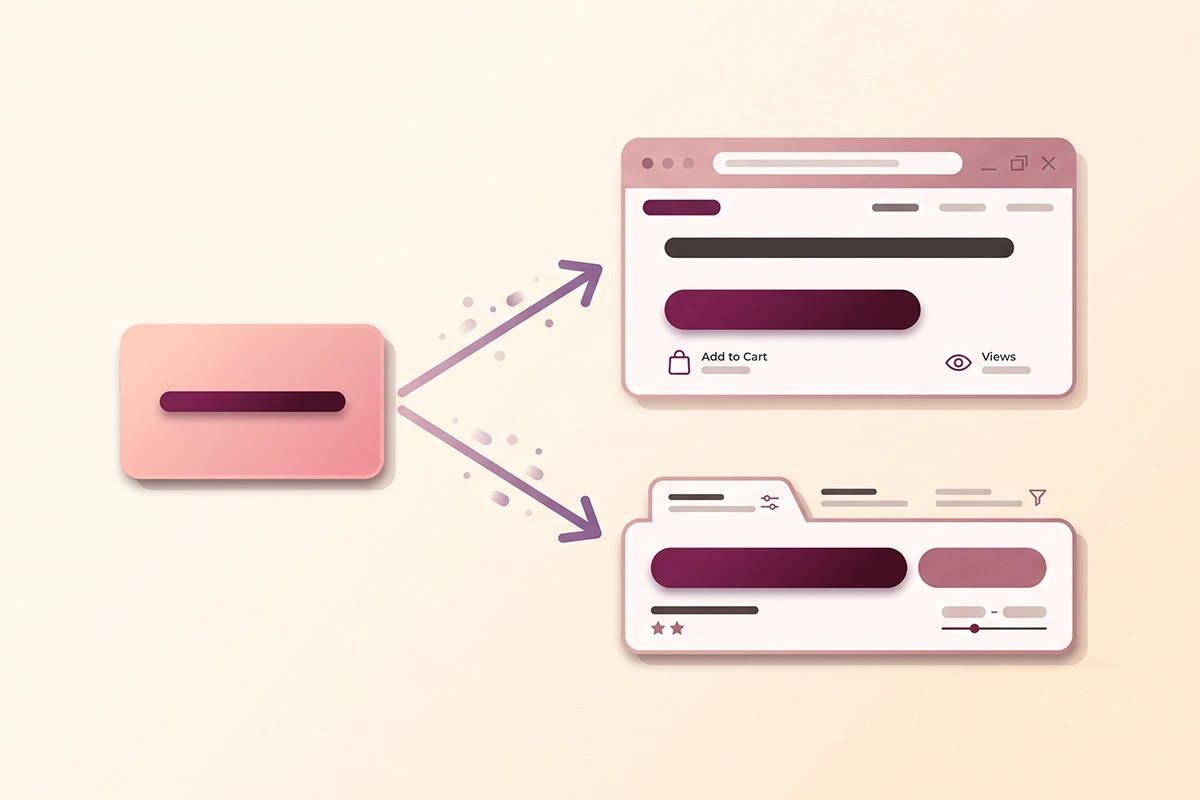
Why does the split matter? Because the two audiences are different. The H1 on the page sells to a shopper who is already looking at your product, so it can be clean and human. The title tag sells to someone scanning ten blue links in Google, so it can carry a keyword or a qualifier the shopper on the page does not need. You do not have to compromise one for the other. You write the product Title for the store, then write a slightly sharper Page title for search.
One caution. Google reads your H1 when it decides whether to trust your title tag, so the two should describe the same product in the same words. They do not need to be identical. They do need to agree. We will come back to why that agreement matters in the next section.
Why Google rewrites most product titles
Here is the part that frustrates every store owner the first time they notice it. You write a careful title tag, Google indexes the page, and then it shows something else in the results. You did not do anything wrong. Google rewrites titles on purpose, and it does it a lot.
A study by Zyppy of nearly 81,000 title tags found Google rewrote about 62% of them in search results. Some rewrites are minor, like adding your brand name. Others swap your title for your H1 or for text pulled off the page. More recent analyses put the rate even higher, closer to three in four titles, so this is not a rare event. It is the default.
Google is not being difficult. Its own documentation on title links explains that it looks at your title tag first, then your H1 and other prominent text, and picks whatever best describes the page for the search. Google has said the title element is used around 87% of the time, so your tag still matters most. The rewrites happen when your title is too long, too vague, stuffed with repeated keywords, or out of step with the visible page.
That last one is the lever you control. The Zyppy data found that matching your H1 to your title tag dropped the rewrite rate sharply, sometimes cutting it in half. This is exactly why the two-field split from the last section matters. If your product Title (the H1) and your Page title (the tag) agree, Google has far less reason to overrule you.
Two smaller findings from the same study are worth banking. Use a dash as your separator, not a pipe: Google replaced dashes only about 20% of the time versus 41% for pipes. And favor (parentheses) over brackets if you need punctuation to add a qualifier, because brackets triggered rewrites far more often. None of this is about tricking Google. It is about giving it a clean, accurate title so it leaves yours alone.
How long can a Shopify product title be?
Short answer: Shopify lets you type up to 70 characters in the Page title, and recommends staying under 60. That comes straight from Shopify's keyword documentation. But the real limit is not a character count. It is pixel width. Google shows roughly 600 pixels of title on desktop and less on mobile, then cuts the rest with an ellipsis.
Character counts are a decent proxy for pixel width, and the data points to a clear target. In the Zyppy study, titles between 51 and 60 characters had the lowest rewrite rate, around 39% to 42%, while titles over 70 characters were rewritten almost every time. Titles under about 20 characters got rewritten more than half the time too, usually because they were too thin to describe the page.
So the working range for a Shopify product title tag is 51 to 60 characters, including the store name Shopify appends. If your store name is "Lumen" (five characters plus the separator), that leaves you about 53 characters for the product itself. If your store name is longer, budget accordingly, or drop the appended brand by writing a custom Page title that ends before the brand.
There is a simple way to see this before you publish. Shopify's Search engine listing preview shows your title as it will appear, and you can right-click any live product page, choose View Page Source, and search for the title tag in the code to confirm what actually shipped. If the tag matches what you typed, your setup is correct, and anything different you see in Google is Google's own rewrite, not a bug.
The formula: primary term, qualifier, brand
Now the part you came for. A product title tag that ranks and reads well follows one order: primary term, then qualifier, then brand.
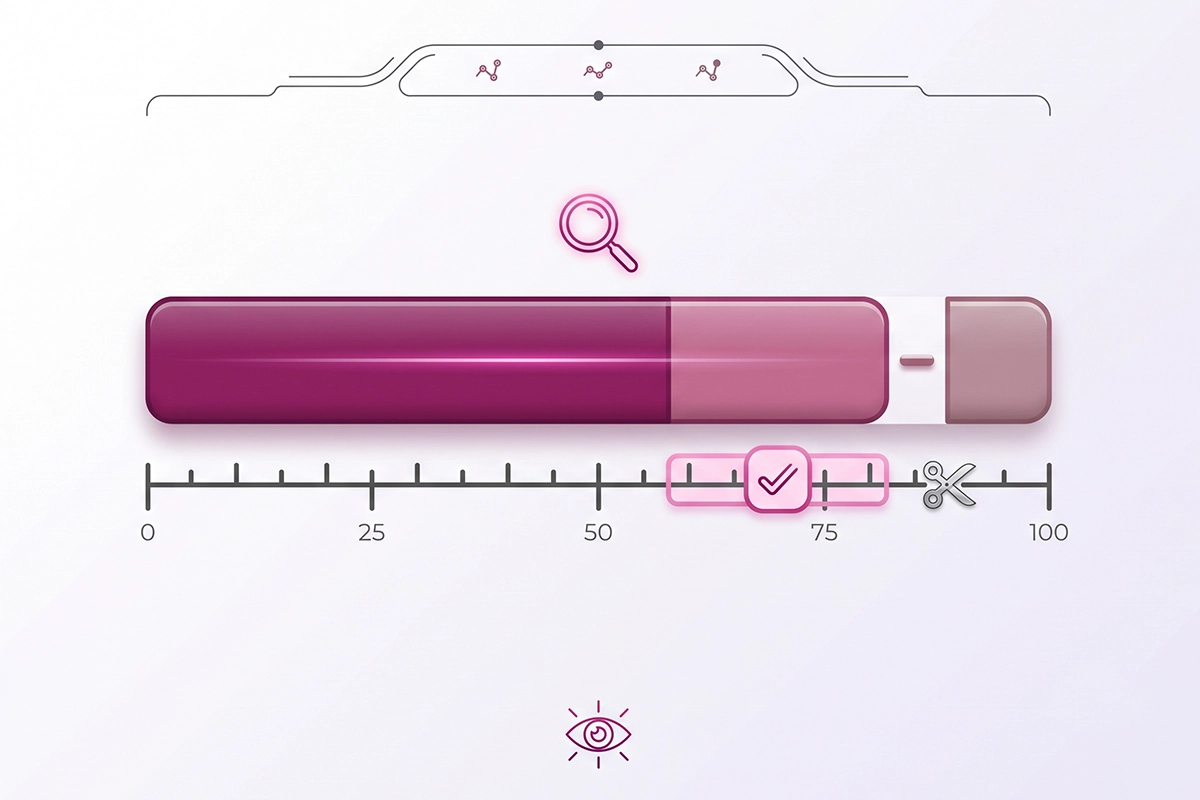
The primary term is the words a buyer would actually type. Not your clever product name, the search. "Brass desk lamp" is a primary term. "The Aurora" is not, unless people already search your product names. Put this first, inside the first 30 characters or so, because search engines weight earlier words more heavily and shoppers scan left to right.
The qualifier is one or two words that separate your product from the other ten results. A material, a use case, a defining feature: "linen shade," "for small desks," "dimmable." Qualifiers are where you win the long-tail search, the specific query with less competition and a buyer who knows what they want. Pull them from your Search Console query data, not your imagination, so you are matching real searches.
The brand comes last, after a dash, if it fits inside 60 characters. Shopify appends it for you by default, which is usually enough. Do not lead with your brand unless people already search for it, because an unknown brand at the front pushes the words a buyer types off the visible part of the title. Google also strips brand names from a large share of rewrites, so it is the most expendable piece anyway.
Put together, the order looks like this. "Brass Desk Lamp with Linen Shade - Lumen" reads cleanly, front-loads the search, and lands at 40 characters with room to spare. Compare that to "The Aurora Lamp" (too vague, no search term) or "Brass Lamp Desk Light Modern Vintage Office Home Decor Gift" (stuffed, over length, guaranteed rewrite). The formula sits in the middle on purpose. It is specific enough to rank and plain enough to read.
One more rule that keeps titles honest: write it as one readable phrase, not three keyword chunks bolted together with separators. Titles broken into "section, section, section" invite Google to keep the part it likes and drop the rest. A title that reads like something a person would say survives.
A fill-in template for your whole catalog
A formula is only useful if it survives contact with 200 products. Here is the template, written so you can drop any product into it:
[Primary product term] [1 to 2 qualifiers] - [Brand]
That is it. For a catalog, the work is not the structure, it is filling the primary term and qualifiers with real words per product. This is where most cheap SEO falls down. Template-fill services stamp the same skeleton across hundreds of products and end up with titles that read identically, which helps neither shoppers nor rankings. A formula is a skeleton to hang real product words on, not a rubber stamp.
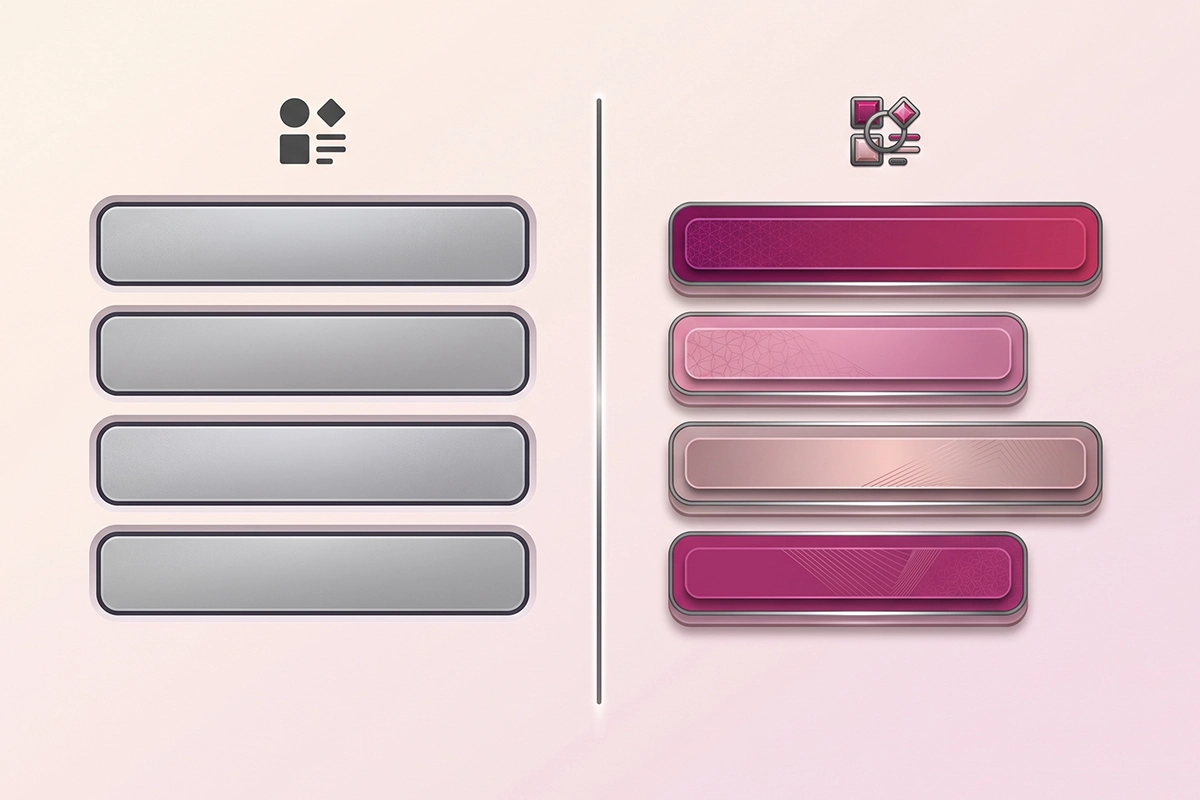
Here is what the difference looks like across a small set of products.
| Product | Weak title | Formula title |
|---|---|---|
| Aurora lamp (brass, linen) | The Aurora | Brass Desk Lamp with Linen Shade - Lumen |
| Rossi mug (ceramic, 12oz) | Rossi Mug | Ceramic Coffee Mug, 12oz Handmade - Lumen |
| Trail pack (25L, waterproof) | Trailhead 25 | Waterproof Hiking Backpack, 25L - Lumen |
| Nomad tee (organic cotton) | The Nomad Tee | Organic Cotton T-Shirt, Unisex - Lumen |
Notice that the structure is identical but no two titles read the same, because the product words carry the weight. That is the whole point. The formula keeps you consistent, the product details keep you distinct.
To apply this at scale without editing 200 pages by hand, Shopify supports a CSV workflow: export your products, fill the SEO title column following the formula, and re-import. Shopify also has an AI feature called Grow SEO that suggests title tags, though as of mid 2026 it is in early access, English only, and limited to product and collection pages, so treat it as a first-pass draft for large catalogs, not a substitute for hand-writing your top sellers. For your best 20 products, write the titles yourself. Those are the pages where a small lift in click-through is worth the time.
If you sell the same base product in several colors as separate listings, put the distinguishing detail into the title so they do not compete with identical tags: "Organic Cotton T-Shirt, Forest Green - Lumen." Duplicate titles across near-identical pages are one of the quiet ways a catalog confuses Google, the same root problem behind Shopify variant and tag URL duplication. Your collection page titles follow the same primary-term-first order, so once the formula is muscle memory, it carries across the store.
Product title vs Google Shopping feed title
One trap to avoid. Everything above is about the title tag on your product page, the one in organic search results. Google Shopping uses a different title, and the rules are not the same.
Your Shopping title comes from the product data feed, not your page title tag, and it behaves differently. The feed title field accepts up to 150 characters, but only the first 70 or so show in most placements, and the first 25 to 35 carry the most weight. For Shopping, front-loading brand, then product type, then key attributes like color and size often works better, because that is how shoppers scan a grid of products. Promotional text like "free shipping" or "50% off" can get your products disapproved.
The point is not to master the feed here. It is to know that your page title and your feed title are two separate levers, and copying one into the other blindly can hurt you. If you are setting up free product listings, that work happens in Google Merchant Center, and it deserves its own pass. For this post, stay focused on the organic title tag. It is the one that shows up when someone searches for what you sell and reads the blue links.
Write for the shopper, structure for the crawler
Here is the whole post in five lines. Shopify has two title fields: the product Title (your H1) and the Search engine listing Page title (your tag). Write the Page title in the order primary term, qualifier, brand. Keep it in the 51 to 60 character sweet spot. Match it closely to your H1 so Google leaves it alone. Then run the same formula across your catalog, filling it with real product words so no two titles read the same.
If you do only one thing this week, open your five best-selling products and rewrite their Page titles with the formula. Check each one in the Search engine listing preview, save, and use the URL Inspection tool in Search Console to request a recrawl. Changes can take a few days to a few weeks to show, so make them now and let Google catch up.
Titles are a small field with an outsized effect. They are the first thing a searcher reads and the last thing most stores optimize. Get them right and you improve every impression your products already earn, which is the cheapest kind of growth there is.
Want your product titles done across the whole catalog?
The Studio Niza SEO service writes real title tags page by page: custom keyword research, the formula applied by hand so nothing reads robotic, plus schema and indexing follow-up. Starter SEO is $499 one-time.
See SEO pricing & services →Or email contact@studioniza.com if you have a specific question about your store. I read every one.
Frequently asked questions
If you're still unsure after reading these, just send the question.
Should my Shopify product title match my SEO title? +
They can, and matching helps. Your product Title becomes the H1, and Google reads the H1 when deciding whether to trust your title tag, so keeping them close reduces the chance of a rewrite. They do not have to be identical. The SEO title (Page title) can be a little longer and more keyword-focused, as long as it describes the same product.
Where do I edit the SEO title on a Shopify product? +
Open the product in your Shopify admin, scroll to the Search engine listing section at the bottom, and click Edit website SEO. Change the Page title field, then save. That Page title controls the title tag Google shows, separate from the product Title at the top of the page.
Does Shopify add my store name to the product title automatically? +
Yes. By default Shopify takes your product Title and appends your store name to form the title tag, so "Brass Desk Lamp" becomes "Brass Desk Lamp - Lumen" in search. You can override this by writing a custom Page title in the Search engine listing section that ends before the brand.
How many characters should a Shopify product title be? +
Aim for 51 to 60 characters in the title tag, including the store name Shopify appends. That range had the lowest rewrite rate in large studies. Shopify allows up to 70 characters, but staying under 60 helps avoid Google truncating your title in search results.
Will changing my product titles hurt my rankings? +
Changing titles is low risk as long as you keep the keywords that describe the product. Google still uses your title text for ranking even when it rewrites what it displays. Expect a few days to a few weeks for Google to recrawl and reflect the change, so update them and give it time.
Do I need an app to optimize Shopify product titles? +
No. Shopify's built-in Search engine listing field lets you edit the title tag on every product for free. A CSV export and import handles bulk edits, and Shopify's Grow SEO can suggest titles at scale, but neither is required. For a small catalog, hand-writing the Page titles is enough.