
You already wrote these posts. Some of them ranked, brought in a trickle of traffic, then quietly slid to the bottom of page one and onto page two. The clicks dried up, and you probably assumed the post was finished.
It is not finished. For a post that used to rank, a refresh is usually a faster win than writing something new. The URL already has history with Google, it may hold a few backlinks, and it sits inside a topic your store already covers. You are not starting from zero. You are recovering ground you already earned.
The trap is thinking a refresh means changing the date and hitting save. It does not. To refresh old blog posts in a way that actually moves rankings, you have to find the right candidates, rebuild what decayed, and let the date reflect real work. This post walks through all three: how to spot a refresh candidate in Google Search Console, the checklist that earns back positions, and the honest truth about that publish date everyone wants to change.
None of this needs a paid tool or a developer. If you have a Shopify store, a blog with a back catalog, and a free Search Console account, you have everything required. Set aside an afternoon, pick your first three posts, and work through them one at a time.
Why good posts quietly lose rankings
A post rarely falls off a cliff. It erodes. The industry term is content decay, and it happens to almost every post older than a year, including ones that were genuinely good on the day you hit publish.
Five things drive it, usually at the same time. Your facts and numbers go stale, so a post citing a 2024 statistic now reads as dated. Search intent shifts, and what people want when they type your keyword is not quite what it was. Competitors publish fresher, deeper pages aimed at the same query. Small technical rot sets in: an outbound link starts returning a 404, an embedded image breaks, the page loads slower than it did. And engagement softens, so fewer people share it or link to it.
Google notices. Its guidance on assessing ranking drops is blunt: a page that slipped from position 2 to position 4 is a small move you should leave alone, while a slide from position 4 to position 29 is the one worth a deeper look. Decay is the slow version of that second slide, spread across months instead of one update.
The good news is that decay is reversible in a way a brand-new post's cold start is not. HubSpot's analysis of its own blog found that 76% of monthly views came from older posts, not the ones published that month. The posts that made you money last year are usually the posts worth saving this year.
How do you spot a refresh candidate in Search Console?
You do not refresh by feel. You refresh by data, and the free tool that shows you the data is Google Search Console.
Open Search Console, go to the Performance report, and switch to the Pages tab. Set the date filter to compare the last six months against the previous six months (SEOptimer describes the same compare method). Now you can see how each page's clicks, impressions, and average position moved across the year. Sort by impressions and read down the list.

The profile that says "refresh me"
The candidate you want has a specific shape. It still pulls impressions, so Google is showing it to people. But the clicks are near zero, and the average position sits somewhere between 15 and 40. That is the second and third page of results, and almost nobody clicks there. Someone once joked that the best place to hide a body is page two of Google, because no one ever looks. A post stuck at position 22 with hundreds of monthly impressions is one good refresh away from page one.
The impressions matter more than anything else. They are proof that Google already treats the page as relevant to real searches. You are not trying to create demand. You are trying to close the gap between position 22 and position 8.
The profile that says "leave it alone"
Not every dip is a job. If a post dropped from position 2 to position 4, the smart move is to leave it, because fiddling with a page that is basically working can do more harm than good. The same goes for posts that never ranked at all: near-zero impressions means there is no demand or no relevance to recover, and that is a case for a new angle, not a refresh. Save your afternoon for the posts that already have impressions and a stuck position. That is where a refresh pays.
Refresh, rewrite, or write new: which one this post needs
Refreshing is not one thing. Once you have flagged a candidate, decide how deep to go, because the effort ranges from a 20-minute touch-up to a near-total rebuild.
A light refresh fits a post whose core is still solid: the structure holds, the advice is right, it just needs current numbers, fixed links, and a tighter intro. A full rewrite fits a post where the bones are wrong: the structure is dated, the intent has shifted, or competitors now answer the question in a way your post does not. And sometimes the honest answer is a new post at a new URL, because the old one never ranked or the topic has split in two.
| The signal | What to do | Why |
|---|---|---|
| Real impressions, stuck at position 15 to 40, core advice still correct | Light refresh, same URL | You are closing a small gap, not rebuilding |
| Was strong, now slipped hard, structure feels dated | Full rewrite, same URL | Keep the history and backlinks, replace the content |
| Near-zero impressions, never really ranked | Write a new post | There is no ranking equity to recover |
| One post trying to cover two search intents | Split into two, refresh one, write one | Each intent deserves its own page |

The rule that saves you the most grief: keep the same URL whenever the post has any history worth keeping. A rewrite at the old URL inherits every backlink and every ranking signal the page ever earned. A brand-new URL starts cold. This is also why chasing volume for its own sake is a losing game. If you are still deciding how much to publish, the honest math on posting two to three times a week matters more than raw count, and a steady refresh habit protects the corpus you already built.
The refresh checklist that actually moves rankings
Here is the work itself. Run these five moves on each post you refresh. They are ordered from highest impact to lowest, so if you only have 30 minutes, start at the top.
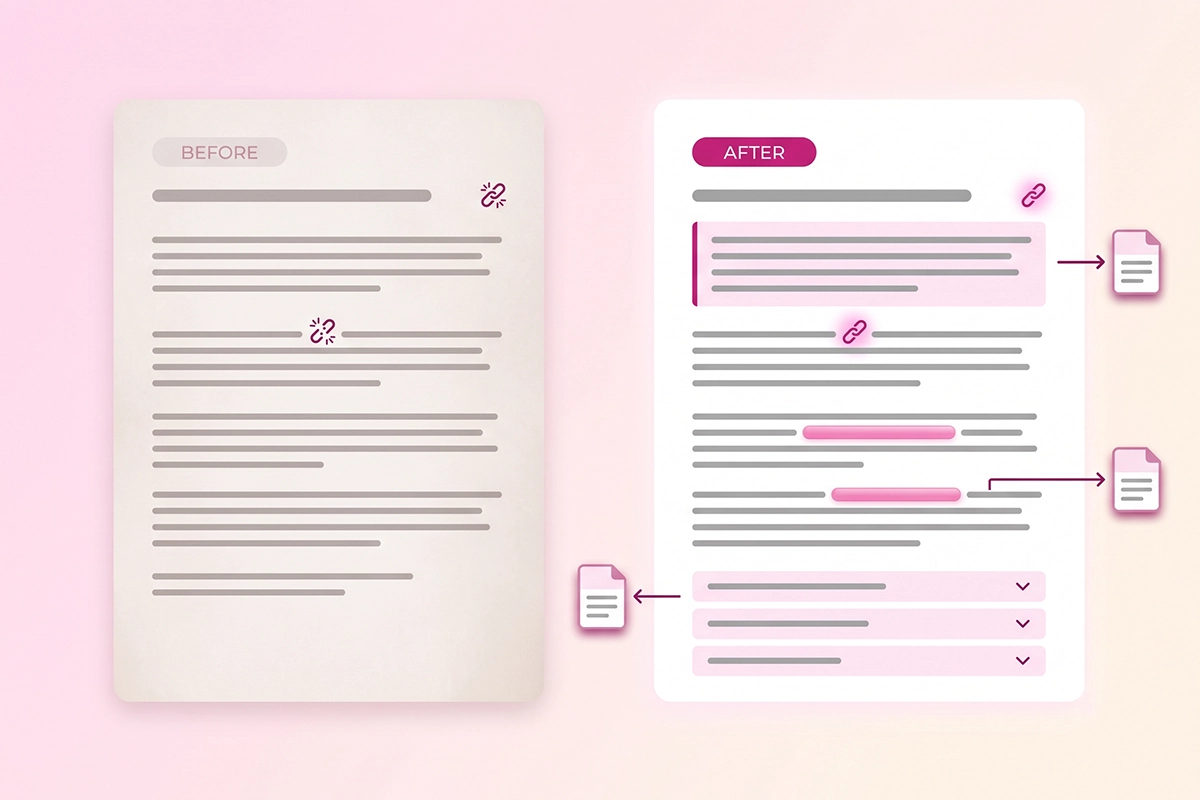
Update the stats and kill the dead links
Open the post and hunt for anything with a year on it, any price, any tool name, any statistic. Replace stale numbers with current ones and cite a fresh source. Then click every outbound link and every internal link: a 404 or a redirect chain is a small trust signal that you have let the page rot. Search Engine Land points out that a post can slip from position 1 to position 5 on a keyword simply because the information aged while a competitor's stayed current.
Tighten the intro so it answers the query in two sentences
Most old posts warm up for three paragraphs before saying anything. Cut that. Put the direct answer to the search query in the first two sentences, in plain language. This helps human readers, and it is exactly what AI systems pull when they quote a source. If you want the post cited in AI Overviews and chatbots, answer the question in the first two sentences so the machine can lift a clean, complete response.
Add an FAQ block
Old posts almost never have one. A short FAQ at the bottom, four to six real questions people search, does three jobs at once: it captures long-tail queries, it feeds AI engines clean question-and-answer pairs, and it gives you a reason to add genuinely useful content. If you want the structured-data version too, here is how to add an FAQ block with schema the right way.
Fix and add internal links
A post published a year ago cannot link to the posts you wrote since. Go back and add two or three links from the refreshed post to newer, related pages, then add links from those newer pages back to it. This is the cheapest ranking work there is, and most stores skip it. The full method is here: wire it into your internal links.
Improve the formatting and add one real visual
Break long paragraphs into two or three sentences each. Add descriptive subheadings so the page is skimmable. Replace one wall of text with a small table or a simple diagram that explains something. A post written for 2024 reading habits often just looks heavy now, and lighter formatting alone can lift time on page.
Should you change the publish date? (The honest answer)
This is the question everyone actually came for, so here is the straight answer: changing the date without changing the content does nothing, and Google has said so directly.
In its guidance on helpful content, Google asks site owners whether they are relabeling pages with a new date to look fresh when nothing meaningful has changed, then answers its own question: no, it will not help. Back in 2019, John Mueller put it the same way: it is fine to give a post a fresh date when it has been substantially changed, but do not artificially freshen a page without adding real information.
There is now a downside, not just a null result. Google's freshness systems have gotten better at telling a genuine update from a cosmetic one, and a pattern of date changes with no real content behind them reads as a trust problem rather than a ranking boost. So the rule is simple. If you did the checklist above, you earned a fresh modified date, and you should set it. If all you did was open the file and save it, leave the date alone.
One practical detail: keep a single, clear date visible on the page. If your theme shows both a published date and an updated date, that can confuse Google and even hurt your click-through rate, so show the one date that best represents the page, usually the most recent real update. In your schema it is fine to keep both datePublished and dateModified. On the page itself, one honest date is cleaner. The date is a claim about what you did, not a lever you pull to trick anyone.
Republish, request re-indexing, and measure the result
You have rebuilt the post. Two steps left, and both are quick.
First, tell Google to look again. In Search Console, paste the URL into the inspection bar at the top and click Request Indexing. This does not guarantee a fast recrawl, but it puts the page in the queue instead of waiting for Google to wander back on its own. If the page does not get picked up, or you suspect it was never properly indexed to begin with, here is the diagnostic to run when indexing stalls.
Second, measure. Mark the date you republished, then leave the post alone for four to eight weeks. Come back to the same Search Console Pages view, compare the weeks after your refresh against the weeks before, and read three numbers: average position, impressions, and clicks. A refresh that worked usually shows position climbing first, then impressions, then clicks. Because the URL already had history, a refreshed post tends to move faster than a new post starting cold, though the exact speed depends on your topic and competition. For a sense of the wider curve, here is a realistic month-by-month timeline for how blog traffic builds.
Do not judge the result in week one. Rankings wobble for a few days after any significant change while Google re-evaluates the page. Give it the full window before you decide whether the refresh landed or the post needs a deeper rewrite.
Wrapping up
A content refresh is not glamorous, and that is exactly why it works: most stores are too busy chasing new posts to maintain the ones already earning. You have an edge if you are willing to do the boring, high-value thing.
Three takeaways to carry into your afternoon. First, let Search Console pick your candidates: the posts with real impressions and a position stuck between 15 and 40 are the ones a refresh can rescue. Second, do the actual work, updated facts, a tighter intro, an FAQ, fixed internal links, and better formatting, because that is what earns back rankings, not a cosmetic edit. Third, be honest with the date. A fresh modified date is something you earn by changing the content, and Google is now good at telling the difference.
Start with three posts, not thirty. Pick the ones with the highest impressions and the most stuck positions, work the checklist on each, request re-indexing, and note the date. In a month or two you will have a clear read on whether refreshing is worth building into your routine. For most stores with a back catalog, it is the single best-paying hour of SEO work available, and it protects everything you already built.
If your catalog is bigger than your calendar, refreshing every post yourself is a real time cost. That is the kind of steady, unglamorous work worth handing off.
Want the refresh handled for you?
The Studio Niza blog content service includes a refresh pass on your existing posts: keyword re-research, honest rewrites of the page-two posts worth saving, FAQ schema, and internal linking. Plans start at $449/month.
See the blog content service →Or email contact@studioniza.com if you have a specific question about your store. I read every one.
Frequently asked questions
If you're still unsure after reading these, just send the question.
How often should I refresh old blog posts? +
Once a year is a good baseline for most evergreen posts, and sooner for fast-moving topics like SEO or pricing where the facts age quickly. Not every post needs it. Let Search Console tell you which pages are slipping, and refresh those first rather than working through the whole blog on a fixed schedule.
Does changing the publish date help SEO? +
No, not on its own. Google has said directly that relabeling a page with a fresh date will not improve rankings if the content has not substantially changed, and recent updates can read cosmetic date changes as a trust problem. A fresh date only helps after you have genuinely rewritten or updated the post.
Should I keep the same URL when I refresh a post? +
Yes, in almost every case. The old URL already holds the ranking history and any backlinks the post earned, and a new URL starts cold. Keep the URL, replace the content, and update the date to match the real change.
How long until a refreshed post ranks again? +
Usually faster than a brand-new post, because the URL already has history with Google. Many refreshes show movement within a few weeks, though the exact speed depends on your topic and how competitive the keyword is. Give it four to eight weeks before you judge the result.
Is it better to refresh an old post or write a new one? +
Refresh when the post already has impressions and a stuck position, since you are recovering ground you earned. Write a new post when the old one never ranked, or when the topic has split into two different search intents that each deserve their own page.
What if my refreshed post still gets no clicks? +
Check three things. Confirm the page is actually indexed in Search Console, make sure the title and meta description match the query people are searching, and be honest about whether you improved the content or only touched the date. If the position is climbing but clicks stay flat, the title is usually the problem.