Shopify Canvas SEO comes down to one question: what can Sidekick reach when it rewrites your theme, and what sits safely out of its way? Shopify launched Canvas on October 1, 2026. It is a design workspace where you describe a change and Sidekick edits your real theme code while you watch.
Shopify's launch pages do not mention search at all. Not titles, not headings, not structured data, not speed. That is normal for a design launch, but it means nobody at Shopify has told you what a rebuild does to the pages Google already knows.
Most owners who see a new button in admin click it first and check rankings later. That is a reasonable thing to do at this stage. With Canvas it carries more risk than usual, because the tool changes code and not only settings.
This post covers what Canvas is and who has it, which SEO elements live in your admin and which live in theme code, the launch gaps that affect search, a four-check audit for any Canvas-built page, three things to lock before you experiment, and when waiting is the smarter move.
One honest note first. Canvas is brand new and has not reached my own admin yet. Everything here comes from Shopify's documentation and from how Shopify themes are built. Nobody has ranking data on Canvas-built stores, and anyone who claims to is guessing.
What Shopify Canvas is, and who has it right now
Canvas lays out every page of your store on one board. You pan across it, zoom in, click an element to edit it, or type what you want and let Sidekick build it. The preview is your real theme, so buttons, animations, and screen sizes behave the way they will on the live store.
The part that matters for SEO is how Sidekick works. It edits theme files directly, validates the code, and checks screenshots of the result. Shopify's launch announcement says Sidekick made more than twenty-five million theme edits in the first half of 2026, so this is an extension of something it already did. If you are unsure where Sidekick ends and Shopify Magic begins, the Sidekick and Magic explainer sorts that out.
Not every store has it. The changelog says Canvas is rolling out to existing stores over the coming days, and the Help Center calls it early access for certain stores. If you do not see it on your Themes page, there is nothing to switch on.
When it does appear, the Help Center requirements are short:
- Desktop only. Canvas does not open on a phone or tablet.
- A plan that includes theme customization.
- A theme developed by Shopify, or a custom theme. Third-party themes are not supported.
- For staff accounts, the permission to edit theme code.
You get in from Online Store, then Themes. You either create a new theme or choose Duplicate in Canvas on a supported one. Your original theme stays in the current theme editor, which is good news for search. Nothing on your live store changes until you publish the Canvas version.
What Shopify Canvas changes for SEO, and what it leaves alone
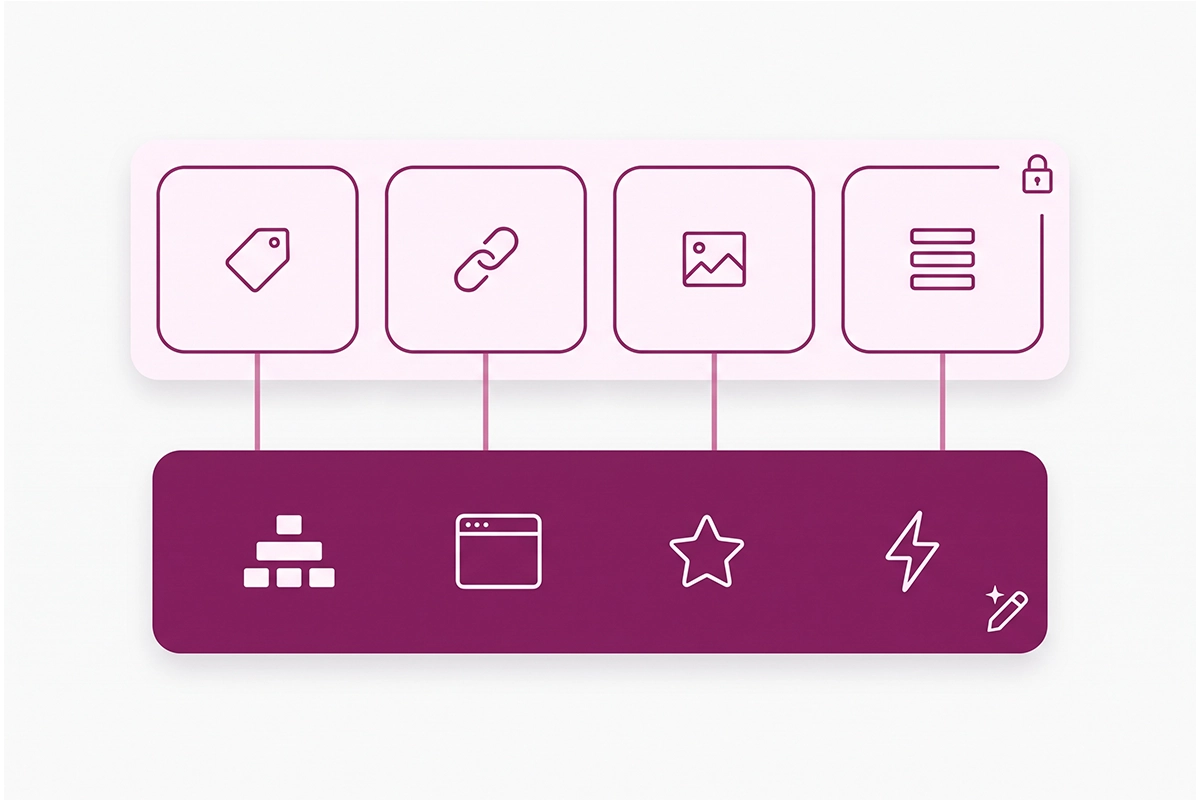
Your store's SEO sits in two layers. One layer is data you typed into the admin. The other is theme code that decides how that data gets printed on the page. Canvas is a theme tool, so it works on the second layer.
What stays in your admin
The SEO title and meta description for each product, collection, page, and blog post are saved in the search engine listing box on that item. Your home page title and description are saved under Online Store, then Preferences. URL handles, redirects, and product image alt text are admin data too.
A Canvas edit does not rewrite any of that text. If you followed the Shopify home page SEO guide, the words you wrote are still there after a rebuild.
What lives in theme code
The tags that print those words are another matter. Shopify's developer docs show the title tag, meta description, and canonical URL all being output from the head of the theme's layout file. The H1 on each template, the order of your headings, the product structured data, and the way images load are theme code as well.
That is the layer Sidekick can rewrite. Ask for a bolder hero and the main heading could change from an H1 to a styled block, or a second H1 could arrive inside a new banner. Google's documentation on how title links are generated lists heading elements and the main visual title among its sources, next to the title tag. So a heading change can change how your page is named in results.
I am not saying Canvas does this. I am saying it is now possible without anyone opening the code editor, and that is the reason to check.
| SEO element | Where it lives | Can a Canvas edit change it? |
|---|---|---|
| SEO title and meta description text | Admin, in each item's search engine listing | No. The text is safe. |
| URL handles and redirects | Admin | No |
| Product image alt text | Admin, on the product media | No, but the theme decides whether to print it |
| Title, description, and canonical tags | Theme code, in the layout file | Yes |
| H1 and heading order | Theme code, per template and section | Yes |
| Product and article structured data | Theme code | Yes |
| Image loading, scripts, animations | Theme code | Yes |
| Review stars, chat, other app elements | App blocks and app embeds | Cannot be added in Canvas at launch |
One more difference is worth knowing. A theme you duplicate into Canvas is a copy of what you have. A theme you create from a brand description starts clean, so anything pasted into the old theme by hand is not in it: a Search Console verification tag, custom schema, a tracking snippet. Keep a list of those.
The launch gaps that matter for search
Shopify's changelog post lists what Canvas does not support at launch: third-party themes from the Theme Store, Markets, rollouts, translations, and app blocks and embeds. It also says themes edited in Canvas don't receive theme updates. Four of those touch search directly.
App blocks and app embeds
The Help Center is plain about it: you can't add or configure app blocks or app embeds in Canvas. For a small store, that usually covers the review widget, the chat bubble, and sometimes the cookie banner.
The review widget is the SEO concern. Review apps, Judge.me included, typically add the star rating markup to your product pages through the same app block or embed that shows the widget. Without it, the rating markup is gone, and the stars under your Google result can drop out with it. The Shopify product schema guide explains where that markup comes from and how to check it.
Shopify has said it plans to support these features over time, before Canvas becomes the default editor. Until you see your review block render on a Canvas theme, assume it is not there.
Third-party themes
Canvas works with themes built by Shopify and with custom themes. If you bought a theme from another developer in the Theme Store, Canvas will not open it.
Do not switch themes to get access. A theme switch changes your headings, schema, and speed all at once, and that is a bigger SEO event than anything Canvas does.
Theme updates stop
Once you edit a theme in Canvas, it no longer receives theme updates. Updates are how bug fixes and speed improvements from the theme's developer reach your store. From that point, upkeep sits with you and Sidekick. You also can't download the theme files, so an off-platform backup is not an option.
Markets and translations
You can't customize a Canvas theme per market, and you can't translate theme content inside Canvas. Shopify points you to its Translate & Adapt app for translations.
Nothing in Shopify's documentation says your hreflang tags change, so I won't claim they do. What you lose for now is market-specific theme content. If you sell in more than one country, read the hreflang and Markets guide and hold off.
Does Canvas make your store faster or slower?
Nobody knows yet, and Shopify has not published speed numbers. Its announcement says an entrepreneur can build a fully custom store in twenty minutes. That is a claim about build time, not load time.
What I can tell you is where the risk sits. Canvas lets you preview interactions and animations, which makes them easy to ask for. Every animation, background video, and oversized image adds weight your shopper's phone has to carry. You design on a desktop board, and most of your shoppers arrive on a phone.
There is a possible upside, though it is an awkward one. Canvas cannot add app embeds right now, and app scripts are a common cause of slow interaction on Shopify stores. A Canvas theme may test faster simply because features are missing. The Core Web Vitals and INP guide shows how to tell which script is costing you.
So measure. Run your home page, top product, and top collection through PageSpeed Insights on mobile before you start, and again on the Canvas version. Compare like with like.
A Shopify Canvas SEO audit: four checks for a Canvas-built page
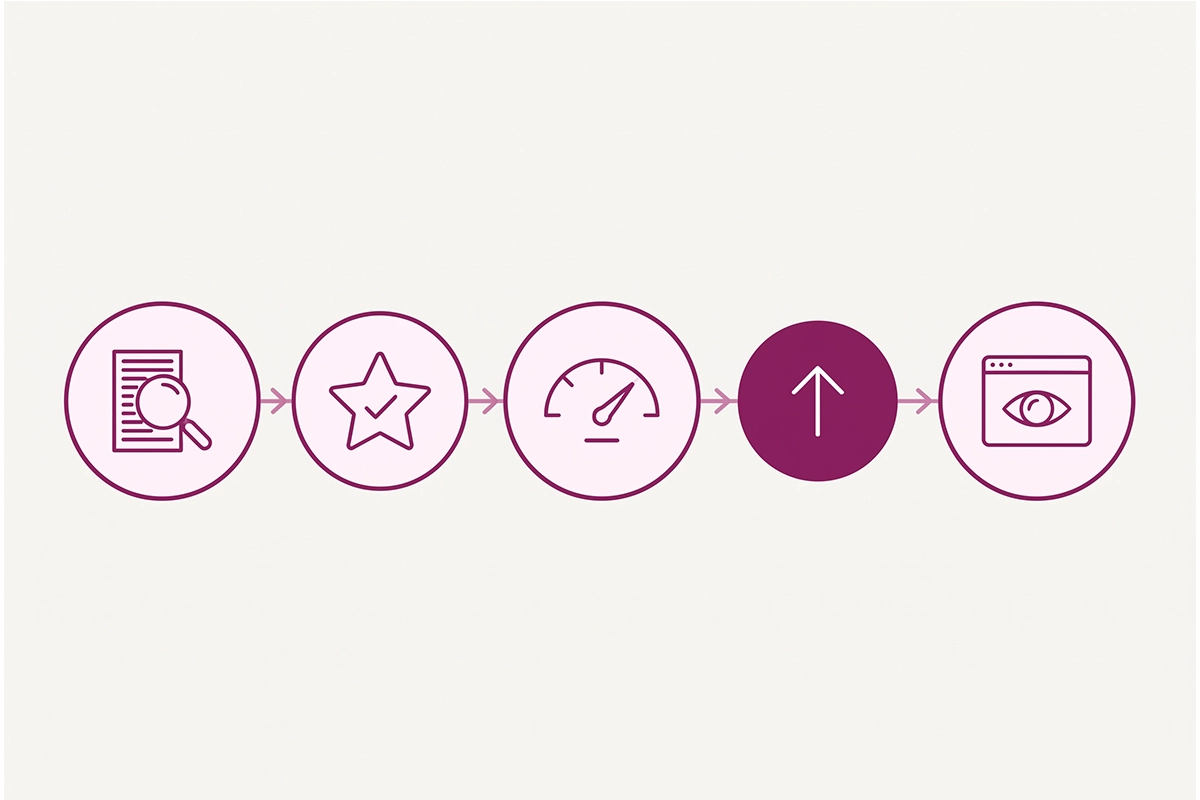
Run these on four URLs: the home page, your best-selling product, your biggest collection, and one blog post. It takes about 30 minutes. The first three checks happen before you publish. The fourth happens the day you do.
1. Read the page source
Open the Canvas theme as a storefront preview in its own browser tab, view the page source, and look for four things:
- One H1 heading, and it names the page.
- A title tag that matches the SEO title in your admin.
- A meta description.
- A canonical link that points to the page's own URL.
The Shopify on-page SEO checklist walks through each one if you want the longer version. If you can't get a preview outside the Canvas workspace, run this check the moment you publish, with your old theme ready to republish.
2. Run the Rich Results Test
Google's Rich Results Test accepts a URL or pasted code. For an unpublished theme, copy the page source from the preview and paste it in.
On a product page you want to see the product detected with price and availability, plus the review rating if you had one before. Compare it against the result you saved from your live theme.
3. Test speed on mobile
Repeat the PageSpeed Insights run from your baseline. Lab scores move a few points between runs, so look for big swings and ignore small ones. Field data in Search Console takes about four weeks to reflect a change.
4. Inspect the live URL in Search Console
Once the Canvas theme is live, open URL Inspection and run a live test on the same four URLs. Look at the screenshot and the HTML that Google sees. If the page renders and the markup is intact, request indexing for the pages that changed most.
If a check fails, you have two options. Ask Sidekick to fix that specific thing and test again, or restore an earlier version from the History panel in Canvas.
Three things to lock before you experiment
None of these take long, and all three make the audit above possible.
Lock your SEO baseline
Copy your home page title and meta description from Online Store, then Preferences, into a document. Save the Rich Results Test output for one product. Note your PageSpeed mobile numbers for three URLs. Export the last 28 days of Search Console performance. Without a before, you can't read the after.
Lock your app inventory
In the current theme editor, open App embeds and write down every one that is switched on. Then go through your product, collection, and cart templates and list each app block. Add anything pasted into the theme code by hand. That list is what has to reappear before a Canvas theme can go live.
Lock your publish rule
Decide now that the Canvas theme does not get published until it passes the first three checks, and that your current theme stays untouched as the fallback. Canvas helps here, because your original theme stays in the current editor. The rule is for the day a redesign looks so good that you want it live in five minutes.
Should you use Canvas now, or wait?
I tell clients when they don't need a service yet, and the same goes for tools. Canvas is worth exploring. For many first-year Shopify stores, it is not worth publishing from yet.
| Your situation | My call | Why |
|---|---|---|
| Canvas is not in your admin yet | Nothing to do | Record your baseline so you are ready when it arrives. |
| New store, Shopify-built theme, few or no apps | Try it on a copy | Lowest risk. Little ranking history to lose and few app blocks to miss. |
| Third-party Theme Store theme | Wait | Not supported, and switching themes to get access costs more than it gives. |
| Reviews, chat, or subscriptions through app blocks | Experiment, don't publish | Those elements can't be added in Canvas at launch. |
| Selling in several markets or languages | Wait | No per-market theme customization or in-Canvas translation yet. |
| Pages already ranking, peak season ahead | Experiment, publish after peak | A rebuild right before your busiest weeks leaves no time to recover. |
Shopify says Canvas is not replacing the existing editor yet, so there is no deadline. Waiting a few weeks for app support costs you nothing.
Wrapping up
Shopify Canvas SEO is ordinary Shopify SEO with a new editor in the room. The titles, descriptions, handles, and alt text you wrote in the admin stay where they are. The theme code that prints them, along with your headings, schema, and page weight, is what a Sidekick rebuild can change.
The launch gaps are the bigger issue for most small stores. No app blocks means no review widget, and possibly no stars in Google. No theme updates means upkeep moves to you. No third-party themes means many stores can't use Canvas at all yet.
So the order is: record your baseline, list your apps, experiment on the copy, run the pre-publish checks, publish only when they pass, and inspect the live URLs the same day. That is about an hour on top of the design time, and it is the hour that tells you whether the new look cost you anything.
You still have to do the checking yourself. Canvas will not tell you that your H1 moved or that your stars dropped out. If you would rather have someone else read the source and run the tests, that is part of what the Studio Niza Shopify SEO service covers.
Want a second pair of eyes before you publish?
The Studio Niza SEO service checks titles, headings, schema, and indexing on the pages that matter most, and tells you plainly what a redesign changed. Plans start at $499 one-time.
See pricing & services →Or email contact@studioniza.com if you have a specific question about your store. I read every one.
Frequently asked questions
If you're still unsure after reading these, just send the question.
Is Shopify Canvas free? +
Shopify has not announced a separate price for Canvas. Its Help Center says Canvas is available on plans that include theme customization, and that it is in early access for certain stores. If your plan lets you edit themes and Canvas shows on your Themes page, you can use it.
Does Shopify Canvas replace the theme editor? +
Not yet. Shopify says Canvas is not replacing the existing editor yet, and your original theme stays in the current theme editor when you duplicate it into Canvas. Shopify has said it plans to close the launch gaps before Canvas becomes the default.
Can I use Canvas with a paid Theme Store theme? +
Not at launch, unless Shopify built the theme. Canvas works with themes developed by Shopify and with custom themes, and third-party themes are not supported. Do not switch themes only to try Canvas, because a theme change is a bigger SEO event than anything Canvas does.
Will my review stars still show in Google after a Canvas rebuild? +
Only if the review markup still reaches the page. Canvas cannot add or configure app blocks or app embeds at launch, and review apps typically put both the widget and the rating markup on the page that way. Run a product URL through Google's Rich Results Test before and after, and do not publish if the review rating has gone missing.
Can I undo a change that Sidekick made in Canvas? +
Yes. Canvas has undo and redo for recent changes, plus a History panel that restores earlier versions of the theme. Your original theme also stays in the current theme editor, so you can keep it published while you experiment.
Is Shopify Canvas SEO different from normal Shopify SEO? +
No. Shopify Canvas SEO is the same work on the same elements: title tags, meta descriptions, one clear H1, structured data, and speed. What changes is who edits the theme code, so the checks you would run after a developer changed your theme are the checks to run after Sidekick does.